There are three ways in, and they answer different questions. The Ads Transparency Center answers "what has this company run in Italy". Ad Preview and Diagnosis answers "would an ad show for this keyword in Milan, on a phone". A browser that really sits in Milan answers "what does an Italian searcher see on the page, and where does the click lead". Most research needs the first one and stops there.
See competitor Google ads in other countries: the Transparency Center
Google publishes the ads its verified advertisers run. Its help page says you can search "by advertiser name or website name and filter their search results by serving region and date" (My Ad Center Help, read 2 November 2026).
- Open adstransparency.google.com.
- Type the competitor's website, for example
example.de, or its name, and pick it from the suggestions. A company can advertise under a legal name you would not guess, and the website finds it either way. - Change the region from the country it opened in to the market you care about.
- Narrow the dates if the list is long.
What you get is the creative and the countries and dates it served. What you do not get is the keyword it ran on, its position, or how much was spent. A competitor whose ads start serving in Poland in March is probably preparing a launch there, and that alone is often the finding.
Ad Preview and Diagnosis: who shows up for a keyword abroad
The Transparency Center starts from the advertiser. When you start from a keyword ("who bids on running shoes in Vienna?"), you need a results page from Vienna.
If you have a Google Ads account, open Tools, then Troubleshooting, then Ad preview and diagnosis, and set the location, language and device along the top. Google built it to check your own ads without searching for them live, which, its help page says, piles up impressions without clicks and can stop your ad showing to you at all (Find your first ads, read 2 November 2026). Google's page describes it for your own ads, but the preview is a results page for your keyword, so the other advertisers on it are there to read.
Paste one gateway line. Every profile mints its own exitIn Mosaic: Provider minting. One gateway line, a separate exit for every profile. Free holds 3 profiles. Pro is $49 a month for any number.
Mosaic is a desktop app
Email yourself the link and open it on your computer.
How it works: Provider minting
A real results page from another country
The preview is Google's simulation. Sometimes you want the page itself: the Shopping row, the map pack, the order the ads came in, and the competitor's landing page as a local loads it, with local prices and the local consent banner.
A VPN on your normal browser gets you part of the way. Google's location targeting uses "a variety of signals, including users' settings, devices, and behavior on our platform" (Google Ads Help, read 2 November 2026), and your browser still carries your Google account, your history, your clock and your language list. The page you see is a blend of the market and you.
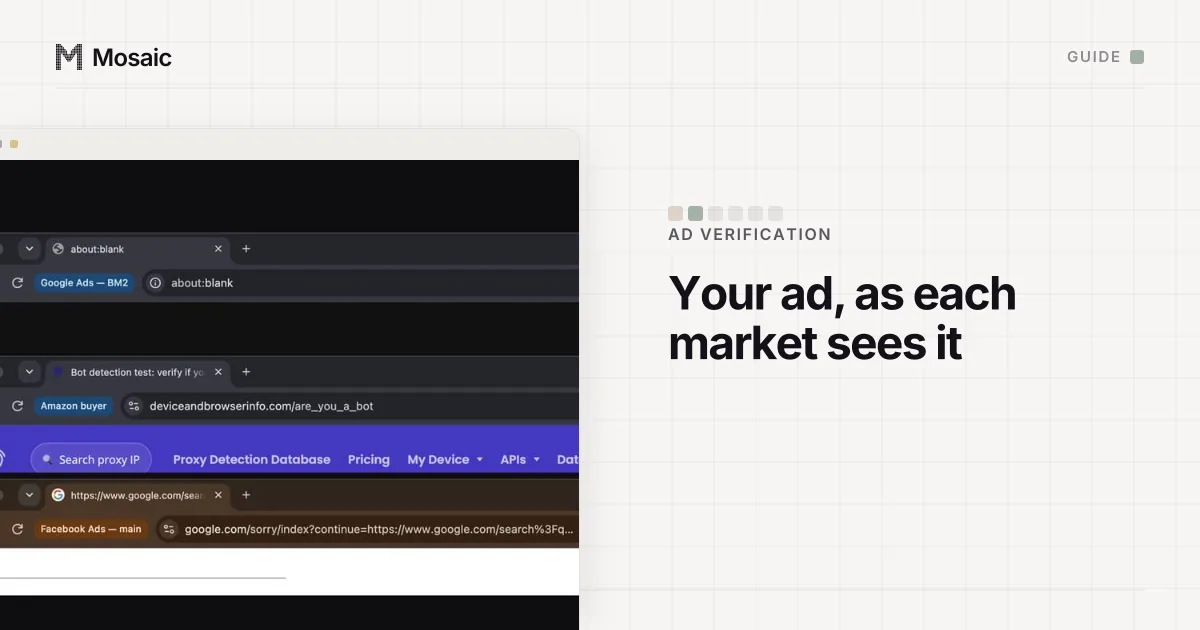
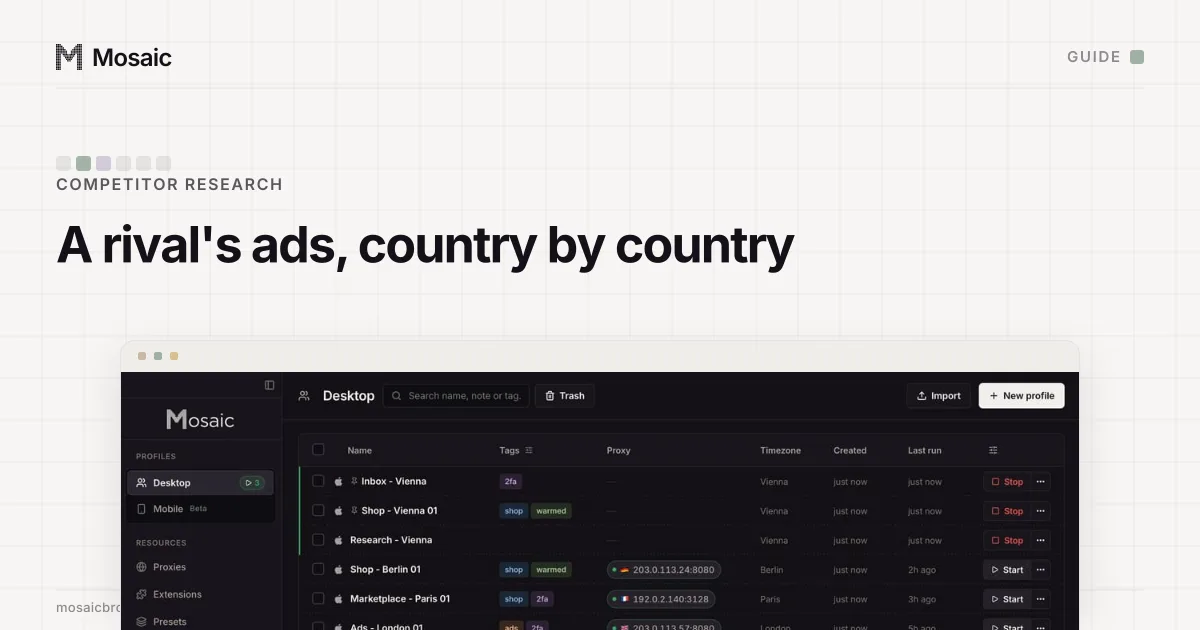
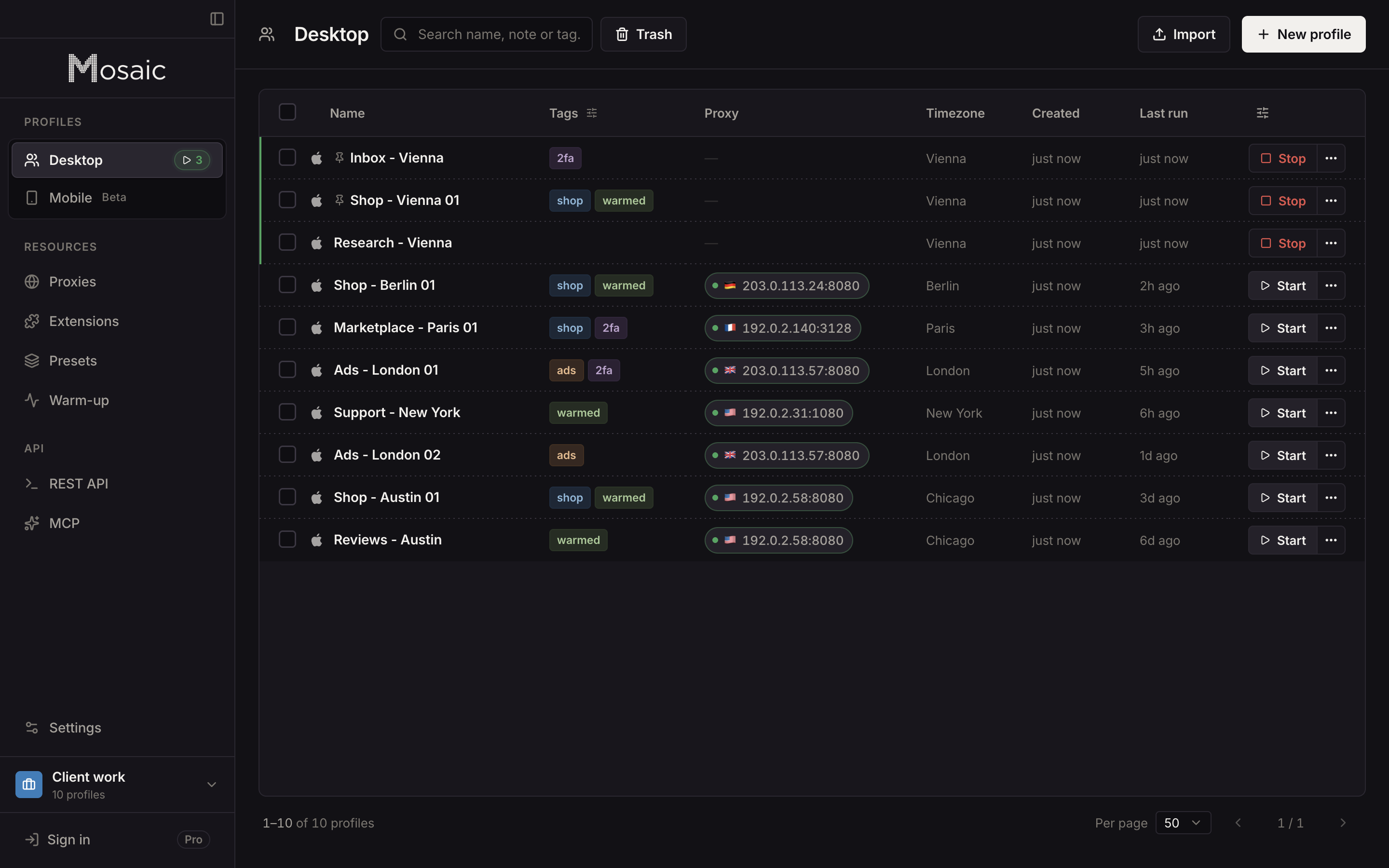
In Mosaic, each market is a profile with its own exit, its own empty cookie jar and a timezone, language and geolocation drawn from the exit it measured:
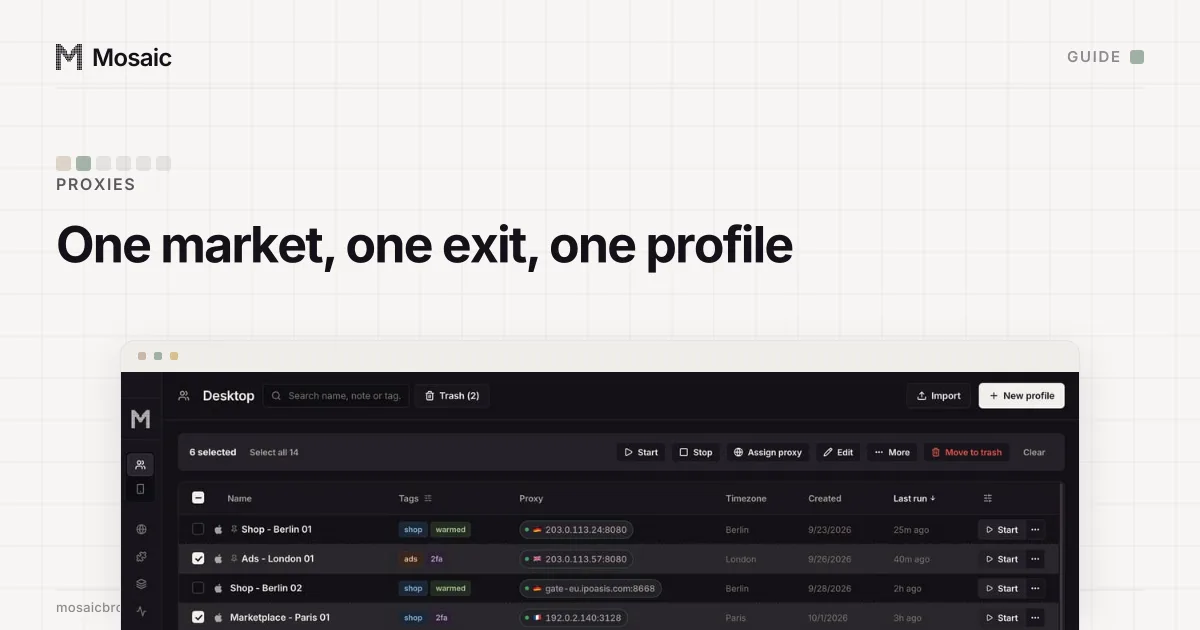
- Add your proxy seller under Proxies › Add provider by pasting one gateway line. Each profile then mints its own session id, so no two markets ride one session (how providers work).
- Click New profile, set Source to the provider, and pick the Country and, where your seller's line format supports it, the City.
- Start it. Mosaic checks that the proxy answers and tunnels before the browser opens, and refuses the launch if it does not, so a result page never comes from your own office by accident.
- Search as a local would, signed out. Then type the competitor's address into the bar to see their landing page, rather than reaching it through the ad.
A residential exit is the honest choice here, because a page can treat a hosting-company address differently from a visitor at home; the difference is explained in residential proxy. And check that the exit really is in the city you picked before you trust what it shows (how to check a proxy before you use it).
Don't click their ads
Looking is fine; clicking to run up a rival's bill is not. Google's page on invalid traffic lists "competitors who manually click to increase your spend" among its examples, and says it removes invalid traffic it finds before you are billed for it (About invalid traffic, read 2 November 2026). It is the wrong thing to do, and a click Google catches is wasted anyway. Visit the landing page by its address instead.
Keeping a dated record
Ads change by the hour, so a finding without a date and a place is not one. For each look, note the day, the country and city of the exit, the keyword or advertiser, and keep a screenshot. On Pro, a script can start each market's profile through the local REST API and save the page with GET /profiles/:id/page/screenshot, once a week, without anyone opening a window. Free covers 3 profiles and 10 profile creations, enough to watch five markets by hand.
The same profiles check your own campaigns too: how to check your ads in different countries covers Meta's Ad Library and what to look for on your own landing pages, and agencies running this per client will find the setup in Mosaic for ad account management.
Sources
- My Ad Center Help: About advertiser verification, read November 2, 2026
- Google Ads Help: Find your first ads, read November 2, 2026
- Google Ads Help: Target ads to geographic locations, read November 2, 2026
- Google Ads Help: About invalid traffic, read November 2, 2026