Pixelscan is a scanner built to catch anti-detect browsers, so it asks a narrower question than most fingerprint sites. It does not care how rare you are. It asks whether the browser in front of it could be a real machine: does the operating system match the fonts, does the graphics chip match the rest of the hardware, does the timezone match the IP. When something does not fit, it says which card failed.
We run Pixelscan when we test a build of Mosaic's engine, with an untouched Google Chrome on the same Mac as the control. Everything below comes from those runs, with the date of each.
What Pixelscan checks, card by card
The scan lives at pixelscan.net/fingerprint-check and starts on its own when the page loads. While it works, the headline reads "Your Browser Fingerprint is scanning". It then settles on one of two words, consistent or inconsistent, above a row of cards. These are the four we read on every run:
| Card | What it compares | Clean label |
|---|---|---|
| Browser | The browser and version the User-Agent claims, against what the page can test directly | the browser named, for example "Chrome 153.0.0.0 on Android" on one of our phone profiles |
| Masking | Whether reported values contradict the machine underneath them | "No masking detected" |
| Bot check | Signs that a program is driving the browser | "No automated behavior detected" |
| Proxy | The exit IP and its location, against the browser's timezone and language | "No proxy detected" |
Every clean label is a negation. That matters if you read results with a script: a pattern looking for "masking detected" also fires inside "No masking detected". Our own runner made exactly that mistake and recorded ten clean profiles as failures before we found it.
Below the cards, a table headed "What Websites See About You" lists the raw values: User-Agent, screen, WebGL renderer, a canvas hash and a font hash with the fonts it found. That table is where the cause of a red card usually shows.
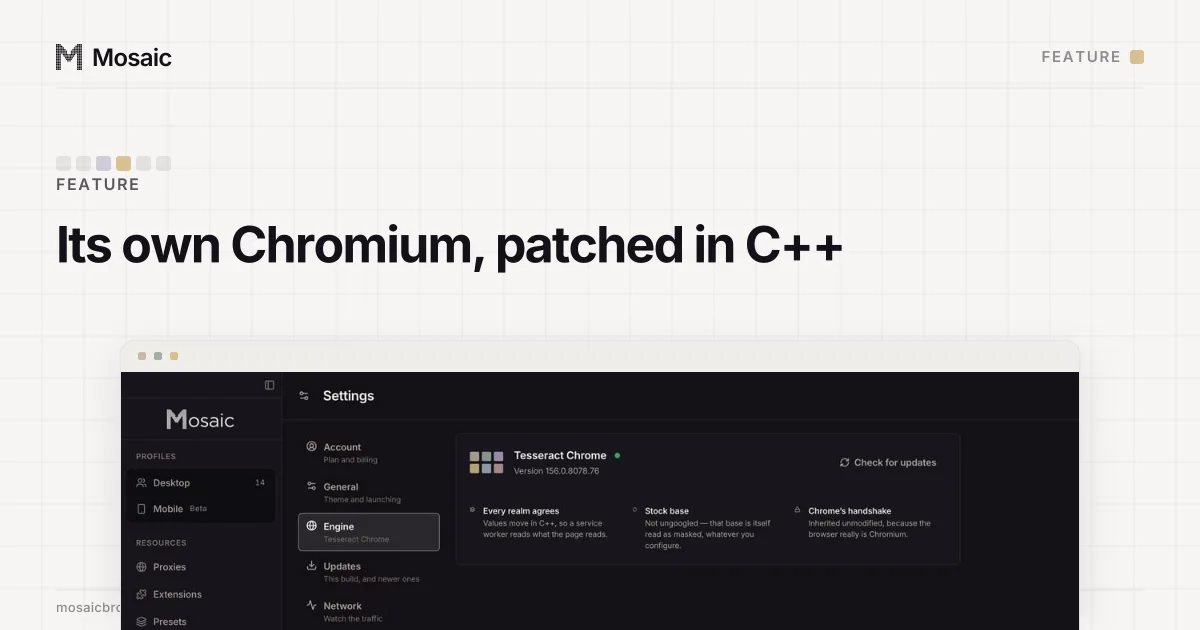
The fingerprint is changed inside the engine, not painted on topIn Mosaic: Its own Chromium. Tesseract Chrome: values changed in C++, not JavaScript. Free holds 3 profiles. Pro is $49 a month for any number.
Mosaic is a desktop app
Email yourself the link and open it on your computer.
How it works: Its own Chromium
Why Pixelscan says masking detected
Masking means a value was changed and the change can be seen. Three causes came up in our own runs, each found by changing one field on one profile and running the scan again.
The operating system claim. In September 2026 we had a profile on a Mac claim Linux. Pixelscan's font row read one font, Abyssinica SIL, against 159 for the same Mac claiming macOS, and the verdict was "Masking detected". Claiming Windows was worse: three profiles left the headline on "scanning" for more than ninety seconds and never returned a verdict. Fonts and how they render come from the real computer, and no switch in a browser reaches them. For a while Mosaic refused such profiles. Since 3 November 2026 it allows them, drawn coherently for the OS they claim, and the editor shows a caution, because the fonts are still the Mac's and the computer's own OS is the strongest match.
Hidden fonts. An early build of our engine hid a few font families at random to vary the list. A bisect on one profile, switching off one surface at a time, showed the hiding was the whole cause: canvas, WebGL, audio and client rects could all stay on and pass. A Mac missing two system fonts is not a rare Mac. It is a Mac nobody owns. That build was changed to stop hiding fonts.
A graphics chip the browser cannot back. On a stock Chrome with a renderer string changed on top, claiming an Apple M2 Pro on an M4 Max machine failed Pixelscan every time while IPHey and BrowserScan did not move. The renderer string and the capability record the real driver wrote no longer agreed. Our engine changes both together in C++, and the same sweep on it passed every chip we tried.
What the proxy card measures
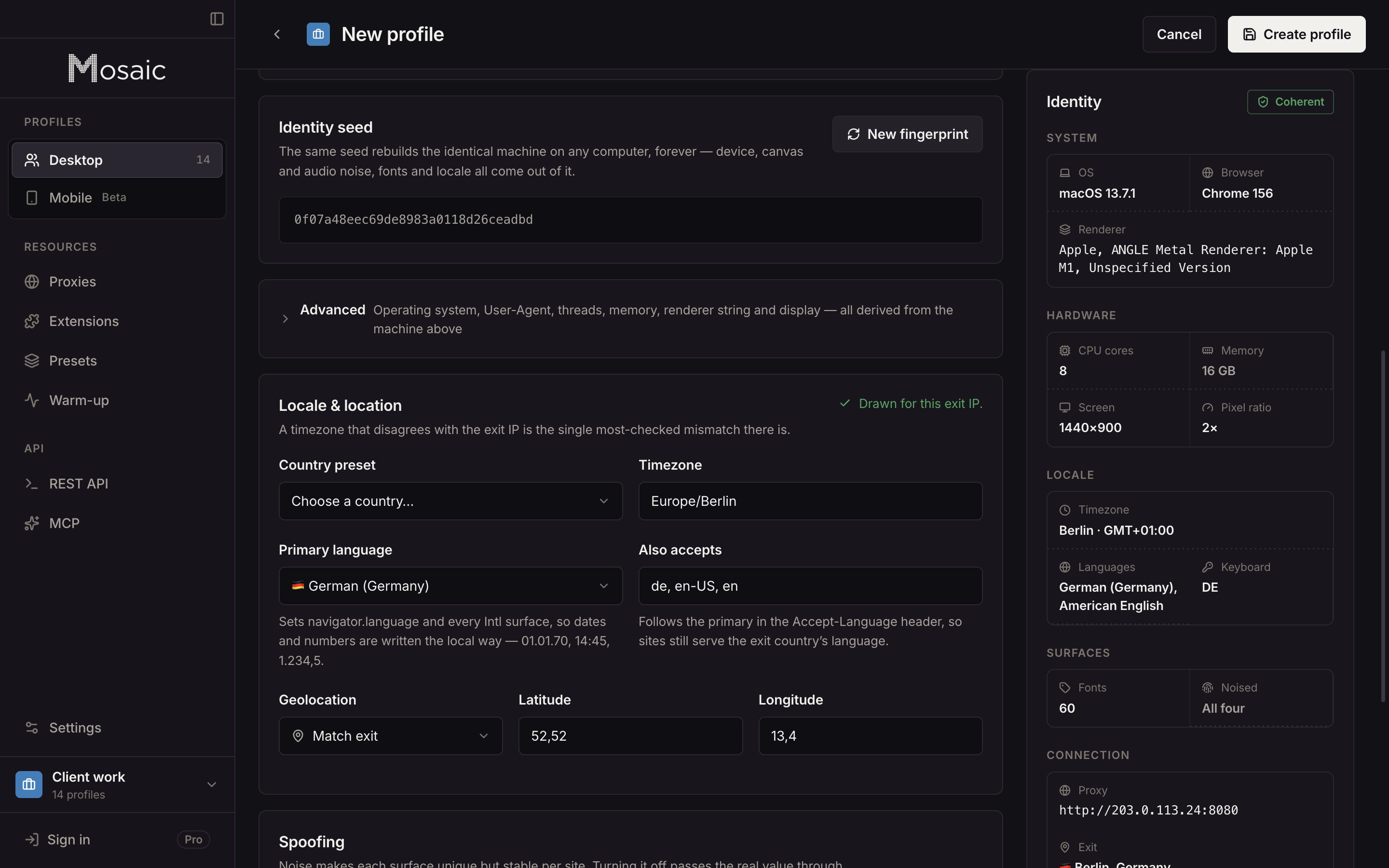
Half of a consistency scan is about the network. Pixelscan reads the exit address, places it on a map, and compares that place with the timezone and language list the browser reports. A profile claiming Europe/Berlin and German that browses from a Texas address is inconsistent whatever its hardware says.
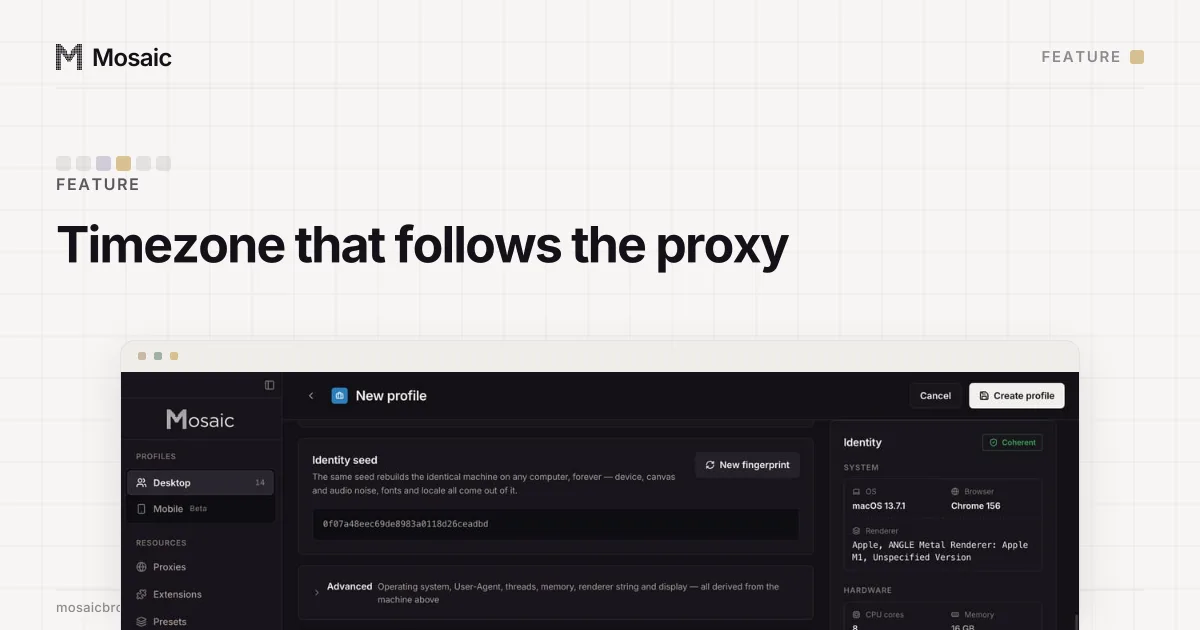
That is why a result means little until you say what the profile was paired with. Our September runs used no proxy, so the scanner compared each profile with this Mac's own home connection. Mosaic draws a profile's timezone, language and geolocation from its proxy's measured exit; with no proxy it matches the computer's own location. Checking the exit before you trust it to an account is covered step by step in how to check a proxy before you use it.
How often Pixelscan disagrees with itself
This is the number that changed how we read Pixelscan. In September 2026, on one Mac, with no proxy on any row:
| Browser | Runs | Clean | "Masking detected" | No verdict |
|---|---|---|---|---|
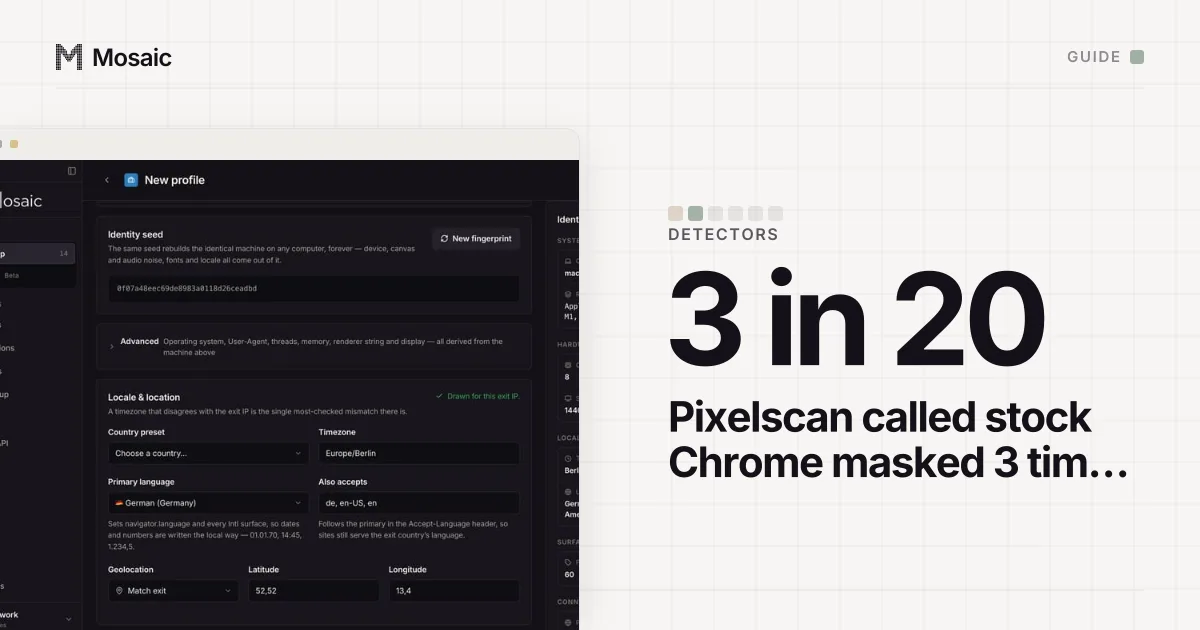
| Untouched Google Chrome, fresh profile each run | 20 | 16 | 3 | 1 |
| Freshly drawn Mosaic profiles | 74 | 73 | 1 | 0 |
The one Mosaic profile that showed masking then passed nine runs in a row. So Pixelscan calls Google's own browser masked about one run in six, and a verdict that a stock browser of the same version also gets is not a finding about your profile.
Two habits follow. Run the scan three times before acting on a red card. And run an untouched browser of the same version from the same address beside it, so you can tell a site's bad day from a real fault.
We also found one real, rare failure that the rule above would otherwise hide. One profile failed every run while fresh ones passed. Copying its fingerprint to a new seed made it pass, and putting the old seed back made it fail again. Turning off canvas noise on that profile alone made it pass. Of 14 freshly drawn seeds tested after that, all 14 passed. If a single profile keeps failing and a fresh one does not, the variable is that profile, not the engine.
What a Pixelscan pass does not tell you
A clean Pixelscan result says the fingerprint is believable and agrees with the IP on that run. It does not say the IP has a clean history, that your behaviour looks human, or that a platform will accept an account. Commercial bot protection such as Cloudflare reads TLS and request patterns that Pixelscan does not show you. The values Pixelscan compares are explained one by one in what a browser fingerprint is.
Running Pixelscan from a Mosaic profile
- In the profile list, open the row's menu and choose Check detectors.
- In Check this profile, stay on the Consistency tab and pick Pixelscan.
- Mosaic starts the profile if it is not running and opens the scan in a new tab of that profile's own browser.
- Read the headline and each card yourself. Nothing is scored in Mosaic; the dialog shows what a pass looks like on that page.
The same list is on the API as GET /detection-tests, and POST /profiles/:id/detection-test with {"testId":"pixelscan"} opens it.
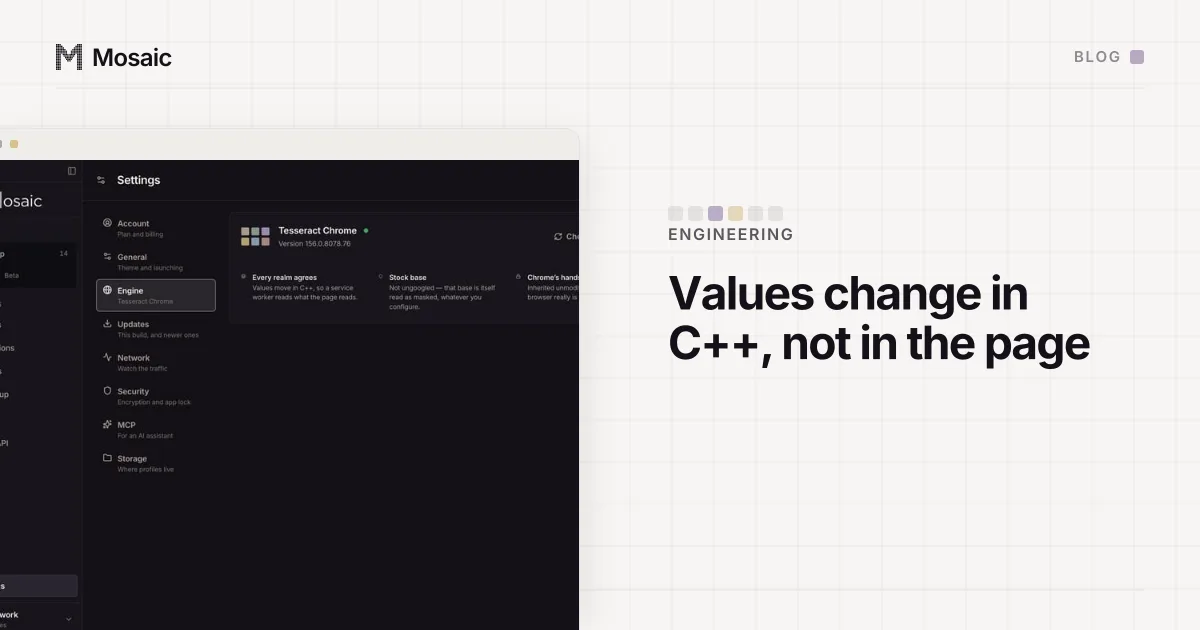
Our last whole-catalogue run with a stock control, on 19 September 2026, read Pixelscan as consistent, no masking and no automated behaviour, and the untouched Chrome beside it read the same. The values it compares are set inside Tesseract Chrome, our own Chromium, in C++, so the page, its workers and its iframes all see one machine.
Sources
- Pixelscan: fingerprint check, read September 19, 2026