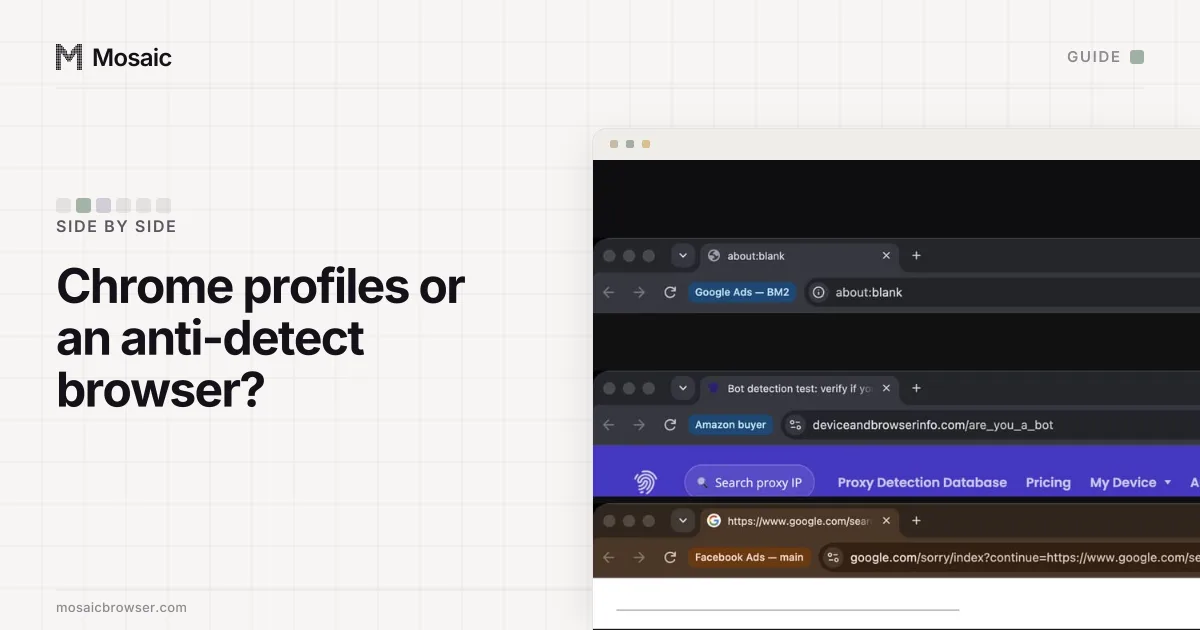
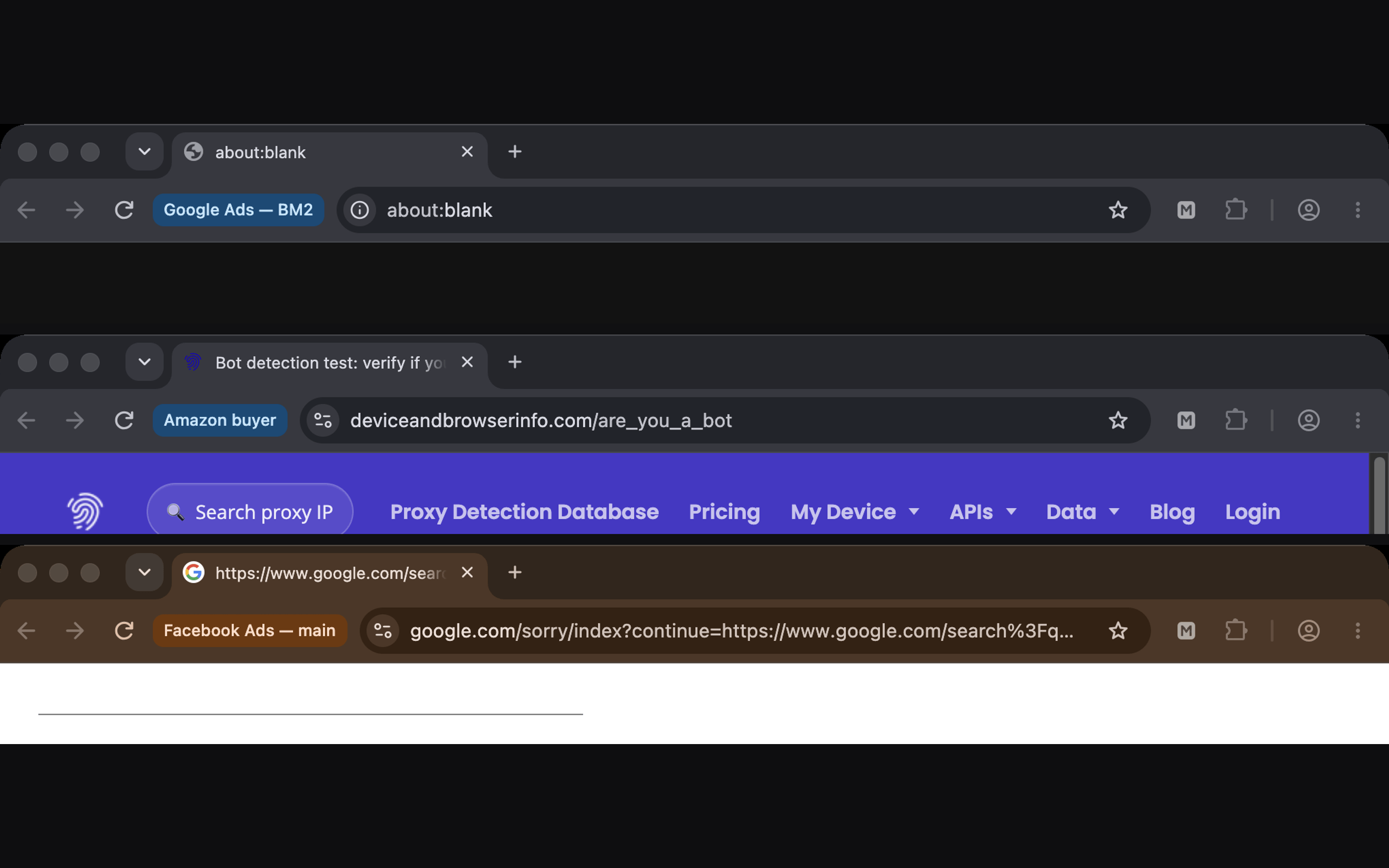
The short version: Chrome profiles separate what is stored, and an anti-detect browser separates what is reported. If your accounts are all yours, stored data is the only thing that needs separating, and Chrome profiles are the better choice because they cost nothing and come from Google. If the accounts belong to different clients or businesses, what each browser reports matters too, and Chrome profiles cannot change it.
Chrome profiles vs an anti-detect browser at a glance
| Chrome profiles | Mosaic, an anti-detect browser | |
|---|---|---|
| Cookies, history, saved logins | Separate per profile | Separate per profile |
| Screen, CPU threads, memory, fonts | The computer's, in every profile | Drawn per profile from real hardware |
| Graphics chip | The computer's, in every profile | The computer's own chip on a Mac, because a renamed chip is caught; the machine around it varies |
| Timezone and language | The computer's (languages can be set per profile) | Set from the profile's proxy exit |
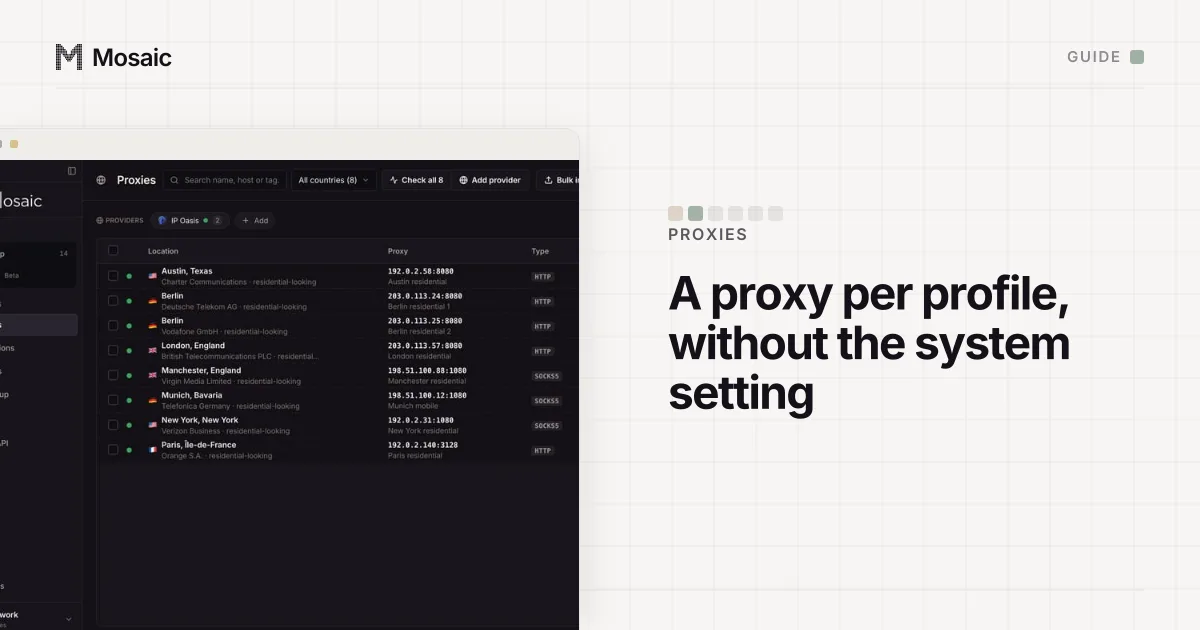
| IP address | The system's, unless a proxy extension is installed | A proxy per profile |
| SOCKS5 with a username and password | Not supported | Supported |
| Price | Free | Free: 3 profiles and 10 profile creations; Pro $49 a month |
| Updates | Google's, automatic | Our own engine build, installed when you press the button |
| Sync | Optional, to a Google Account | None: profiles stay on your computer |
The Chrome column comes from Google's help page on profiles and from Chromium's own proxy documentation, both read 2 November 2026 and linked below. Other anti-detect browsers differ in price, sync and team features, so check each one's own pages.
The fingerprint is changed inside the engine, not painted on topIn Mosaic: Its own Chromium. Tesseract Chrome: values changed in C++, not JavaScript. Free holds 3 profiles. Pro is $49 a month for any number.
Mosaic is a desktop app
Email yourself the link and open it on your computer.
How it works: Its own Chromium
What Chrome profiles do well
Google says profiles help you "keep your different accounts, like work and personal, separate" (Manage Chrome with multiple profiles). Each profile has its own cookies, so signing in to a second Gmail account in a second profile never mixes the sessions. Each can have its own bookmarks, extensions and theme, and each can sync to a different Google Account.
For your own accounts that is the whole job. Google documents signing in to several accounts at once and expects people to have more than one (Sign in to multiple accounts at once). Nobody is trying to make your personal and work email look like two computers, and nothing is gained by doing so.
Chrome is also the browser everyone else runs, updated by Google within days of a security fix. Any other browser is a program you have to trust on top.
Where Chrome profiles stop
Every Chrome profile on a computer reads that computer. The graphics card, the screen, the fonts, the CPU thread count, the timezone and the dark-mode setting are the same in profile 1 and profile 9, and a page can read all of them without asking. We list each one, and where it comes from, in do Chrome profiles have different fingerprints.
The network is shared as well. Chromium's documentation lists where Chrome's proxy comes from: managed policy, command-line flags, a proxy extension "(per-profile)", or the system settings "(per-network)" (proxy.md). Without an extension, every profile leaves from the same address. With one, you have a different IP on top of an identical fingerprint. The same document notes that "no authentication methods are supported for SOCKSv5 in Chrome", which rules out many proxy sellers' SOCKS5 endpoints. The workarounds are in using a different proxy for each Chrome profile.
For an agency with twelve clients' ad accounts, that adds up to twelve accounts reporting one machine on one address. The accounts are unrelated businesses, and the browser is the only thing that makes them look related.
What an anti-detect browser adds
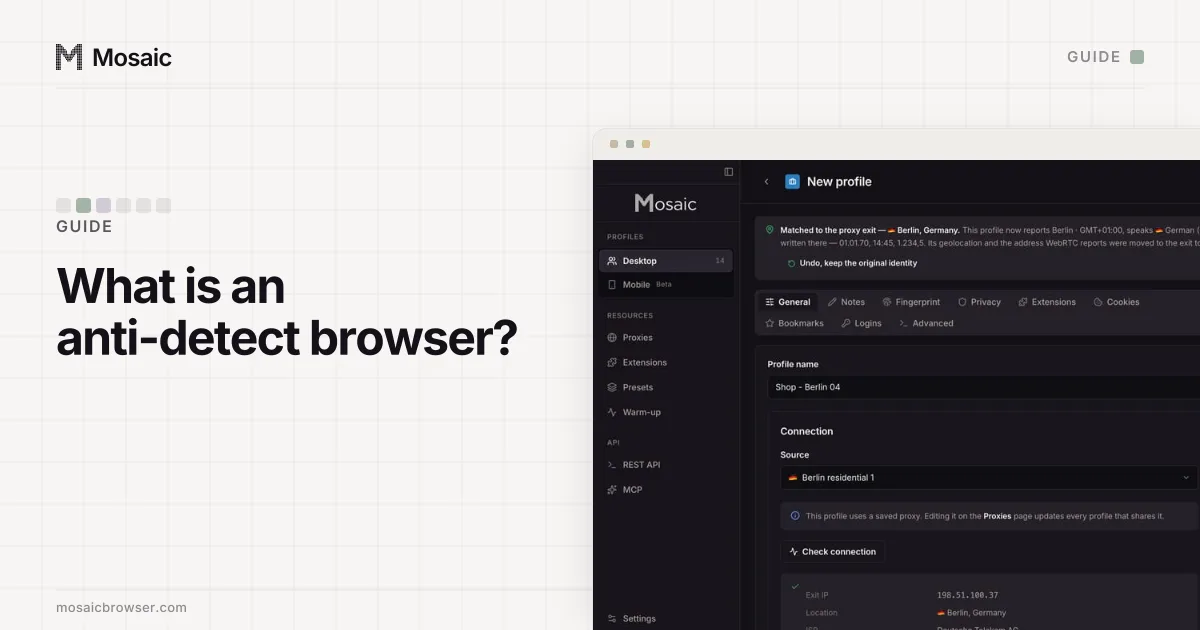
An anti-detect browser makes each profile report its own machine: different hardware values that agree with each other, a timezone and language that match the profile's proxy, and its own exit. The ways sites tell a good one from a bad one, mostly contradictions between values, are in how sites detect anti-detect browsers.
It does not add permission. A platform that allows one personal account per person still allows one, and an anti-detect browser keeps accounts you are entitled to run apart; it does not change what a platform allows.
Which one to pick
Pick Chrome profiles if:
- every account is yours, such as personal and work email
- the platform expects one person to have several accounts
- you want Google's browser and nothing else installed
Pick an anti-detect browser if:
- the accounts belong to different clients, stores or brands
- each account should browse from its own region
- you need many profiles with their own proxies, or a proxy with a username and password over SOCKS5
How Mosaic compares with Chrome profiles
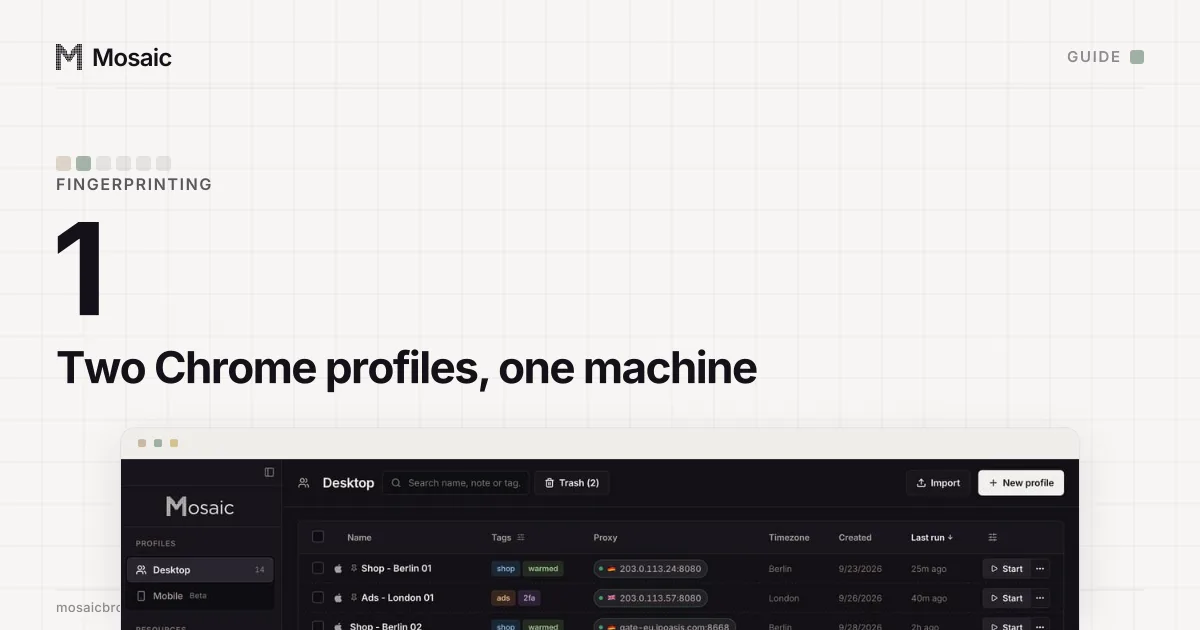
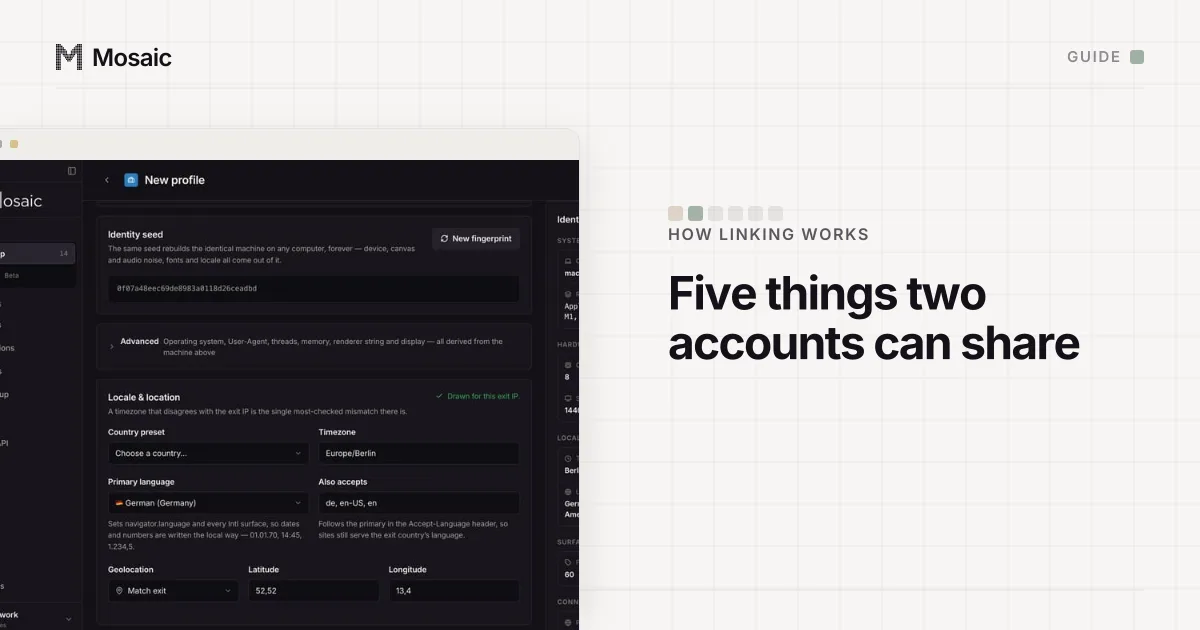
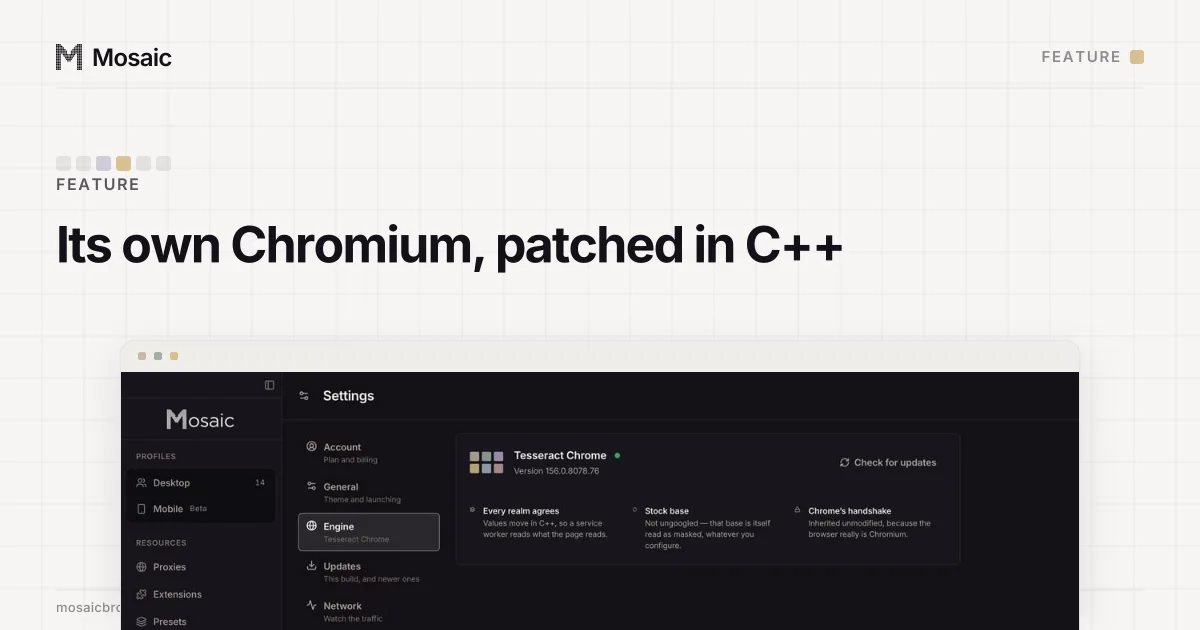
Mosaic is an anti-detect browser we make, and it runs its own Chromium, Tesseract Chrome, built from stock Chromium source with our patches. The fingerprint values are changed in C++ inside the engine, not by a script added to the page, so the page and its workers read the same machine. Each profile has its own cookie jar, its own proxy (HTTP, HTTPS or SOCKS5, with a username and password) and a timezone and language set from the proxy's measured exit. Profiles can claim macOS, Windows, Linux or Android, and the strongest match is the OS your computer runs, macOS on a Mac.
Chrome profiles stay the better tool for your own accounts. When the accounts are other people's, Free is 3 profiles and 10 profile creations on the same engine Pro uses, and the pricing page has the rest.
Sources
- Google Chrome Help: Manage Chrome with multiple profiles, read November 2, 2026
- Chromium: Proxy support in Chrome (net/docs/proxy.md), read November 2, 2026
- Google Account Help: Sign in to multiple accounts at once, read November 2, 2026