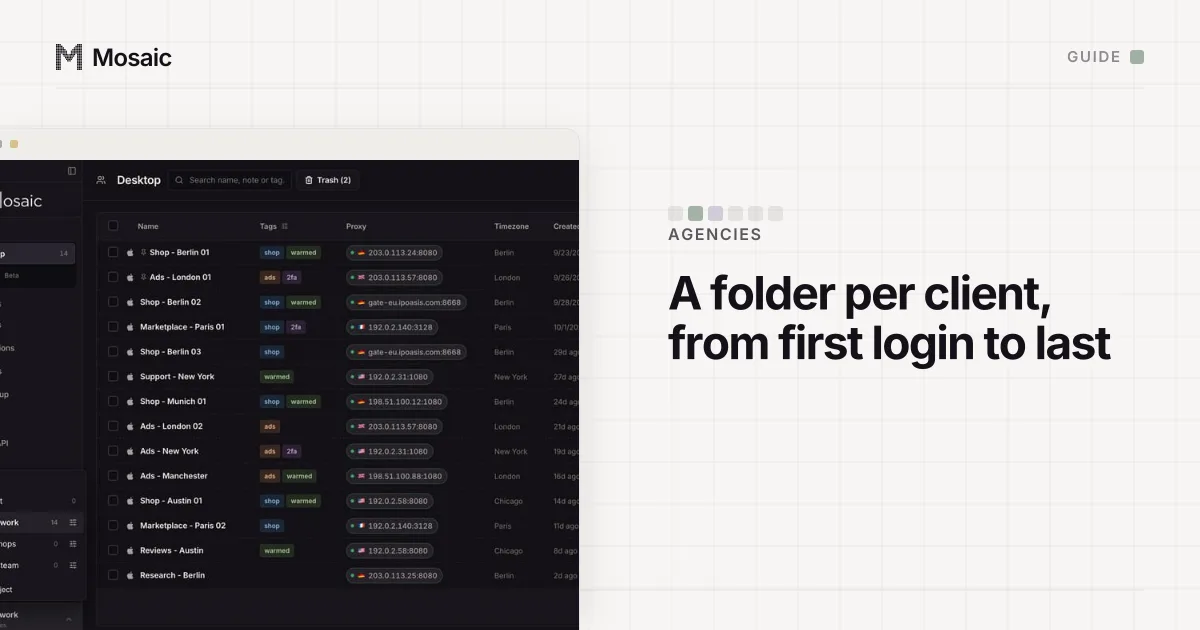
To manage social media accounts for multiple clients, settle ownership before anything else. A client list grows one account at a time, and the trouble starts when nobody can say who owns what. The agencies that stay calm at twenty clients decide three things before the first post: the client owns every account, the agency only ever holds a role, and each client's logins live in one place that can be emptied in an afternoon.
Every platform has its own rule about who may work on an account. Meta, TikTok, YouTube and LinkedIn give managers roles, and LinkedIn allows one personal account per person, in that person's name (User Agreement, read 2 November 2026). Mosaic keeps accounts you are entitled to run apart; it does not change what a platform allows.
Onboarding: ask for roles in the first week
Send each new client one list, per platform, of the access you need and where they click to grant it. The details, read on 2 November 2026, are in how to access client social media accounts. In short:
- Facebook and Instagram: the client shares its Page and professional Instagram account with your business portfolio as a partner, choosing the permissions (Meta).
- TikTok: the client links its account to a Business Center and gives you "Manage account", which covers comments, messages and profile details (TikTok).
- YouTube: a channel permission role from YouTube Studio, which expires as an invite after 30 days if nobody accepts it (YouTube).
- LinkedIn: a Page admin role on the company page, which only a super admin can give (LinkedIn).
Ask for the smallest role that does the job. A manager who never sees revenue does not need it, and YouTube's Editor (Limited) and Viewer (Limited) roles hide it.
Paste one gateway line. Every profile mints its own exitIn Mosaic: Provider minting. One gateway line, a separate exit for every profile. Free holds 3 profiles. Pro is $49 a month for any number.
Mosaic is a desktop app
Email yourself the link and open it on your computer.
How it works: Provider minting
Ownership: the client's email, the client's phone
The common mess is an account a junior set up on the agency's email in a hurry. When the client leaves, the account has to be transferred, and some assets cannot be: Meta says an ad account created in one portfolio "can't be transferred to the portfolio of another business" (Meta). So every new account is created on the client's address, and two-factor recovery sits on the client's phone or a shared code the client also holds.
Write down, per client, what each account is, who owns it, which role you hold and when it was granted. A spreadsheet is fine. It is the document you will need at offboarding and the one nobody keeps.
Day to day: one place per client
Publishing is easiest from a scheduler with one workspace per client, so a post drafted for one brand cannot be queued on another's calendar. Approvals belong there too.
Signing in is the part schedulers leave to you: replying in the app, fixing a profile, answering a login check, and every tool with no role at all, such as a client's newsletter or link-in-bio account. Those are where clients get mixed up. One browser keeps one session per service, so the newsletter tool opens as whichever client signed in last, and a campaign goes to the wrong list.
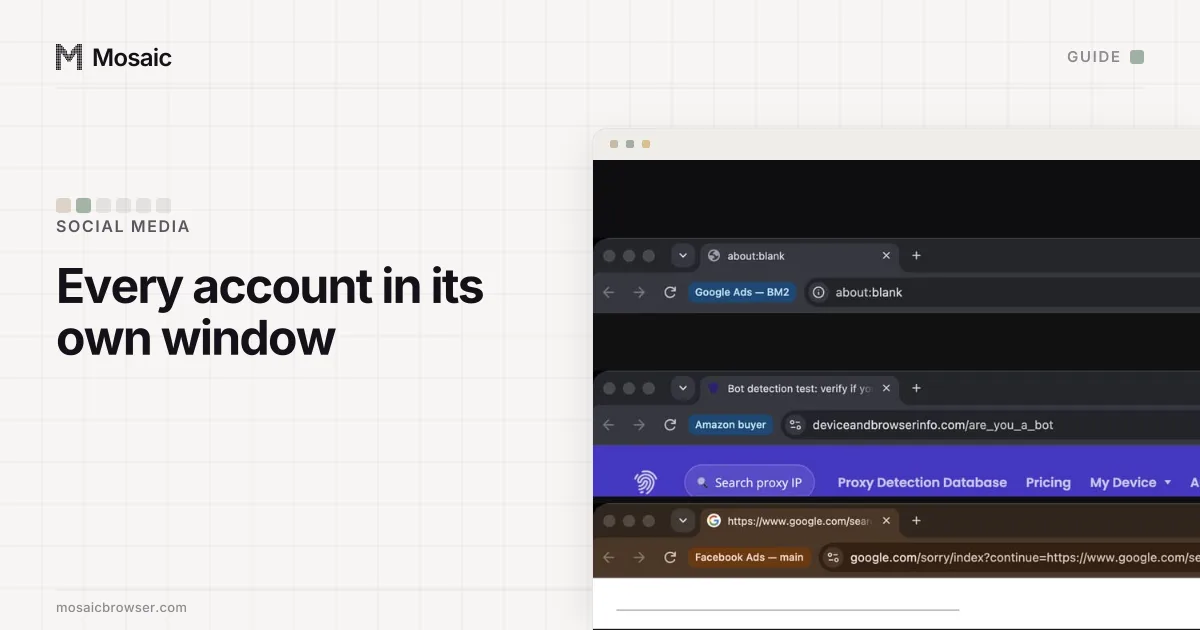
The free answer is a Chrome profile per client. It splits the cookies. It does not split the device or the network: every Chrome profile on your computer reports the same hardware and leaves from your office address, which is how a service can tie twelve unrelated businesses to one machine.
Managing social media accounts for multiple clients in Mosaic
Mosaic gives every client login its own browser, with its own fingerprint, its own proxy exit and its own cookies, kept on your computer.
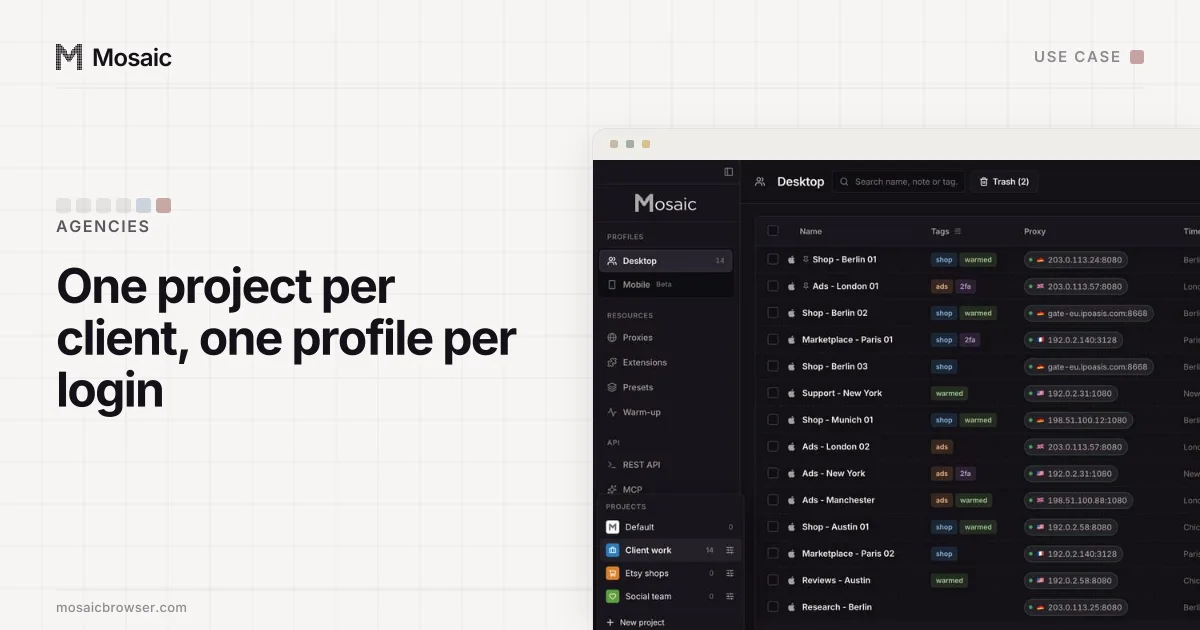
- Click New project for the client. Its profiles sit together under one colour and icon.
- Click New profile for each login that has no role, named "Client - Service": "Acme - Newsletter", "Acme - Link in bio".
- Paste your proxy seller's gateway line once as a provider. Each profile mints its own session, so no two clients leave from the same exit, and each profile's timezone and language follow its exit.
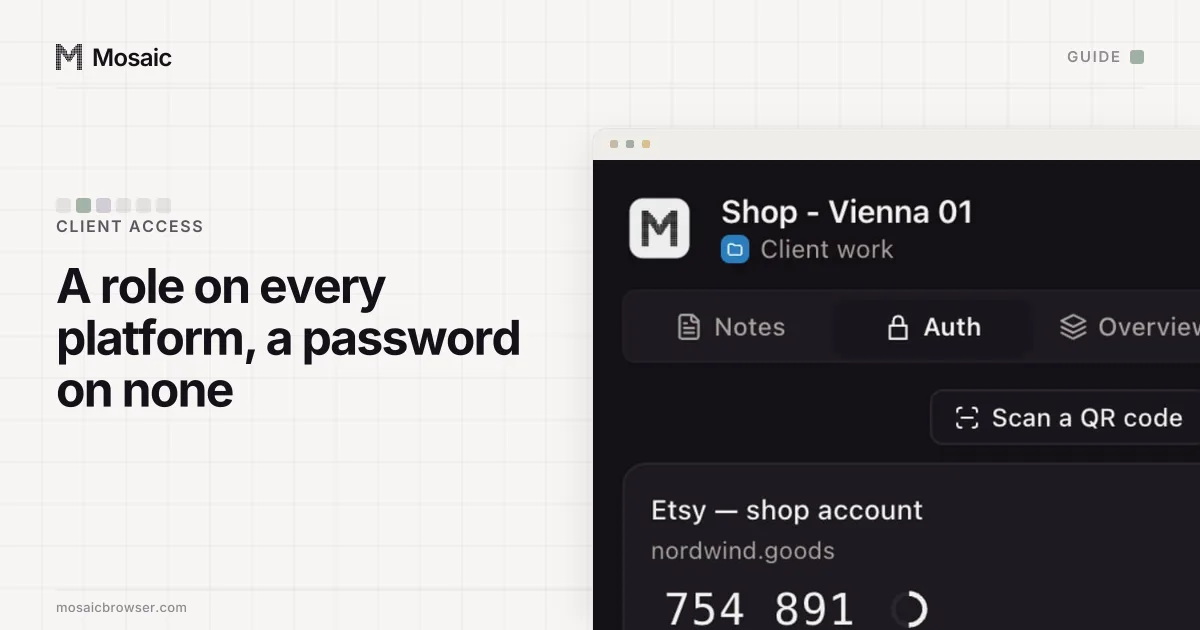
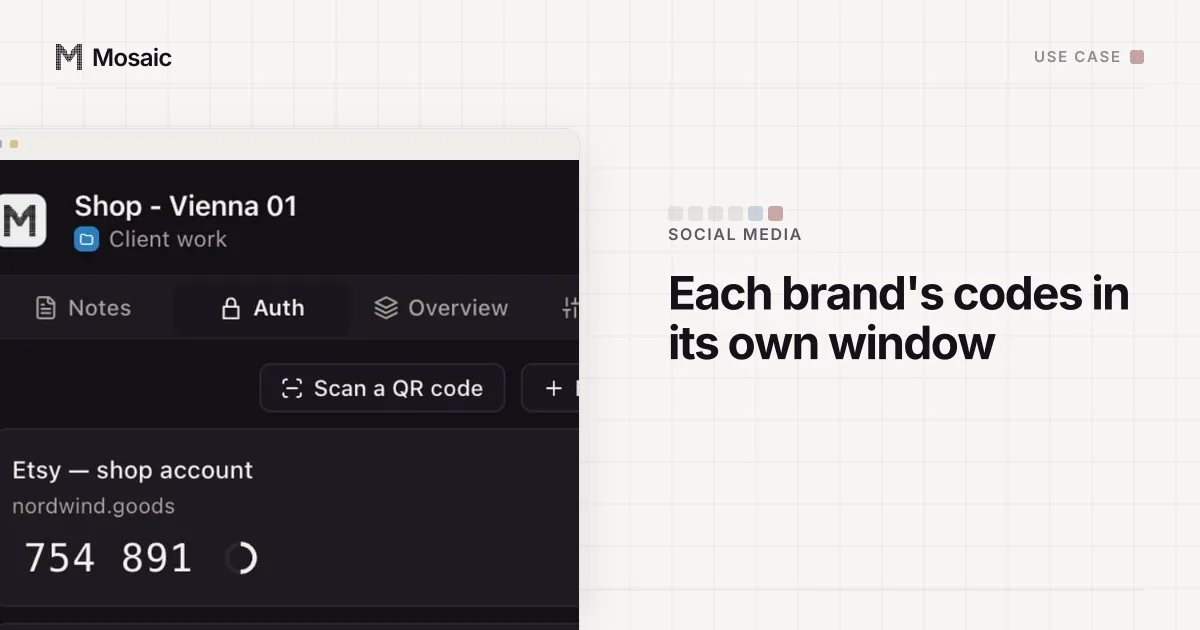
- In Credentials, add the login and its Two-factor secret. The companion inside that client's browser shows only that client's logins, codes and notes.
- For a client with many similar logins, save a preset. A preset stores the provider rather than an address, so every profile it makes mints its own exit.
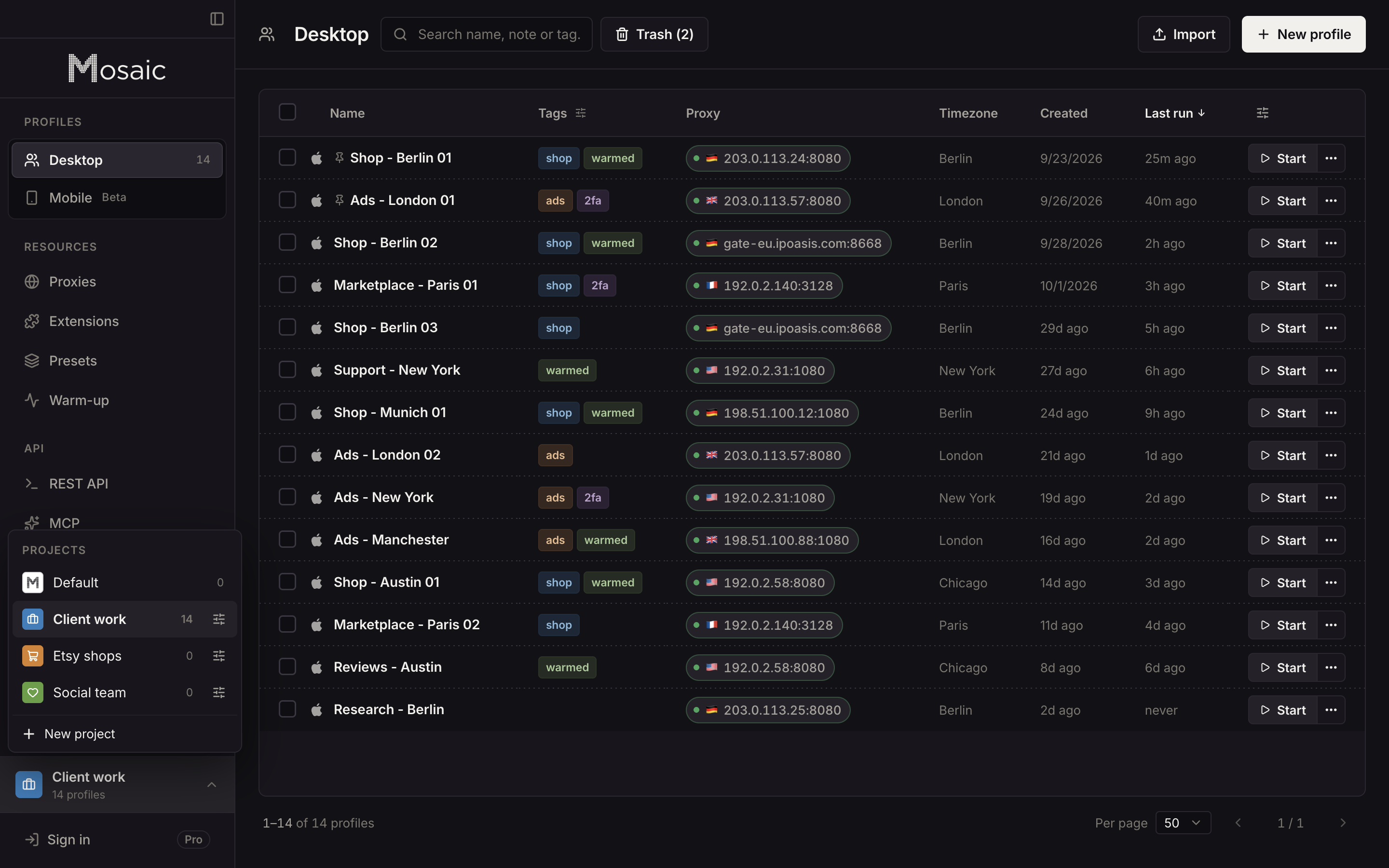
What Mosaic leaves out: it does not schedule posts, has no shared inbox and has no team seats, and a profile cannot be opened from a second computer. Your colleagues get their own platform roles.
Offboarding: the day the contract ends
Offboarding is onboarding in reverse, and it is fastest when the first two sections were done properly.
- Ask the client to remove your roles: the partner link in Meta Business Suite, the Business Center permission, the YouTube channel role, the LinkedIn admin role.
- Hand back anything you held a password for, and ask the client to change it.
- Delete what you stored. In Mosaic, deleting the client's project sends its profiles to the trash and closes any of their browsers still open. The trash keeps them for 30 days by default, and when a profile is deleted for good its downloads folder goes with it.
The same setup for a single brand is on Mosaic for social media managers, and the agency view, with ad accounts beside social, is on the agencies page.
Sources
- Meta Business Help Center: Give a partner access to business assets in your business portfolio, read November 2, 2026
- Meta Business Help Center: Share legal entity with partner business, read November 2, 2026
- TikTok Business Help Center: About managing TikTok accounts in Business Center, read November 2, 2026
- YouTube Help: Add or remove access to your YouTube channel with channel permissions, read November 2, 2026
- LinkedIn Help: Add admins on your LinkedIn Page, read November 2, 2026
- LinkedIn User Agreement, read November 2, 2026