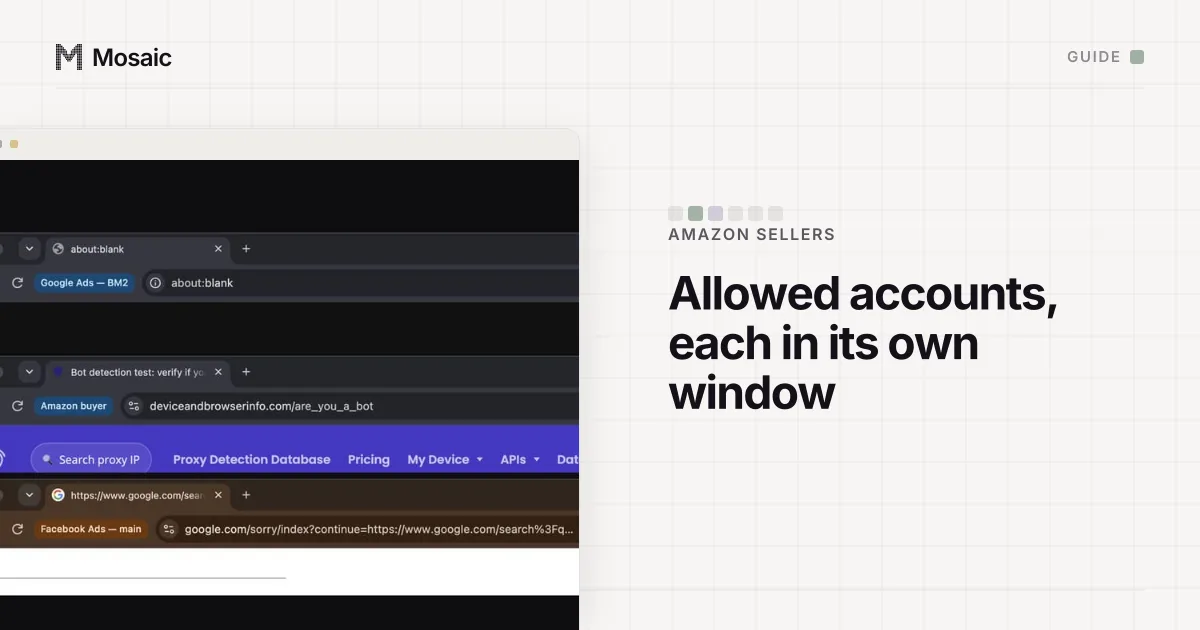
Avoiding Amazon linked accounts comes down to two different jobs that get mixed up. Accounts you own and are allowed to run will be linked, because they are yours, and Amazon is entitled to know that. What you can avoid is being linked to sellers you have nothing to do with, and getting your own allowed accounts tangled in each other's work. Both come from shared browsers, shared exits and shared people far more often than from anything deliberate.
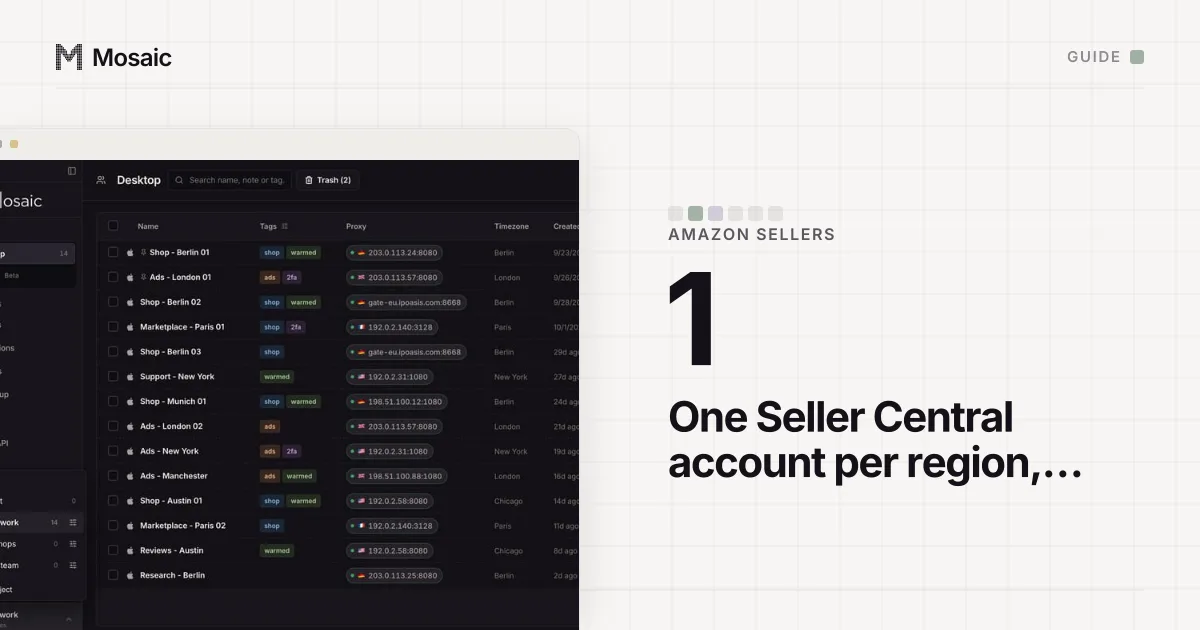
Amazon's rule is one Seller Central account for each region you sell in, and a second only "if you have a legitimate business need to open a second account and all of your accounts are in good standing" (Selling policies and seller code of conduct, read 2 November 2026). Mosaic keeps accounts you are entitled to run apart; it does not change what Amazon allows. This page will not help a suspended seller look like someone else.
What "linked" means to Amazon
Amazon calls them related accounts. Its news account wrote in the Seller Forums that "if there's a violation of our selling policies or the Seller Code of Conduct in one account, all your related accounts may be impacted", up to suspended payments across all of them (Account health tips for multiple selling accounts, read 2 November 2026). Being related is not a violation. It is a shared fate.
That is why the first step is not technical. If you run two accounts in the same region without a business need, the link is the problem and no setting fixes it. Can you have 2 Amazon seller accounts goes through Amazon's three examples of a legitimate need and what does not count.
Paste one gateway line. Every profile mints its own exitIn Mosaic: Provider minting. One gateway line, a separate exit for every profile. Free holds 3 profiles. Pro is $49 a month for any number.
Mosaic is a desktop app
Email yourself the link and open it on your computer.
How it works: Provider minting
How unrelated sellers end up linked
Amazon does not publish what it compares, so treat any exact list you read online as a guess. What is not a guess is what a website can see from a browser: cookies and stored data, the device's fingerprint (screen, graphics card, fonts, timezone and dozens of other values), and the IP address it connects from. How websites detect multiple accounts lists each one with what it reveals.
In Amazon sellers' lives, those overlap with a stranger's account in a few ordinary ways:
- A virtual assistant or agency works in your Seller Central and in another seller's, from the same laptop and the same Chrome.
- Two businesses share an office or co-working Wi-Fi, so both accounts arrive from one address every day.
- A computer, phone or business address passes from one seller to another.
- Someone logs in with a password passed around a team, so nobody can say afterwards who used which device.
None of these needs bad intent, and all of them can be fixed before Amazon ever has to ask.
Keep every person on their own login
Shared passwords are the hardest link to explain later. On the Professional selling plan the account owner can invite employees from Settings › User Permissions, and each person gets their own sign-in and their own two-step verification (Set and edit user permissions, read 2 November 2026). When an assistant leaves, remove them there, in every account they could reach, the same day.
If you hire a freelancer who also works for other sellers, ask them to keep your account in a separate browser from their other clients. That one request removes the most common accidental overlap.
Give each allowed account its own browser and exit
A Chrome profile per account is the free first step: separate cookies, separate saved passwords, separate history. It leaves the device fingerprint and the IP identical, which is fine for two accounts Amazon already knows share an owner. A VPN on top of it moves the address and leaves the fingerprint as it was.
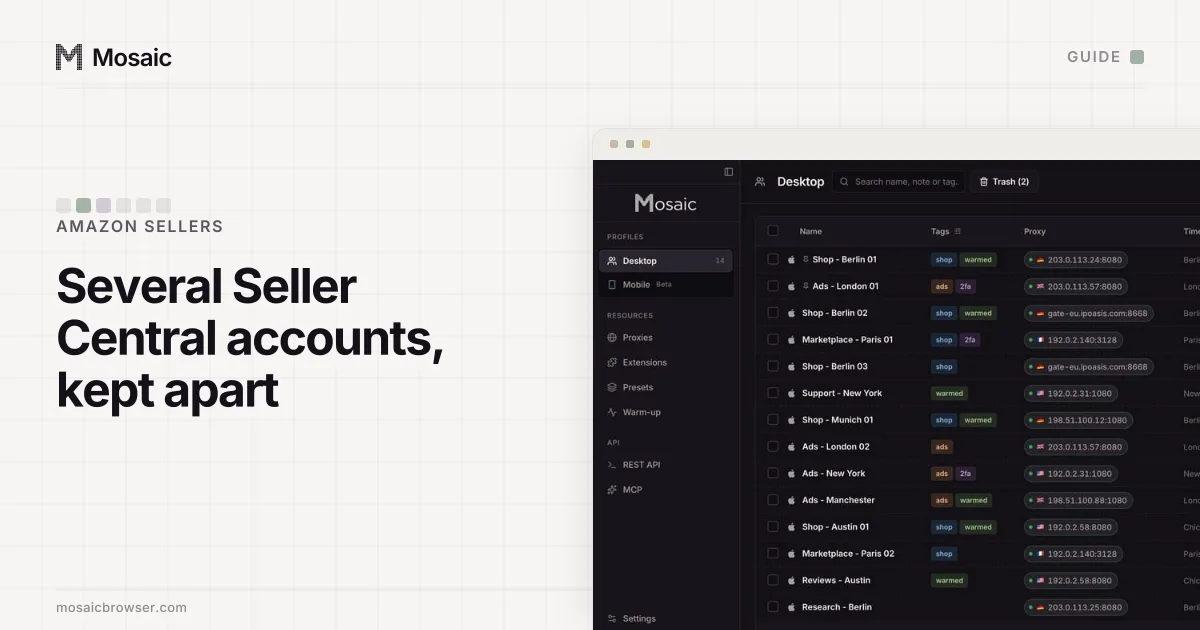
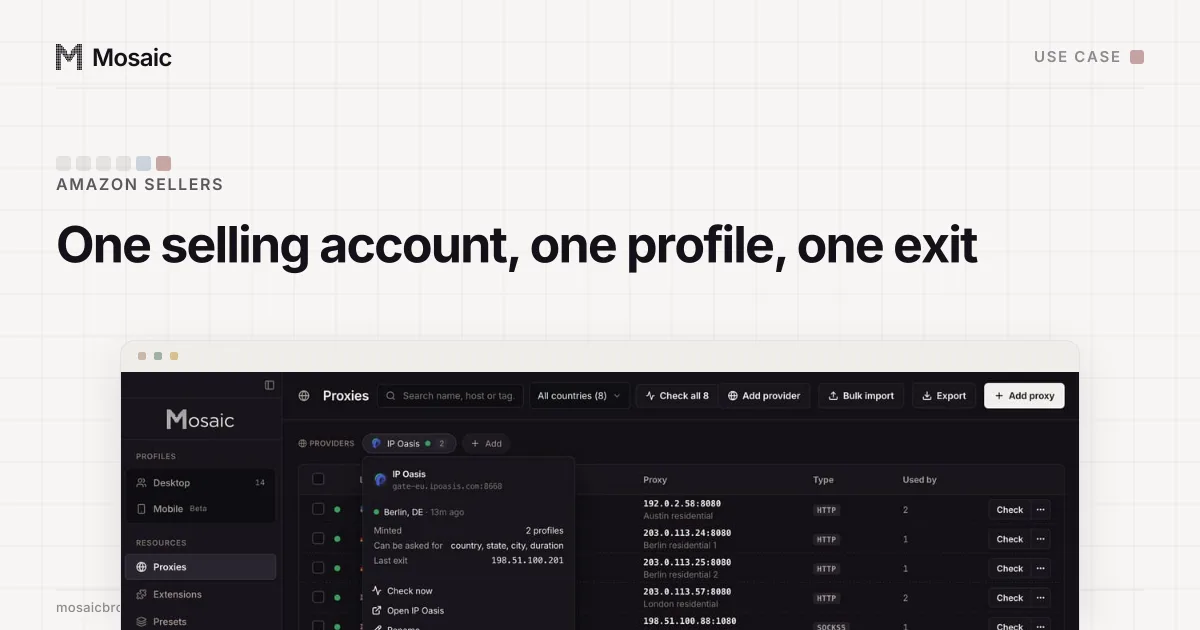
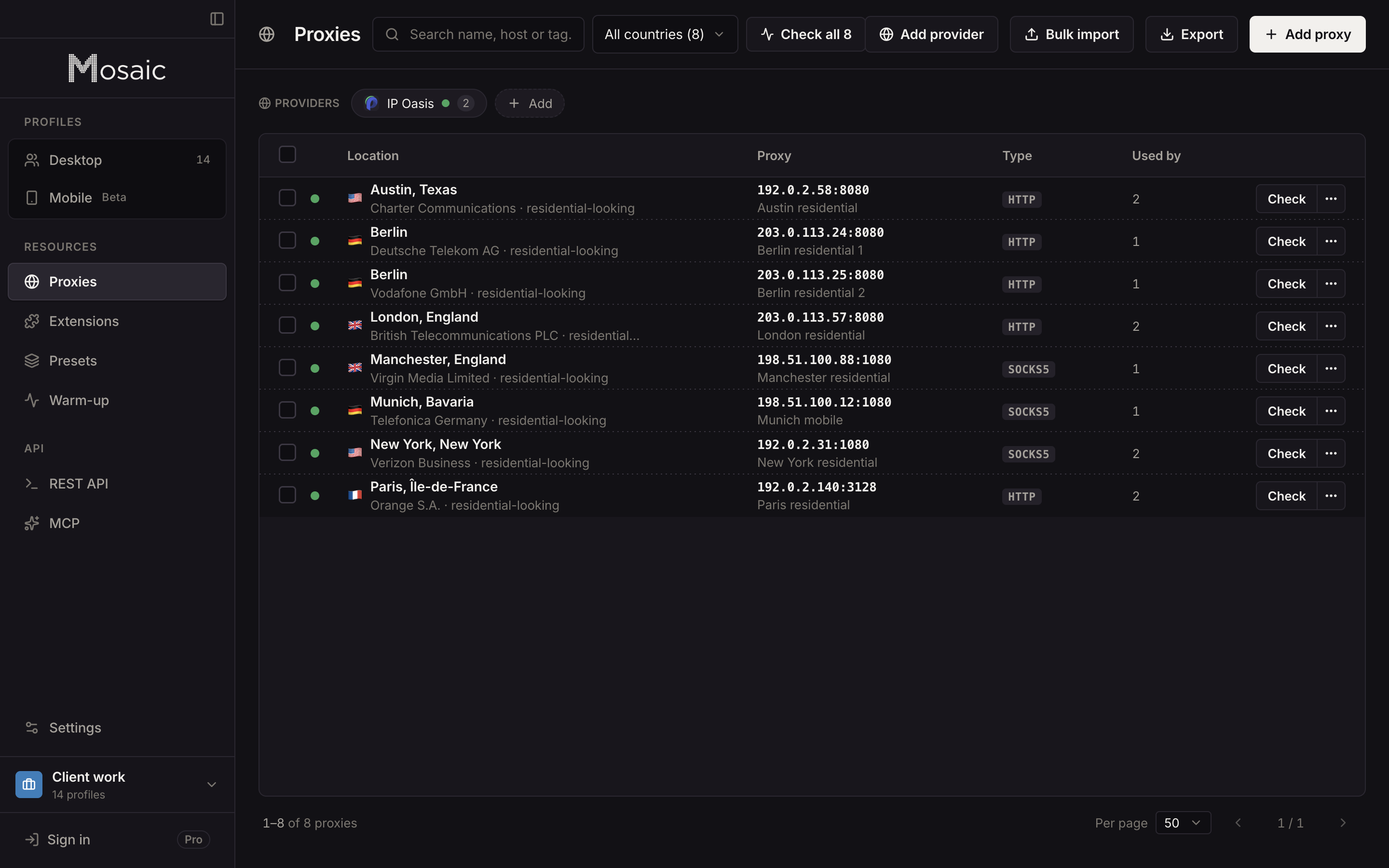
When accounts belong to different businesses or different clients, a full browser each is easier to keep straight. In Mosaic every profile has its own cookies, a fingerprint drawn from real hardware that matches the computer you work on, and its own proxy exit. A selling account should arrive from the same place every day, so give it a static proxy, or a pinned sticky session from a provider. Mosaic mints a separate session for each profile, so no two profiles share an exit by accident.
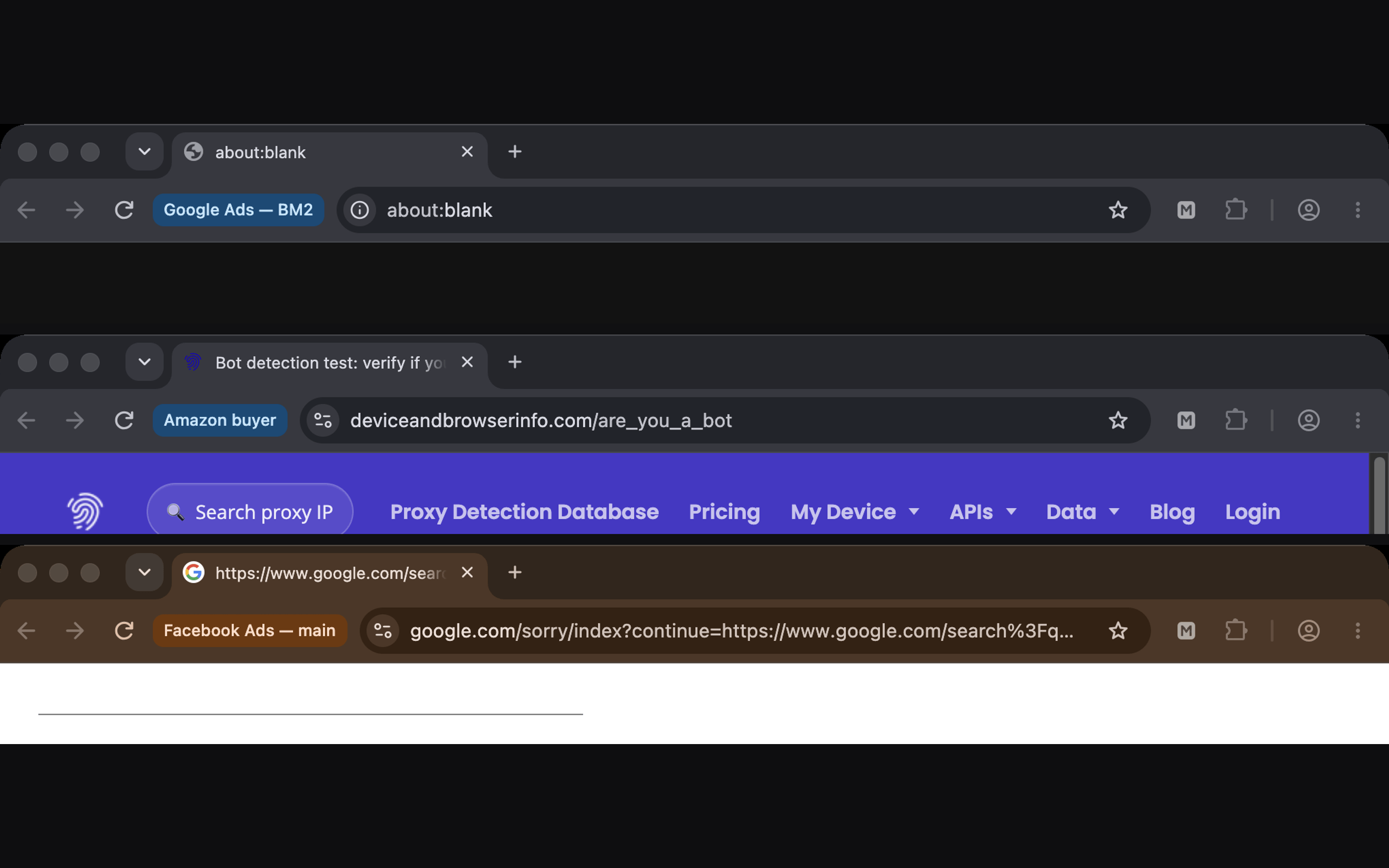
Two Mosaic checks matter for this. A profile never opens behind a proxy that has not answered and tunnelled a connection, so a dead proxy does not send one page load out from your office address. And each profile saves its downloads into its own folder, kept out of Spotlight, so a settlement report from one business is not sitting next to another's.
What no browser setting changes
Your business details connect accounts that share them, and that is correct. Amazon also says seller accounts "generally are not transferable" and that a new owner of a business "must establish a new seller account" (Can I transfer my seller account?, read 2 November 2026), so buying an account to get a clean one is off the table too.
If an account has been suspended, the route back is its appeal, not a new account that looks unrelated. The order Amazon expects is in Amazon related account suspension appeal. For sellers with allowed accounts, what Mosaic does and does not change is on Mosaic for Amazon sellers.
Sources
- Amazon Seller Central: Selling policies and seller code of conduct, read November 2, 2026
- Amazon Seller Forums (News_Amazon): Account health tips for multiple selling accounts, read November 2, 2026
- Amazon Seller Central: Set and edit user permissions, read November 2, 2026
- Amazon Seller Central: Can I transfer my seller account?, read November 2, 2026