With the Google Ads manager account explained in one line: it is an umbrella that runs no ads. The name misleads people. A manager account is not a setting on your existing Google Ads account and not a paid tier. Google's help page calls it "an entirely new Google Ads account you create", an umbrella with other accounts linked under it (Google Ads Help, read 2 November 2026). Google's help pages still put MCC in brackets after the name, which is why agencies use the two interchangeably.
Google Ads manager account explained: what it does
From the manager account, one sign-in can open every linked account, edit its campaigns, compare performance across all of them, run reports for several at once, set alerts, and create new accounts that arrive already linked. Google also requires one for monthly invoicing, the payment setting where Google extends a line of credit and you pay against an invoice.
What it cannot do is advertise. Google's developer guide says "You can't create campaigns or advertise products directly with a manager account, but you can use it to create campaigns on behalf of a sub-account that you manage" (Google for Developers, read 2 November 2026). Every campaign lives in a client account, and the manager account is the view over them.
How the pieces fit together
Google describes it as a tree. A top-level manager account branches out to individual Google Ads accounts and to other manager accounts, and those branch again. The rules on the shape are short (About linking, read 2 November 2026): an ordinary account can have up to 5 managers directly above it, a manager account only 1, the tree goes at most 6 levels deep, and an account cannot sit twice in the same tree.
The limit of 5 is why a business can keep its own in-house manager account linked to its Google Ads account and still let an agency link its manager account too: they are two different trees.
Sub-managers are the third piece. Google's own example: Amy runs 5 accounts and wants her partner David to handle 3 of them. David creates a manager account, Amy links it under hers, and moves the 3 accounts to David's. David sees those 3; Amy still sees all 5 from the top.
Each profile keeps its own passwords and its own 2FA codesIn Mosaic: Logins and 2FA codes. A password vault and TOTP codes for each profile. Free holds 3 profiles. Pro is $49 a month for any number.
Mosaic is a desktop app
Email yourself the link and open it on your computer.
How it works: Logins and 2FA codes
Linked, owned, and who can do what
Linking and owning are different, and most confusion about manager accounts is here.
When a manager links an existing account, its admins can manage the campaigns and get the account's notification emails. It does not own the account. Ownership has to be turned on by an admin of the client account, under Admin › Access and security › Managers, in the Owner column (About ownership, read 2 November 2026). An account the manager created itself is owned from the start.
An owner manager can do more: invite and remove the client account's users, grant or revoke admin access, accept other managers' link requests, unlink other managers, and change the account's security settings. Ownership also passes upwards, so every manager above the owner in the tree owns the account too. Google recommends making a manager the owner "if and only if the manager account requires these privileges".
Owning still does not take the account away from the client. Google is explicit that the client "still owns its data and has the ability to remove ownership access by unlinking". A client account has one owner at most.
People are a separate layer again. Each person on the manager account gets an access level. On a client account, the levels are Email-only, Billing, Read-only, Standard and Admin, and only Admin can accept or reject a manager's link request or unlink a manager (access levels, read 2 November 2026).
Who needs one
Google's line is that a manager account "may be a good option for advertisers with more than one Google Ads account", and that one email address can hold up to 20 Google Ads accounts before a manager account becomes the practical choice. An agency is better off with one from its first client, because the link is a visible relationship the client can remove in one step, and nobody shares a password. A business with a single account and no agency does not.
Setting one up, linking accounts and the account limits by spend are covered step by step in how to manage multiple Google Ads accounts. The client's side of the link, and why a manager link beats a shared password, is in how to give an agency access to Google Ads.
What it leaves to the browser
A manager account brings every client's Google Ads into one sign-in, which is the point. It does nothing about the rest of each client's world: the analytics property, the shop admin, the Google sign-in a client created for you because their tool has no agency mode. Those end up in one Chrome with one cookie jar.
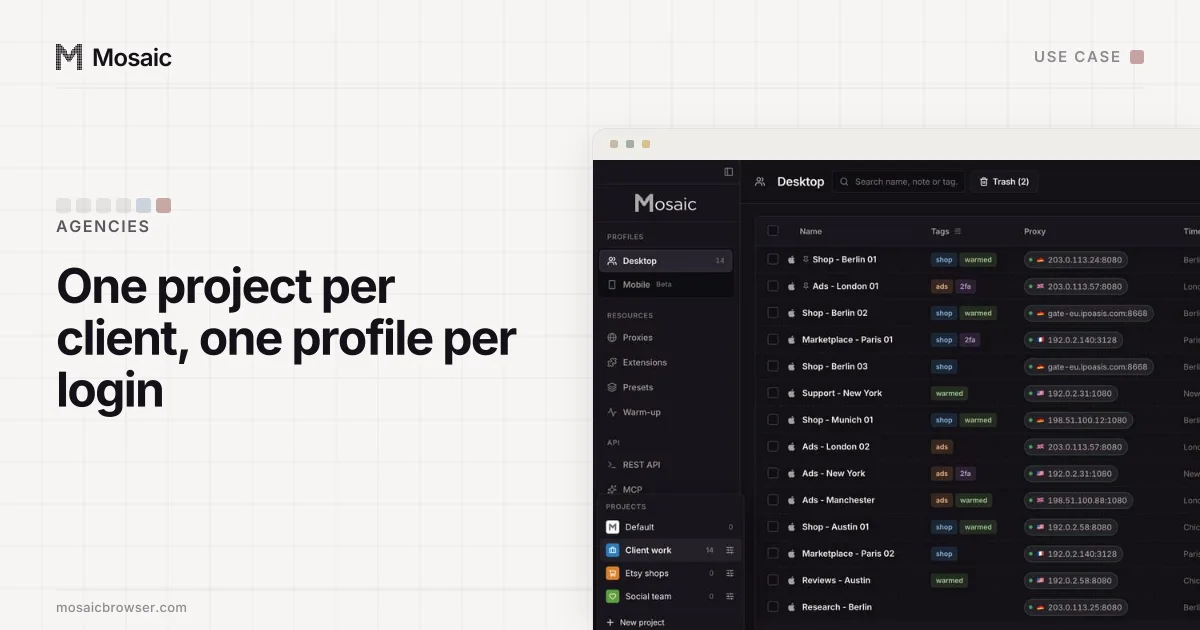
That part is where Mosaic fits. Each client sign-in that should never share a window gets its own profile, with its own cookies, fingerprint and proxy, and its own two-factor codes in the companion. Profiles can be grouped by client in projects and tagged.
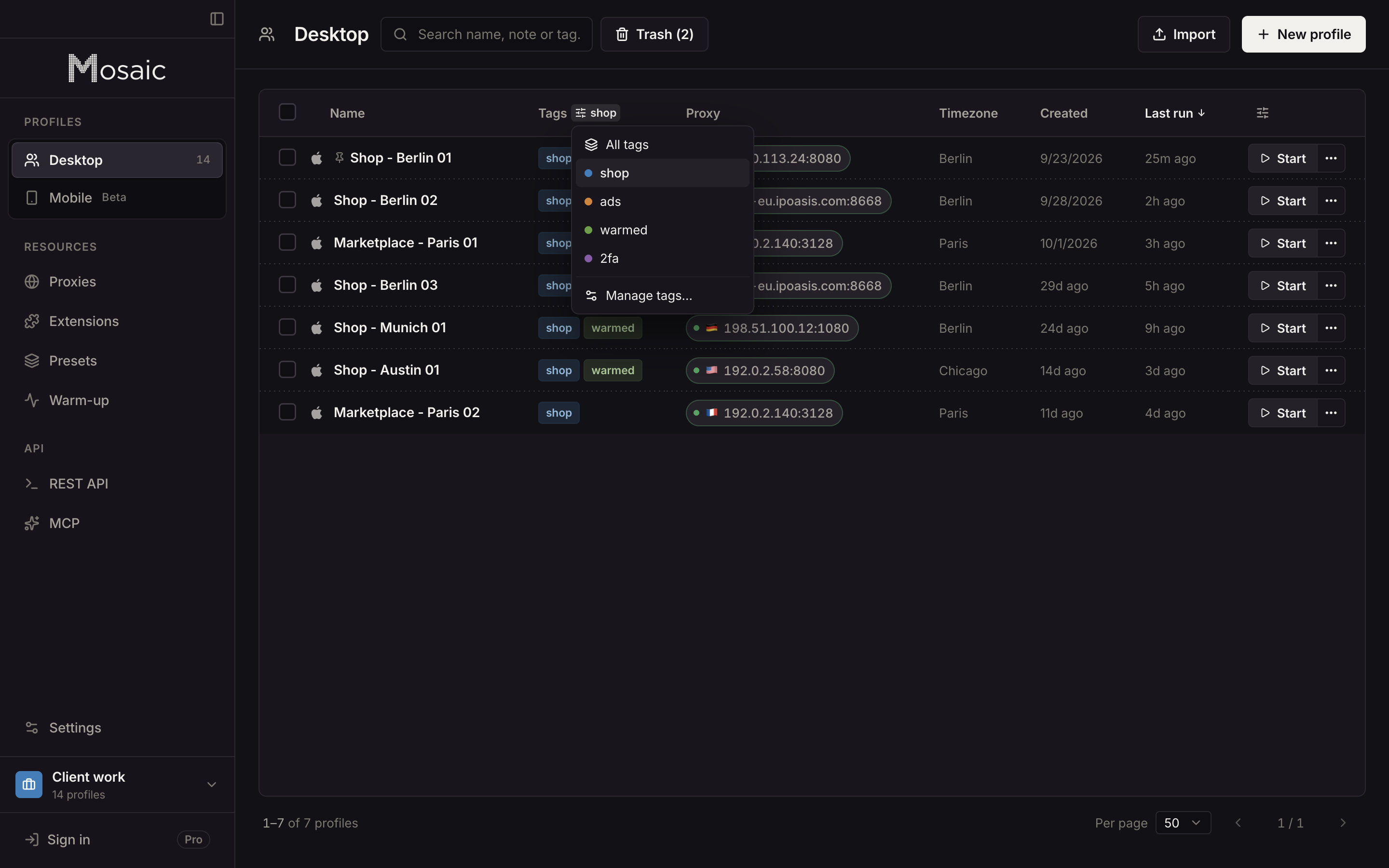
How that looks for an agency with dozens of clients is in Mosaic for ad account management and, for keeping each client's sign-ins apart, Mosaic for agencies.
Sources
- Google Ads Help: About Google Ads manager accounts, read November 2, 2026
- Google Ads Help: About linking accounts to your manager account, read November 2, 2026
- Google Ads Help: About ownership of client accounts, read November 2, 2026
- Google Ads Help: About access levels in your Google Ads account, read November 2, 2026
- Google for Developers: Create a Google Ads manager account, read November 2, 2026