You can't have two LinkedIn accounts. Section 2.1 of LinkedIn's User Agreement lists three promises every member makes, and the second is that "you will only have one LinkedIn account, which must be in your real name" (User Agreement, effective 3 November 2025, read 2 November 2026). The same sentence turns up in LinkedIn's own help pages, including the Sales Navigator one, which reminds new users that the User Agreement "only allows members to have one LinkedIn account".
Mosaic keeps accounts you are entitled to run apart; it does not change what a platform allows. On LinkedIn that is one member account per person, so this page is about what LinkedIn gives you in place of a second one.
What LinkedIn's terms say, line by line
The rule is spread over three parts of the User Agreement, and each one closes a different door.
- Section 2.1, Service eligibility: one account, in your real name, and "creating an account with false information is a violation of our terms, including accounts registered on behalf of others".
- Section 2.2, Your account: you will not share your account with anyone else, and you will not "share or transfer your account or any part of it".
- Section 8.2, Don'ts: no false identity, no "Member profile for anyone other than yourself", and no using another person's account "such as sharing log-in credentials or copying cookies".
The Professional Community Policies repeat it in plainer words: "We don't allow fake profiles or entities", and "do not share your LinkedIn account with anyone else" (Professional Community Policies, read 2 November 2026). A pen-name account, a second account for job hunting and an account for your company all fall under one of those lines.
Each profile keeps its own passwords and its own 2FA codesIn Mosaic: Logins and 2FA codes. A password vault and TOTP codes for each profile. Free holds 3 profiles. Pro is $49 a month for any number.
Mosaic is a desktop app
Email yourself the link and open it on your computer.
How it works: Logins and 2FA codes
What to use instead of a second account
People who search for this usually want one of five things. LinkedIn has an answer for each, and none of them needs a second login.
| What you want | What LinkedIn offers |
|---|---|
| A presence for a company, brand or school | A LinkedIn Page, created from your account |
| A separate line of business or product | A Showcase Page, one of the Page types (Create a LinkedIn Page) |
| To run a client's Page | A Page admin role on your own account |
| A sales or recruiting seat paid by work | Sales Navigator or Recruiter, linked to your one account |
| To fix an account you made by mistake | Merge or close the duplicate |
A Page for anything that is not a person
LinkedIn's help draws the line in one sentence: "LinkedIn Pages represent collective organizations, while LinkedIn profiles represent individuals" (Differences between a LinkedIn profile and a LinkedIn Page, read 2 November 2026). You need a profile to create a Page, and a profile can't be converted into one. The same page warns that if you represent your organisation with a profile instead of a Page, "LinkedIn may automatically log you out of your account", and repeat violations can get it restricted. Its advice for anyone who already did this is to change the profile's name back to their own and create a Page.
Admin roles instead of shared logins
A Page has no password of its own. "There are no separate login credentials or passwords for pages," LinkedIn's help says, and admin roles are given to personal profiles (Understand admin access for LinkedIn Pages, read 2 November 2026). The same page says sharing login credentials "violates our Professional Community Policies and can lead to account or content restrictions". So a colleague, a freelancer or an agency gets a role on the Page, signed in as themselves.
Agencies get the same answer for client work. Role by role, how a social media manager gets into each platform without a client's password, LinkedIn Page admin included, is in how to access client social media accounts.
A work seat on your own account
Employers buy Sales Navigator and Recruiter seats, and that is often where the idea of a "work LinkedIn" comes from. The User Agreement settles it in section 2.2: your account belongs to you, and when another party buys a service for you, they "have the right to control access to and get reports on your use of such paid Service; however, they do not have rights to your personal account". You activate the seat on the account you already have.
If you already have two LinkedIn accounts
LinkedIn's fix is to merge or close (Merge or close duplicate accounts, read 2 November 2026). If the duplicate has 0 connections, sign in to it and close it from Settings & Privacy, under Account management. Wait 48 hours, then add its email address to the account you keep, so the same address can't start another duplicate.
If both have connections, you contact LinkedIn with the sign-in details and profile URLs of both. A merge moves only the connections and the email address. Profile content, endorsements, recommendations and group memberships stay behind, and accounts with zero or more than 30,000 connections can't be merged. Download the archive of the one you are closing first.
Where a separate browser fits
We make Mosaic, a browser that gives each account its own profile, with its own cookies, fingerprint and proxy. It does not make a second LinkedIn account allowed, and we would not help set one up. Nor is it a way to use someone else's LinkedIn session: our profiles can import a cookie jar, and a client's LinkedIn cookies pasted into one is the "copying cookies" that section 8.2 names.
What it does do around LinkedIn is keep your one account in one place. A recruiter or consultant can keep their own LinkedIn in one profile and each client's other logins (the careers site, the ATS, the email tool) in profiles of their own, so nothing opens under the wrong client. Which platforms let you switch accounts in their own app, and which need a browser per login, is in how to manage multiple social media accounts. How sites connect two accounts to one person anyway, from cookies to IP addresses, is in how websites detect multiple accounts.
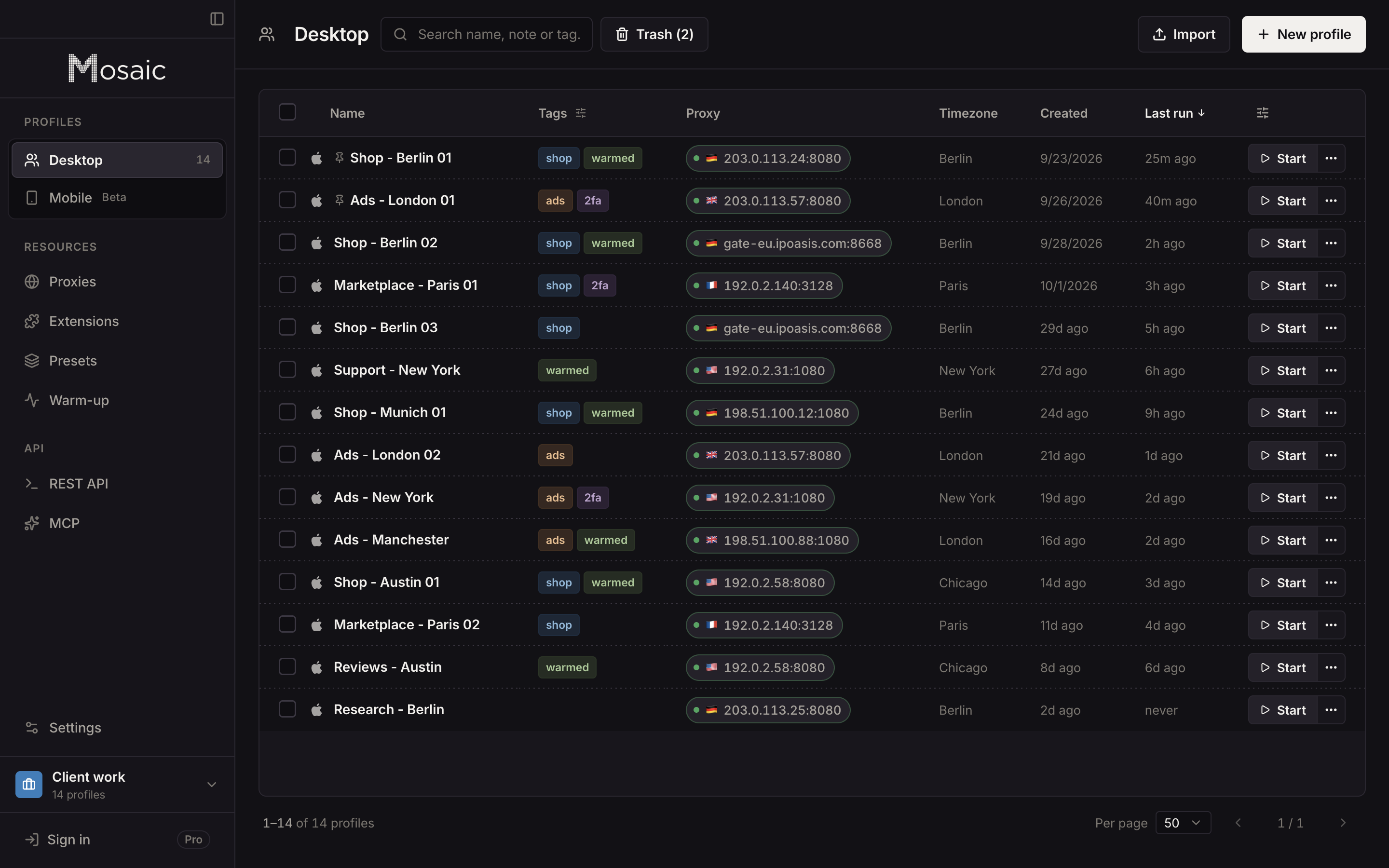
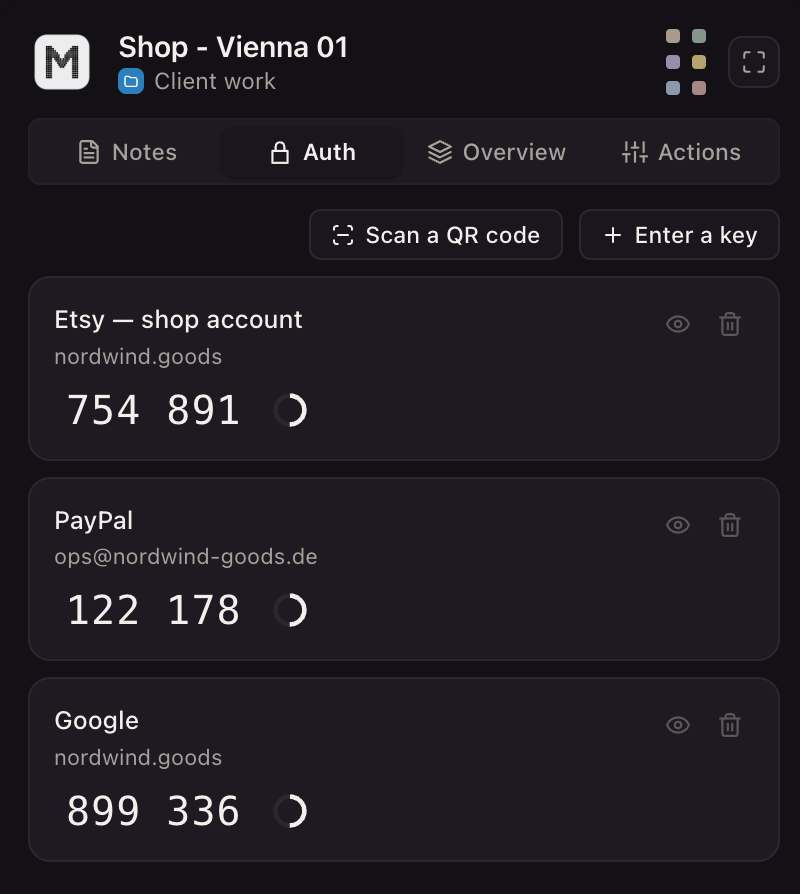
The working set-up for client logins, with each client's two-factor codes beside them, is in Mosaic for social media managers.
Sources
- LinkedIn User Agreement (effective 3 November 2025), read November 2, 2026
- LinkedIn Professional Community Policies, read November 2, 2026
- LinkedIn Help: Differences between a LinkedIn profile and a LinkedIn Page, read November 2, 2026
- LinkedIn Help: Create a LinkedIn Page, read November 2, 2026
- LinkedIn Help: Merge or close duplicate accounts, read November 2, 2026
- LinkedIn Help: Understand admin access for LinkedIn Pages, read November 2, 2026
- Sales Navigator Help: Considerations for connecting your Sales Navigator account with your LinkedIn account, read November 2, 2026