We make Mosaic. We tried to be fair; corrections to hello@mosaicbrowser.com.
We build Mosaic on a Mac, and the first question we had to settle was not which Mac app is fastest but what a Mac can honestly claim to be. A page that asks for your fonts gets an answer from the fonts installed on the machine, drawn by the machine's own text renderer. Those come from macOS whatever a browser says about itself, so the best anti-detect browser for Mac, in our view, is one that runs natively and lets the Mac be a Mac.
The best anti-detect browser for Mac starts with a Mac app
Read on each vendor's own pages on 2 November 2026.
| macOS app | Apple silicon named | Other platforms | Free plan | |
|---|---|---|---|---|
| Mosaic | Yes | Yes; the engine we publish is Apple silicon | Windows app; no Windows engine yet | 3 profiles, 10 creations |
| GoLogin | Yes | Mac Apple chip and Mac Intel downloads | Windows, Linux | 3 profiles |
| Octo Browser | Yes | macOS M-series listed | Windows, Linux | See vendor |
| Linken Sphere | Yes | macOS ARM and macOS Intel | Windows; no Linux | 5 sessions |
| Dolphin{anty} | Yes | See vendor | Windows, Linux | Up to 3 profiles |
| Undetectable.io | Yes | See vendor | Windows | 5 cloud profiles |
| Donut Browser | Yes | See vendor | Windows, Linux | Unlimited local profiles |
VMLogin is the one well-known product whose pricing page offered only a Windows download when we read it, so it is out for Mac users.
The fingerprint is changed inside the engine, not painted on topIn Mosaic: Its own Chromium. Tesseract Chrome: values changed in C++, not JavaScript. Free holds 3 profiles. Pro is $49 a month for any number.
Mosaic is a desktop app
Email yourself the link and open it on your computer.
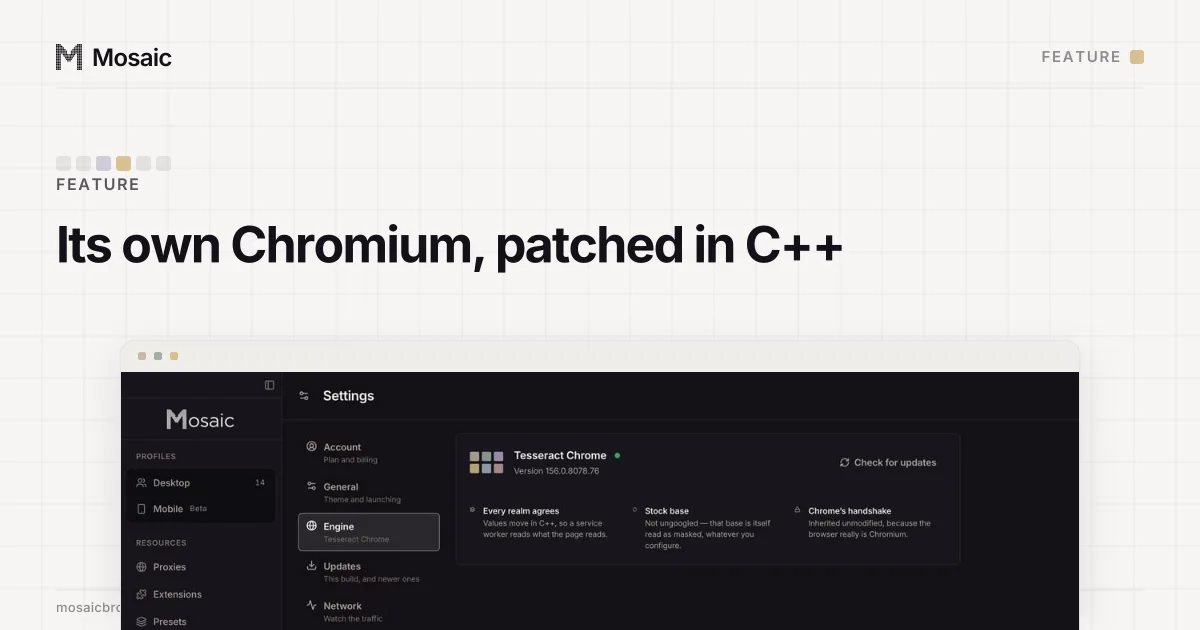
How it works: Its own Chromium
The question that matters more than the download
Most anti-detect browsers let a Mac make profiles that claim Windows or Linux. Donut Browser, for example, lists "fingerprints for other systems" as a feature of its Pro plan. We built that too, measured it on our own engine, took it out, and since 3 November 2026 allow it again with a caution.
Our notes from September 2026 hold two sets of runs on a Mac, one fresh profile per row. On Pixelscan, with no proxy, the honest macOS profile read consistent with no masking, twice. Claiming Linux, it read inconsistent, masking detected, with 1 font detected against 159 for the macOS profile. Claiming Windows, the scan never finished: three profiles were still on "scanning…" after 90 seconds. On IPHey, same engine, same exit, macOS scored 100/100 Trustworthy and Windows 80/100 Unreliable. The engine could change what the browser reported. It could not change the fonts on the disk or how macOS draws them, and a site measures both.
So in Mosaic a Mac can make macOS, Windows, Linux and Android profiles, and a Windows or Linux one carries a caution in the editor: "We can't promise this matches as well as macOS; fonts and rasterisation come from this computer." The generator draws a Windows profile coherently for Windows, with a Windows GPU, screen and thread count, so the profile agrees with itself. What it cannot reach is the fonts. If Windows profiles are most of your work, the strongest answer is still a Windows machine.
What we look for in a Mac anti-detect browser
- A native Apple silicon build, not an Intel app under Rosetta.
- macOS profiles drawn from real Mac hardware: a GPU name, a screen size and a core count that some real Mac shipped with together.
- Fingerprint values changed inside the browser engine, so frames and workers agree with the page.
- Mac behaviour that does not give the game away to you, the person at the desk: a sane Dock, no surprise prompts, downloads that do not pile up in
~/Downloads. - Honest install instructions.
How Mosaic does on a Mac
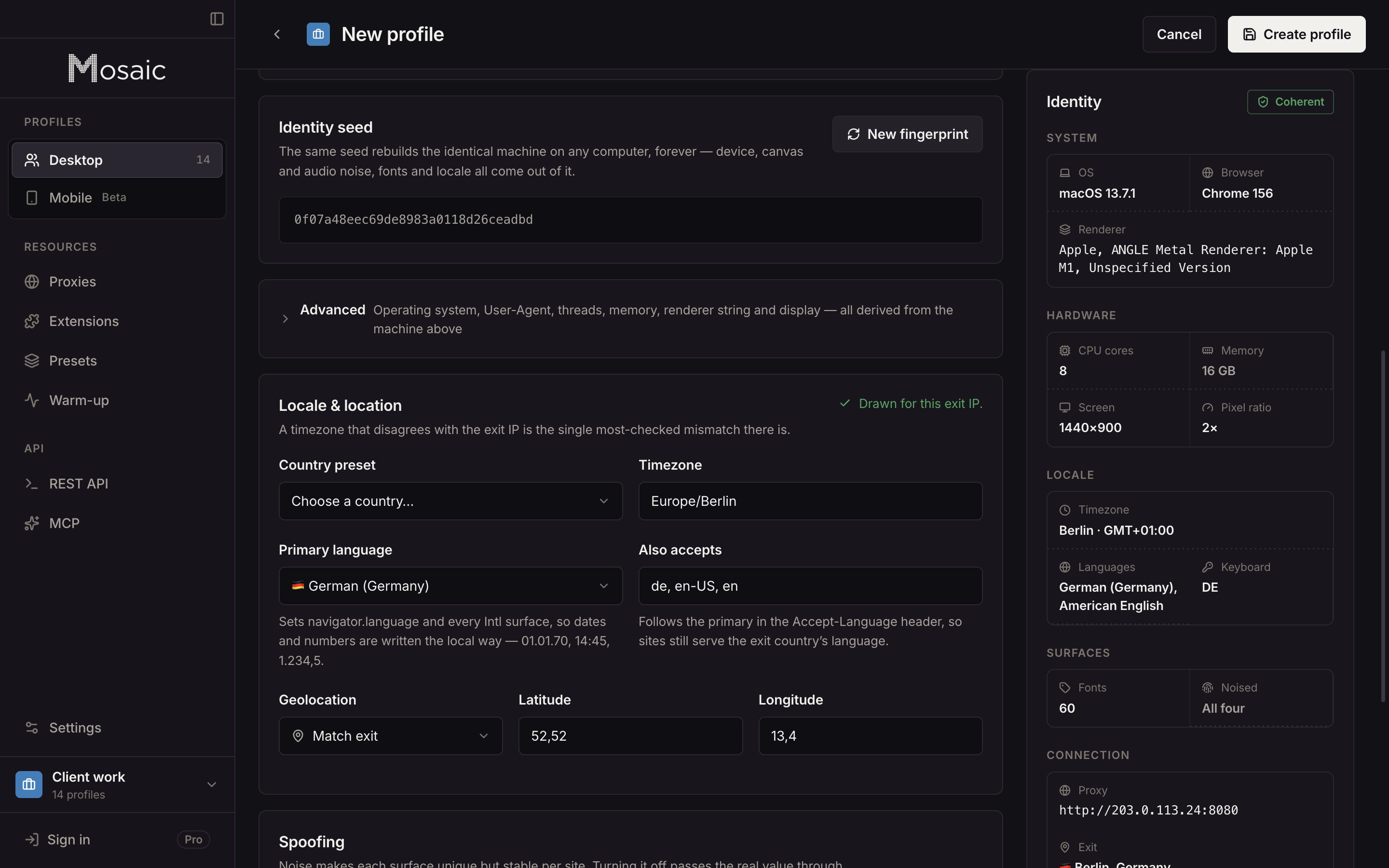
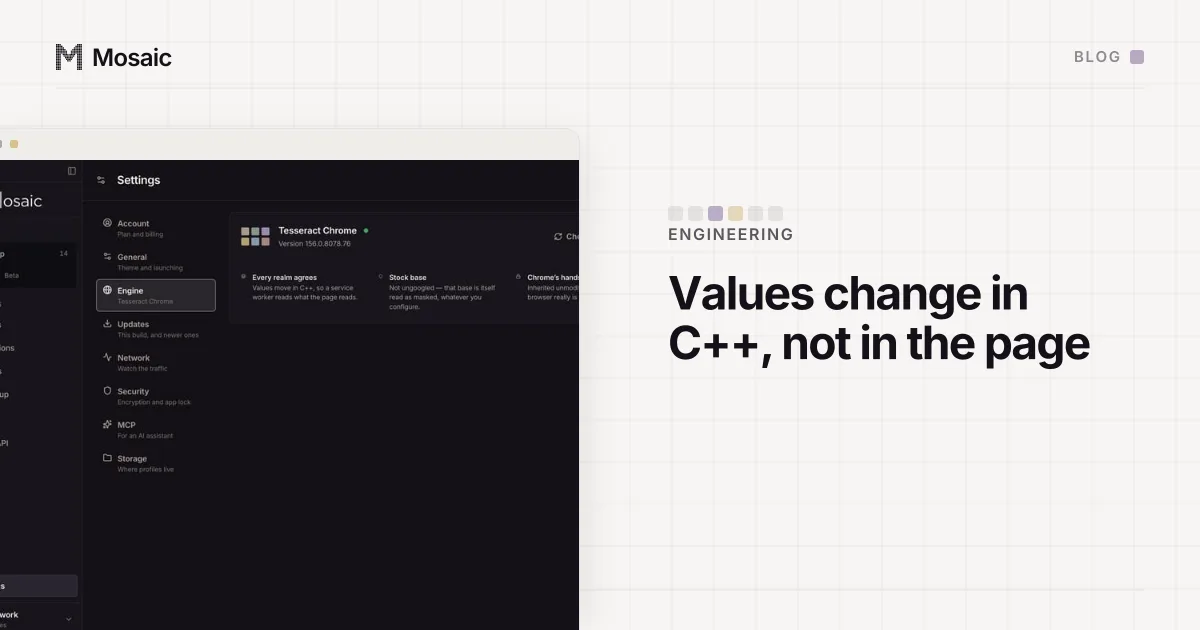
Mosaic runs its own Chromium, Tesseract Chrome, built from stock Chromium source with a series of 64 patches. Fingerprint values move in C++ inside the engine, so the page, its iframes and its workers read one machine; nothing is spoofed with injected JavaScript. The engine also restores what an unbranded Chromium lacks and Google Chrome has, such as the 19 Google network speech voices: 199 voices on branded Chrome against 180 on a plain build, which one call to speechSynthesis.getVoices() reads. The story of that and the other gaps is in why we built our own Chromium.
macOS profiles are drawn from 51 records of real Macs in our device catalogue, whole machines rather than random fields (real fingerprints explains the draw). The timezone, language and location follow the proxy's measured exit.
The Mac details we fixed along the way:
- Profile windows open under a small pool of launcher bundles, one per window slot, each wearing the Mosaic mark. macOS greets every new bundle identifier once with a notifications banner, so minting one per slot rather than per profile is the difference between a handful of banners and hundreds.
- Each profile's downloads go into its own folder inside the data directory, kept out of Spotlight and deleted with the profile.
- A profile can sit on the desktop as a shortcut and opens in one click.
- With app lock on, the store and cookie jars decrypt only with your password.
Two notes on installing. Since 2 November 2026 the Mac build is signed with a Developer ID and notarised by Apple, so the DMG opens like any other app, with no Terminal step. And the engine build we have published and measured is for Apple silicon, so if you are on an Intel Mac, ask us first.
What Mosaic does not do: iOS profiles, team seats or a cloud copy of profiles. Windows and Linux profiles on a Mac exist, and match less well than macOS ones.
Pricing
On 2 November 2026: Mosaic Free is 3 profiles and 10 profile creations; Pro is $49 a month, one plan, everything unlimited, with a 14-day free trial, and a free account downloads the browser. GoLogin Professional starts at $9 a month for 10 profiles. Octo Browser Lite is €10 for 3. Dolphin{anty} Starter is $10 for 20. Linken Sphere Pure is $24 for 30 sessions. Undetectable.io Base is $34. Donut Browser Free is $0, with Solo at $29.
Which to pick on a Mac
- You need Windows profiles: use a Windows PC, whichever product you choose.
- A team on a mix of Macs and PCs: GoLogin or Octo Browser.
- Sessions priced in bundles, with cloud sync from the first paid plan: Linken Sphere.
- Free and open source: Donut Browser.
- One person on an Apple silicon Mac who wants profiles the machine can back, at a flat price: Mosaic.
For the general field, not just the Mac, see the best anti-detect browsers; the plans are on the pricing page.
Sources
- GoLogin pricing and downloads, read November 2, 2026
- Octo Browser pricing, read November 2, 2026
- Dolphin{anty} pricing, read November 2, 2026
- Linken Sphere pricing, read November 2, 2026
- Undetectable.io pricing, read November 2, 2026
- Donut Browser home page, read November 2, 2026
- VMLogin pricing, read November 2, 2026