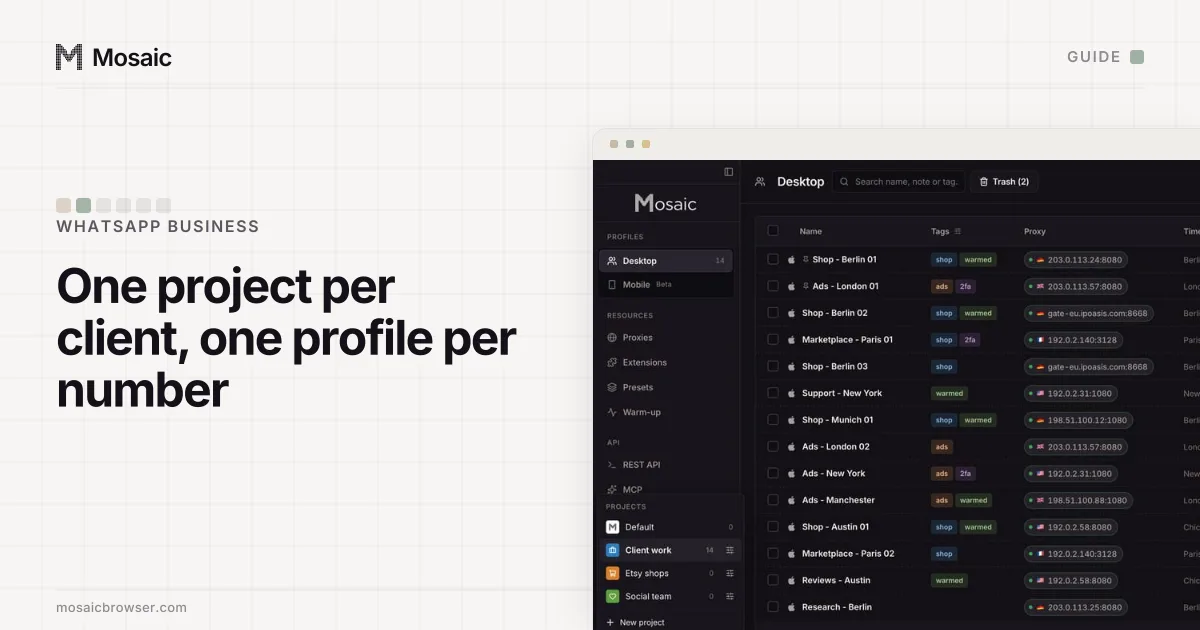
The unit of WhatsApp Business is a phone number. Every account you manage is one number, verified once, and everything else (who answers it, from which screen, through which tool) hangs off that number. So how to manage multiple WhatsApp Business accounts comes down to two choices: which of WhatsApp's two business products each number lives in, and where on your own computer each one is opened.
WhatsApp lets a business run several numbers, and its Terms of Service (read 2 November 2026) forbid "bulk messaging, auto-messaging, auto-dialing, and the like" and accounts created through unauthorized or automated means. A Business app account that breaks the WhatsApp Business Messaging Policy or the Meta Commerce Policy can be banned and loses its Meta Verified subscription (account bans on the Business app, read 2 November 2026). Mosaic keeps accounts you are entitled to run apart; it does not change what a platform allows.
The two WhatsApp Business products
WhatsApp's own summary splits them by size. The WhatsApp Business app is for a small business talking to customers "from a single device", free to download. The WhatsApp Business Platform is for "medium to large" businesses with "high volumes of conversations", reached directly through Meta or through a Business Solution Provider.
| WhatsApp Business app | WhatsApp Business Platform | |
|---|---|---|
| One account is | one number on one phone | one number in a WhatsApp account, in a business portfolio |
| Where you answer | the phone and up to 4 linked devices | Meta's tools or a provider's inbox, through the API |
| More people on one number | multi-agent: up to 10 devices, chats assigned to agents (subscription) | set by the tool you answer in |
| More numbers | another phone, or another SIM in a different app | 2 numbers per portfolio at first, up to 20 |
| Paying | free app; multi-agent comes with Meta Verified or Meta One | paid messages, billed to a payment method on the Messaging account |
Facts in the table are from WhatsApp's help pages and Meta's developer documentation, read 2 November 2026. We have left Meta's message prices out; Meta publishes them itself.
Each profile keeps its own passwords and its own 2FA codesIn Mosaic: Logins and 2FA codes. A password vault and TOTP codes for each profile. Free holds 3 profiles. Pro is $49 a month for any number.
Mosaic is a desktop app
Email yourself the link and open it on your computer.
How it works: Logins and 2FA codes
A handful of numbers: the WhatsApp Business app
For a shop with two or three numbers (a sales line and a support line, say, or one per brand), the Business app is usually enough.
Each number needs its own phone, or its own SIM in a phone where the other SIM runs a different app. Account switching, the feature that puts two WhatsApp accounts on one phone, "isn't currently available on the WhatsApp Business app", according to WhatsApp's switching page. A dual-SIM phone can still carry one number in WhatsApp Business and another in ordinary WhatsApp.
On the computer side, each number links to up to four devices: WhatsApp Web, the desktop app, a tablet. WhatsApp pitches this for "more employees to respond to customer messages from anywhere especially during ad campaigns or promotions". The links drop if the phone goes unused for over 14 days, and any linked device idle for 30 days is disconnected, so the phone in the drawer still has to be opened now and then.
When four seats on one number is not enough, multi-agent raises it to as many as 10 linked devices, lets you name each device after the agent using it, assign chats, and see which agent sent a message. It comes with a Meta Verified or Meta One subscription, and WhatsApp notes the premium version "may not be available to you yet". If the subscription lapses, only the four most recently active devices stay linked.
Many numbers: the Business Platform in Meta Business Suite
Past a few numbers, or when several clients are involved, the Platform is the tool WhatsApp built for it. Meta's account documentation describes the model:
- A WhatsApp account holds a single business phone number.
- A Messaging account holds message templates and billing details.
- Both belong to exactly one business portfolio, managed in Meta Business Suite under Settings › Accounts.
- Numbers can be grouped into a WhatsApp account hierarchy, "letting you manage a collection of phone numbers as a group".
The limits are written down too. New portfolios are "initially capped at two registered business phone numbers", and Meta raises that to 20 when the business becomes verified or reaches a messaging limit of 2,000 (business phone numbers, read 2 November 2026). Every registered number needs a two-step verification PIN.
For an agency, the client keeps ownership. Meta's documentation says a client can share a WhatsApp account with up to five Solution Partners and a Messaging account with up to two, from the account's Details panel with Assign partner. That is the sanctioned way for an outside company to work on a client's numbers: the numbers stay in the client's portfolio, and you are given access to them.
How to manage multiple WhatsApp Business accounts on one computer
Whichever product a number lives in, someone opens it on a computer: WhatsApp Web for a Business app number, Meta Business Suite or a provider's dashboard for a Platform number. On one ordinary browser those sessions pile up. WhatsApp Web shows one account per browser storage, so a second number in the same browser replaces the first, and three clients' Business Suite logins in one browser means switching portfolios on one Meta login all day.
The free fix is a browser profile per number or per client. How far that goes, and where it stops, is in two WhatsApp accounts on one computer.
How agencies run this in Mosaic
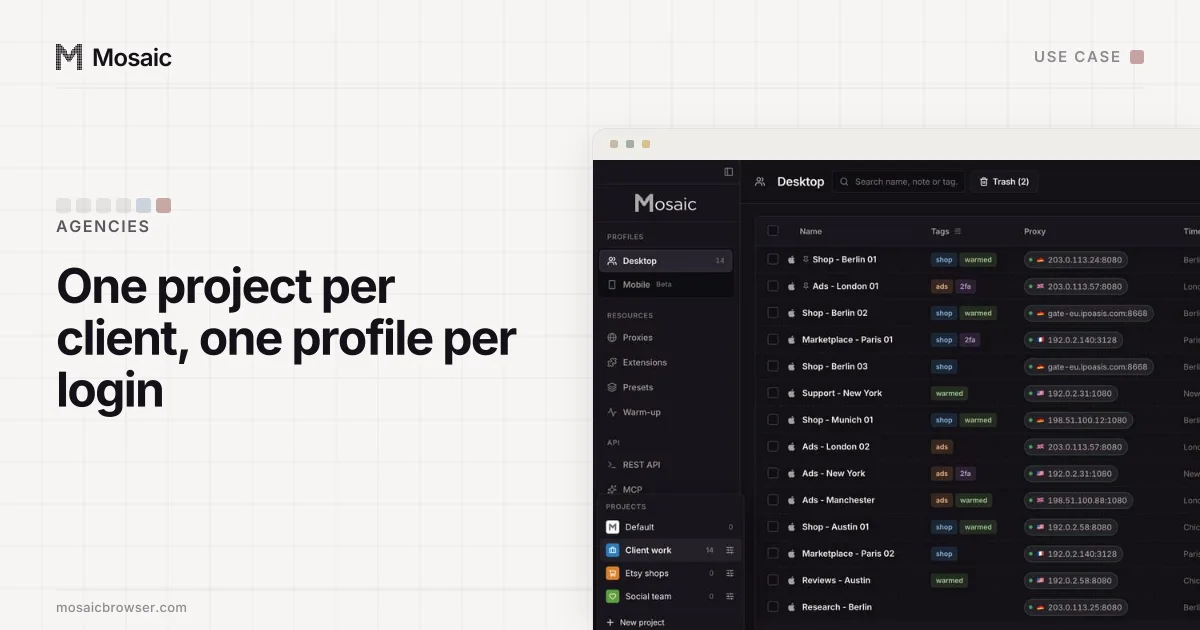
In Mosaic we would set it up the way the accounts are owned: one project per client, one profile per number.
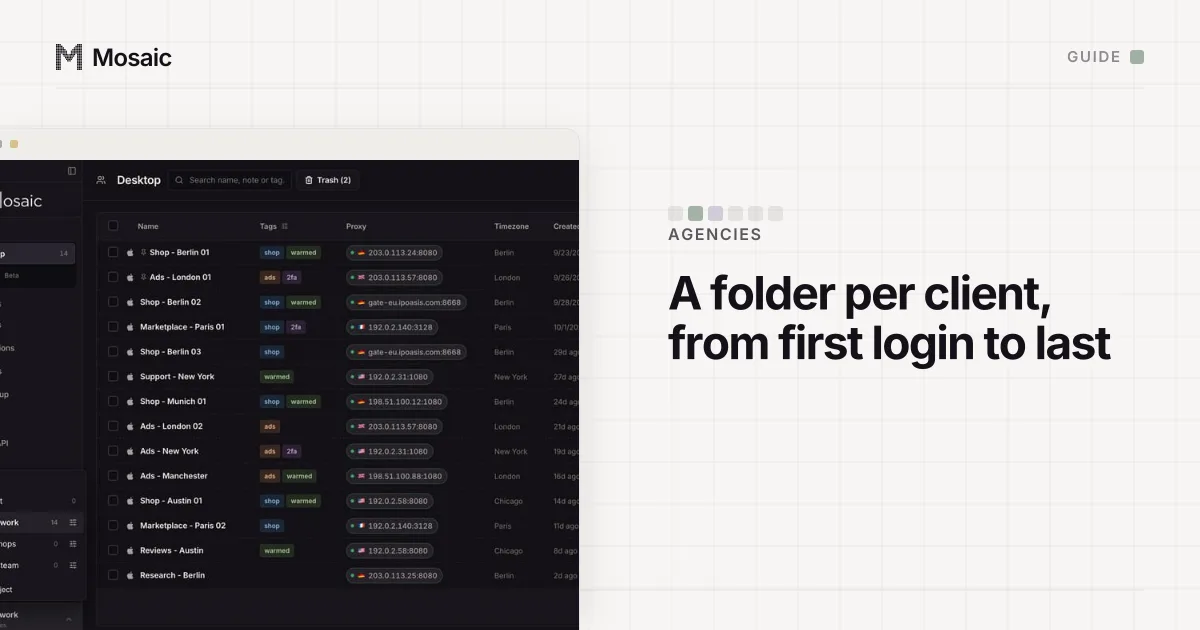
- Create a project for each client. A project is a folder of profiles with its own colour and icon.
- In it, create one profile per WhatsApp Business number, named after the line ("Bakery - orders", "Bakery - support").
- On each profile's General tab, set Start pages to
https://web.whatsapp.comfor an app number, or to Meta Business Suite for a Platform number. - Start the profile and link it from the phone that holds the number. For a Platform number, sign in with the person's own Meta login that the client added to the portfolio.
- Write down which phone, which SIM and who owns the number in the profile's Notes tab, so the next person does not have to ask.
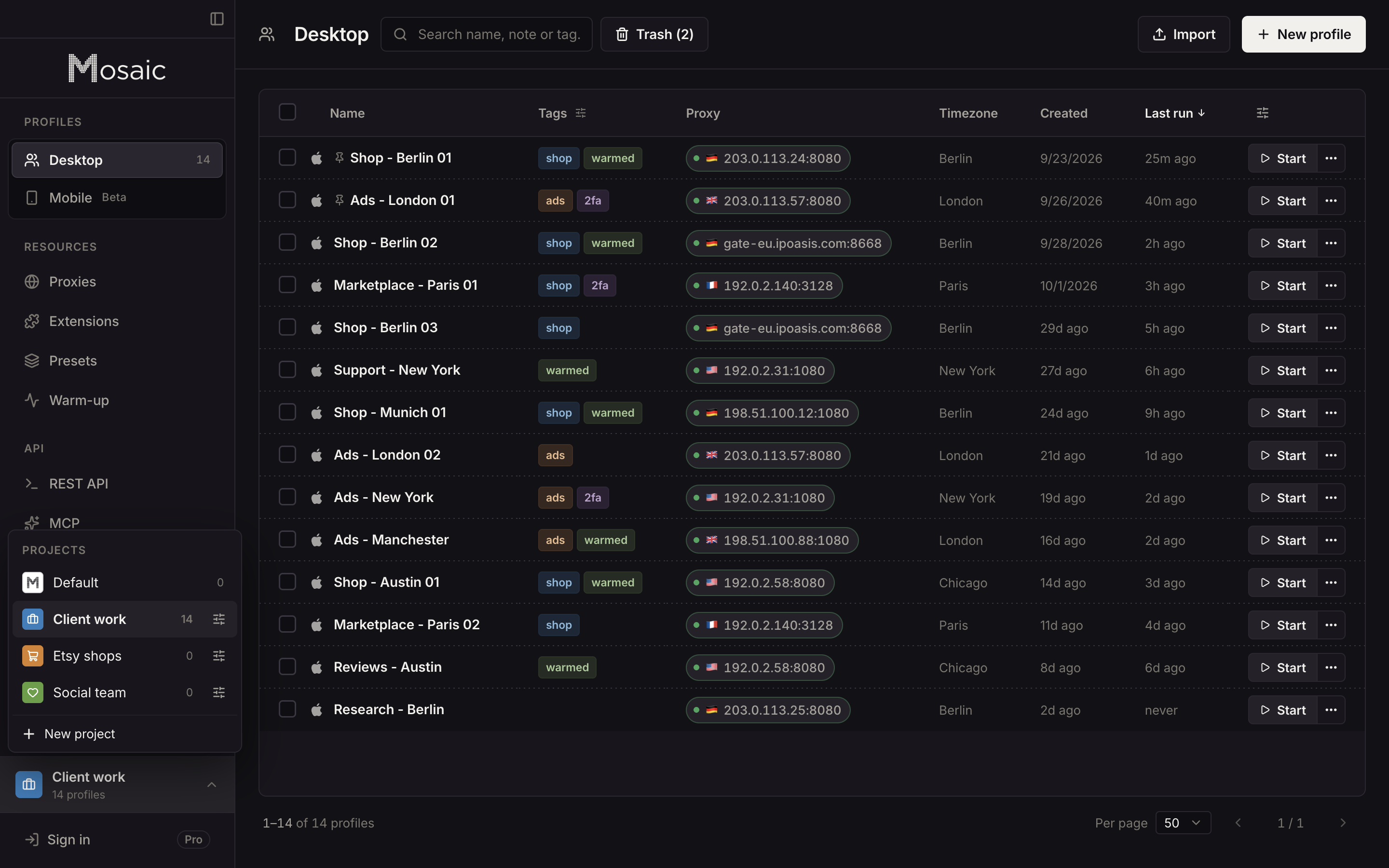
Each profile has its own cookies and storage and its own fingerprint. If a client's number should be answered from the client's country, the profile can have a proxy there, and its timezone and language follow that exit. A profile with no proxy matches your computer's own location, which is right for most local businesses.
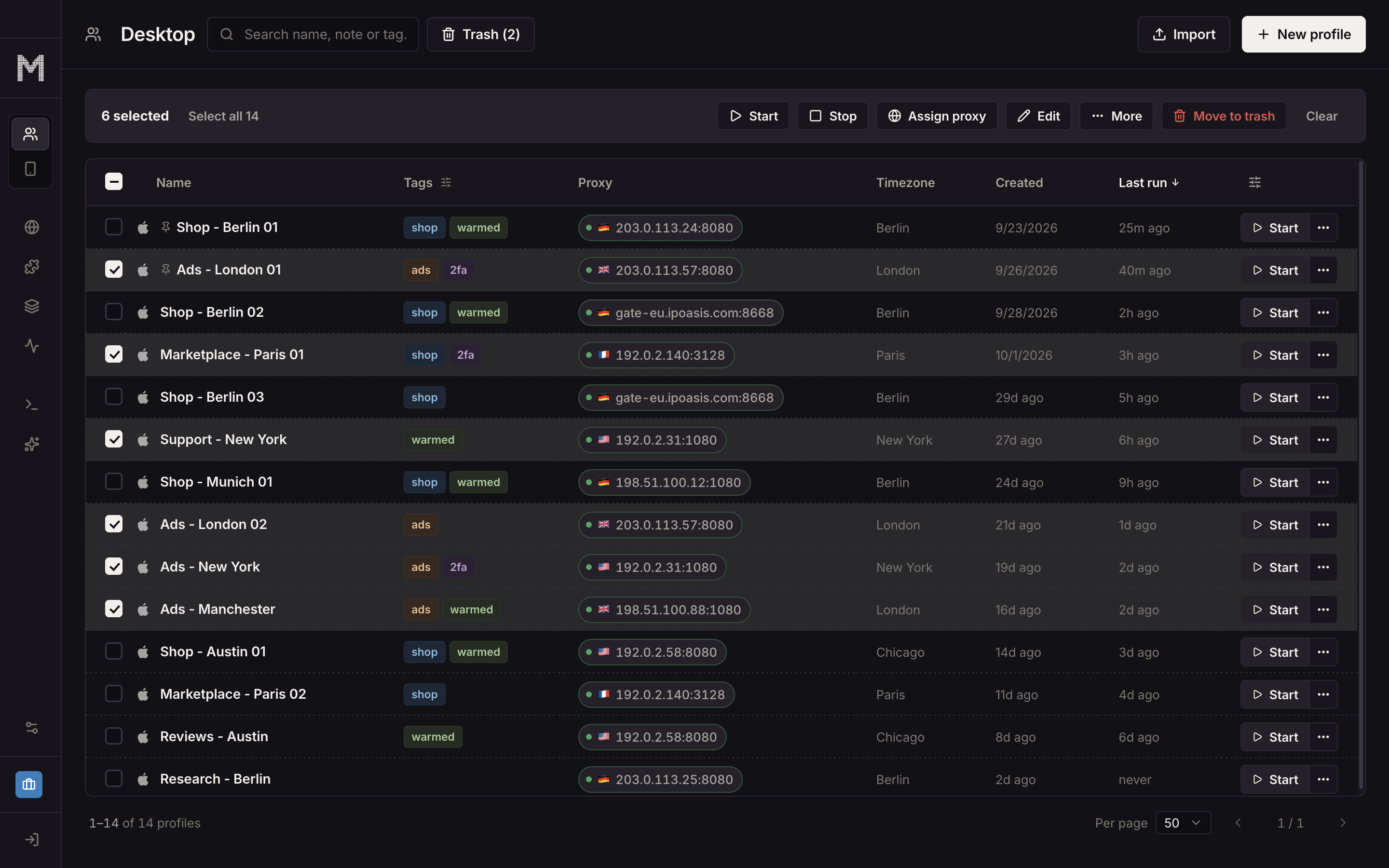
What Mosaic does not do is message customers for you. Bulk and automated sending through WhatsApp Web is what WhatsApp's terms forbid; volume belongs on the Business Platform, with its message templates. The setup for agencies, from client projects to logins, is on the agencies page, and sellers running several shops will find their version on the e-commerce page.
Sources
- WhatsApp Help Center: About WhatsApp Business products, read November 2, 2026
- WhatsApp Help Center: About linked devices on the WhatsApp Business app, read November 2, 2026
- WhatsApp Help Center: About multi-agent, read November 2, 2026
- WhatsApp Help Center: How to switch accounts on WhatsApp, read November 2, 2026
- Meta for Developers: WhatsApp accounts and Messaging accounts, read November 2, 2026
- Meta for Developers: Business phone numbers, read November 2, 2026
- WhatsApp Help Center: About account bans on the WhatsApp Business app, read November 2, 2026
- WhatsApp Terms of Service, read November 2, 2026