Sellers end up with more than one account for ordinary reasons: a second brand run as its own company, a store per marketplace, a store per region. Each of those accounts has its own logins, two-factor codes, invoices and support history, and mixing them in one browser is how a seller ends up answering a buyer from the wrong store.
What the marketplace allows comes first
Amazon's Seller Code of Conduct tells sellers not to "operate more than one selling account on Amazon without a legitimate business need" (Amazon Seller Central, read 2 November 2026). Amazon's own forum guidance gives examples, like separate brands run as separate businesses, and says that if one account breaks the rules, related accounts can be affected. Other marketplaces have their own rules, and each one decides how many stores you may run.
Mosaic keeps accounts you are entitled to run apart; it does not change what a marketplace allows. If a marketplace allows one account per seller, Mosaic is the wrong tool for a second.
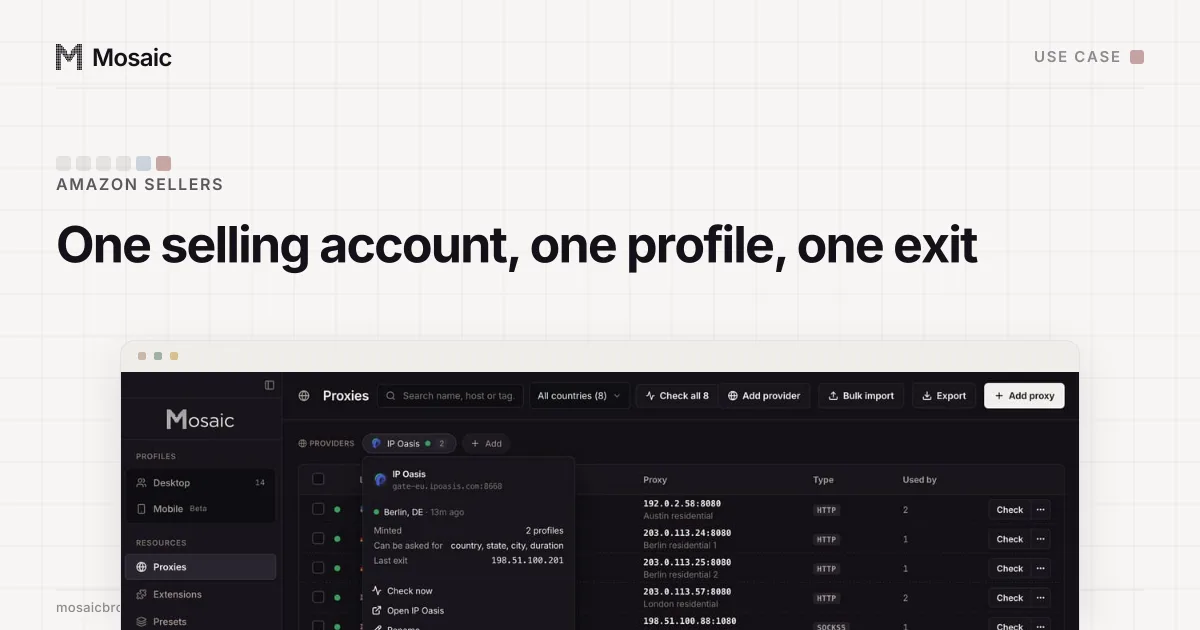
Paste one gateway line. Every profile mints its own exitIn Mosaic: Provider minting. One gateway line, a separate exit for every profile. Free holds 3 profiles. Pro is $49 a month for any number.
Mosaic is a desktop app
Email yourself the link and open it on your computer.
How it works: Provider minting
How sellers set it up in Mosaic
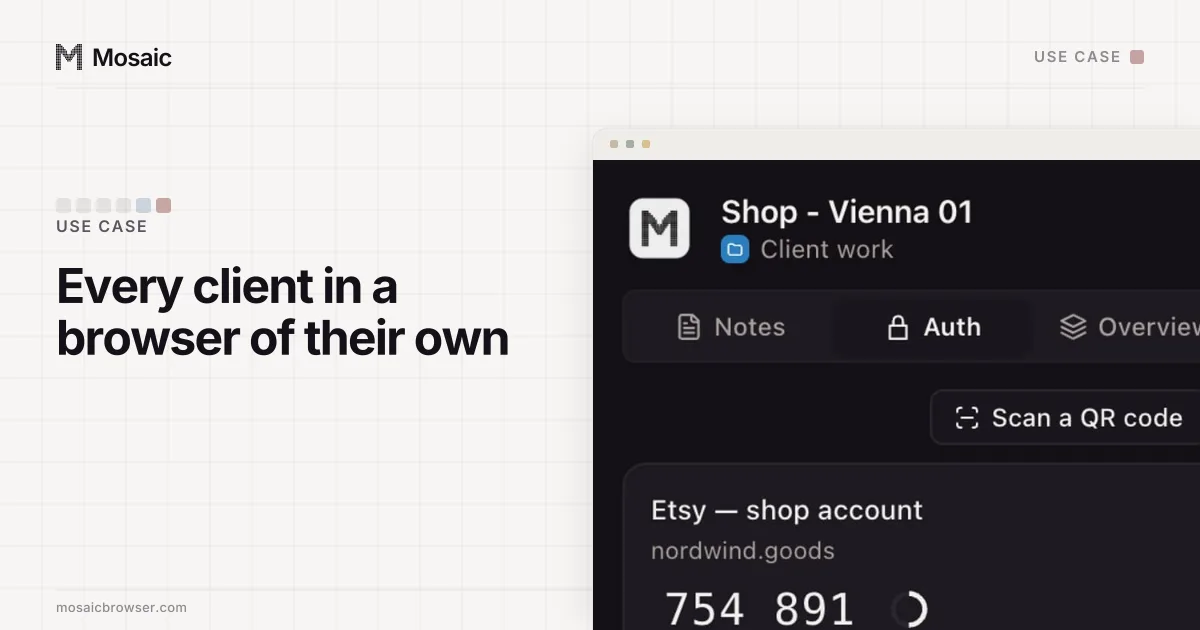
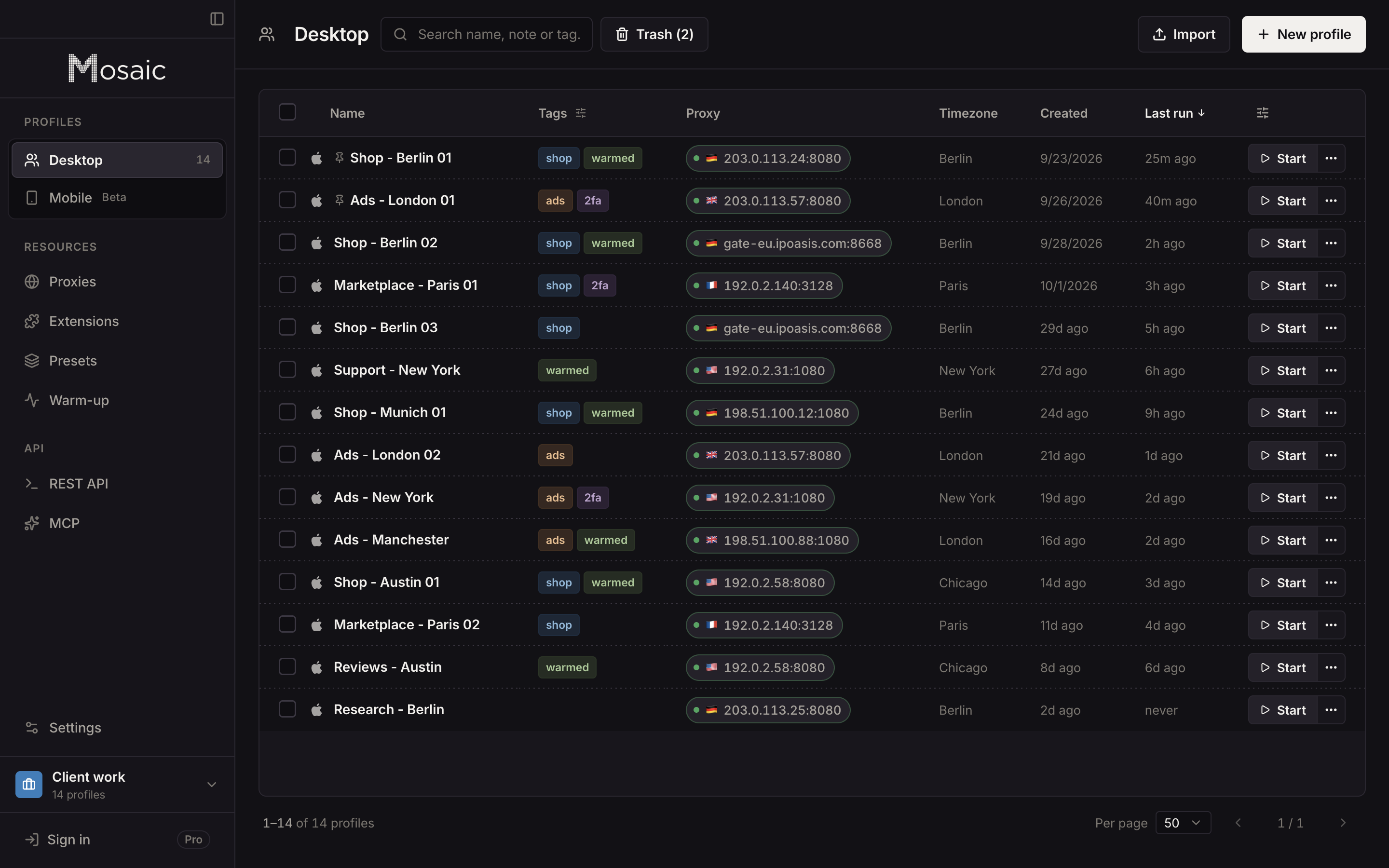
- A project per business. Each company or brand gets its own project, so its profiles, tags and proxies sit together.
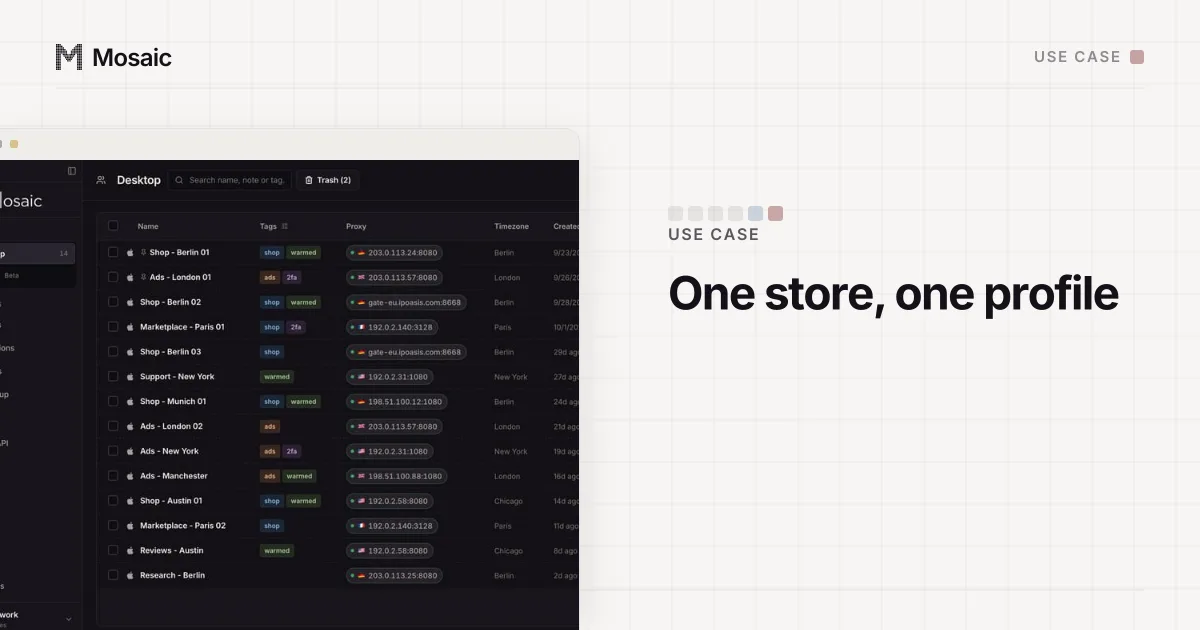
- A profile per store. "Shop - Berlin 03" holds one store's cookies, history and logins and nothing else.
- An exit in the store's country. Add your proxy seller as a provider, pick the country (and city, if the seller supports it), and each profile mints its own session. A store in Germany browses from Germany, and its timezone and language follow the measured exit.
- Check before you sign in. Mosaic checks the proxy before every launch and refuses to open a profile behind one that has not answered. Run the leak test once on each new profile.
- Bring existing sessions in. Import the store's cookies as JSON, Netscape cookies.txt or header form, so an account you already run does not have to log in from scratch.
Day-to-day work
Each profile has a credential vault with two-factor codes, filled into pages with real keystrokes, so the login for one store never gets typed into another store's window. The companion inside each profile's browser shows that store's notes, logins and codes only.
Downloads stay with their store. Invoices, reports and label PDFs save into the profile's own folder, kept out of Spotlight and deleted with the profile, instead of piling up in one Downloads folder.
When you need to do the same thing in many stores, such as opening the same settings page, bulk actions start the profiles together, arrange their windows and open a page in all of them. Typing into many profiles goes out with human timing rather than as an instant paste.
New profiles can be warmed up first. The warm-up robot has a shopping plan that browses everyday sites in the profile's own browser and through its own proxy, so the profile has a history before it meets the marketplace.
What a browser cannot separate
Marketplaces also link accounts by what you register with them: bank accounts, business addresses, tax IDs, phone numbers, the same products listed twice. Mosaic does nothing about those, and nothing in a browser could. Keep the business details of separate businesses separate, because that is what makes them separate businesses.
Managing multiple accounts without getting them linked goes through every layer, browser and account, in order. To choose an exit for a store, read how to check a proxy before you use it. Free covers 3 profiles, and Pro at $49 a month covers every store you run; see pricing.
Sources
- Amazon Seller Central: Seller Code of Conduct, read November 2, 2026
- Amazon Seller Forums: Account health tips for multiple selling accounts, read November 2, 2026