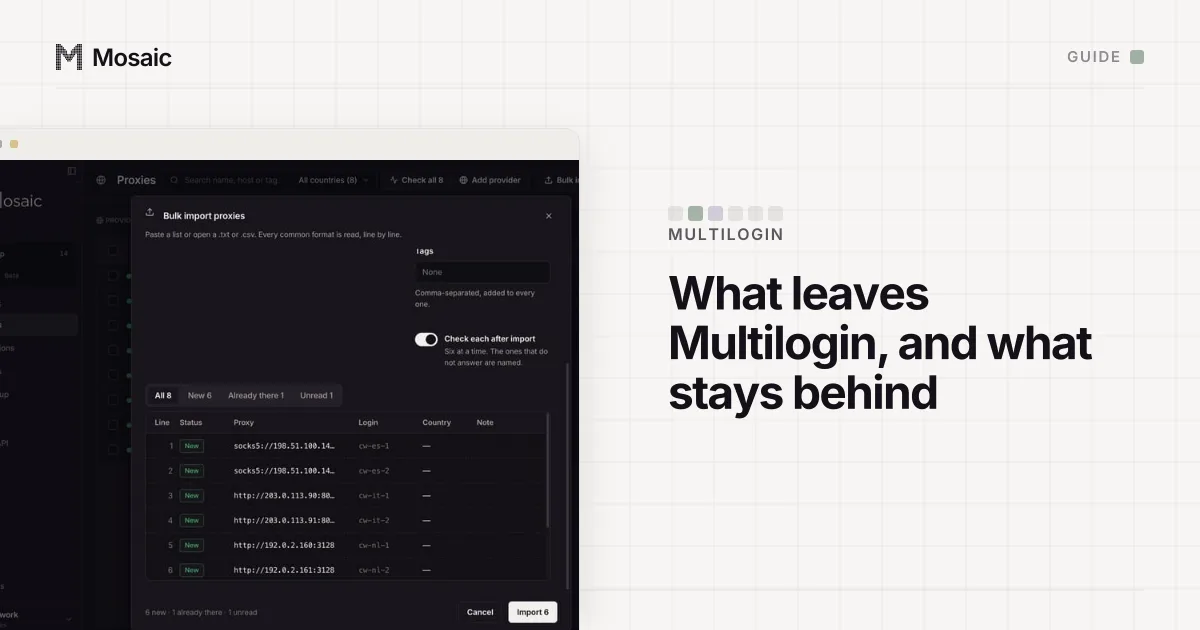
You can export profiles from Multilogin in full, but for Multilogin's eyes only. Its profile export is an encrypted archive that opens in another Multilogin workspace and nowhere else. The cookie export is ordinary JSON, and when you are leaving Multilogin it is the export that matters.
Export profiles from Multilogin
Multilogin's help article on exporting browser profiles (updated 18 September 2026, read 2 November 2026) gives these steps:
- Open the Profiles tab in the top menu.
- Pick Browser from the selector on the left.
- Right-click a profile, or tick several and use the top menu.
- Click Export profile and confirm with Export.
The limits are in the same article. Only the account owner can export, the feature is listed on Pro 50 and higher, and you can export up to 10 profiles at a time. Each profile becomes an encrypted .zip in an mlx/exports folder in your home directory, named after its export ID. Do not rename it, and do not unzip it: Multilogin will refuse a renamed file. The archive carries the fingerprint, its settings, browser data such as cookies, extensions and saved logins, and cached files.
On using the file anywhere else, Multilogin's FAQ answers in one line: exported files "are encrypted and can only be imported back into Multilogin." That makes this export a move between Multilogin workspaces or a backup, which is useful in its own right. Keep your originals until the import on the other side has worked, as Multilogin advises.
Paste one gateway line. Every profile mints its own exitIn Mosaic: Provider minting. One gateway line, a separate exit for every profile. Free holds 3 profiles. Pro is $49 a month for any number.
Mosaic is a desktop app
Email yourself the link and open it on your computer.
How it works: Provider minting
Export cookies from Multilogin as JSON
The cookie export is listed on all plans, for owners, managers and operators:
- Go to Profiles and select Browser.
- Stop any profile you want to export from.
- Tick the profiles, right-click and choose Cookies › Export cookies.
- Click Export.
You get one JSON file per profile. Multilogin's own warning is worth repeating: a cookie file can hold live sign-ins, so keep it somewhere private.
Export profile settings with the Multilogin API
The settings, meaning names, notes and fingerprint options, come out through the Multilogin X API (Postman documentation). POST https://api.multilogin.com/profile/search pages through your profiles, and POST /profile/metas with {"ids": [...]} returns their metadata inside {"status": ..., "data": {"profiles": [...]}}. Each profile there has a name, notes, browser_type, os_type and a parameters object holding the fingerprint, flags and storage settings.
We fed that documented reply to Mosaic's importer on 2 November 2026, and this is the honest part of the page. Saved as it comes, the envelope is read as a file with no profiles in it. With jq '.data.profiles' applied it is read as an unrecognised format, and only the names and notes come across. Mosaic's Multilogin signature looks for fields named browserType with navigator or network, and Multilogin X's API spells the browser browser_type and keeps the rest under parameters. That is a gap in our importer, and until it is closed, plan on names and notes only.
Move Multilogin accounts into Mosaic
What carries an account across is its cookies and its proxy. The rest is better drawn fresh for the computer it will run on. GoLogin is the opposite case, where Mosaic reads the API record as it comes (exporting from GoLogin shows the difference).
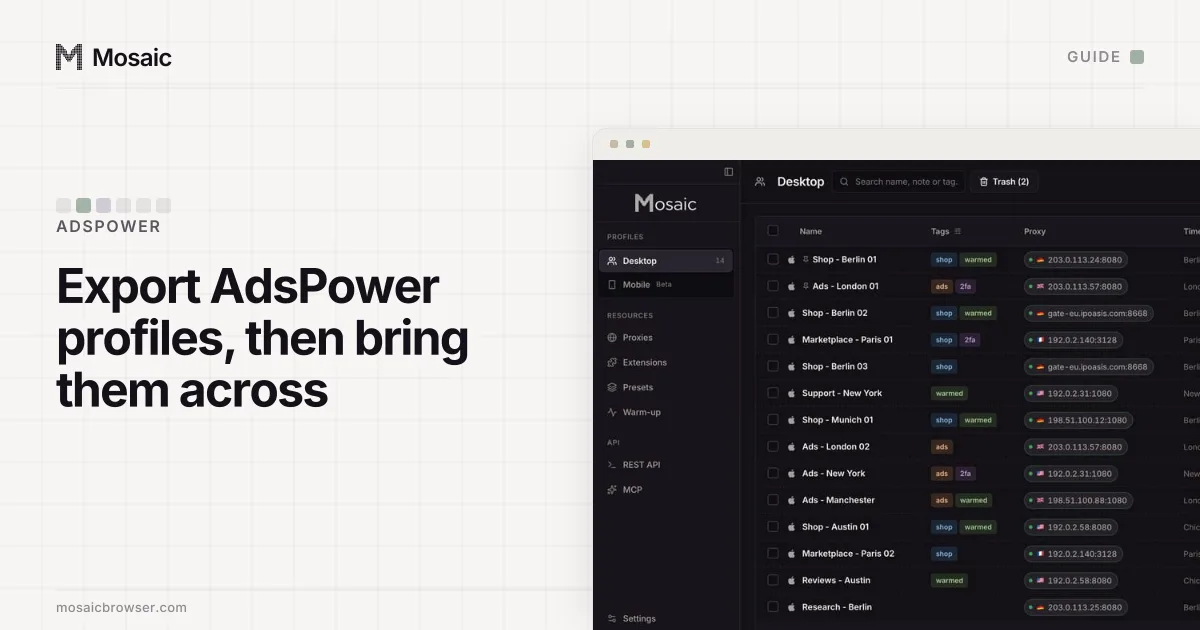
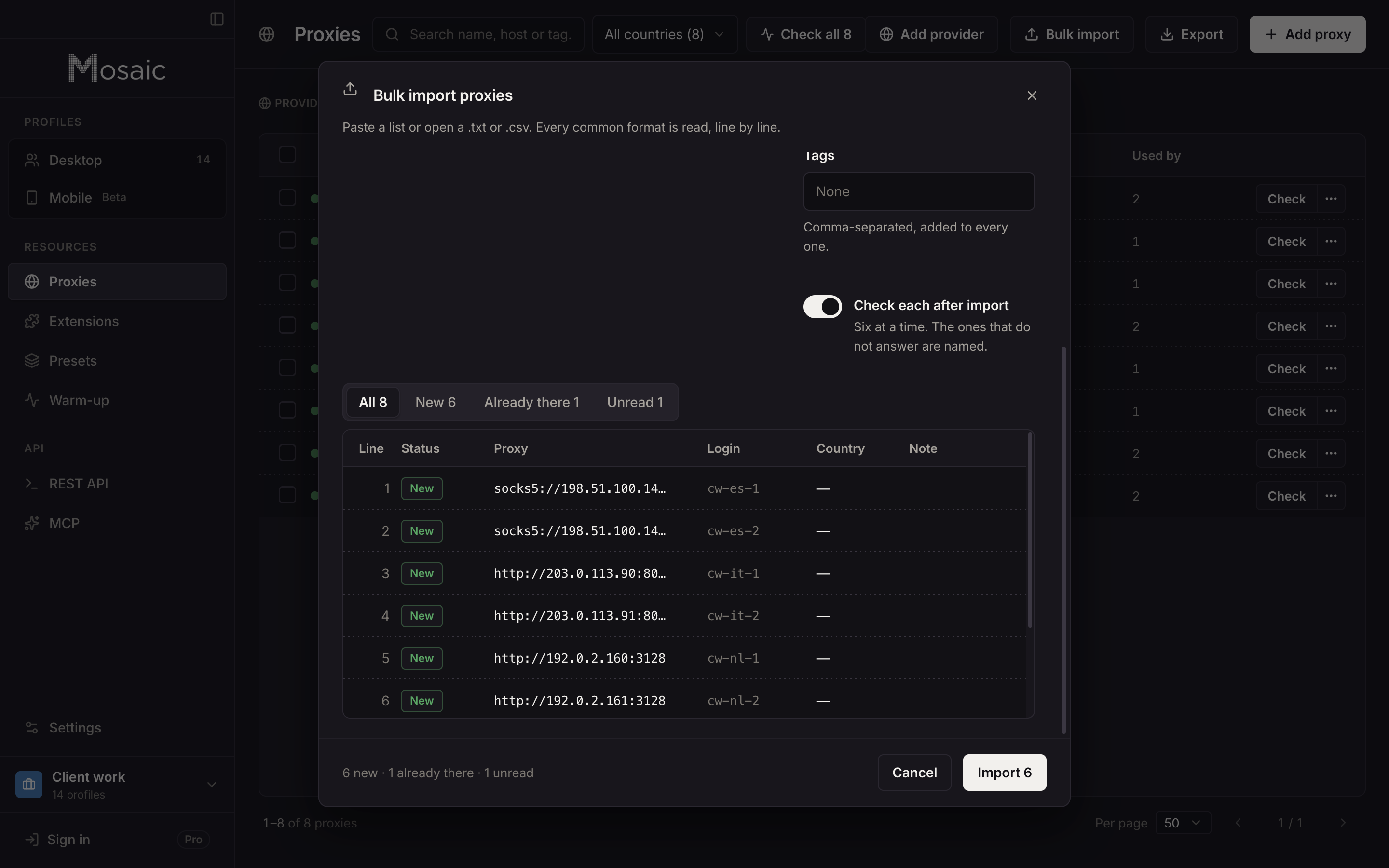
- In Mosaic, put your proxies in first: Proxies › Bulk import reads lists in the common formats, one per line or as a table with a header row. If you buy from a proxy seller, you can paste its gateway line as a provider instead, and every profile mints its own session.
- Make the profiles. Either import the
jq-filtered metas file through Import on the profiles screen, which brings the names and notes, or create them in a batch. - Give each profile its proxy, then open its editor at Cookies, paste the profile's JSON file into Paste an export, press Load cookies and save.
A profile made this way has a fingerprint drawn from real hardware records for the computer it runs on: macOS on a Mac. Multilogin's fingerprint options would not have helped here anyway, since they describe Multilogin's engines, Mimic and Stealthfox, and not the machine Mosaic runs on. Saved passwords stay inside Multilogin's encrypted archive, so re-enter them under Credentials in each profile.
Before you cancel Multilogin, open a handful of moved profiles and check that the sites you care about still know you. If the reason you are leaving is price, Mosaic Pro does not charge per profile; it is on the pricing page.
Sources
- Multilogin Help Center: How to export browser profiles, read November 2, 2026
- Multilogin Help Center: Cookie export, read November 2, 2026
- Multilogin X API documentation (Postman), read November 2, 2026