You can manage multiple Gmail accounts in four ways, and the choice comes down to what the accounts are allowed to share:
- The account switcher: every account in one browser, on one set of cookies.
- A Chrome profile per account: separate cookies, the same computer.
- Check mail from other accounts: up to 5 other inboxes read inside one.
- Delegation: up to 10 people working in one personal account, none of them holding its password.
Holding several accounts is allowed, and Google publishes the steps for signing in to more than one at a time. The Circumvention section of the Gmail Program Policies forbids "creating or using multiple accounts or other methods intended to engage in a behavior that was previously prohibited" (Gmail Program Policies, read 2 November 2026): a second account opened to keep doing what got the first one disabled. Mosaic keeps accounts you are entitled to run apart; it does not change what a platform allows.
Option 1: the account switcher
From Google's page Sign in to multiple accounts at once, read 2 November 2026:
- Sign in to Google on your computer.
- Click your profile picture or initial at the top right.
- Choose Add account and sign in to the second account.
- To move between them, open the same menu and pick the account.
Every account here lives in one browser, under one set of cookies. Google's page is candid about what follows: "if you're signed in to two accounts and you open a new browser window, we aren't sure which account you want to use", and in those cases it "might apply settings from your default account, like its Web & App Activity and Ads Personalization settings". The default account is usually the one you signed in with first.
For a personal address and a newsletter address, that is fine. For a client's inbox next to your own, it means a link from an email can open in the wrong account, and the client's mailbox shares a browser with your personal history.
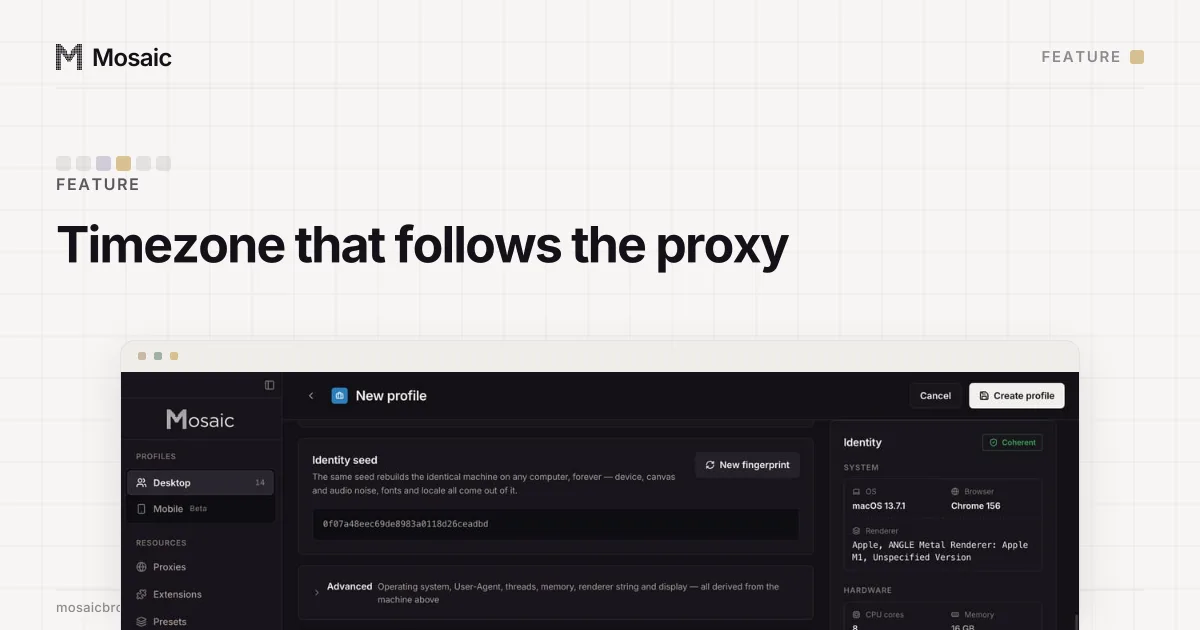
Timezone, language and location come from where the proxy comes outIn Mosaic: Matched to the exit. Timezone, language and location follow the proxy. Free holds 3 profiles. Pro is $49 a month for any number.
Mosaic is a desktop app
Email yourself the link and open it on your computer.
How it works: Matched to the exit
Option 2: one Chrome profile per account
Chrome profiles split bookmarks, history, passwords and cookies. Google lists "keep your different accounts, like work and personal, separate" as one of the reasons to make one (Manage Chrome with multiple profiles, read 2 November 2026). Click the profile icon at the top right, choose Add Chrome profile, and sign in to one Gmail account inside it.
Each window now holds one account, so there is no default account to fall back to. What a Chrome profile cannot split is the computer under it. Gmail in profile 1 and Gmail in profile 2 read the same screen size, graphics card, font list and timezone, and both arrive from your home IP address. For your own personal and work mail on your own laptop, nobody minds. For five clients' inboxes it puts five people's accounts on one machine; each of those signals, and what separates it, is in how to manage multiple accounts without getting linked.
Option 3: read several inboxes in one place
Gmail can pull other inboxes into one, from two different places.
- On the web, Settings › See all settings › Accounts and import has Check mail from other accounts. Google's page says you can add up to 5 email addresses this way, and that it is "making changes to Gmailify and POP support", so check the page before you build on it (Add another email account, read 2 November 2026).
- In the Gmail app on Android, iPhone or iPad, add each account under your profile picture, then open Menu › All inboxes.
Reading in one place is not the same as running each account. You still sign in to every account somewhere, and its security alerts, filters and recovery settings stay with that account.
Option 4: delegation for a shared inbox
If three people need to work in one mailbox, Gmail's tool is delegation: Settings › See all settings › Accounts and Import, then Add another account under "Grant access to your account". It cannot be done from the Gmail app. A delegate reads, sends and deletes mail in your account, and what they send shows their own address. A personal @gmail.com account takes up to 10 delegates, a work or school account up to 1,000, and no delegate can change your password (Delegate & collaborate on email, read 2 November 2026).
Keep each account alive
An account you only open twice a year can disappear. Google may delete a personal Google Account that has not been used for 2 years, and it adds a line for exactly this case: "If you have more than one Google Account set up on your device, you'll want to make sure each account is used within a 2-year period" (Inactive Google Account Policy, read 2 November 2026). Reading or sending an email counts. A note in your calendar to sign in to each account once a year is enough.
How to manage multiple Gmail accounts in Mosaic
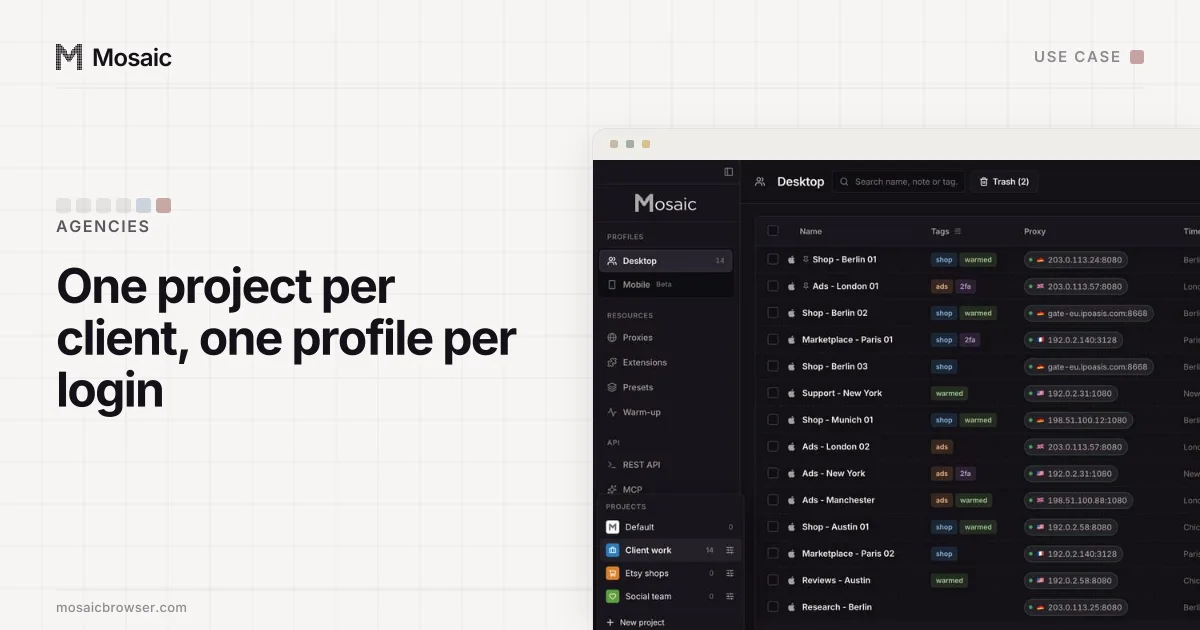
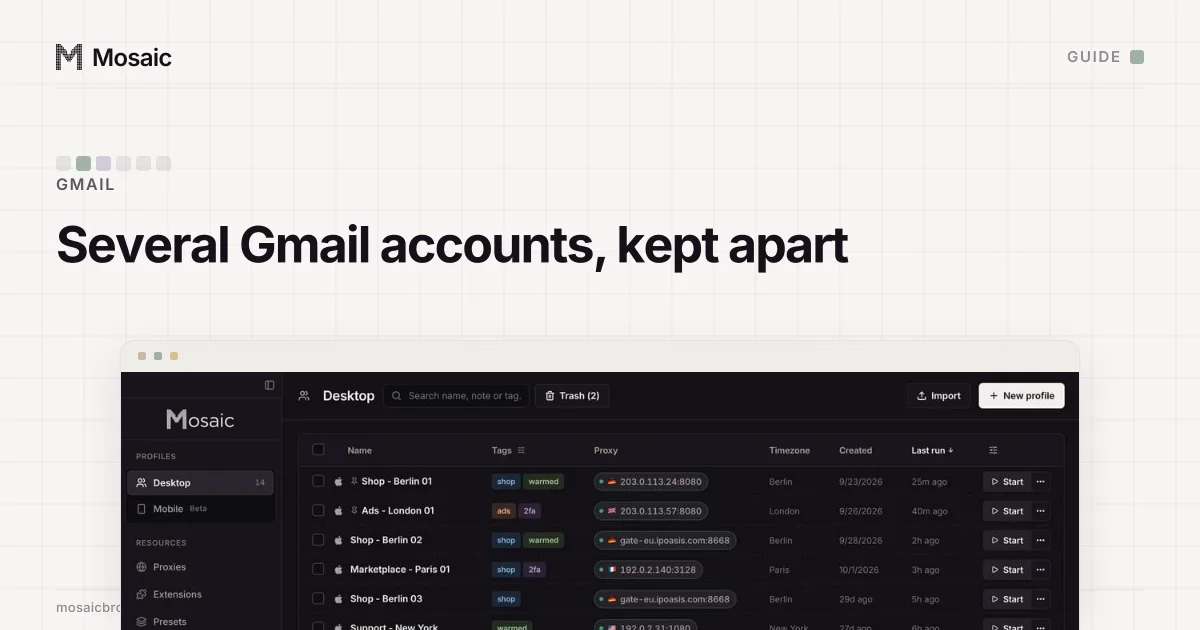
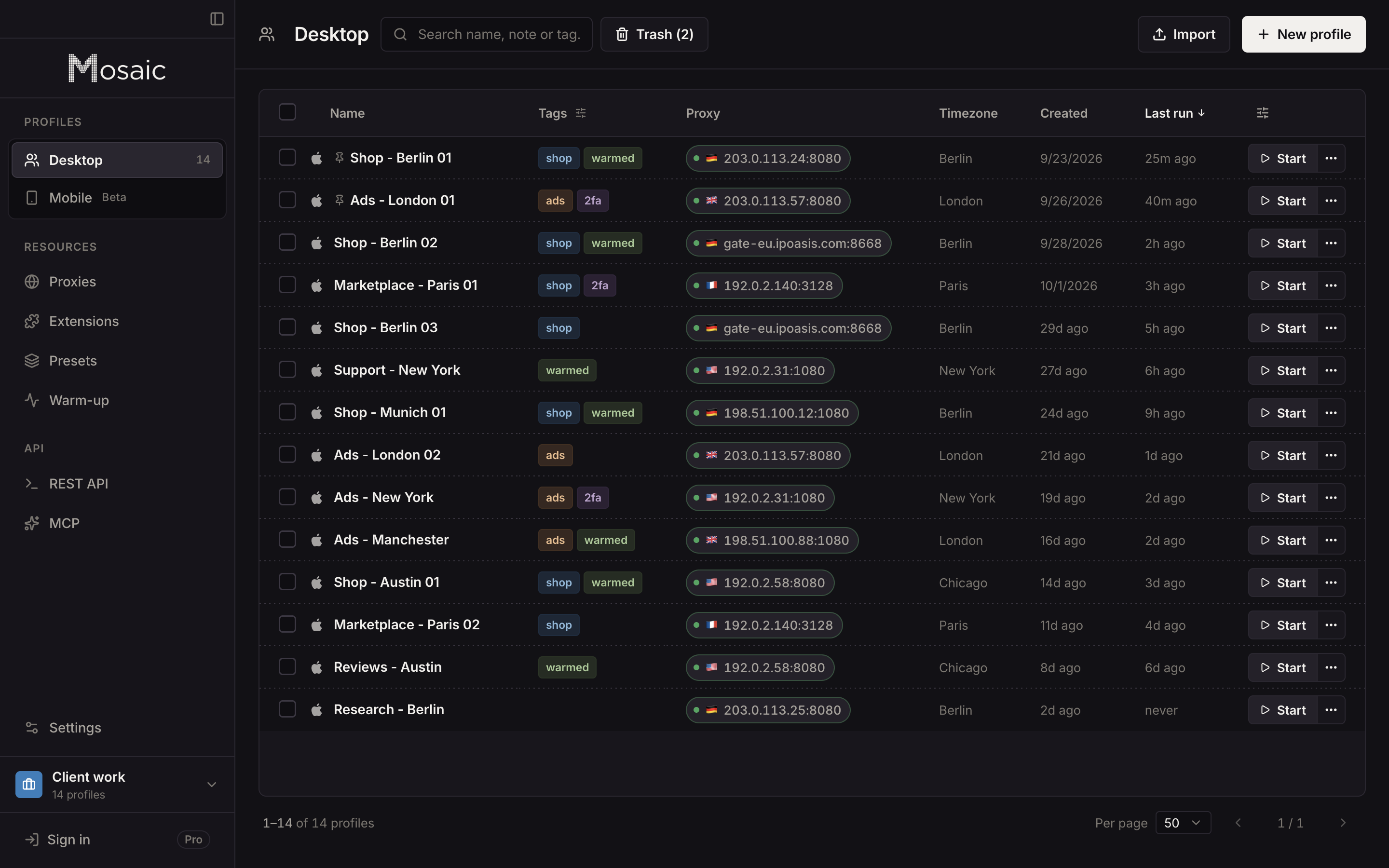
Mosaic covers the case Chrome profiles leave open, where each account belongs to a different client and should not share a computer with the next one. Each Mosaic profile has its own cookie jar, a fingerprint drawn from real hardware (screen, graphics card, fonts) and its own proxy exit, and its timezone and language are set from where that exit is (exit matching).
- Create a project for each client or role with New project, so its profiles sit together.
- Click New profile for each Gmail account. Give it a proxy if the account should browse from a particular place; with no proxy it uses your own connection and location.
- Start the profile and sign in to one Gmail account in it. Do not add a second account in that window, or you are back to Option 1.
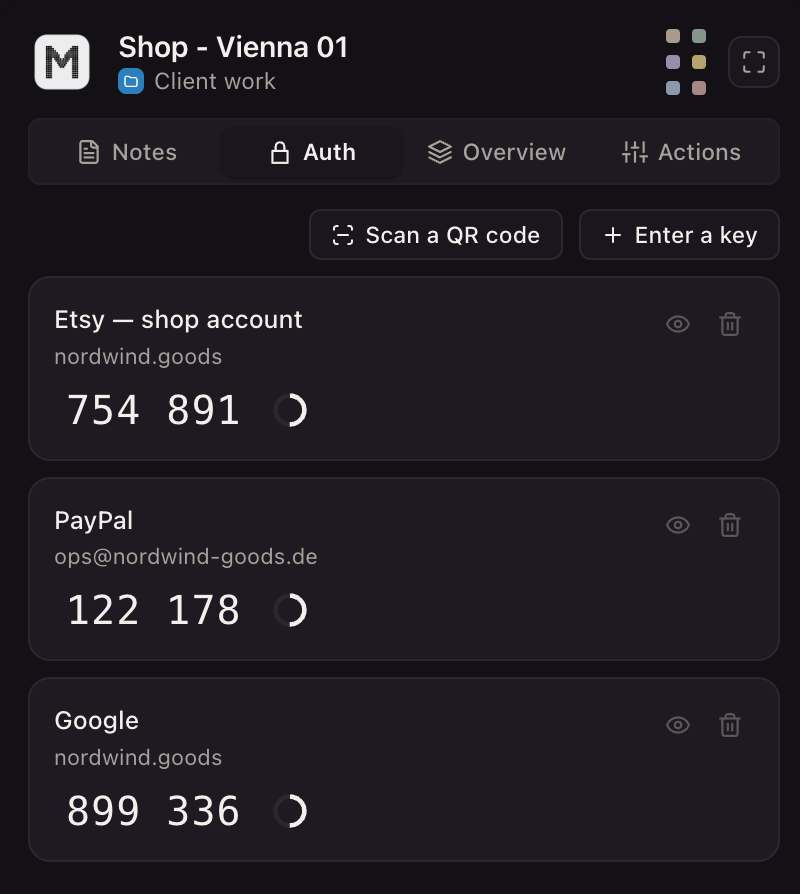
- In the profile editor, open the Logins tab, choose Add login, then Two-factor secret or notes, and paste the account's authenticator key. The companion inside that profile's browser then shows the codes for that account only.
If every account is yours and you just want them tidy, Options 1 and 2 cost nothing and are enough. The step-by-step for the switcher on a computer, a phone and the Gmail app is in how to sign in to multiple Gmail accounts at once. How an agency lays out one project per client is in Mosaic for agencies.
Sources
- Google Account Help: Sign in to multiple accounts at once, read November 2, 2026
- Gmail Help: Gmail Program Policies, read November 2, 2026
- Gmail Help: Add another email account on your computer, read November 2, 2026
- Gmail Help: Delegate & collaborate on email, read November 2, 2026
- Google Chrome Help: Manage Chrome with multiple profiles, read November 2, 2026
- Google Account Help: Inactive Google Account Policy, read November 2, 2026