A social media manager with six brands has six sets of logins, six two-factor devices to ask about, six content calendars and one browser that keeps logging into the wrong account. The platforms help with some of that. Mosaic helps with the part they leave to the browser.
What the platforms allow, and their own tools
Each platform decides how many accounts a person may run and how others may help manage them, and those rules come first.
- LinkedIn: the User Agreement says you "will only have one LinkedIn account, which must be in your real name", and forbids using someone else's account, including by sharing log-in credentials or copying cookies (LinkedIn, read 2 November 2026). Company pages are managed through page admin roles, not through a client's personal login.
- Meta: a business can share its Pages and ad accounts with a partner, such as an agency, through its business portfolio (Meta Business Help Center, read 2 November 2026).
- Instagram: the app itself lets you add several accounts and switch between them (Instagram Help Center, read 2 November 2026).
Mosaic keeps accounts you are entitled to run apart; it does not change what a platform allows. It is not for fake engagement, sockpuppets or getting back onto a platform that has closed an account, and we will not help with those.
Your profiles, cookies and proxies stay on your computerIn Mosaic: Local first. Profiles, cookies and proxies stay on your computer. Free holds 3 profiles. Pro is $49 a month for any number.
Mosaic is a desktop app
Email yourself the link and open it on your computer.
Where Mosaic fits
Brands often have logins of their own that a manager signs into directly: a brand's own account on a platform without an agency mode, a regional account the brand wants worked from its market, a client's tools that only have a username and a password. Those are the accounts that benefit from a browser of their own.
- One profile per brand account. Cookies, history and saved logins belong to that brand only, so a reply never goes out from the wrong account.
- Each with its own exit. A provider mints a separate proxy session for every profile, so brands do not share an address. The profile's timezone and language follow the measured exit.
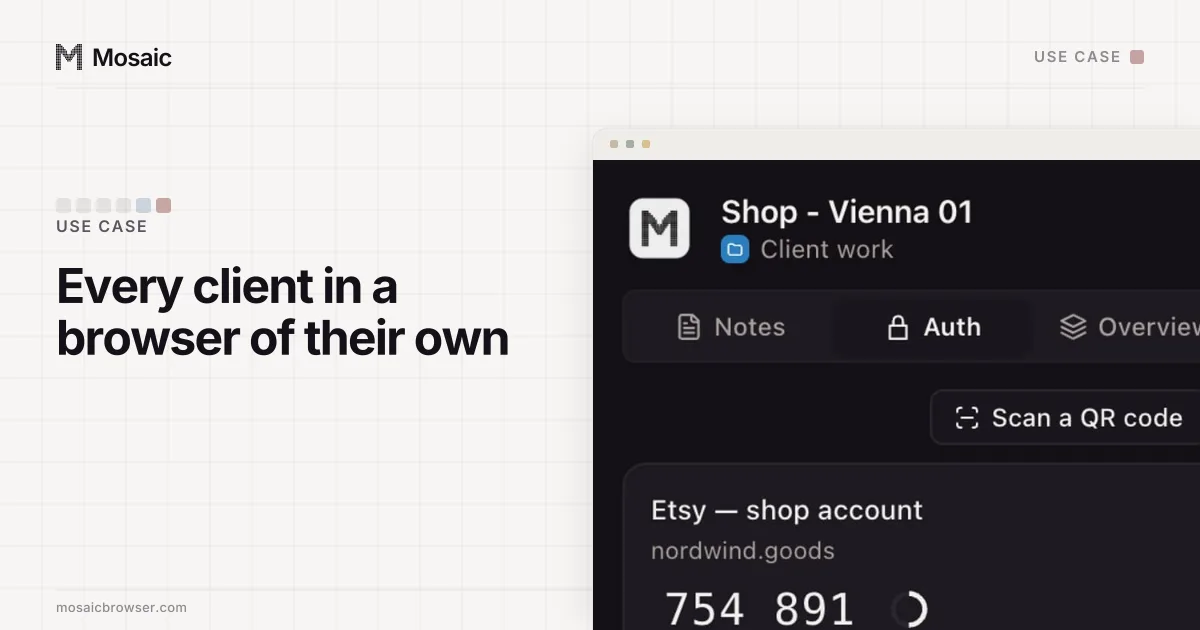
- Its codes and notes in the browser. Each profile has a credential vault with two-factor codes, and the companion shows that brand's logins, codes and notes, in Markdown, inside the brand's own window.
Working across brands
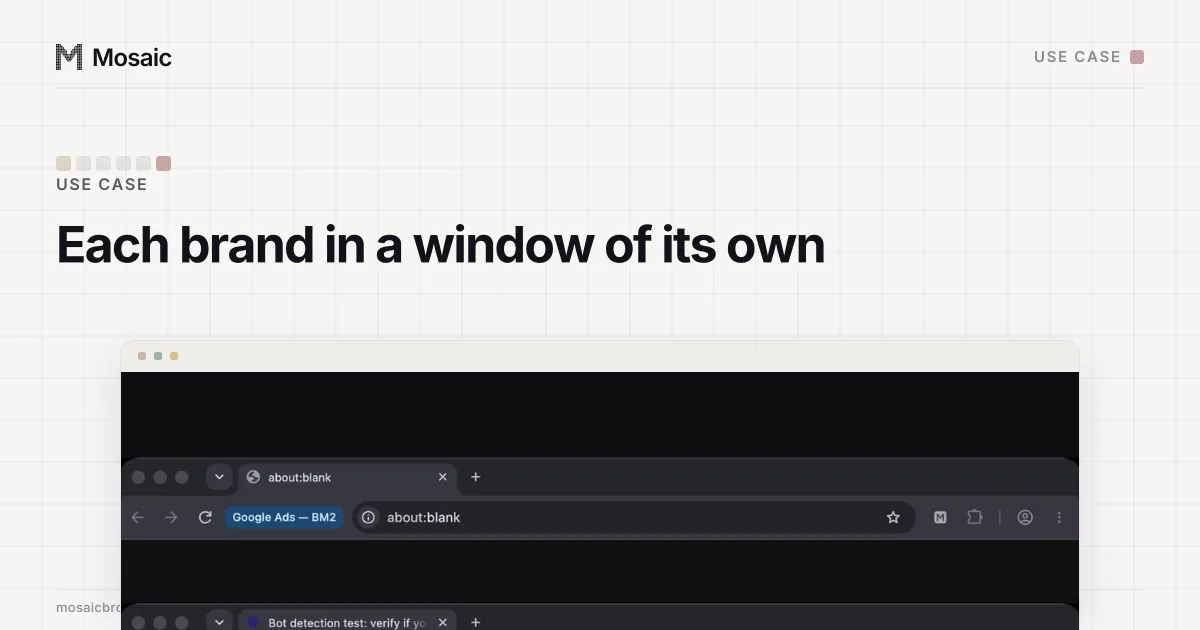
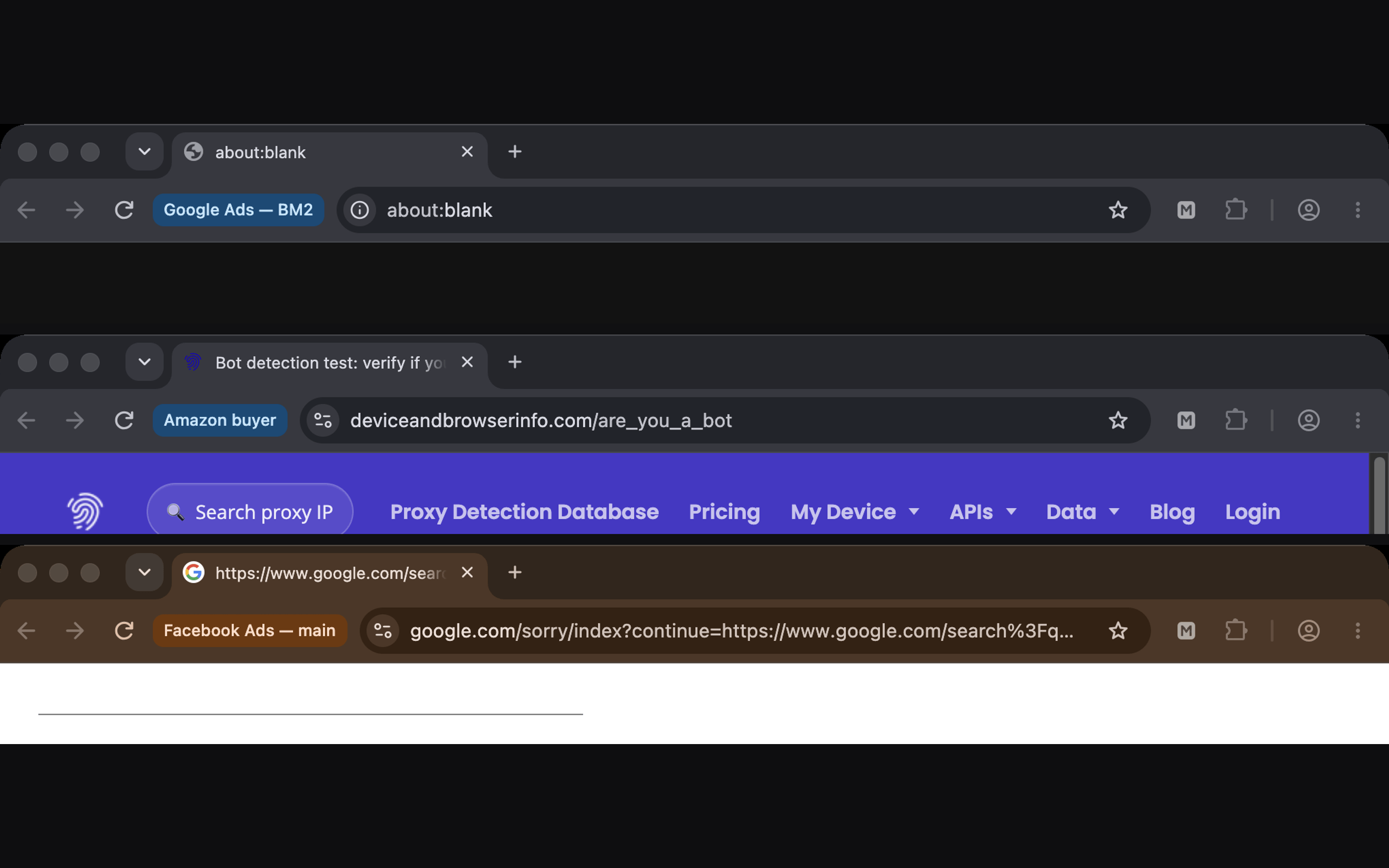
Every Mosaic window carries its profile's name next to the address bar, so six open brands are six labeled windows instead of six identical Chromes. Bulk actions start a set of profiles together and arrange their windows on screen; you can open the same page in all of them, such as each brand's notifications page, at the start of the day.
A new brand account opened in a new profile can be warmed up first. The warm-up robot has a social and media plan that browses everyday sites in the profile's own browser and through its own proxy, so the profile has a history before it signs in anywhere.
Checking what followers see
A profile with an exit in the brand's market sees the platform's local version: the regional feed, local trends, the language a follower sees. That is useful for checking a campaign landed the way it was meant to. The proxy is checked before each launch, and a profile never opens behind one that has not answered.
What it does not do
Mosaic does not schedule posts, has no shared inbox and has no team seats. Profiles live on the computer that made them, which keeps every brand's sessions off third-party servers, as local first explains, and means two managers cannot open the same profile from two laptops. For team work, use each platform's roles; use Mosaic for the sessions on your own desk.
The full setup, layer by layer, is in managing multiple accounts without getting them linked. Free covers 3 profiles, and Pro at $49 a month covers every brand; see pricing.
Sources
- LinkedIn User Agreement, read November 2, 2026
- Meta Business Help Center: Give a partner access to business assets in your business portfolio, read November 2, 2026
- Instagram Help Center: Add and switch between multiple accounts, read November 2, 2026