To test a metered paywall as a new visitor, you need a browser the meter has never seen. A meter can count reads by cookie, by local storage, by login, by IP address or by device fingerprint, often by several at once, so the test browser has to be new to each of them. An incognito window clears the first two and keeps the rest.
That is why an editor checking their own paywall so often gets an answer no reader gets. The meter says three free articles; the editor's private window shows the wall on article one, or never shows it at all.
What a meter counts with
Paywall vendors build meters in a few layers, and a publisher usually runs more than one.
The simplest meter lives in the browser. A cookie or a local storage key holds a count, the page's script bumps it on each article, and the wall goes up when it passes the limit. Clearing site data resets it, and so does any private window.
A server-side meter keeps the count on the publisher's side, keyed to an identifier. The identifier is usually a first-party cookie with a random visitor id in it, so it still resets with the jar, but the count itself can't be edited in the browser.
Then come the identifiers that survive a cleared jar. A logged-in reader is counted by account, whatever browser they use. Some meters also look at the IP address, which catches a reader who keeps opening private windows from home, and catches everyone in an office behind one address too. And some count by device fingerprint, the values a page can read about the machine: screen, GPU, fonts, timezone and the rest. A fingerprint meter exists precisely because private windows reset the cookie one.
Dynamic meters add a variable on top. The allowance can depend on where the visit came from, how often the reader comes back, or which country they are in, so a first visit from a search result can get a different number of free articles from a first visit typed into the address bar.
Everything the window does, from a script on your own computerIn Mosaic: REST API. Everything the window does, from your own scripts. Free holds 3 profiles. Pro is $49 a month for any number.
Mosaic is a desktop app
Email yourself the link and open it on your computer.
Why incognito isn't new enough
A private window starts with no cookies and no storage, and that is all it changes. It leaves the same IP address, the same fingerprint and, in Chromium, the same machine underneath every value a script can read. So on a meter that counts by address or fingerprint, an editor's incognito window is the same visitor they were five minutes ago, with an empty jar.
It also leaves the network as it is. A newsroom tests from the office, which is one address that every editor shares, with a timezone and language that match the publisher's home market. A reader in another country gets a different consent banner, sometimes different prices, and sometimes a different meter.
Some publishers have also tried to spot private windows and treat them as a reason to show the wall straight away. A test run only in incognito can then report a bug that ordinary first-time readers never hit.
The cases worth checking
A first-visit test is a short matrix, and each row needs its own clean browser.
- First article, direct visit: no wall, and the counter starts where the plan says.
- The last free article, then one more: the wall appears exactly once the limit is passed.
- The same reader the next day, and after the meter's reset date: the count carries over, then resets.
- A reader arriving from a search result and one from a social link, if the meter is dynamic.
- A registered reader who isn't a subscriber, then a paying subscriber: the second never sees the wall.
- A reader from each country with its own rules, with the consent banner answered both ways.
Rows 1 to 4 have to start with nothing in the jar. Row 3 is the one people skip, because it needs the same browser to come back a day later with its cookies intact, and that rules out a private window that throws everything away when it closes.
Testing the paywall as a new visitor with profiles
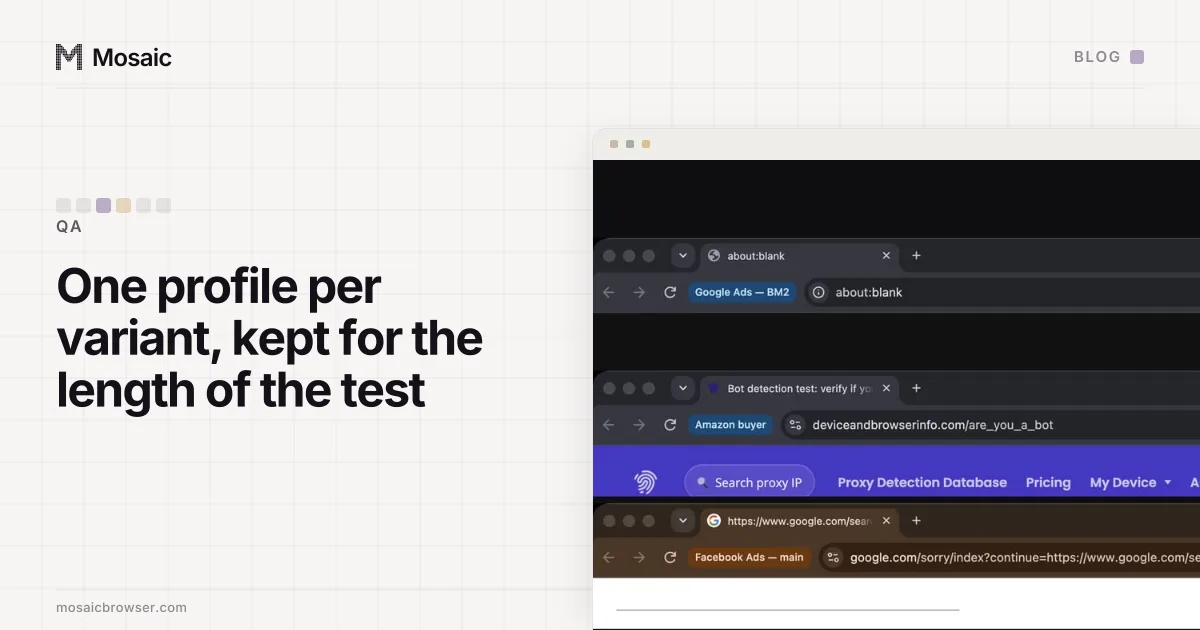
Each of those rows is a separate visitor, so it gets a separate profile. In Mosaic a profile has its own cookie jar, its own storage and its own fingerprint, drawn together from real hardware, so a meter that counts by any of them sees a different reader in each one. For rows 1 and 2, a one-time profile is the cleanest choice. Click New profile and choose One-time, which the dialog describes as "Trashed when its browser closes", and the next run starts from nothing (a fresh browser for every test run covers driving it from code).
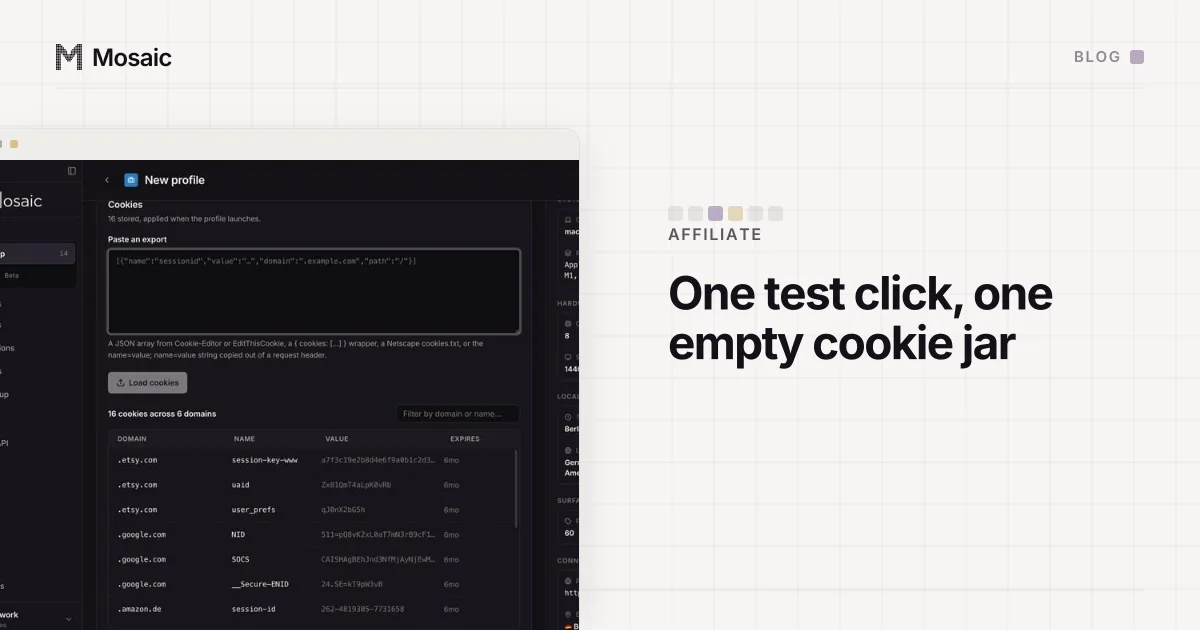
Row 3 is a normal profile that you keep. Its cookie jar is encrypted on disk and still there tomorrow, so the meter sees a returning reader on day two. You can export the jar too, as JSON or Netscape cookies.txt, and import it into a new profile to replay "reader on article four" without reading three articles first. A meter that keeps its count in local storage is not in that export, so check which one yours uses.
For rows that depend on country, attach a proxy that exits in that country before the first launch. Mosaic draws the profile's timezone, language and geolocation from the exit, so the publisher sees one consistent reader from Paris rather than a French address with a London clock. The banner half of that test is in checking your cookie banner from the countries that require it, and the same setup for a shop is testing your checkout as a customer who has never visited.
Keep the subscriber's profile apart from the rest, and give it a name nobody will mistake. It is the one browser that should never be used for a first-visit test, because its login tells the meter exactly who it is.