To test a cookie consent banner from different countries, you need one browser per region: each with an exit in that region, and each a stranger to the site. The banner is picked by where the visitor's IP address is, so the one on your office screen is the office's banner and says nothing about France or California. And once you have clicked Accept or Reject, the tool keeps your answer in a cookie, which spoils a second run in that browser.
Why the banner changes by country
Inside a consent management platform the setup is a short table: a list of countries on the left, a banner template on the right. On each page view the tool takes the visitor's IP address, looks it up in a location database and finds the row it falls in. Three rows is typical. One is for the EU, the EEA and the UK, where the banner is opt-in and no non-essential cookie is set until the visitor agrees, because European law asks for consent first. One is for California and the US states with similar laws, where the visitor gets an opt-out link for the sale or sharing of their data. The last row catches everybody else with a notice, or with nothing.
That makes three behaviours on one site, plus a fourth for when the lookup fails and the tool falls back to whatever its default is. Whoever set it up sees exactly one of them every day, the one for their own office address.
The country is not the only input. Plenty of banners pick their translation from the browser's Accept-Language header rather than from the location. And the first time a visitor chooses, the tool stores a consent cookie and stops asking. Your own browser made that choice long ago.
Paste one gateway line. Every profile mints its own exitIn Mosaic: Provider minting. One gateway line, a separate exit for every profile. Free holds 3 profiles. Pro is $49 a month for any number.
Mosaic is a desktop app
Email yourself the link and open it on your computer.
How it works: Provider minting
What to check in each region
Seeing the banner is the easy part. We write down six things per region:
- The kind of banner: opt-in with Accept and Reject, an opt-out link, or a plain notice.
- Its language, beside the language the browser asked for.
- Every cookie present before anyone clicks. Most real faults sit here. An analytics or ad tag that fires on load has already set its cookies by the time the question is on screen.
- The cookie list after Reject and a reload. In an opt-in region only what the site classes as strictly necessary should be left.
- Whether the choice survives the next page, and the next visit.
- Clicks to Reject against clicks to Accept. European regulators have said for years that no should cost the visitor no more effort than yes, so a Reject tucked inside a settings panel fails on sight.
Then go back to an empty jar, press Accept, and check that the tags you expect actually fire.
Why a VPN and a private window give you half the answer
A VPN changes the IP, the input the consent tool reads first, and a private window starts without a consent cookie. So far so good. But neither changes Accept-Language, so an English-language browser on a French exit is shown the banner for a French visitor who set their browser to English. Somebody like that does visit. You meant to test somebody else.
Two smaller traps catch people. The consent tool has its own location database, and it can place an exit somewhere other than where your VPN or proxy seller says it is; a "German" address read as Austrian means you tested the wrong rule. And if the site picks the banner on the server and caches pages at the edge, you may be served a copy built for whoever visited before you. When a result looks wrong, check the exit's country first and the cache second.
Running the test in Mosaic
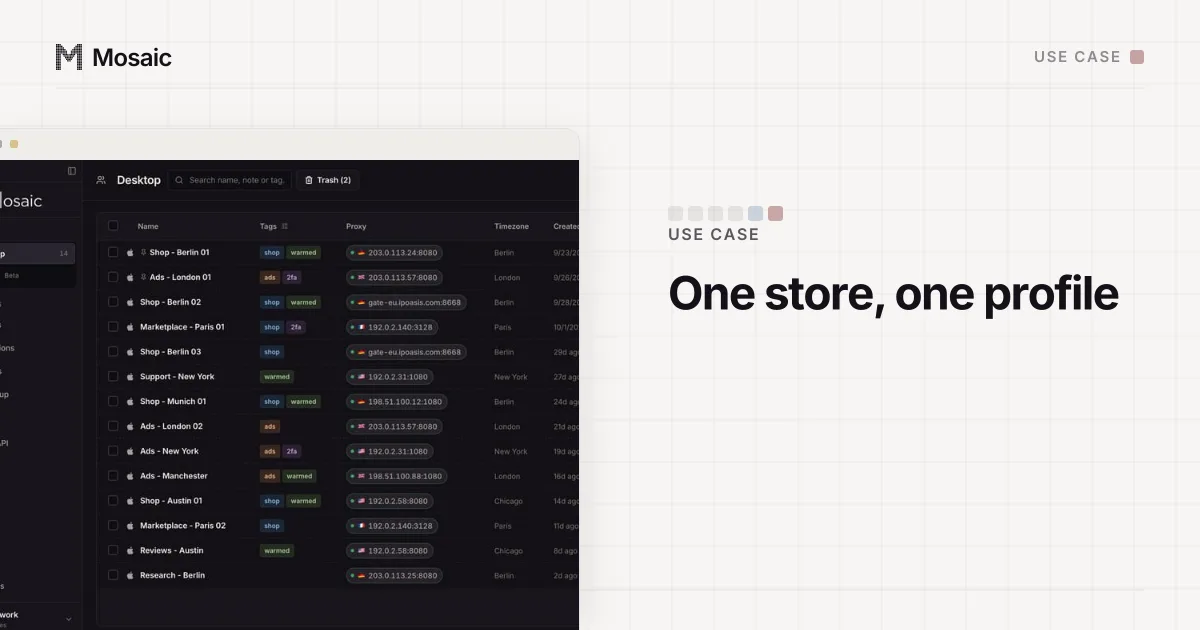
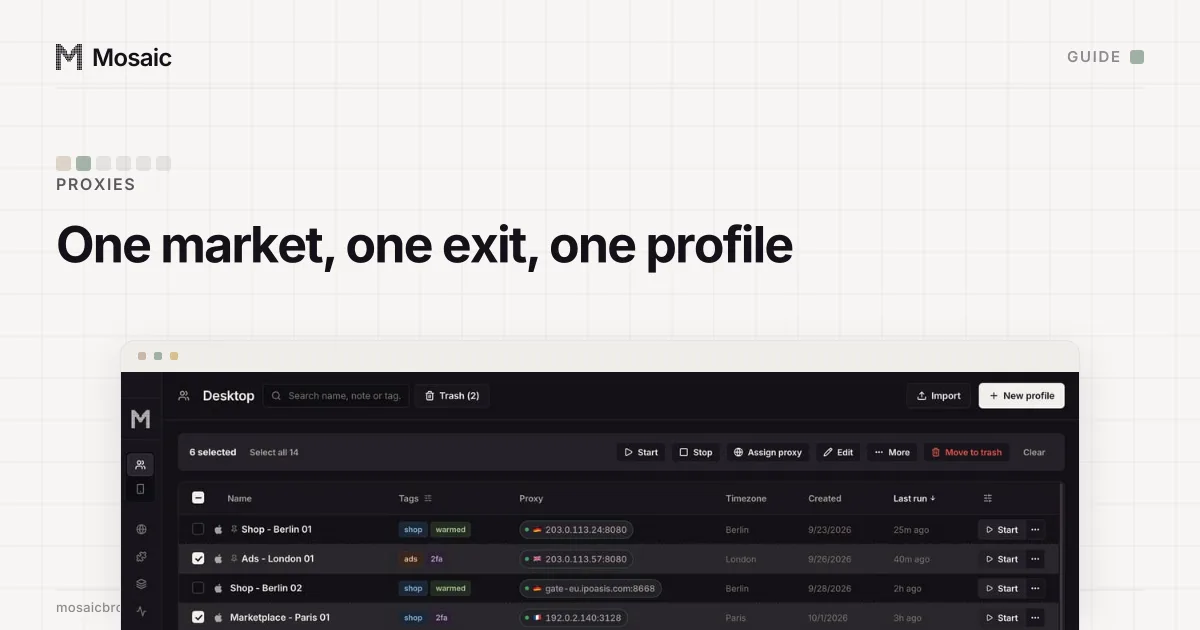
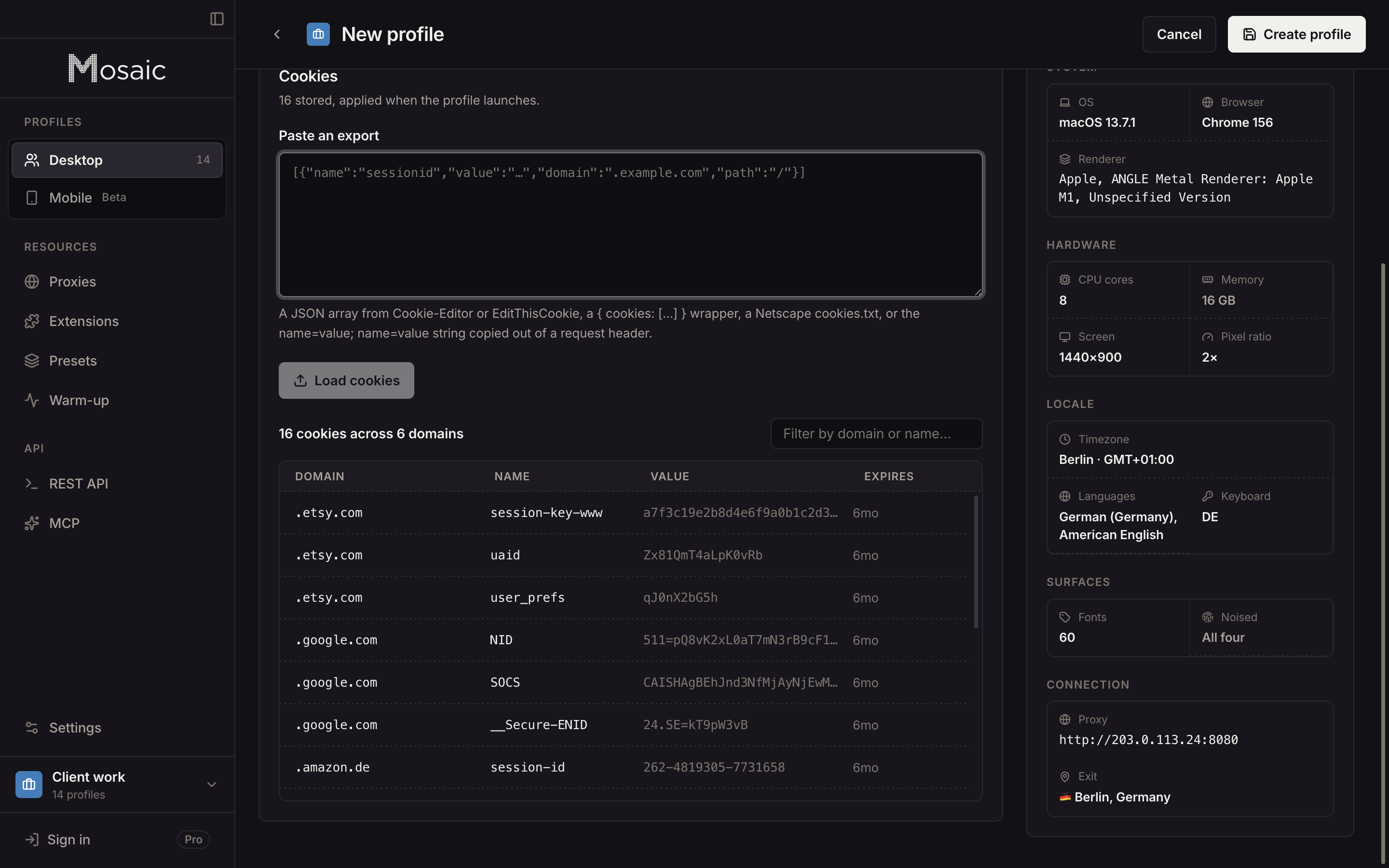
In Mosaic each region gets its own profile, and each profile starts with an empty cookie jar, so the Paris test never carries the consent cookie from the London one.
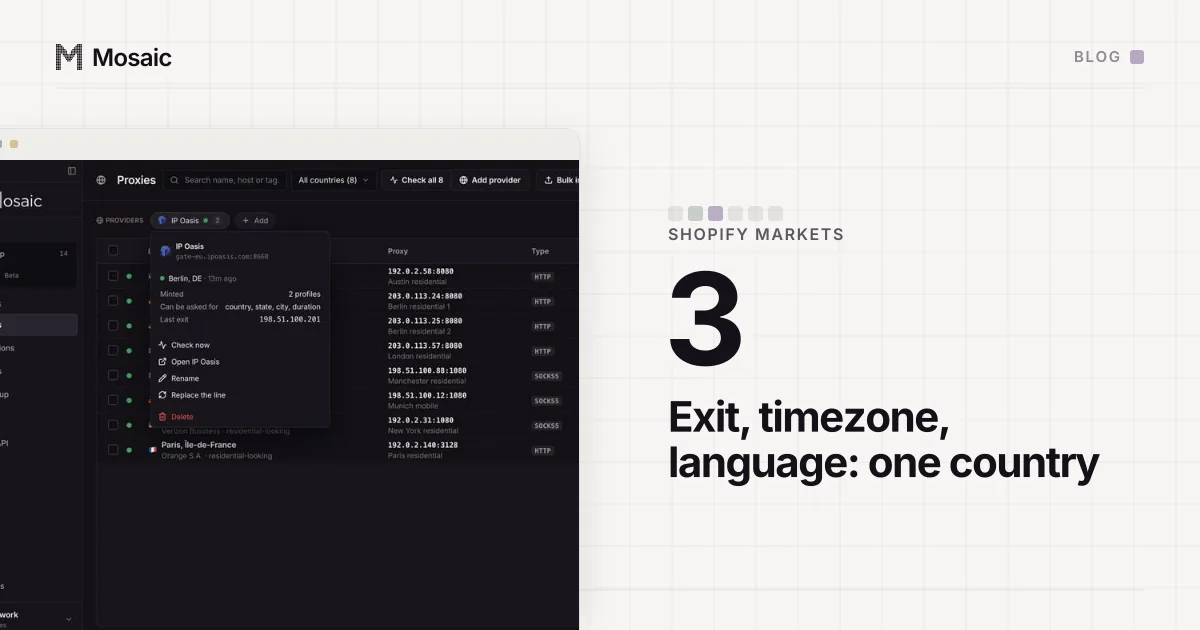
- Save your proxy seller as a provider from one pasted gateway line. Each profile then mints its own session.
- Create one profile per region and pick the country as you create it. For a US state, pick the state as well, if the seller's line format has a word for one. A pick the seller cannot spell is refused by name, not dropped.
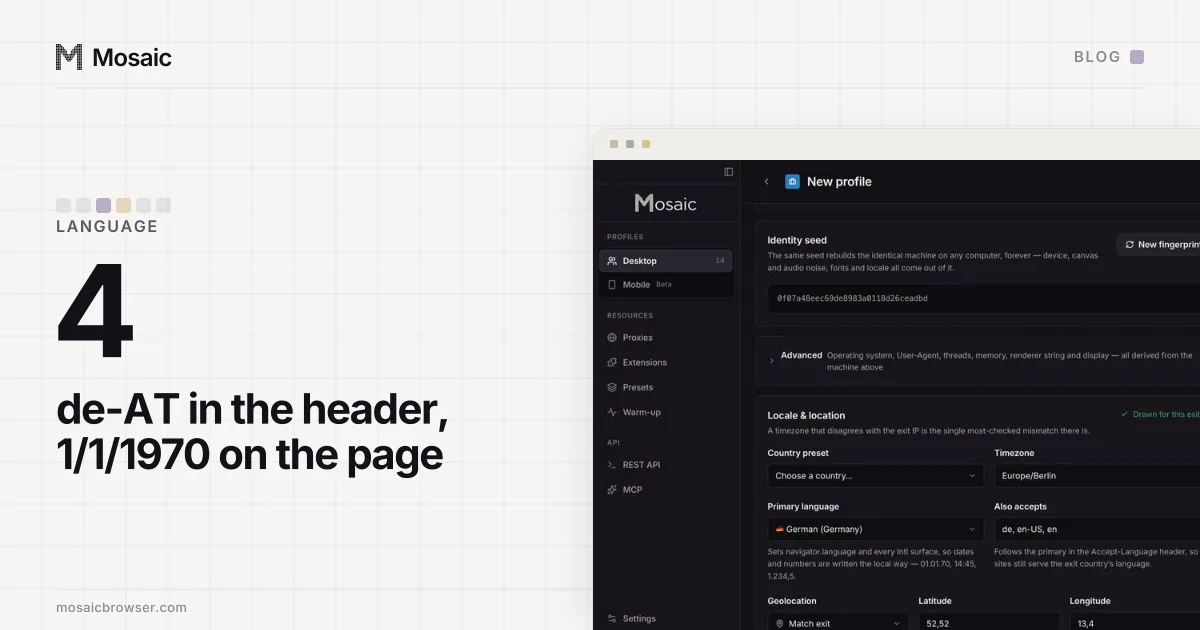
- A profile created against a checked proxy is drawn for that exit, so its timezone, language and geolocation agree with it. The proxy check also prints the exit's measured country. Keep that next to your notes, because it is what you compare the banner with.
- Start the profile, open the site, and click nothing.
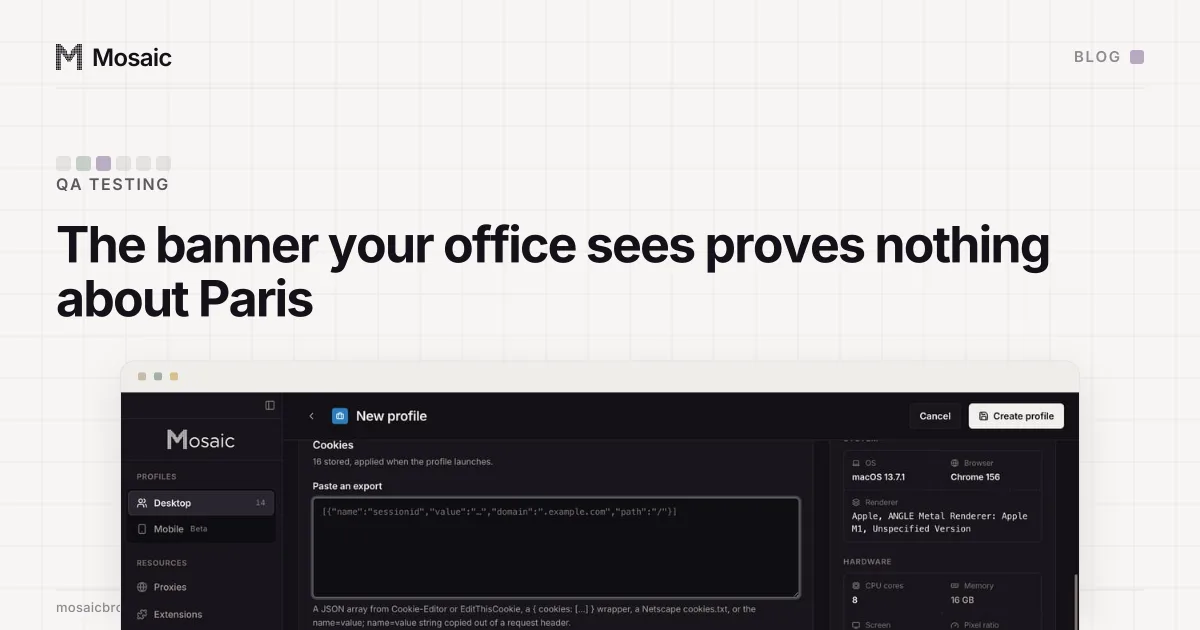
- In the profile editor, open Cookies and press Export current. With the browser running, that reads the live jar over DevTools and puts it in the box on that tab: the cookies the first page load set before consent. Copy the list out. A script gets the same list from
GET /api/v1/profiles/:id/cookies. - Press Reject, reload, export again, and compare the two lists.
- For a second run from scratch, stop the profile and clear its cookies with
DELETE /api/v1/profiles/:id/cookies. The route refuses while the browser is open, because Chromium would write the jar straight back when it closed.
One limit is worth knowing. A profile's language follows its exit only before the first run, so for a clean language test make a new profile per region instead of moving one profile from exit to exit. The reasons, and what Chrome does with the language list, are in testing a site in another language.
The same setup answers the next questions too: what each market's storefront shows (Shopify Markets, country by country) and whether checkout works for a buyer who has never visited (testing your own checkout as a customer). Use it on sites you run or are paid to test.