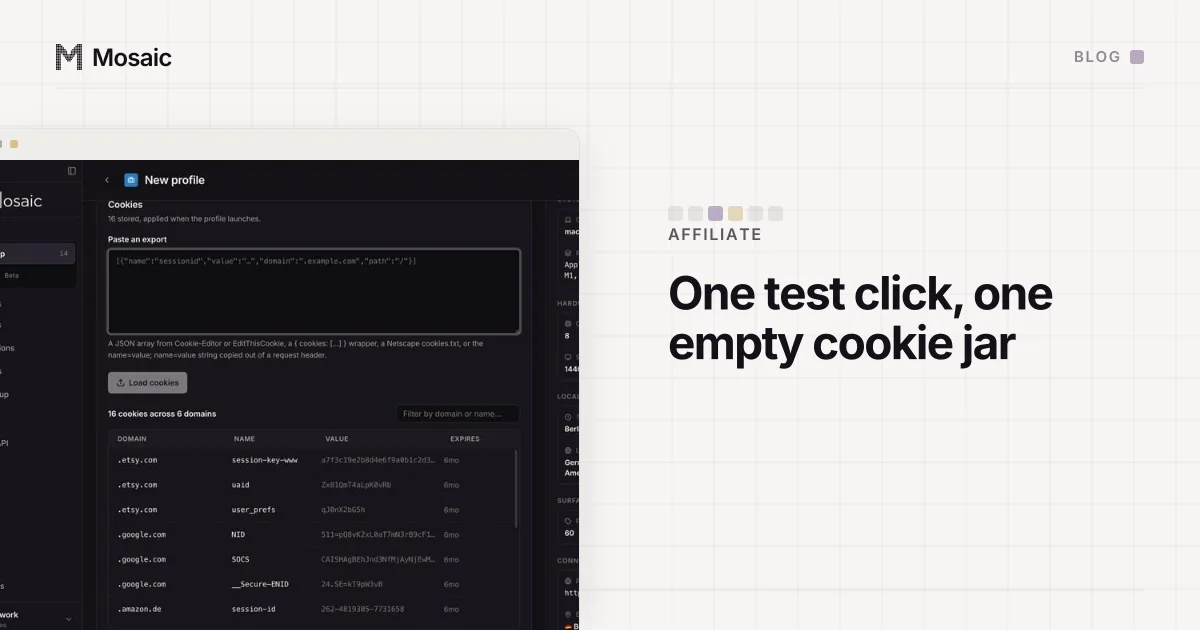
To test whether an affiliate link tracks, click it from a browser with an empty cookie jar, follow it to the merchant's page, then check two things: that the click appears in your network's report under the right sub-ID, and that the cookies the click should set are actually there. The empty jar is the part people skip, and it is the reason a test can pass on a link that is broken, or fail on one that works.
Why an old click spoils the test
Most affiliate programmes credit the last qualifying click inside the cookie window. When someone clicks your link, the network's redirect drops a cookie, or passes a click ID that the merchant's own site stores, and when an order arrives within the window, the network reads it and pays the affiliate it names.
Your everyday browser is the worst place to test that. It has probably clicked through this merchant before: through your own link last week, through a different sub-ID, through a coupon site, or through another affiliate's review. Whichever click came last owns the attribution. Test in that browser and you may be reading a week-old cookie, not the click you just made. A coupon or cashback extension can also step in on the way and swap the click for its own, so turn those off before you test.
The fix is the same as for testing your own checkout as a new customer: a browser that has never met the merchant, so the only click it knows about is the one you are testing.
Paste one gateway line. Every profile mints its own exitIn Mosaic: Provider minting. One gateway line, a separate exit for every profile. Free holds 3 profiles. Pro is $49 a month for any number.
Mosaic is a desktop app
Email yourself the link and open it on your computer.
How it works: Provider minting
Testing the click
- Tag the link with a sub-ID you will recognise, such as
test-1016-a. Most networks have a field for it, and it lets you find this click in a report full of real ones. - Open a browser with no cookies for the network or the merchant, and no shopping extensions.
- Paste the link and let every redirect finish. Note where you land: the final URL should be the merchant's page, often with a click ID still in the query string.
- Read the cookies. You are looking for one on the network's tracking domain, a first-party one on the merchant's domain carrying the click ID, or both. If neither is there, the attribution has nowhere to live.
- Wait for the network's click report to refresh, which on most networks takes a few hours, and find your sub-ID.
If you want to check the order of attribution between two links, use a fresh, empty browser for each run, click link A, then link B, and read which ID the merchant's cookie holds at the end. Doing that in one jar you keep reusing tests nothing past the first run.
Testing without breaking the rules
The click test needs no purchase, and that matters. Many programmes do not pay commission on an affiliate's own orders, and some treat ordering through your own link as a breach of the programme terms. Read your programme's rules before you place any order through your link. If you need to confirm that conversions are tracked, the clean route is the merchant's: many networks give merchants test orders or a test mode for exactly this, and the merchant is the one who should run them.
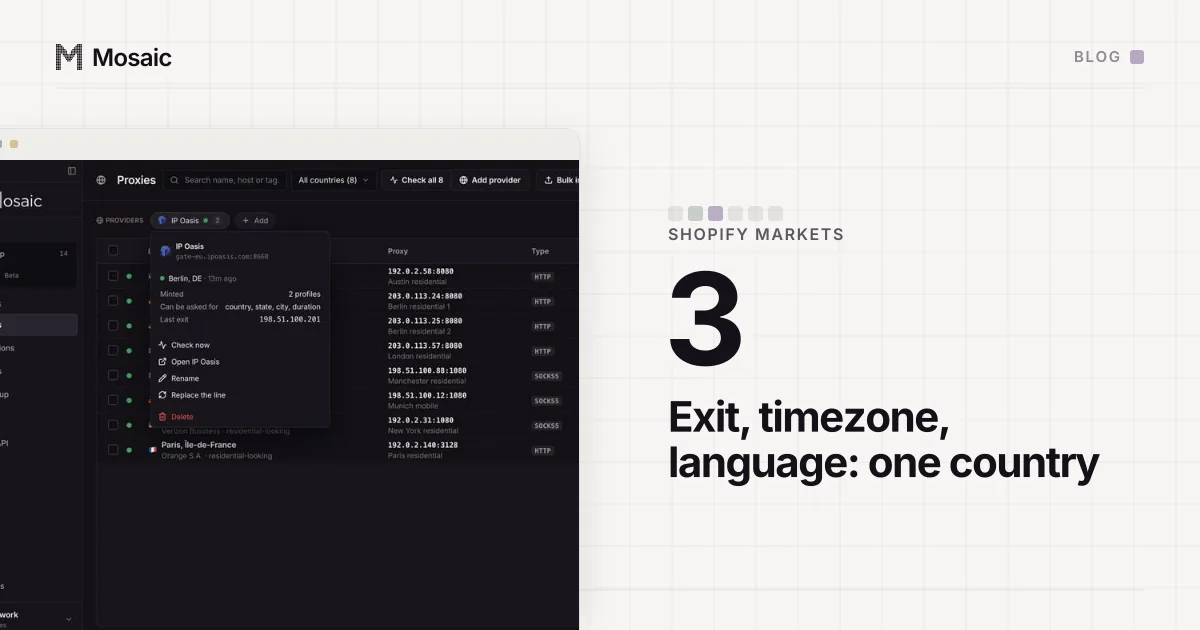
Geography is the other trap. A programme that only pays for visitors from certain countries, or a merchant that redirects by country, will treat your test according to your address. If the link is meant for German visitors, the test should come from a German exit with a timezone and language to match, which is the same setup as checking what a shop shows a buyer in each country.
How we do it in Mosaic
A Mosaic profile is a browser with its own cookie jar, its own fingerprint and its own proxy, so it suits this kind of test.
- Create a profile, with a proxy in the country the link is meant for if that matters. The profile's timezone and language are drawn to match the proxy's measured exit.
- Start it and click the tagged link.
- Read what was set. The profile editor's Cookies tab lists the jar, and with Pro the local API reads a running browser's cookies directly:
GET /api/v1/profiles/:id/cookiesanswers withsource: "live"while the browser is open. The MCP toollist_cookiesreads the same list. - To run the test again from empty, stop the profile and press Clear on the Cookies tab, or call
DELETE /api/v1/profiles/:id/cookies. That empties the stored jar and deletes the browser's own cookie database, so a used profile really does come back empty.
Clearing cookies leaves local storage and history in place. Some trackers keep an ID there too, so for a test where the order of two clicks is the whole question, a new profile is the cleaner start. On a free plan profile creations are counted, so keep one test profile and clear it for routine checks.
Every profile's jar stays on your computer; Mosaic has no cloud copy of it. If you test links for several clients, a profile per client, named after the client's programme, keeps each one's test cookies out of the others' runs. How agencies set up ad accounts in Mosaic covers that layout.