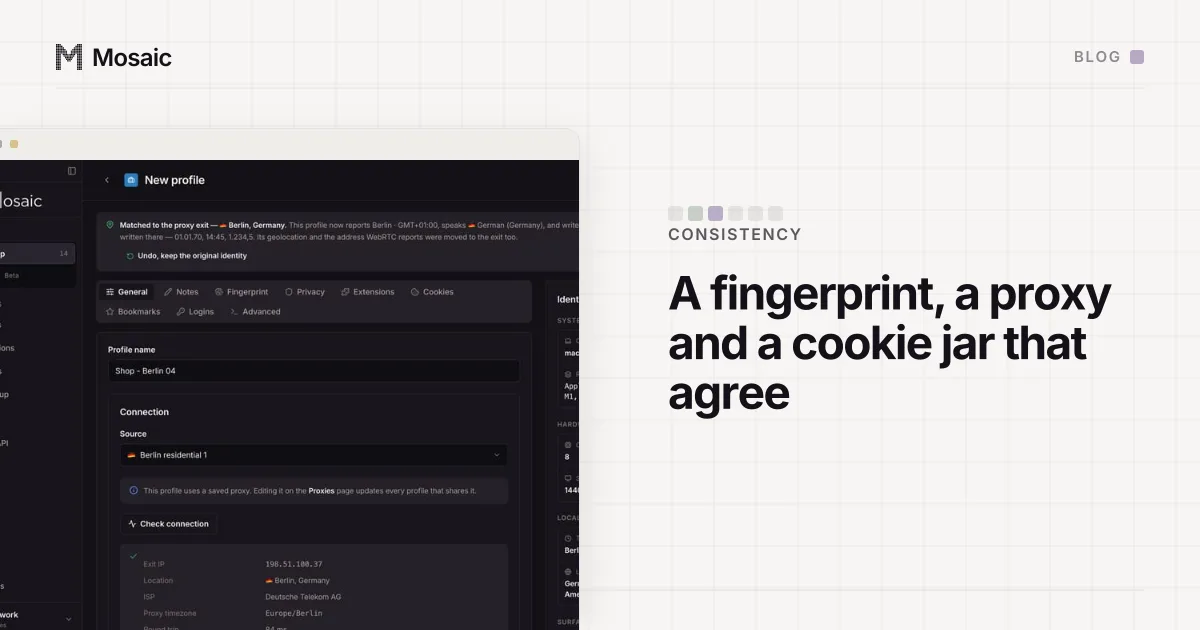
Fingerprint, proxy and cookies consistency is what a site is really checking when it reads a browser profile. It reads all three, the fingerprint, the proxy exit and the cookie jar, and it doesn't grade them one at a time. It holds them up against each other. Each can pass alone while the three together describe somebody who doesn't exist, and Mosaic's job, put in one line, is that they agree and go on agreeing.
Who reads which part
- The fingerprint, read by the page: the WebGL renderer string that names the GPU,
screen.widthandscreen.height,navigator.hardwareConcurrency,navigator.deviceMemory, the font list, a canvas hash, an audio hash, the timezone andnavigator.languages. - The proxy exit, read by the server: one address, and with it a country, a city and an ISP.
- The cookie jar, read by the site that wrote it: last week's session cookie, which says this browser has been here before.
None of it is secret. The timezone is one call, Intl.DateTimeFormat().resolvedOptions(). The address arrives with every request, and cookies come back on their own. Most of what how websites detect multiple accounts describes is a site joining those three readings up.
Three comparisons a site makes
- Exit against clock and language. A Berlin exit with
America/New_YorkinIntlfails one comparison; a German exit with onlyen-USinnavigator.languagesfails the same one. For an ordinary Chrome, a timezone that does not match the IP has the fix by hand. - Fingerprint against itself. A page asks the same question in the page, in an iframe and in a worker. A value changed in one of them and not the others is two answers about one machine, and no real computer gives two.
- Cookie against everything else. A session cookie set in March comes back in April. If April's request comes from another country, with a different WebGL renderer and a different screen, the site has one reading that says returning visitor and a dozen that say new computer. Pasting a logged-in session into a fresh browser produces exactly that.
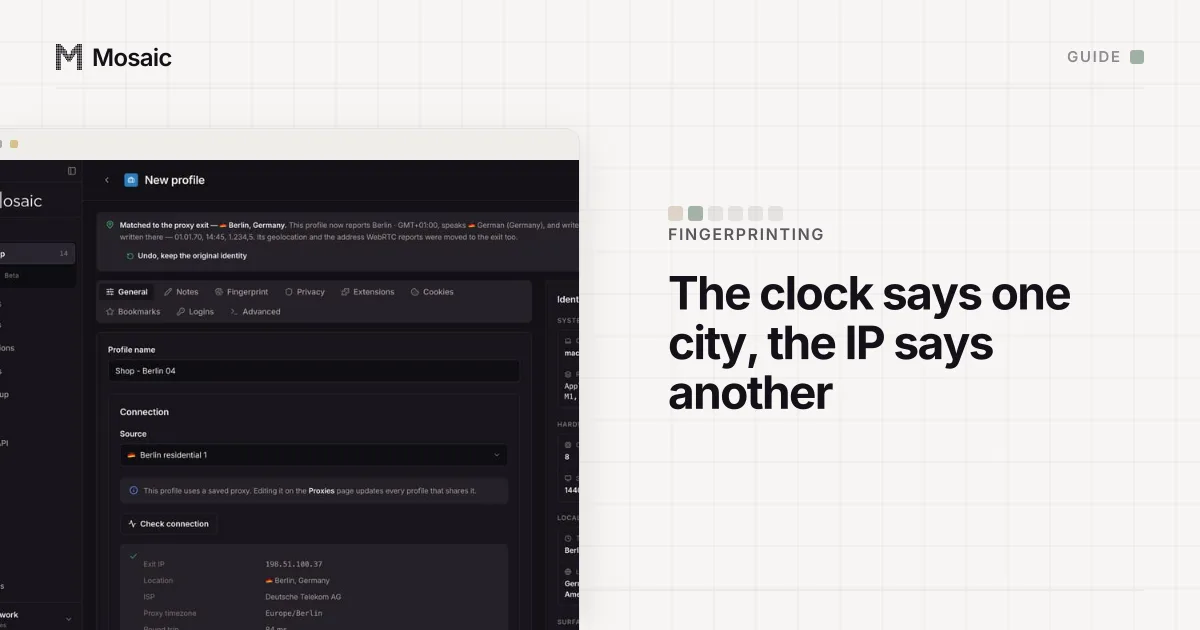
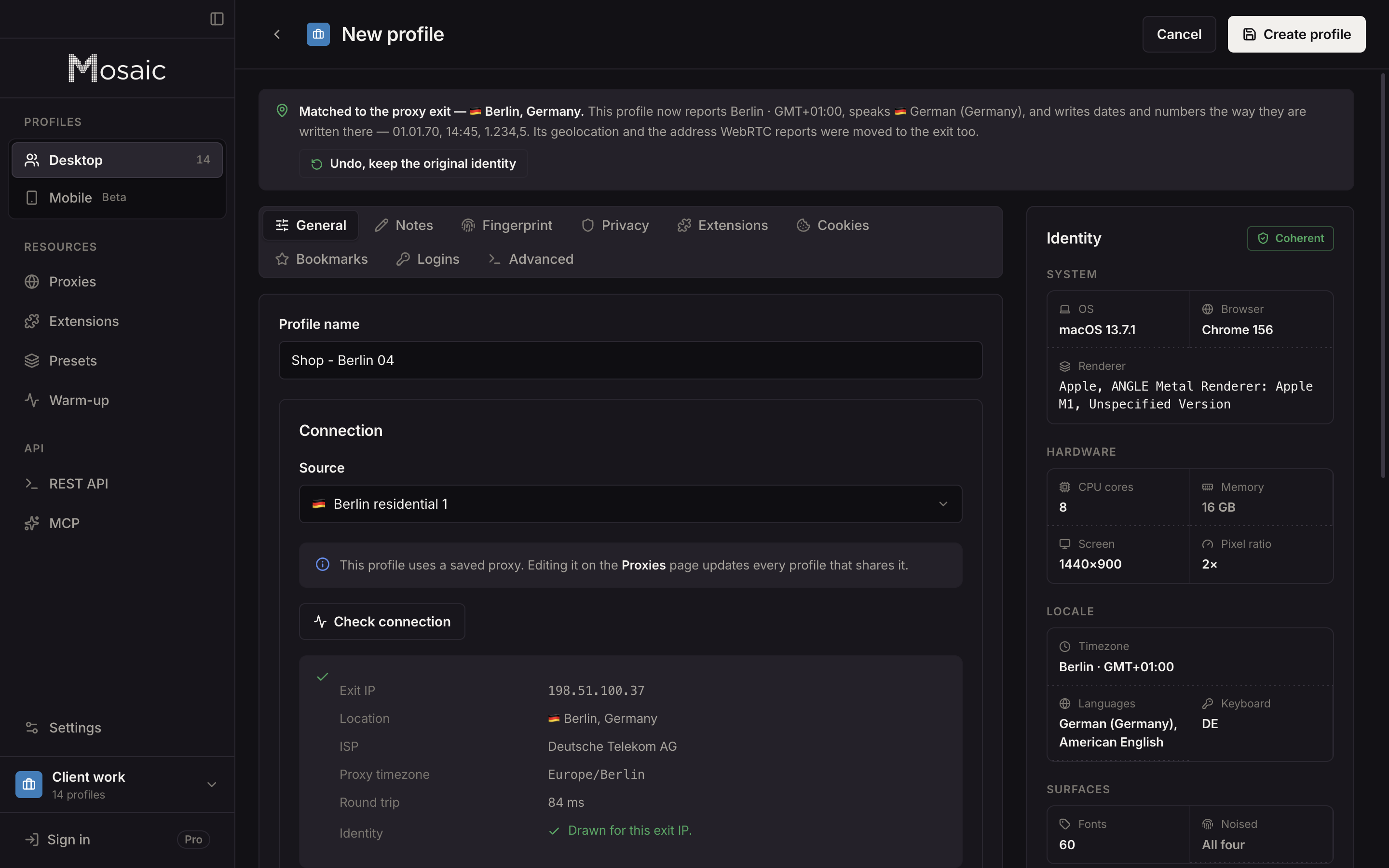
Timezone, language and location come from where the proxy comes outIn Mosaic: Matched to the exit. Timezone, language and location follow the proxy. Free holds 3 profiles. Pro is $49 a month for any number.
Mosaic is a desktop app
Email yourself the link and open it on your computer.
How it works: Matched to the exit
Two of our own bugs
For profiles with no proxy, Mosaic called refreshExitGeo() once at app start to find where the computer was, and never again. When that one lookup failed, nothing retried, and every no-proxy profile was drawn from a share-weighted country table that leans American. A Mac in Austria made profiles claiming New York, each with exitMatch: { matched: true }. Those profiles browse from the operator's own Austrian address, so the IP and the clock were six hours apart on the first thing a scanner compares.
A profile in Austria claimed New York has the whole story. The lookup now runs at the point of use and retries a failure on its own interval, and when it still has no answer it uses the machine's own timezone, never a table.
The second hid in launch order. Mosaic passed the --user-agent flag only when a profile's string differed from the engine's, and the engine's came from a cache that was empty at every app start. So the first profile you opened each session wore a different identity from every profile opened after it. From outside that reads as "sometimes it gets detected". From inside, it was one profile disagreeing with itself across launches.
Fingerprint, proxy and cookies consistency in Mosaic
Most of the work is about when things get measured, not what they get set to.
- Create a profile with a proxy and Mosaic measures the exit through that proxy first, then draws the timezone, language and geolocation for the place it found. Over the API, every create call reports whether that worked in an
exitMatchfield, with the reason if it didn't. - Before every launch the proxy is checked, and a profile won't open behind one that hasn't answered and tunnelled. The exit gets resolved again at the same moment, because residential exits move.
- Timezone and geolocation follow the new exit. Language follows only on a profile that has never run and has no cookies. A session that spoke
de-ATto a site for a month and then switched toen-UShas told the site something true, so for a profile with history Mosaic leaves the language alone and reports the mismatch. - Canvas, screen and GPU never move with the exit. Redraw them and the cookie jar has a different machine to come back from.
Where a value gets changed decides whether the fingerprint agrees with itself. Tesseract Chrome, our engine, changes values in C++, so the page, its frames and its workers all read the same number. Hardware is drawn as a set from real device records rather than field by field; machines that exist covers that part.
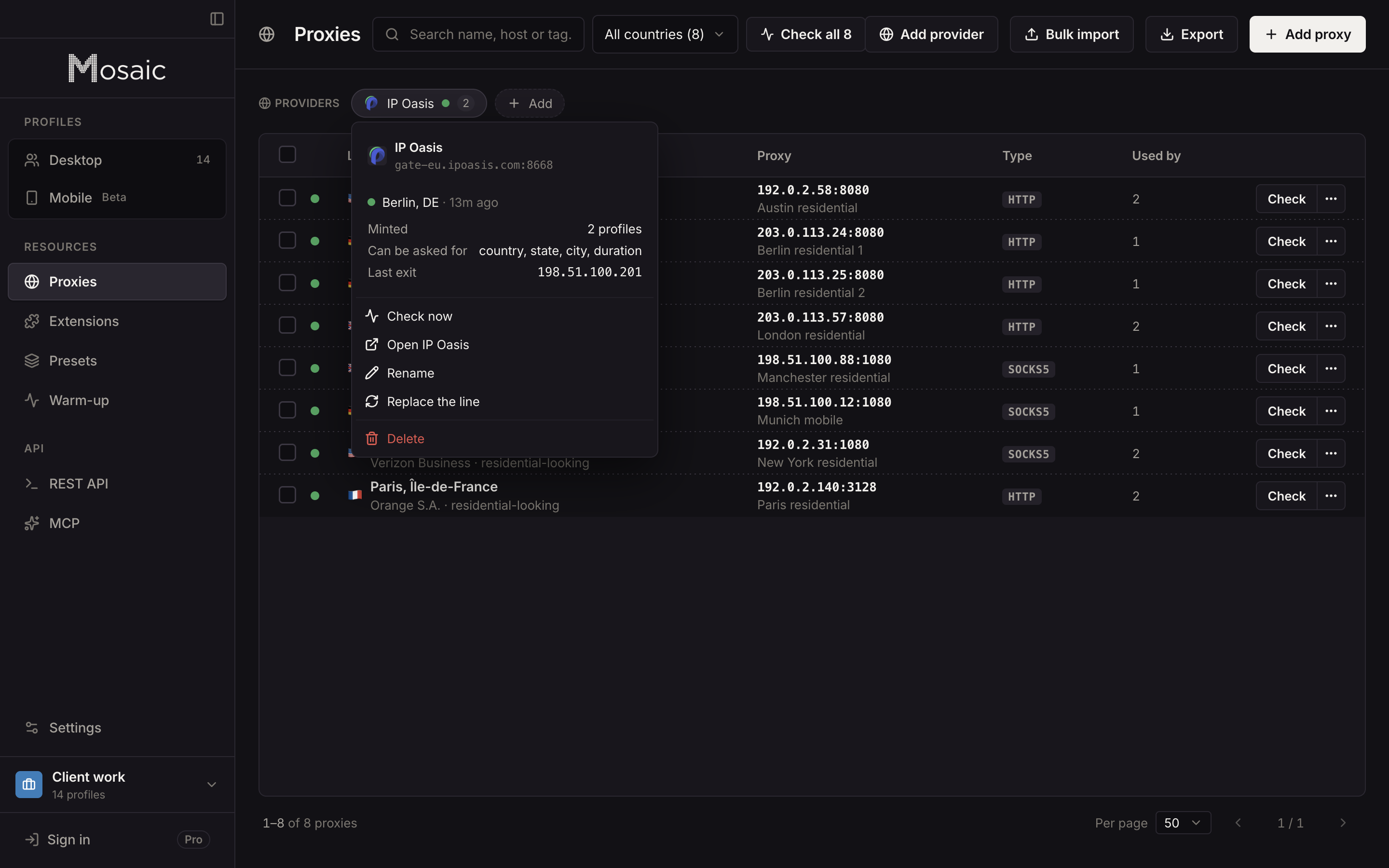
The proxy half has one more trap. Two profiles on one session id share an exit. A provider in Mosaic is a single gateway line pasted from your proxy seller, and Mosaic mints a separate session from it for each profile, so no two profiles share an exit unless you pin them to one.
Each profile keeps its own cookie jar, encrypted on disk. Purging the profile from the trash deletes the jar with it.
The card, the phone number and the fonts
A site also keeps records no browser touches. Two accounts paid with the same card, or verified with the same phone number, sit next to each other in the site's own database, and two profiles pinned to one exit share an IP in every log line. A platform that allows one account per person still allows one. Mosaic keeps accounts you are entitled to run apart; it does not change what a platform allows.
The last limit is the hardware under the profile. On a Mac, Mosaic will draw a Windows profile with a Windows GPU, screen and thread count, but the font files, their metrics and how they are rasterised still come from macOS, and no switch reaches them. On one Mac we put both through IPHey: claiming macOS scored 100/100 Trustworthy, claiming Windows 80/100 Unreliable. So the profile editor shows a caution when you pick an OS other than the one your computer runs.