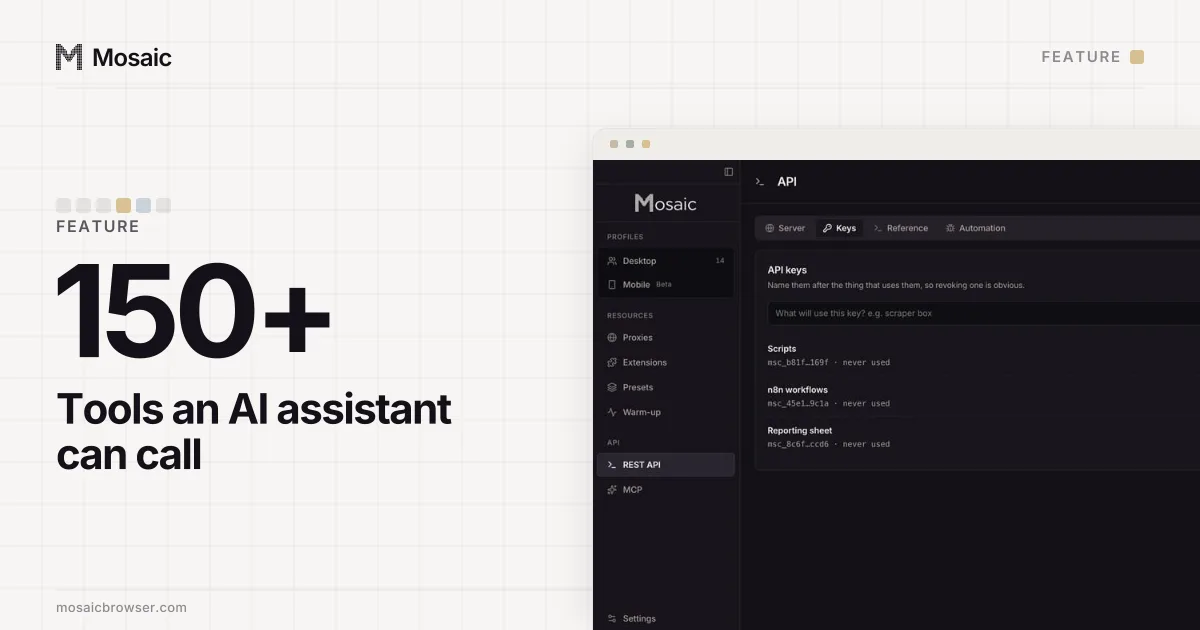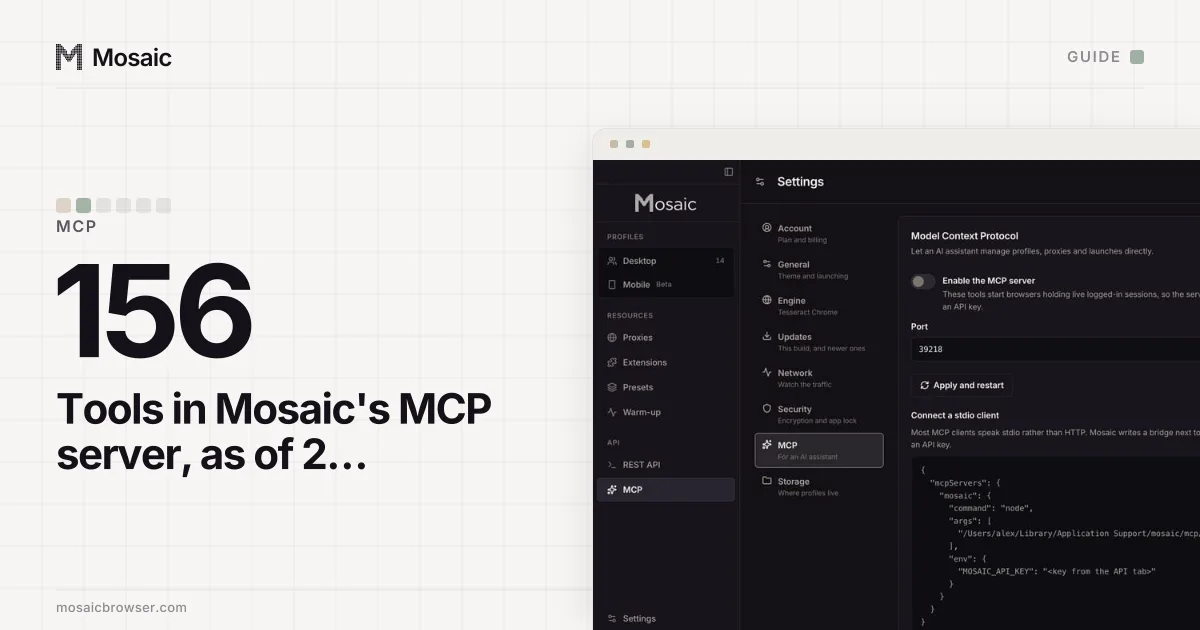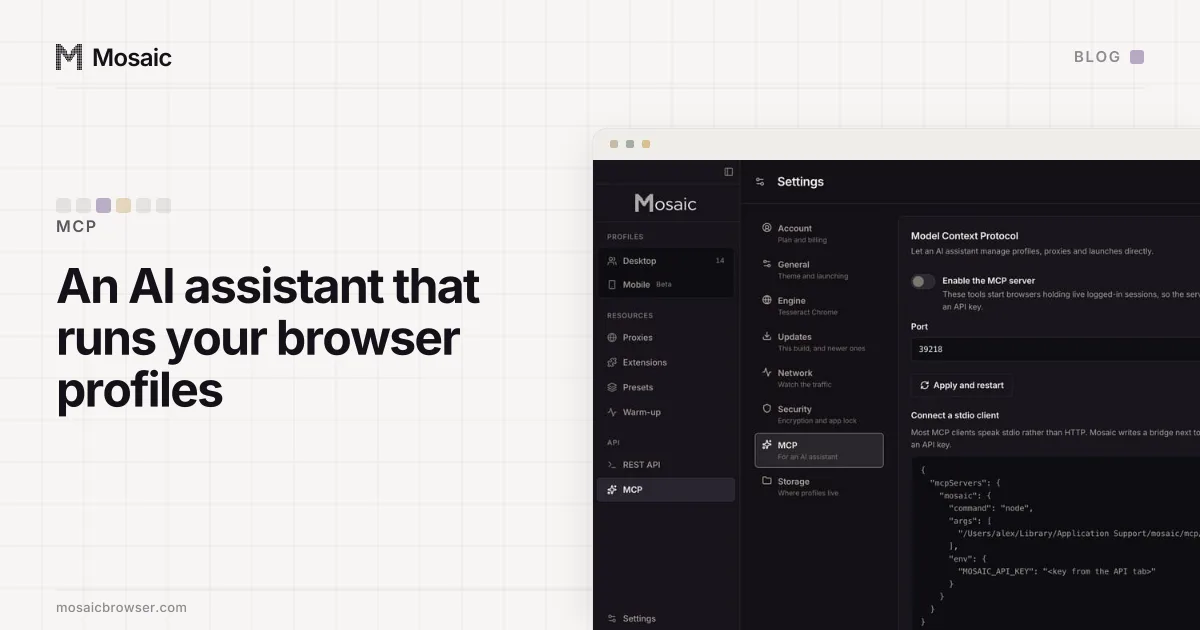
An AI assistant can manage browser profiles in Mosaic through MCP, the Model Context Protocol. On Pro, you turn the server on in Settings › MCP, hand your client an API key, and Claude (or any MCP client) can create a profile, start it, read the page and click on it. What took the work was not the tools. It was what a model does with them that a person never does.
What an AI assistant can manage in your browser profiles
The MCP server is a second door into the same store the window uses. A profile created by the assistant is drawn the same way as one you create by hand: hardware from real devices, timezone and language matched to the proxy's exit, cookies kept in that profile's own jar. Details of how the hardware is drawn are on real fingerprints.
The tools cover the whole library, not a demo of it. There are tools for projects, profiles, proxies and proxy providers, warm-up plans, cookies, saved logins and two-factor codes, the trash and backups. Page control is there too: page_snapshot returns the page as a list of numbered elements, and page_click and page_type act on those numbers with real pointer and key events.
We hold one rule over all of it: the interface, the REST API and MCP are peers, so anything one can do, the other two can. That sentence turned out to be a measurement rather than a promise, as the next three sections show.
An AI assistant can make, start and drive your profilesIn Mosaic: MCP server. Let an AI assistant create, launch and drive profiles. Free holds 3 profiles. Pro is $49 a month for any number.
Mosaic is a desktop app
Email yourself the link and open it on your computer.
The server is off, and every call needs a key
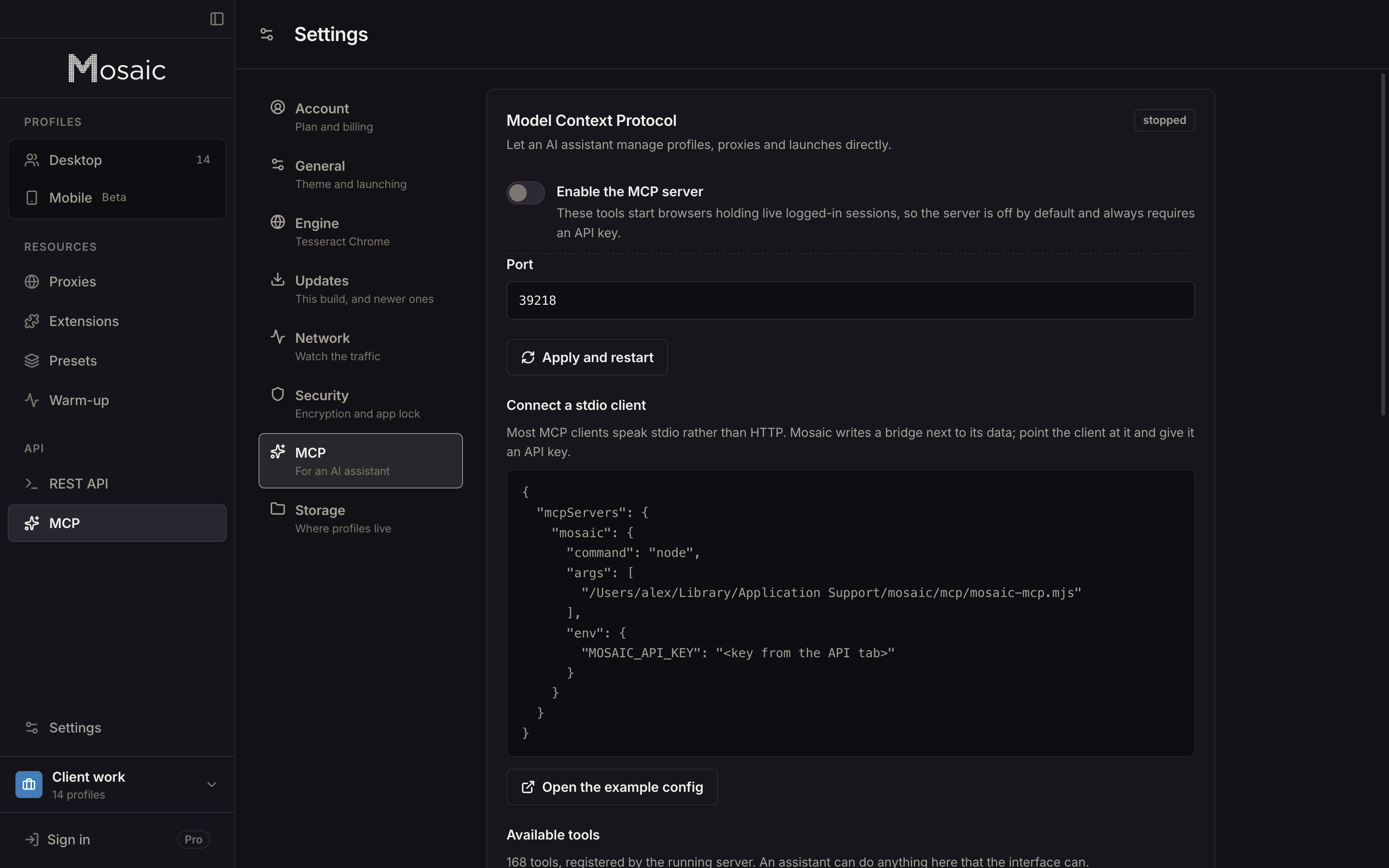
These tools start browsers that are logged in to things. A port that answers anyone on the machine with that power is a bad default, so the server starts switched off and refuses any call without an API key from the API page. The settings screen prints a config block for clients that speak stdio rather than HTTP: Mosaic writes a small bridge script next to its data, and the client runs it with the key in its environment.
Each key carries the name you give it ("Claude desktop", "n8n workflows"), which makes revoking one later a matter of reading a list.
Fault one: the schemas were documentation, not a gate
On 17 September 2026 we called one of our own new tools with the wrong field name:
get_project { "projectId": "798f…" }
  -> Error: No project with id undefined. Call list_projects for the ids.
The tool takes id. The server had always passed the arguments straight to the handler, so the misspelt key was dropped and the handler ran on undefined. The caller was told the project did not exist, which is a different problem with a different fix. A model reading that message would go looking for a deleted project.
Every tool already published an input schema, and every schema was handed to the model. Nothing checked a call against it. Now one gate, mcp-args.ts, runs before every handler, with the same rules as the REST validator:
`projectId` is not an argument of get_project. It takes: id.
get_project needs `id`.
`id` must be a string, and a number was given.
list_projects takes no arguments, and `limit` was given.
A person reads an error and guesses what was meant. A model cannot ask what was meant, so the message has to carry the answer.
Fault two: the list that sent every row
The REST route for profiles had grown limit and offset and a total. Its MCP twin had not. list_profiles over MCP returned a bare array of every row in the library, which on a library of eight hundred profiles is eight hundred rows poured into a context window, with no way to tell whether there were more.
It was not the only one. Measured on the same data in the same minute, seven MCP list tools answered with a bare array, and six of them sat beside REST routes that answered { total, items }. Nobody had broken them on purpose. A rule had been checked on one surface, and the other surface drifted. Every collection now answers in one shape on both doors, and the behaviour check asks both.
Fault three: a field the schema offered and the validator refused
update_proxy advertised a label field. The proxy's field is name. So a model doing exactly what the tool told it got a 400 naming a field it had been told to send. There was no way for the caller to be right.
The check that found it calls every tool with field names taken from the tool's own inputSchema.properties, because that schema is the thing the model reads. Our first version of the check used a hand-written list of names and passed, since it was testing the validator rather than the schema.
What we would tell anyone wiring a model to their own accounts
Give the assistant the same rules a person has, at the same door. If a refusal lives only in the window, the assistant walks around it without knowing it was there. Keep each account in its own profile, so a model working on one client's account cannot reach another's cookies by accident (how accounts get linked covers the cookie, fingerprint and IP side). And use it on accounts you are allowed to run, inside each site's terms: the assistant does what you would do, faster, and the site's rules still apply.
The MCP server is part of Pro; Free has the same engine without the two automation surfaces. What each plan includes is on pricing.