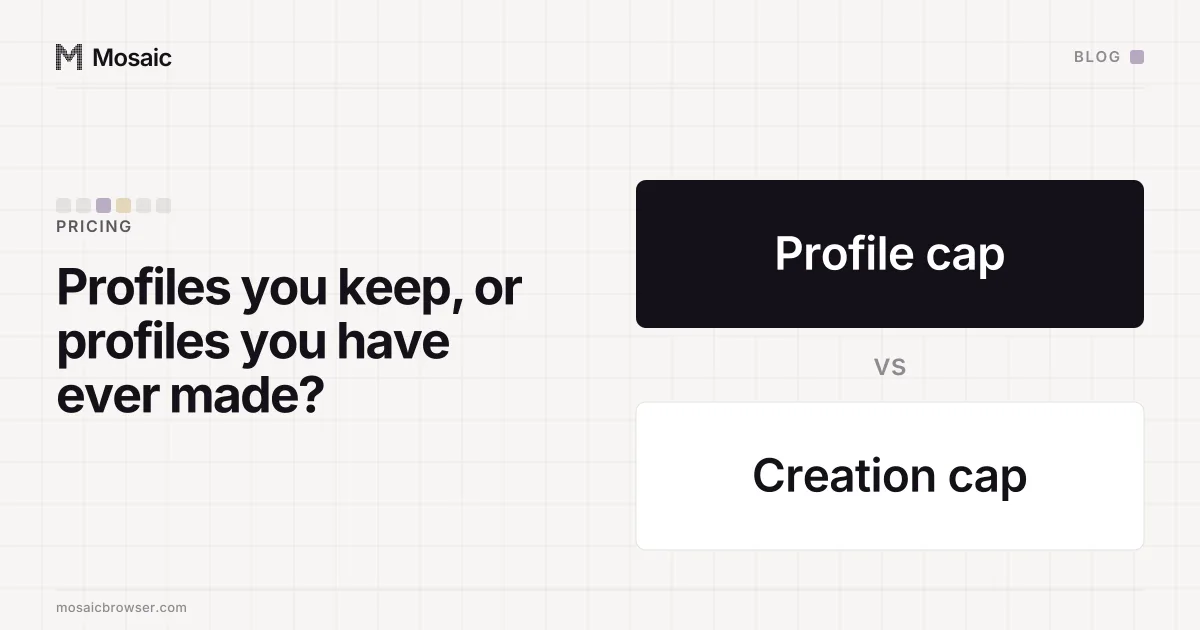
An anti-detect browser's profile creation limit counts every profile you make, including the ones you later delete. It sits beside the profile limit, which counts only the profiles you hold right now. Pricing pages lead with the second number. The first is often in a footnote or a comparison table, and it is the one that decides how a free plan behaves once you start working.
Why a profile creation limit exists at all
A profile cap on its own has an obvious way round it. If a plan lets you keep ten profiles, you can use ten, delete one, make a new one, and repeat for as long as you like. The cap limits how many exist at once and nothing else. For a vendor offering a free plan, that turns a trial into an unlimited product with a little housekeeping.
A creation meter closes that. Deleting a profile lowers the count you hold, and the count you have made stays where it was. The two numbers together describe the plan: how big your library can be, and how many fresh profiles you get in total.
There may be a second reason for vendors that keep profiles on their own servers. There, each new profile is also a record they store and sync for as long as you keep it, so creation is a moment that costs them something.
Make 500 profiles in one go, then work on all of them at onceIn Mosaic: Bulk actions. 500 profiles per batch; start, edit and type into many. Free holds 3 profiles. Pro is $49 a month for any number.
Mosaic is a desktop app
Email yourself the link and open it on your computer.
The shapes a creation meter takes
On the competitors' pricing pages we have read, creation meters come in two shapes, and they behave very differently.
monthly allowance   resets each billing month; you can churn
                    through a fixed number of new profiles a month
lifetime total      never resets; the free plan is a fixed number
                    of profiles you will ever make on it
A monthly allowance suits people who rotate profiles as part of the work, such as a QA tester making clean profiles for each test run. A lifetime total suits trying a product: you get enough to set up real work and see whether it holds up, and then you pay or stop.
A third meter sometimes sits nearby: limits on how often a profile can be opened, or how many can run at once. Those count use, not creation, and they are covered in pay-per-launch pricing and concurrent-browser pricing.
Questions to ask before you hit a profile creation limit
The headline number does not tell you what counts. Before you plan a migration or a batch, find out:
- Does duplicating a profile count as a creation?
- Does importing profiles from another product, or from a backup, count?
- Does a batch that would pass the limit make the profiles it can, or none at all?
- Does a profile you made and deleted within a minute still count?
A vendor whose page answers all four has thought about how people actually use the plan. If it answers none, ask before you import a library, because an import is the moment a creation meter usually bites.
How Mosaic counts creations
Mosaic has two plans. Pro is $49 a month, with a 14-day free trial, and has no profile limit and no creation limit. The free plan holds a small number of profiles and has a lifetime creation cap; the current numbers are on the pricing page. We will not repeat them here, because a number copied into a blog post is the copy that goes stale.
What counts is stated in the app's own words: the free plan makes a fixed number of profiles in all, and deleting one does not give it back. The rules behind that sentence answer the four questions above.
- Create, duplicate, import and every preset batch go through one door, and each new profile costs one creation.
- Imports count, one creation per profile made.
- A batch that would pass the limit makes nothing, rather than half the batch.
- A profile that was made counts, even if you delete it a minute later. Only a creation that was reserved and never used, such as a row an import skipped, is given back.
We meter creations for the reason at the top of this post: without a meter, a profile cap is a housekeeping chore and not a limit. Pro has no meter of either kind because a profile runs on your computer and costs us nothing to give you, which is the argument in why anti-detect browsers cost so much.