A clean FingerprintJS result has two halves. Each profile gets a different visitor ID, and one profile gets the same visitor ID every time it is launched. Fail the first and two profiles that are meant to be two people can be linked without a single cookie. Fail the second and the profile's id changes from one launch to the next, which no ordinary browser does, so it reads as a spoofer. That is the pass line for the FingerprintJS row in our detection catalogue, and it is harder to measure than it sounds.
Why a FingerprintJS visitor ID changes
FingerprintJS turns a long list of things a page can read into one identifier: screen, fonts, canvas and audio output, languages, timezone, hardware figures and more. The visitor ID is computed from all of it together, so when any one input reads differently the id can change.
On a real browser that happens for ordinary reasons. Install a font, switch on dark mode, add an extension, update the browser, and the id may move. Those changes are rare and they stick: the new id then holds until the next change.
The other reason an id changes is a privacy tool that adds fresh random noise each time a page reads the canvas or audio. Then the id changes on every visit, sometimes on every call. That defeats tracking by one id, and it hands the site a different signal instead, because a device whose canvas never draws the same picture twice is not a device anybody owns.
Every profile is drawn from one real computer, not from separate listsIn Mosaic: Machines that exist. GPU, screen, CPU and fonts from one real device. Free holds 3 profiles. Pro is $49 a month for any number.
Mosaic is a desktop app
Email yourself the link and open it on your computer.
How it works: Machines that exist
Two failures, in opposite directions
The two halves of the pass are two separate mistakes an anti-detect browser can make.
Collision. Every profile on a machine shares the same hardware underneath. If a surface is passed through untouched, every profile reads the same value there, and enough shared values can produce the same visitor ID across profiles. We found one of those surfaces ourselves: the WebGL image was identical for every profile on the machine until we noised it per profile (the same WebGL hash on every profile has the measurement).
Drift. Noise that is drawn fresh at each launch, or at each read, fixes collision by making the id unstable. A logged-in account whose visitor ID is new every morning is telling the site something no real customer's laptop does.
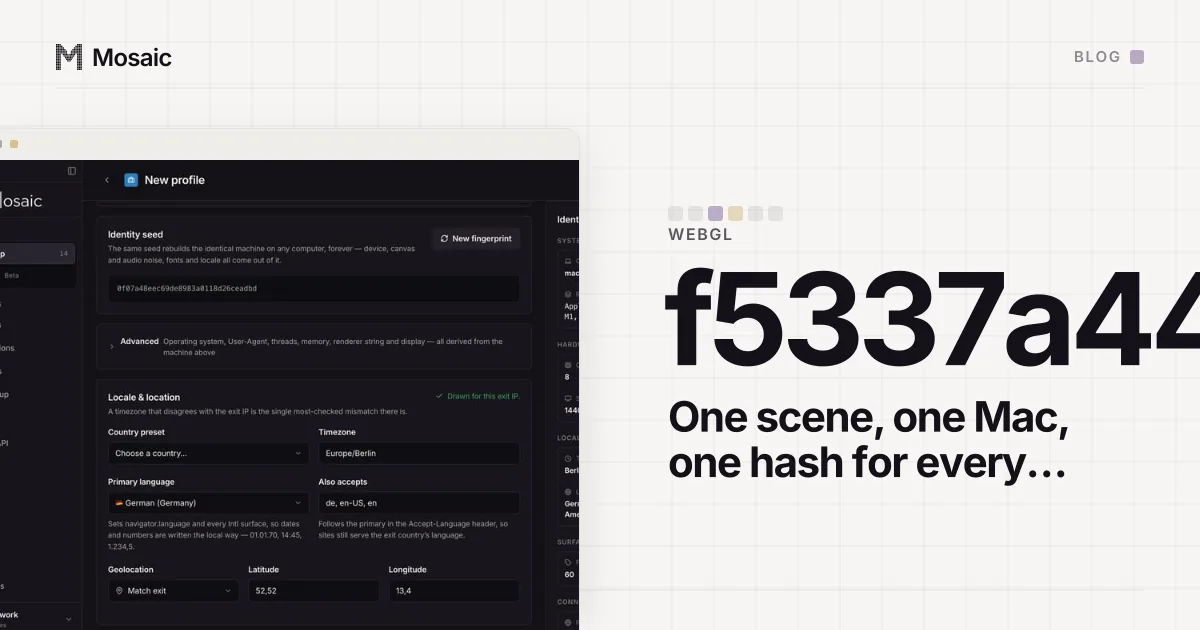
So the noise has to be per profile and fixed. In Mosaic every profile's fingerprint is drawn from its own seed, and the same seed gives the same machine every time. The canvas noise is keyed on the colour of each pixel rather than its position, which is why the two ways a page can read a WebGL canvas agreed on 4096 of 4096 pixels and stayed stable across repeat reads when we measured it. Repairing a profile's hardware redraws the machine from that same seed and keeps its canvas identity, so a repair does not quietly turn the profile into a new visitor.
What one run can and cannot tell you
Here is the awkward part. Both halves are facts about more than one run. Collision needs two profiles. Drift needs two launches. A single visit to the demo gives you one id, which proves neither.
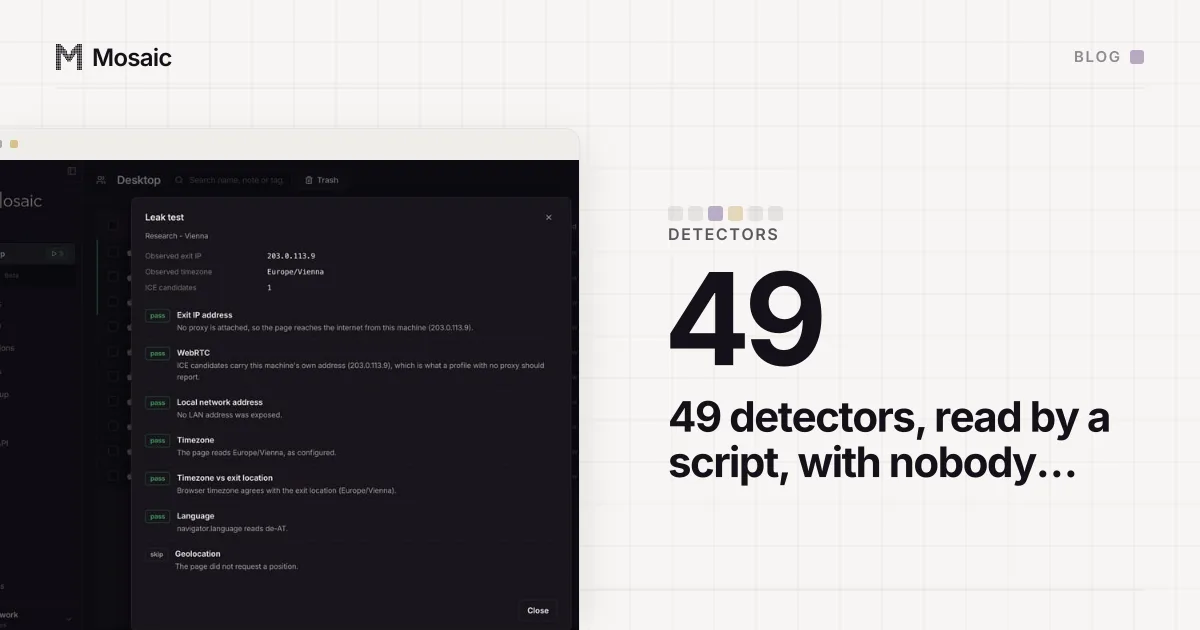
Our runner is honest about that. On the FingerprintJS row it reads the panel the demo renders: the visitor ID, the confidence score, and the browser and operating system it names. From one run it asserts only what one run can show. If the panel did not render, the row is unread, not a pass. If the demo cannot name the browser, the row fails, for reasons that turned out to be about Google's branding rather than our fingerprint (when FingerprintJS can't name your browser tells that story). If the confidence is under 0.9, the figure a stock browser scored, the row asks for attention. Otherwise it passes, and the detail line prints the visitor ID with a note that stability and uniqueness are not asserted from this run, so the id has to be compared against the previous report.
That is less satisfying than a green tick, and it is the true answer. A runner that declared a stability pass from one sample would be scoring a question it never asked. Two descriptions of the same fact had already drifted apart in this catalogue once, with rows marked automatic that nothing could read; the full count of how that happened is in automating fingerprint tests.
How to run the two halves yourself
It takes about five minutes, and it works for any browser, not only ours:
- Open the FingerprintJS demo in profile A. Write down the visitor ID.
- Close the browser completely and open profile A again. Read the id. It should be the same.
- Open the demo in profile B. Its id should be different from A's.
- Repeat step 2 for profile B once, so you know its id holds too.
If A's id changes between steps 1 and 2, something in the profile is being redrawn at launch. If A and B match, something they share is reaching the page unchanged. Either result is more useful than the demo's confidence score, because it is the part a site actually uses: the visitor ID is how it decides whether two visits are one person. How the rest of a profile's values are drawn to agree with each other is on real fingerprints.