Google says "verify it's you" when a sign-in does not look like the ones before it. The main signals are the device, which Google recognises mostly by a cookie it set on an earlier sign-in, the place, which it reads from your IP address, and how the browser looks. A new laptop has none of the history, so Google asks for a phone prompt or a code before it lets the sign-in through.
What counts as a new device when Google asks you to verify it's you
To a website, a device is mostly a browser that still holds what the site stored in it. When you sign in to Google, it leaves cookies behind, and the next sign-in from that browser presents them. That is how Google can tell "the same Chrome on the same laptop" from "a stranger who has the password".
New hardware is one way to be a new device. These look just as new:
- a second browser on the same computer;
- a private or incognito window, which forgets everything when it closes;
- a browser that clears cookies on exit, or an extension or cleaner that wipes them;
- a fresh Chrome profile, or a reinstalled browser.
That is why the prompt can appear on the same computer every few days. The machine has not changed, but the browser keeps arriving with an empty cookie jar.
Lock it with a password, and get yesterday’s library backIn Mosaic: App lock, backups and trash. A password lock, daily snapshots and a 30-day trash. Free holds 3 profiles. Pro is $49 a month for any number.
Mosaic is a desktop app
Email yourself the link and open it on your computer.
How it works: App lock, backups and trash
What counts as a new place
The second signal is where the sign-in comes from. Your IP address says roughly where you are and what kind of network you are on. A sign-in from your home city and your usual provider fits the history. One from another country an hour after the last one, or from an address range that many strangers share, does not.
A VPN or a proxy changes exactly this. One that keeps the same exit gives Google a new place once and then the same place every time. One that hands out a new address on every connection makes each sign-in a new place again. Residential sessions that expire mid-day do the same thing more quietly, and what an expiring sticky session looks like from inside a browser lists the symptoms.
The browser itself
Beyond cookies and the address, a site can read what kind of browser and machine is signing in: the operating system, the screen, the language, the timezone and many smaller values that together make a browser fingerprint. A browser whose timezone says Berlin behind an address in Texas is a sign-in that disagrees with itself.
The same signals that decide whether two logins are one person
The device, the place and the browser are what Google uses to decide whether this sign-in is you. They are also what any site uses to decide whether two accounts are run by the same person. Two accounts signed in from one browser share a cookie jar, an address and a fingerprint, which is about as clear a statement of "same person" as a browser can make.
So the habits that make the prompt rare are the same habits that keep separate accounts separate. Each account should come from one browser that keeps its storage, behind one steady connection, with values that agree with that connection. Google itself lets a person use several Google Accounts, for work and personal life for example, and switch between them. Where an account is a business one, such as Google Ads, the rules on how many one person may run are Google's, and how many Google Ads accounts one person can make walks through them.
Nothing here is a way around the challenge. If Google asks, answer it: the phone prompt, a code from your authenticator, or a backup code. The aim is to stop giving it reasons to ask.
How a Mosaic profile keeps an account recognised
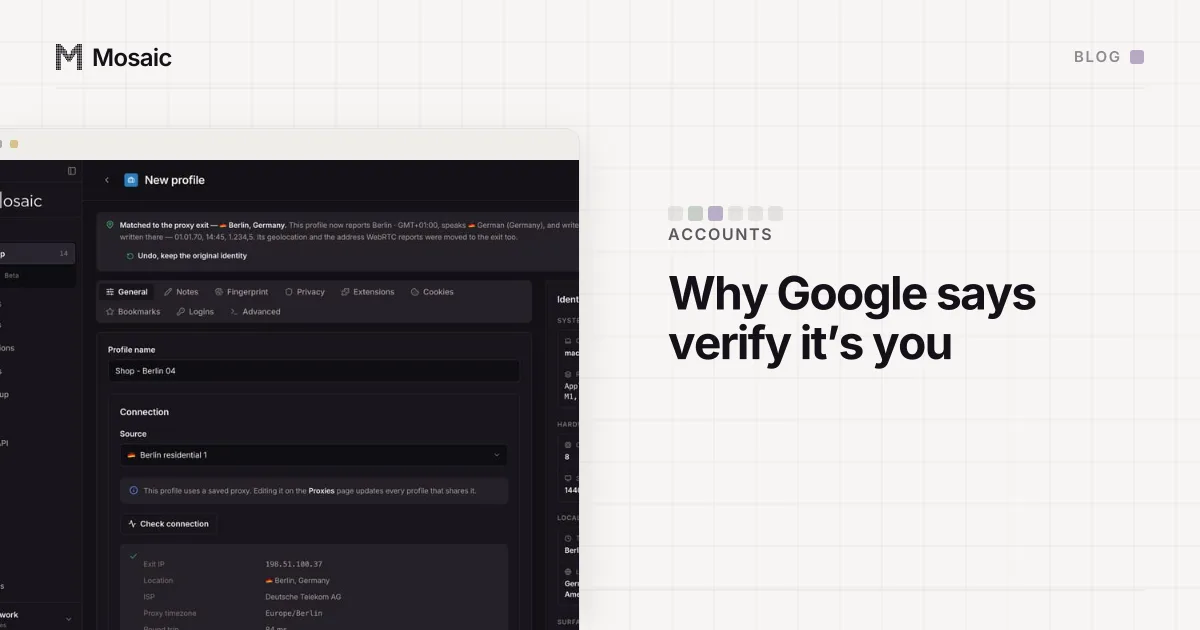
A Mosaic profile is a browser of its own for one account. It keeps its cookie jar between launches, encrypted on disk, so the cookie Google set after the first sign-in is still there next week. Its fingerprint is drawn once and stays the same from launch to launch. Its timezone, language and location follow the proxy's measured exit, so the browser and the address tell one story.
The exit is the part to keep steady. A profile can use a fixed proxy, or mint its own session from a provider for a country you choose. If a minted session stops answering, Mosaic moves to a different session rather than retrying a dead one, which means a new exit address, and that can bring the prompt back once. A session you pinned yourself is never moved. A residential pool moves the address within a country whatever you do, and why the country is the thing to hold is in pin the country, not the address.
When Google does ask for a code, the companion extension inside that profile shows the current two-step code for that account only, from the setup key saved in the profile's own credentials, and can type it into the page with real keystrokes.