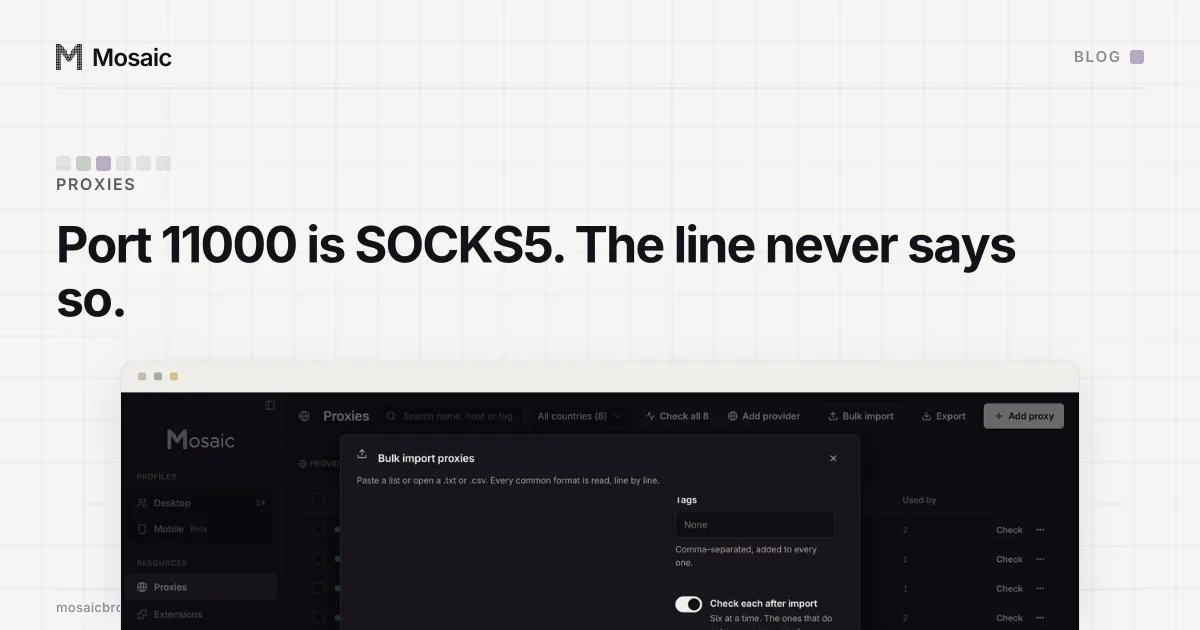
A proxy written as host:port:user:pass has no scheme, so nothing in the line says whether it is HTTP or SOCKS5. Some program has to decide. curl decides HTTP. For CatProxies we found the answer sits in the port number: 9000, 10000 and 12000 answer HTTP and 11000 answers SOCKS5. So when Mosaic reads one of those lines, it takes the protocol from the port.
Why a missing scheme matters
The two protocols open differently. A SOCKS5 server waits for a greeting that starts with the byte 0x05. An HTTP proxy waits for text: CONNECT example.com:443 HTTP/1.1 and a Proxy-Authorization header. Send one to the other and the server either closes the connection or answers with something the client cannot read.
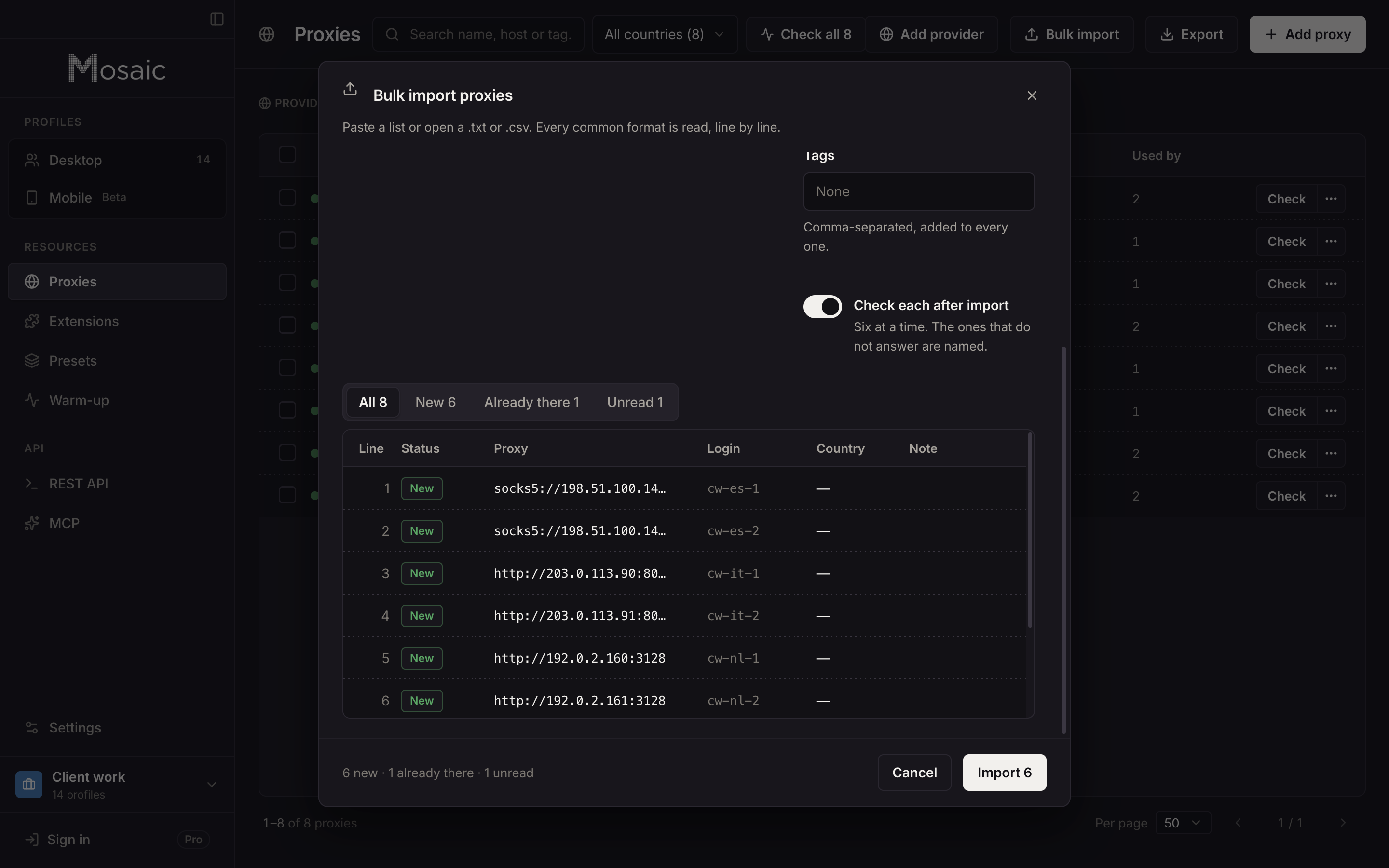
A full proxy URL settles it, socks5://user:pass@host:port or http://user:pass@host:port. The four-part colon format most dashboards print does not. It carries a host, a port and two credentials, and the protocol is left to whatever program reads it. curl treats a scheme-less -x as HTTP. Our bulk import has a type picker for the same reason: when a line does not say, the import uses the type you chose.
What went wrong without the port
A batch of CatProxies lines pasted under the wrong type does not fail at import. Every line parses: host, port, username and password are all there and all valid. The proxy is saved as HTTP, the profile is saved with it, and nothing complains.
It fails at launch, one profile at a time. Mosaic checks a proxy before it opens a browser behind it, and our local relay talks to the upstream in the protocol the proxy was saved with. A CONNECT sent to a SOCKS5 port gets no reply it can read, so the check fails and the launch stops with a reason. That is the right outcome for one profile. For forty profiles made from one paste, it is forty separate refusals for a mistake made once, in the import.
Paste a whole proxy list and deal it out across your profilesIn Mosaic: Bulk proxy import and assign. Paste hundreds, assign them, export them, rotate them. Free holds 3 profiles. Pro is $49 a month for any number.
Mosaic is a desktop app
Email yourself the link and open it on your computer.
How it works: Bulk proxy import and assign
What the gateway told us
We did not take the port map from documentation. We asked the gateway, on one account, port by port, with and without a session token in the username:
9000  + -session-          400 "Can not use -session- on rotating ports"
9000  no session           exits PA, then AZ on the next connection
10000 + -session-ab12cd34  97.238.70.34, and 97.238.70.34 again
10000 + -session-zz99yy11  152.13.118.218, a different id, a different exit
11000 + -session-          SOCKS5 authentication failed
11000 no session           exits PH, then US on the next connection
12000 anything             no answer at all on this account
That is two facts per port. The protocol: 11000 is SOCKS5, the rest are HTTP. And stickiness: 9000 hands out a new exit on every connection and refuses a session token outright, while 10000 holds one exit per session id. We keep 12000 in the table although it answered nothing on that account, because it appears in issued endpoints, and an account that has not bought that product is no evidence the port is retired.
What Mosaic does with it
When a pasted CatProxies line has no scheme, the parser looks the port up in that table and stores the protocol the gateway uses. An explicit socks5:// or http:// in the line still wins, because then the person pasting has told us. The same table drives the editor: switching a CatProxies proxy to a sticky exit moves it to a sticky port, rather than saving a session token on 9000 that would fail with that 400 at every start.
We read the port only where we have measured it. For every other seller, a line without a scheme takes the type picked for the import, or a type or protocol column if the list is a table with a header row. Guessing from a port number nobody has tested would be the same mistake in a new place. Ports are the seller's choice, and the same number means HTTP at one gateway and SOCKS5 at another.
How to tell for a line you already have
If the seller's dashboard names the protocol next to each port, believe the dashboard. If it does not, test the line twice with curl, changing only the scheme:
curl -x http://user:pass@host:port https://api.ipify.org
curl -x socks5h://user:pass@host:port https://api.ipify.org
The one that prints an address is the protocol. socks5h makes the proxy resolve the site's name, which is what you want from a proxy that is supposed to be somewhere else.
Then write the scheme into the line before you paste it anywhere, and it stops depending on which program reads it. Our proxy list formatter converts a colon list into URLs in one go, and the proxy checker tells you whether each one answers and where it exits. Mosaic's own import, with its four ways of dealing a list out across profiles, is on the bulk proxy import page. Why each profile needs its own working proxy at all is covered in what an anti-detect browser is.