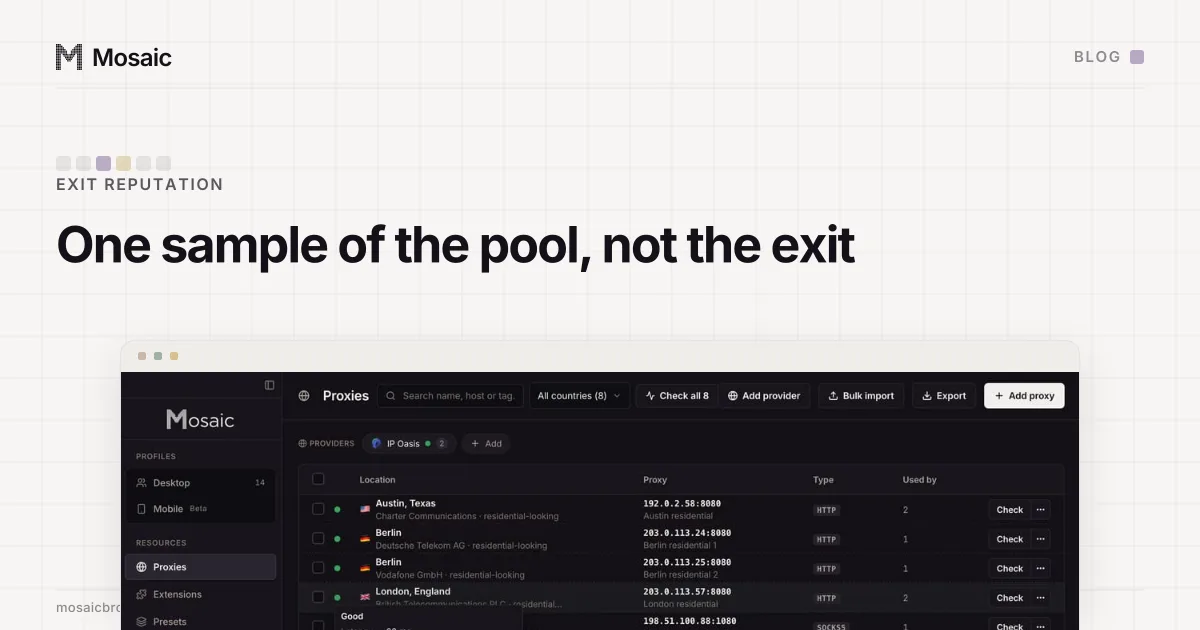
If you check a rotating proxy's IP reputation, you are checking the one exit the pool handed you on that connection. A rotating endpoint gives out a different address per connection, so the next request, and every page your browser loads after it, may come from an address with a completely different history. The score is true about one draw. To score the exit you will actually browse from, pin a sticky session and check that.
Mosaic's exit reputation report says this in its own notes whenever the check has seen the exit move. This post is about why we put that sentence there, and about the time it appeared on a proxy that was not rotating at all.
What the reputation check reads
The scan in src/main/proxy/reputation.ts runs on the exit address the proxy check found, and uses only sources that need no account:
- Six public DNS blocklists, queried the way they are built to be: reverse the four octets and look the name up under each list's zone. SpamCop, Barracuda, SORBS, s5h, AnonMails and UCEPROTECT level 1.
- Reverse DNS, because hosting companies tend to name themselves in the PTR record.
- The network owner and the hosting flag from the geo lookup.
A listing adds 25 points, capped at 60 for listings. An open-proxy or relay listing adds 20 more, a datacentre range 25, and no reverse DNS 5. At 25 the verdict is caution and at 60 it is risky. Spamhaus is left out on purpose: it returns an error code to queries that come through open public resolvers, so asking it from an ordinary computer gives a confident wrong answer, which we would rather not show at all.
Every one of those inputs belongs to one IPv4 address. Nothing in the scan knows about pools.
Paste one gateway line. Every profile mints its own exitIn Mosaic: Provider minting. One gateway line, a separate exit for every profile. Free holds 3 profiles. Pro is $49 a month for any number.
Mosaic is a desktop app
Email yourself the link and open it on your computer.
How it works: Provider minting
A rotating pool is many addresses wearing one hostname
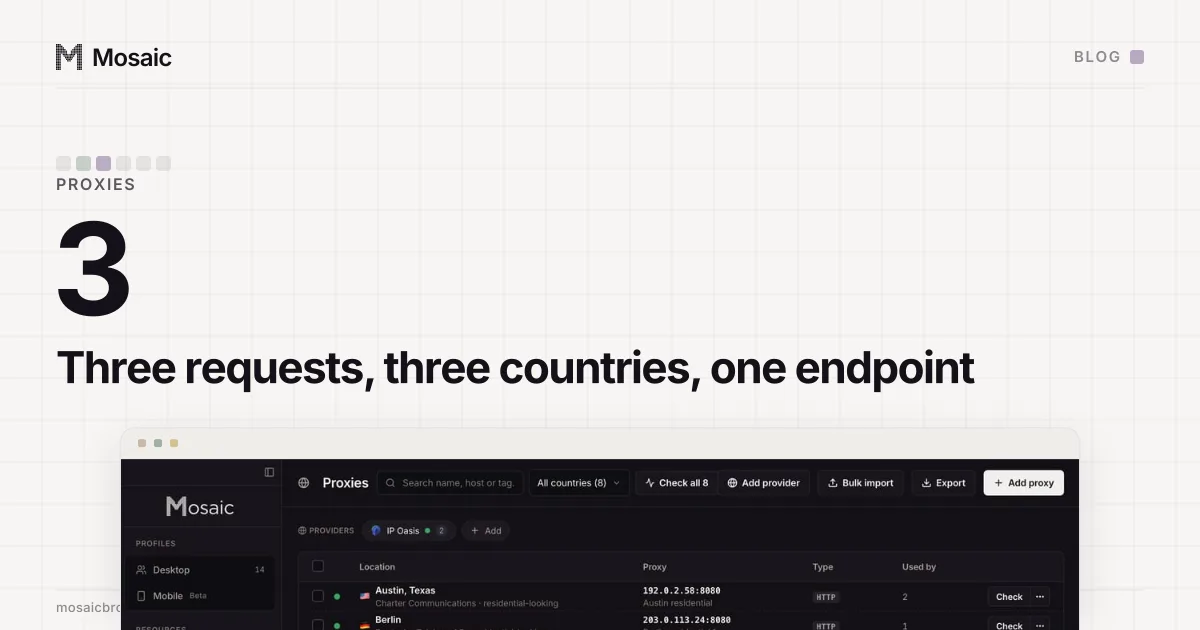
When we wrote the proxy check, one rotating residential endpoint answered from Peru, Brazil and Bahrain on three requests in a row. That is what a rotating port is sold to do, and it suits a stateless job where every request stands alone. It is wrong for a browser profile, which claims one timezone and one language and then has to keep claiming them while it loads a page, logs in and comes back the next day.
For reputation, it means the address you scored is one sample. A pool of residential exits is a mix: most are clean home connections, some have been through a lot of other customers, and a few sit on a list. Scoring one tells you that the pool contains at least one address like it. That is worth knowing, because a pool with listed exits will hand you one sooner or later. What it cannot tell you is whether the next connection is clean.
So when the check has seen the exit move, the report adds this note:
This endpoint rotates, so the address above is one sample of the pool rather than the exit a profile will use. Pin a sticky session to score the address you will actually browse from.
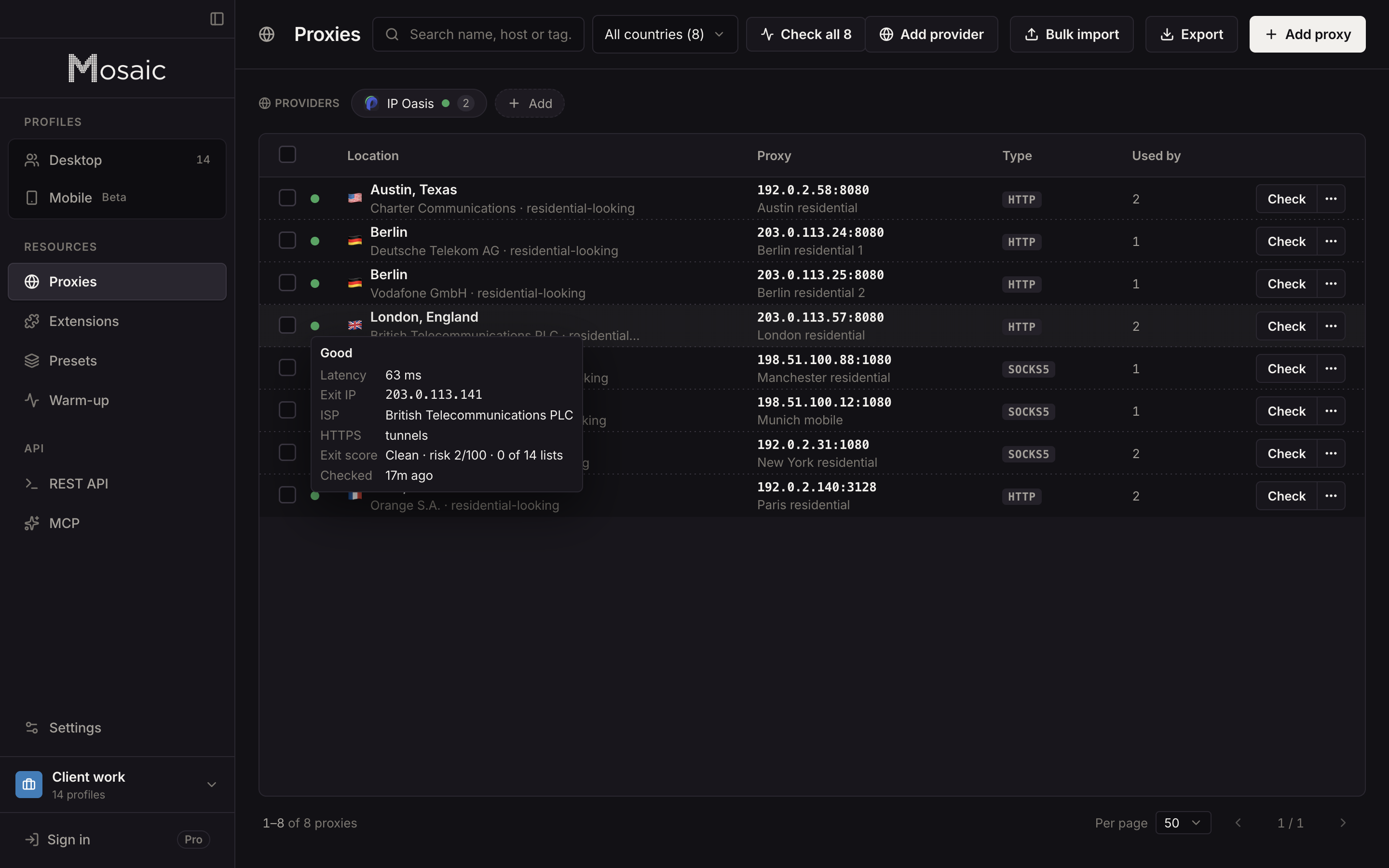
The proxy's status in the Proxies table says it too. A rotating exit is never shown as plain green: unless something more serious takes the headline, the pill reads "Rotating", and the reason beside it says the profile cannot hold a location until a sticky session pins one.
How the check knows it rotated
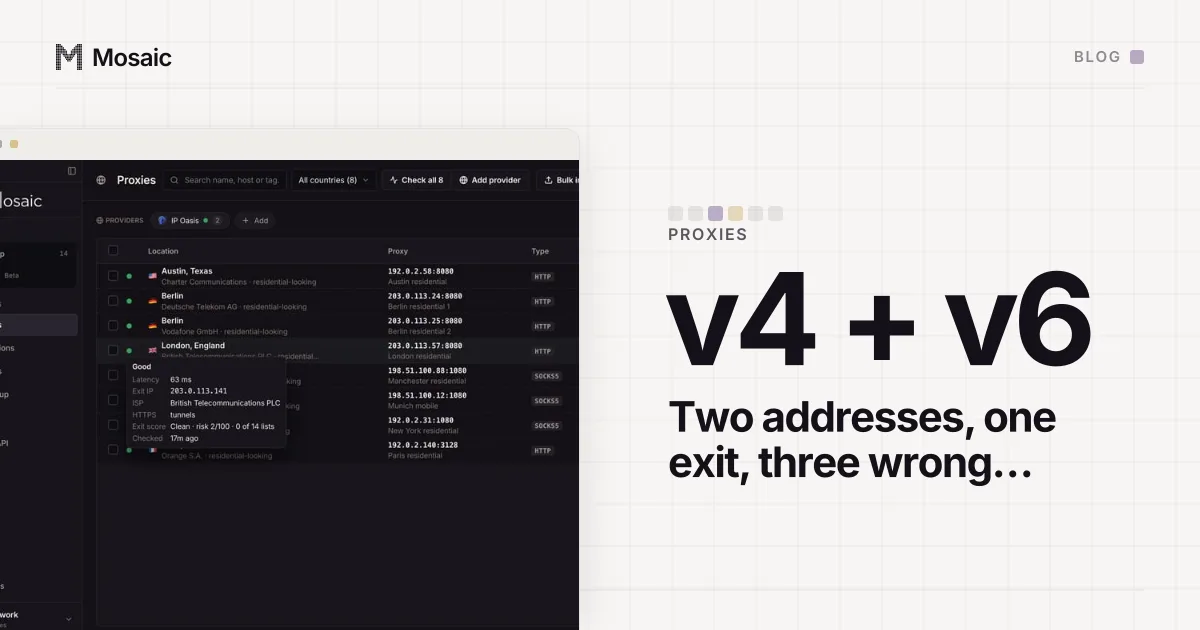
It asks twice. The geo lookup goes out over plain HTTP and the tunnel probe over HTTPS, as two separate connections through the proxy. If they come back with two different addresses, the exit moved between them, and the check records rotating: true.
That rule had a hole, and the reputation note is how we found it. On a dual-stack residential exit, the HTTP request left over IPv4 and the HTTPS one over IPv6:
ip-api  (HTTP)     172.115.91.44
Cloudflare (TLS)   2603:8001:7c3e:5dc4:f45b:5ac5:4f92:d565
The addresses are different strings, so the check called it a rotating pool, three times in a row with identical addresses each time. The report then told the operator that their sticky session was "one sample of the pool" and suggested pinning the session they had already pinned. A note meant to stop one confident wrong answer had become another.
Two addresses from different families cannot be compared, so they are not evidence that anything moved. The check now counts it as rotation only when both addresses are the same family and differ (the same pair of addresses, read from the outside, is in one exit, not two).
Scoring the exit you will use
A sticky session is a username token that asks the gateway to keep handing you one exit for a while. Many sellers spell it as -session-<id> in the username, often with a lifetime. Check that session and the score belongs to the address the profile will browse from, until the session expires or the gateway retires it.
Two warnings from our own measurements. Some gateways decide stickiness by port, not by username: a session token sent to a rotating port came back as 400 "Can not use -session- on rotating ports", so a sticky username alone does not make a rotating port sticky. And a session that expires does not always say so. In one run it came back healthy, in a different city, with four unreachable rows in the measurement behind it.
With a provider saved in Mosaic, each profile mints its own session id from the seller's line, so each profile gets its own exit, and each exit can be checked and scored on its own. A check result that says rotating is the signal to switch that profile to a sticky port before you trust an account to it.
If a listing does come back, read the code before acting on it. One list we query, SORBS, answers 127.0.0.10 for addresses in a home ISP's dynamic range, which lists a residential exit for being residential. The other checks worth doing before a proxy goes near an account, including whether HTTPS tunnels at all, are in how to check a proxy before you use it.