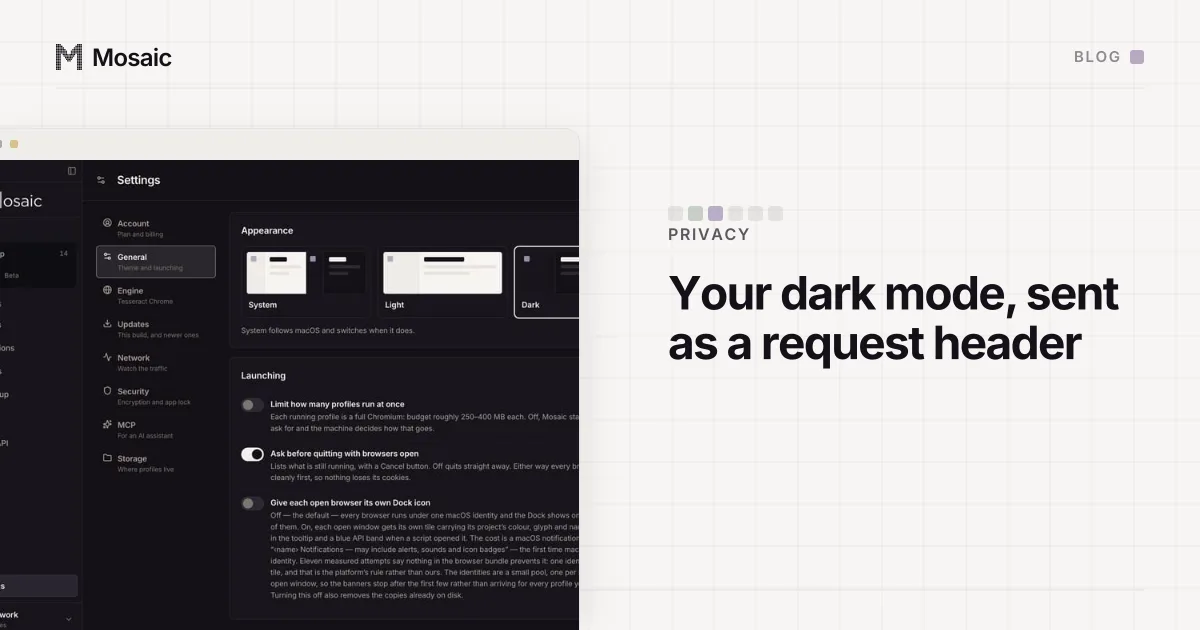
Sec-CH-Prefers-Color-Scheme is a request header that carries your dark mode setting to a server. It is one of the user preference client hints, next to Sec-CH-Prefers-Reduced-Motion and Sec-CH-Prefers-Reduced-Transparency, and Chrome sends them to any site that asks. The site gets the answer before any script runs, so it can serve a dark page on the first byte, and it can also write the value down.
On our profiles that value was the operator's, on every one of them, and we found out by asking for the headers ourselves.
How a site asks for Sec-CH-Prefers-Color-Scheme
Client hints are opt-in per origin. The first response tells the browser which hints it wants:
HTTP/1.1 200 OK
Accept-CH: Sec-CH-Prefers-Color-Scheme, Sec-CH-Prefers-Reduced-Motion
Vary: Sec-CH-Prefers-Color-Scheme
From then on, requests to that origin carry the answers:
GET / HTTP/1.1
Sec-CH-Prefers-Color-Scheme: "dark"
Sec-CH-Prefers-Reduced-Motion: "reduce"
Accept-CH alone means the very first request goes out without the hint. A server that wants it there too adds Critical-CH with the same names, and the browser retries the request with the hints attached. The Vary line is for caches, so a dark page is not served to someone in light mode.
The values are the same ones a stylesheet sees through @media (prefers-color-scheme: dark) and @media (prefers-reduced-motion: reduce). Two routes to one setting: CSS for any page, and HTTP for any server that asked.
Every profile is drawn from one real computer, not from separate listsIn Mosaic: Machines that exist. GPU, screen, CPU and fonts from one real device. Free holds 3 profiles. Pro is $49 a month for any number.
Mosaic is a desktop app
Email yourself the link and open it on your computer.
How it works: Machines that exist
What two unrelated profiles sent
We drew two profiles that shared nothing (different machines, screens and GPUs) and pointed both at a local server that asked for every client hint and ran the media queries. Then we compared both with what macOS reports for the computer they ran on:
mq.prefers-reduced-motion        reduce  reduce   macOS: reduceMotion = 1
mq.prefers-reduced-transparency  reduce  reduce   macOS: reduceTransparency = 1
mq.prefers-color-scheme          dark    dark     macOS: Dark

Sec-CH-Prefers-Color-Scheme: dark
Sec-CH-Prefers-Reduced-Motion: reduce
Sec-CH-Prefers-Reduced-Transparency: reduce
Every profile on that Mac said what the person at the keyboard had set, in the stylesheet and in the request.
Dark mode was the least serious of the three. It is one bit, and a large share of real traffic has it on. Reduced motion and reduced transparency are accessibility settings that only a few per cent of people turn on. So every profile wore a rare trait, and the same rare trait. A server that logs Sec-CH-Prefers-Reduced-Transparency could put every account on the machine in one group from the headers alone, with no script and no cookie.
The test that found it is cheap and worth repeating on any surface: a value that is identical across two unrelated profiles and equal to this computer is inherited, not claimed. The same comparison turned up the colour gamut, the monitor count and the scrollbar width in one afternoon, none of which is part of the browser fingerprint people usually list first.
How each profile draws its own
The setting now belongs to the profile. When it is first read, each profile draws its preferences from its own seed:
| Preference | Share of profiles |
|---|---|
prefers-color-scheme: dark | 30% |
prefers-reduced-motion: reduce | 4% |
prefers-reduced-transparency: reduce | 2% |
prefers-contrast: more | 2% |
Dark is set from what browsers send rather than what surveys say, and why 30% of our profiles use dark mode has the reasoning. The accessibility figures matter less than their size: small, and not zero, and above all not 100%, which is what inheriting the host gives you when the host has them on.
Drawing from the seed means a profile made before this change gets a value the first time it is read, and the same value from then on, without rewriting the 344 profile files that already existed on our machine.
The launch passes the values to Blink, the engine's rendering core, which is where both the media queries and the client hints read them. One switch reaches both, so the header and the stylesheet cannot disagree. Measured on a fresh profile per row, with a control at both ends:
control          css scheme=dark  motion=reduce         hints dark / reduce
all three set    css scheme=light motion=no-preference  hints light / no-preference
control again    css scheme=dark  motion=reduce         hints dark / reduce
Two traps on the way
--blink-settings is last-wins. The preferences went in as a second --blink-settings switch, and an existing one for the pointer type came later on the command line and deleted them silently. Six profiles claiming six different colour schemes all came back dark, which was this Mac's. Everything that needs a Blink setting now goes into one array and one switch, and a check counts them.
The enum does not mean what it looks like. preferredContrast takes a number, and the first guess had every profile claiming a contrast preference it had not been given. Walked one value at a time: 0 is more, 1 is less, 3 is custom, so no preference is 2. The colour scheme was proved both ways too, forced light against a dark host and dark against a light one.
One value looked inherited and was not. AccentColor read rgb(0, 117, 255) on every profile, but it is Chromium's own default constant, the same on every Chrome on macOS, and not the operator's accent at all. Identical across profiles is only a leak if it is also identical to this machine.
How to see your own headers
Run any small server that answers with Accept-CH: Sec-CH-Prefers-Color-Scheme, Sec-CH-Prefers-Reduced-Motion, Sec-CH-Prefers-Reduced-Transparency and prints the request headers, load it twice, and read the second request. Then change your system appearance and reload. If two of your browser profiles print the same three values and they match your system settings, every site that asks is seeing you, not the profile.
Overriding client hints from automation has its own trap: the DevTools call that sets a User-Agent can wipe the other hints, as setUserAgentOverride without metadata shows. Mosaic sets preferences at launch instead, in the engine, where every page and header sees the same answer.