To check if DNS goes through your proxy, look at what the proxy is asked for. A browser using an HTTP proxy for an HTTPS site sends CONNECT example.com:443. If the proxy receives the name, the proxy did the lookup. If it receives CONNECT 93.184.216.34:443, your machine looked the name up first, through its own resolver, and the proxy only ever saw the answer. That one line in the proxy's log settles it.
We built our proxy check around that line, and the reason is a habit browsers have. A browser that is going around its proxy will cheerfully tell you it is not.
Why the browser cannot be the witness
Most DNS checks ask the browser. A leak test page triggers a few lookups for random subdomains and reports which resolver fetched them. That is useful, and it is also limited. It sees only the lookups that page caused. It cannot see the ones Chrome made a second earlier for a prefetch, a preconnect or a restored tab (DNS prefetching is the usual one). And anything read from inside the page is reported by the same software you are trying to test.
The proxy is a better witness because it is the other end of the wire. It records what actually reached it and nothing else. If a lookup went out to the ISP's resolver, the proxy cannot be persuaded that it did not. And if the browser resolved the name and then connected through the proxy by address, the evidence sits in the request itself.
Paste one gateway line. Every profile mints its own exitIn Mosaic: Provider minting. One gateway line, a separate exit for every profile. Free holds 3 profiles. Pro is $49 a month for any number.
Mosaic is a desktop app
Email yourself the link and open it on your computer.
How it works: Provider minting
What our check does
scripts/check-proxy.mjs stands up a real HTTP proxy of our own on the loopback address, points a fresh profile at it through Mosaic's API, opens https://example.com/ and waits nine seconds. Then it asks the proxy what it saw. Every assertion is made against the proxy's own record, never against anything the browser reports.
- The proxy saw at least one connection. If it saw none, the browser is not using it at all.
- One of those connections asked for
example.com. Traffic to some other host does not prove the page went through. - No CONNECT target is a raw address. The check matches every target against a dotted-quad pattern, and a single hit fails the run with the line "The browser resolved the hostname itself, which means the machine's own resolver saw the site."
- With credentials configured, the proxy received a
Proxy-Authorizationheader and it decoded to the configured user and password.
It runs that twice, once with no credentials and once with a user and password the proxy insists on. An authenticated proxy goes through Mosaic's local relay, which adds the credentials on the way out, and a broken relay is exactly the kind of fault that fails open into "no proxy at all".
The test proxy really forwards traffic, which matters. A proxy that refused every connection would make the page fail to load, and "nothing reached the origin" looks the same whether the proxy worked or the browser gave up. A real tunnel is the only way the result means something.
A third scenario points a profile at a proxy port where nothing is listening, port 47119, and checks that the page did not load. That is the dangerous failure: a browser that quietly falls back to a direct connection behind a dead proxy looks, from the outside, exactly like everything working.
One detail from building it. The first version hung for minutes at the end, with no browser running and nothing on screen. server.close() waits for open connections to finish, and a CONNECT tunnel to a browser never finishes on its own. The check now tracks every socket and destroys them on the way out.
Why the address never appears
A check like this needs something to hold it true, and in Mosaic that is the launch itself. With a proxy attached and dnsOverProxy on, which is the default, the browser is pointed at the local relay rather than at the proxy itself, and launched with:
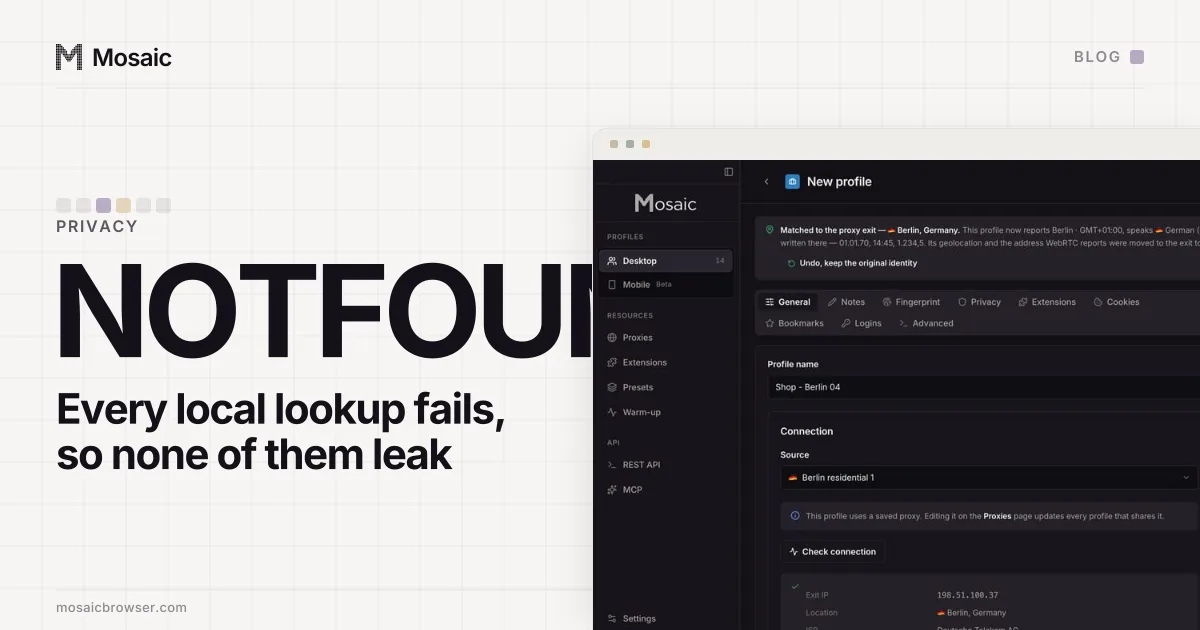
--host-resolver-rules=MAP * ~NOTFOUND , EXCLUDE 127.0.0.1
Every name the browser tries to resolve for itself now fails, except the loopback address the relay listens on. So the browser has no choice but to hand the name to the relay, and the relay resolves it upstream, at the exit. A part of Chrome we forgot about, which tries to resolve something directly, gets "not found" rather than an answer from the ISP. The rule fails closed. The order inside that rule matters more than it looks, and the first match wins has the case where it broke our own companion.
A SOCKS4 proxy always goes through the relay too, because SOCKS4 has no field for a hostname. A browser using one directly has to resolve every name itself.
How to check if DNS goes through your proxy yourself
You do not need our script to make the same measurement. Run any proxy whose log shows the request line, point the browser at it and read the targets.
For an HTTP proxy, four lines of Node print every CONNECT target:
require('http').createServer().on('connect', (req, sock) => {
  console.log(req.url)
  sock.end('HTTP/1.1 502 Bad Gateway\r\n\r\n')
}).listen(8899)
Start Chrome with --proxy-server=http://127.0.0.1:8899 and a fresh --user-data-dir, open an HTTPS site, and every line printed should be name:443. This version refuses the tunnel, so pages will not load, which is fine for reading targets but means it cannot test fallback; add forwarding before you trust a "nothing loaded" result. mitmproxy and Proxyman show the same request line in their flow lists.
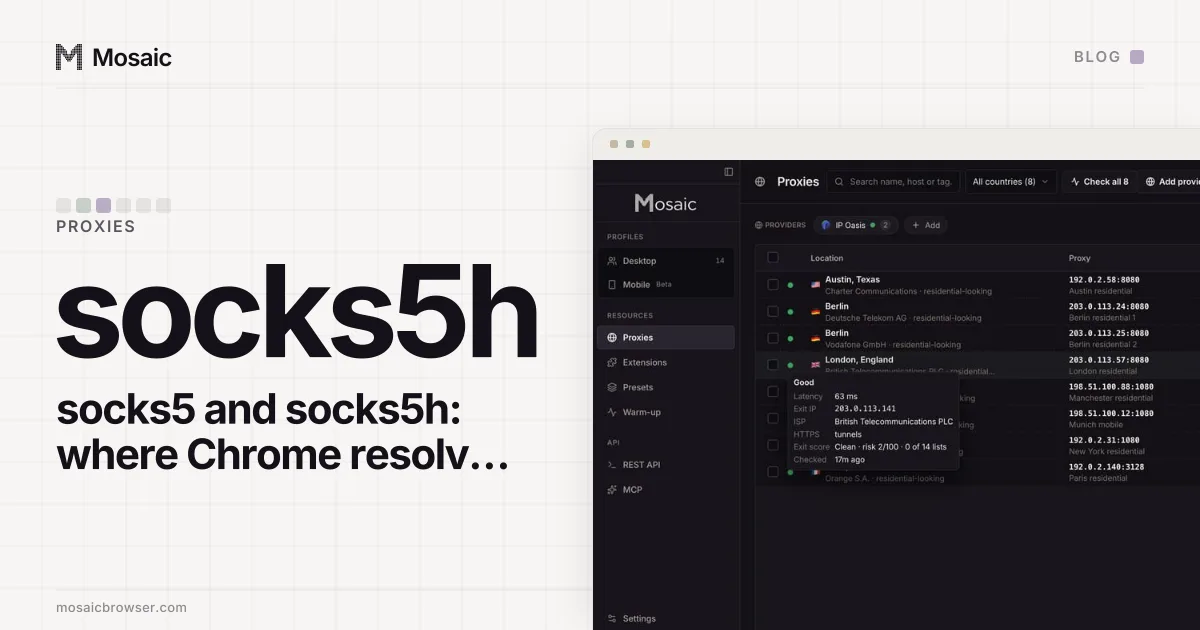
For SOCKS5 the question is the address type byte in the connect request: 0x03 is a domain name, 0x01 an IPv4 address and 0x04 an IPv6 address. Chrome sends the name to a SOCKS5 proxy. Many command-line tools do not unless the scheme is socks5h, which socks5 and socks5h in Chrome explains.
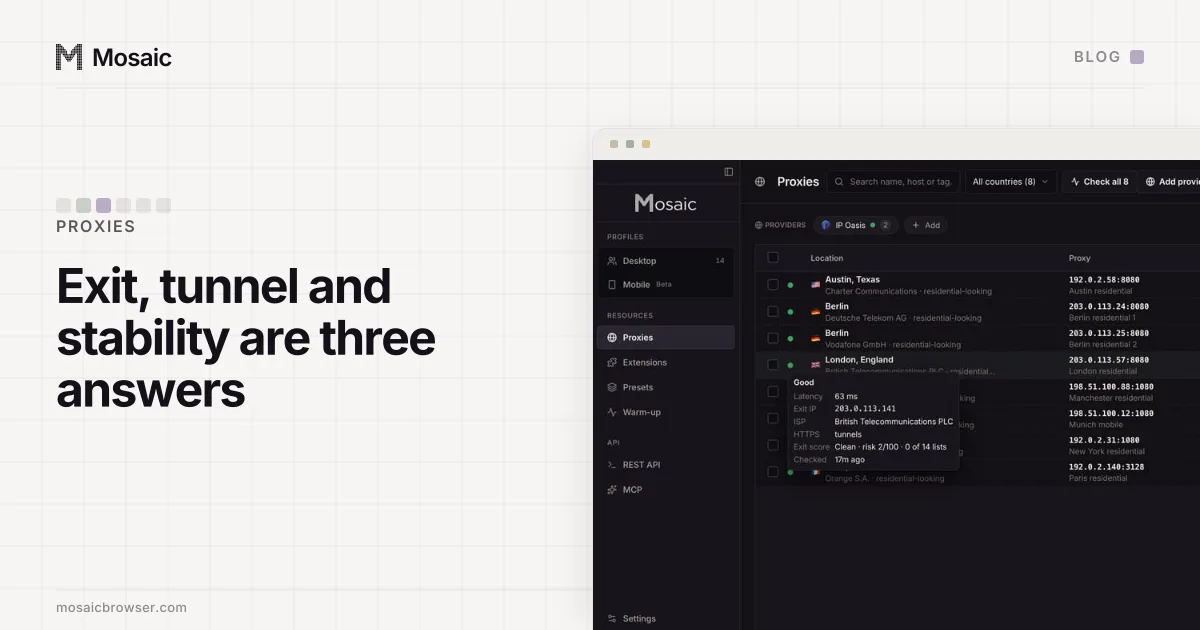
If you would rather watch from the machine's side, sudo tcpdump -n port 53 while you browse shows every plain DNS query leaving the computer. With the proxy doing the resolving, the browser should cause none. Encrypted DNS hides from that view, so a quiet port 53 is necessary but not sufficient. The CONNECT line in the proxy's log is still the clearest answer, and checking the exit's own answers before you use it is in how to check a proxy.