Amazon Ads Partner Network access is how an agency runs a client's Amazon advertising without ever holding the client's login. The agency registers in the Partner Network, works from a manager account, and asks each advertiser to link their ad account to it. The advertiser approves the request from their side, and the agency's staff then see that account under their own sign-ins. No Seller Central password is shared at any point.
What the agency gets
A manager account is the agency's own container. It has its own users, each signed in with an Amazon login that belongs to that person, and a list of advertiser accounts linked to it. Open a linked account from there and you are in that client's campaigns, with the access the link gives you.
The Partner Network is the business layer on top, meant for companies that manage accounts on behalf of advertisers. It is where the agency is a company rather than a collection of employees with access, which is what an advertiser actually wants to grant.
Each profile keeps its own passwords and its own 2FA codesIn Mosaic: Logins and 2FA codes. A password vault and TOTP codes for each profile. Free holds 3 profiles. Pro is $49 a month for any number.
Mosaic is a desktop app
Email yourself the link and open it on your computer.
How it works: Logins and 2FA codes
How the link is made
The shape is the same whichever side starts it:
- The agency asks for the advertiser's account details, usually the advertiser or account ID and the marketplace.
- The agency sends a link request from its manager account.
- The advertiser opens the request while signed in to their own Amazon Ads account, checks who is asking, and approves.
- The linked account appears in the agency's manager account for every user who has access to it.
Revoking is the same move in reverse. The advertiser finds the agency's manager account among their links and unlinks it, and everyone at the agency loses access together. Compare that with a shared password, where ending an agency relationship means changing a credential that other people and other tools may also depend on, then hoping nobody saved the old one (the shared password spreadsheet is that problem in its usual form).
Why it matters that the login never moves
A Seller Central login is the whole business: listings, payments, inventory, customer messages, account health. Handing it to an ad agency gives them all of that to run one part of it. It also puts a second person, on a different computer and network, into an account that holds the seller's money, and a seller who later sees an unfamiliar sign-in has no way to tell their agency from a stranger.
Linked access avoids both. The agency signs in as itself. Amazon sees agency staff signing in to an agency account, which is true, and the advertiser's own account sees its own owners. The same idea runs through every platform that has done this well: Meta lets a client add an agency as a partner on its pixel instead of sharing a personal login, and Amazon has a separate route for Brand Registry agents.
Where Partner Network access stops
It covers advertising. Work outside the ads console, such as editing listings, answering buyers or reading account health, lives in Seller Central, and that has its own user permissions. If a client wants your agency to do some of that too, the honest route is for them to add your staff as users with the permissions that work needs, not to send their owner login.
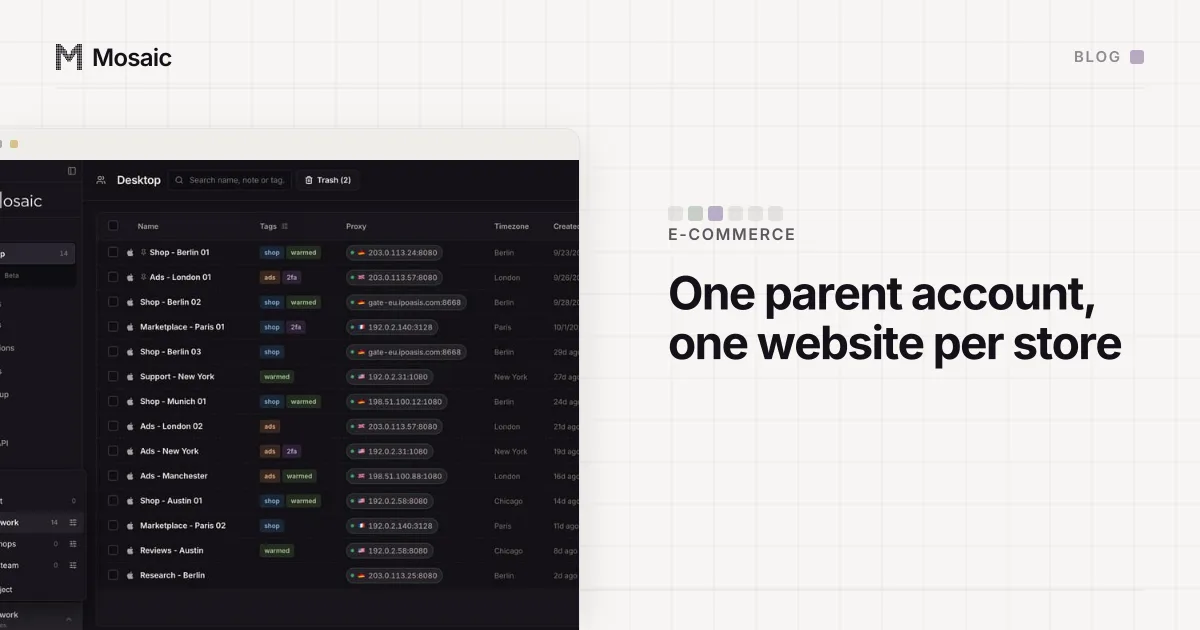
An agency that runs everything through a manager account may need nothing else for Amazon advertising. Where Mosaic helps is around the edges. Agency staff often have personal Amazon logins in the same browser they work in, and the agency usually touches other client systems that have no delegated access at all. A Mosaic profile per client keeps each one's cookies, fingerprint and proxy exit apart, so a session for one client never shows up in another's tab (ad account management shows how agencies lay that out). Amazon's terms still decide what each account may do; Mosaic keeps accounts you are entitled to run apart, and does not change what the platform allows.
Seller Central sessions live in cookies, so a store opened in the same window as another one, or in a browser that clears itself, signs out over and over (why Seller Central keeps logging you out lists the causes we see).