Seller Central keeps logging you out because the browser keeps losing the cookies that prove you already signed in. The usual causes are a browser or cleaner app that wipes cookies, signing in to a second store in the same browser, and working from private windows or several browsers in turn. Each one starts Amazon's sign-in, and usually the two-step code, from scratch.
Amazon's selling policies decide when one business may run more than one seller account, and Seller Central's help has the current rules. Mosaic keeps stores you are entitled to run apart; it does not change what Amazon allows.
Why Seller Central keeps logging you out: what a session is made of
When you sign in, Amazon sets cookies in your browser. Some say who you are for this session. Another records that this browser has passed two-step verification, which is what the tick box at the code prompt for not asking again on this browser saves. Every page you open after that sends those cookies back, and Amazon trusts them instead of asking again.
So a logout you did not ask for is nearly always one of two things. Either the cookies were deleted, or something replaced them.
When the cookies get deleted
The common deleters are easy to miss because they were set up months ago:
- The browser setting that deletes cookies and site data whenever you close all windows. Chrome, Edge and Firefox each have one in their privacy settings, and it is easy to forget it was ever turned on.
- A cleaner or "privacy" app that clears browser data on a schedule, or an extension that wipes cookies per site.
- A private or incognito window, which throws away everything it stored when it closes.
- A different browser, or the same browser on another computer. Each has its own cookie store, so to Amazon each is a new device that has not passed the code.
Any of these means a fresh sign-in, and because the "don't ask on this browser" note was a cookie too, the two-step code comes back with it.
Write the recipe once, then make forty profiles from itIn Mosaic: Presets and extensions. One recipe, forty profiles, forty exits. Free holds 3 profiles. Pro is $49 a month for any number.
Mosaic is a desktop app
Email yourself the link and open it on your computer.
How it works: Presets and extensions
When the cookies get replaced
This is the one that hits sellers with more than one store. A browser keeps one set of cookies for a site. Sign in to store B, and its session is written over store A's. Go back to the tab where store A was open and the next click lands on a sign-in page, or worse, on store B. Many sellers read this as Seller Central being unreliable when the browser is doing exactly what it was built to do.
Swapping accounts this way has a second cost beyond the lost minutes. It is how a reply goes out from the wrong store, because two tabs that look identical are now backed by whichever account signed in last.
Amazon also asks you to sign in again on its own schedule and before some sensitive pages, and it does not publish those timings. That part you cannot change. The rest you can.
Keep one store per cookie jar
The fix for both causes is the same: give each store its own browser storage that nothing else writes to and nothing clears. A separate browser profile does that. The first store's cookies live in profile one, the second store's in profile two, and signing in to one never touches the other.
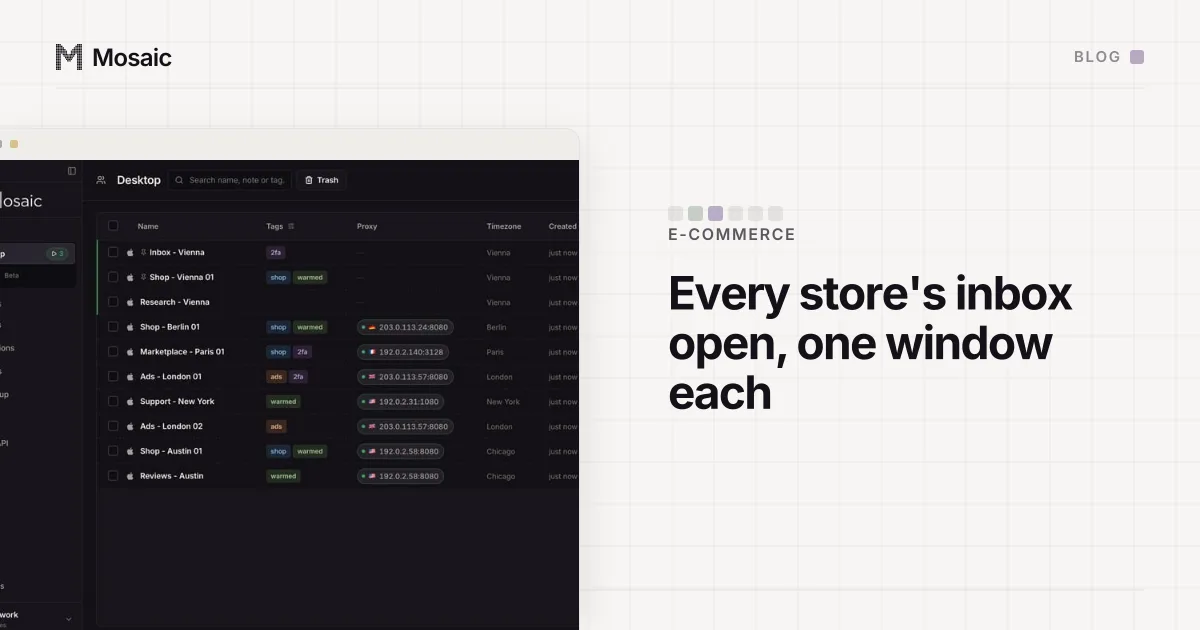
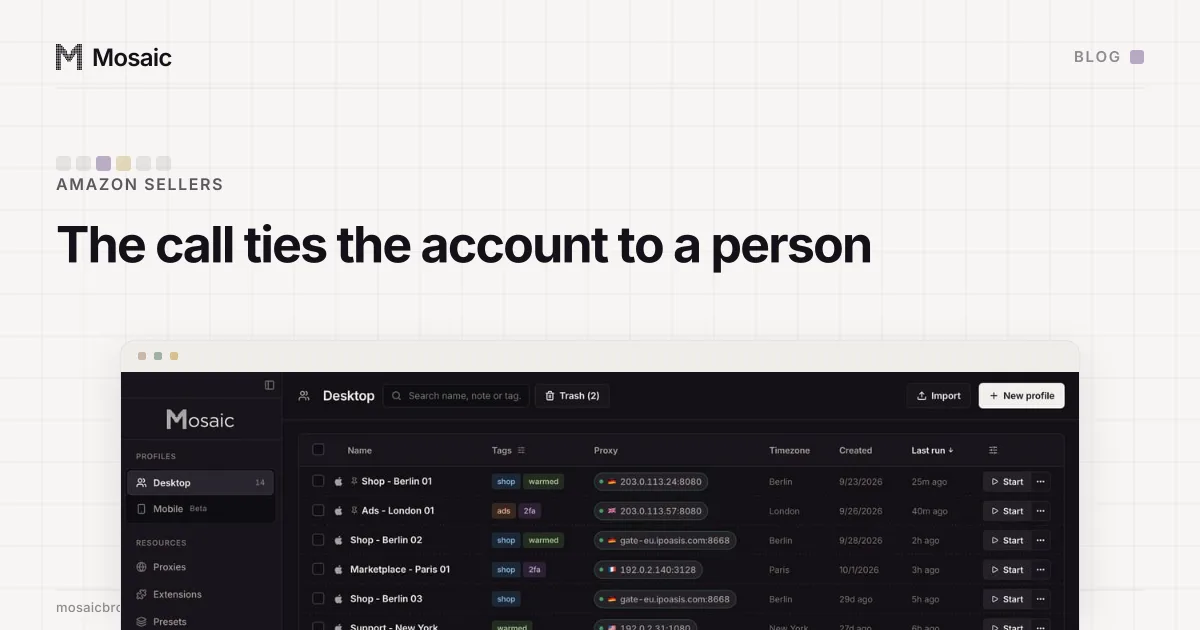
In Mosaic each store gets one profile, and that profile keeps:
- its own cookie jar, saved between launches and encrypted on disk, so the store is still signed in tomorrow until you sign it out yourself;
- its own fingerprint and its own proxy exit, the same ones every time it opens, so from Amazon's side it is one steady browser on one steady connection;
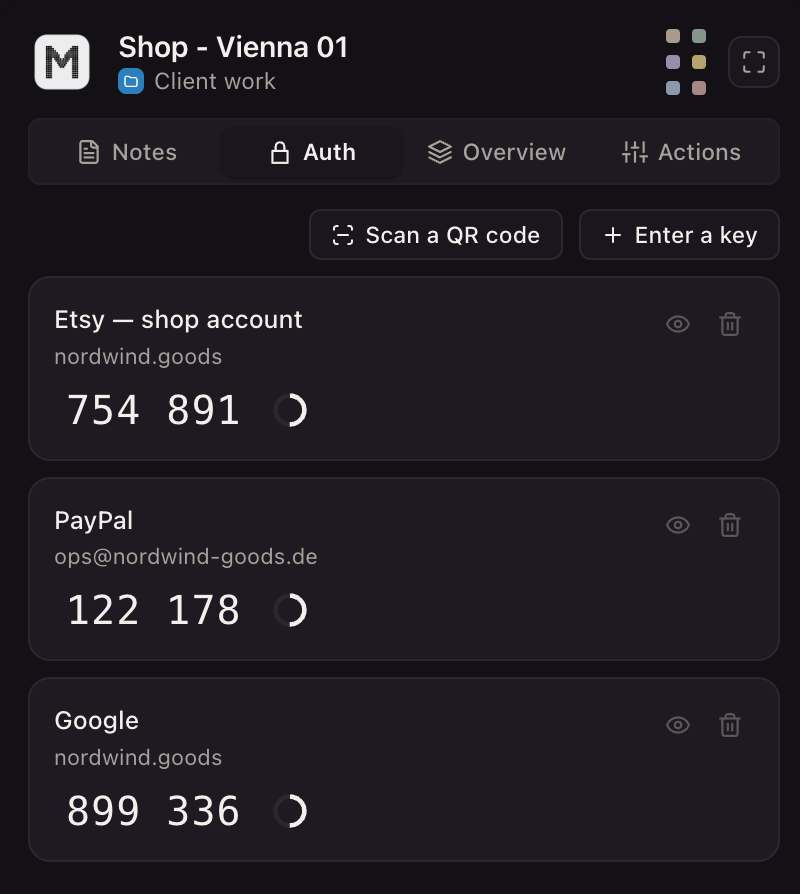
- its own credentials vault, with the store's login and its two-step setup key.
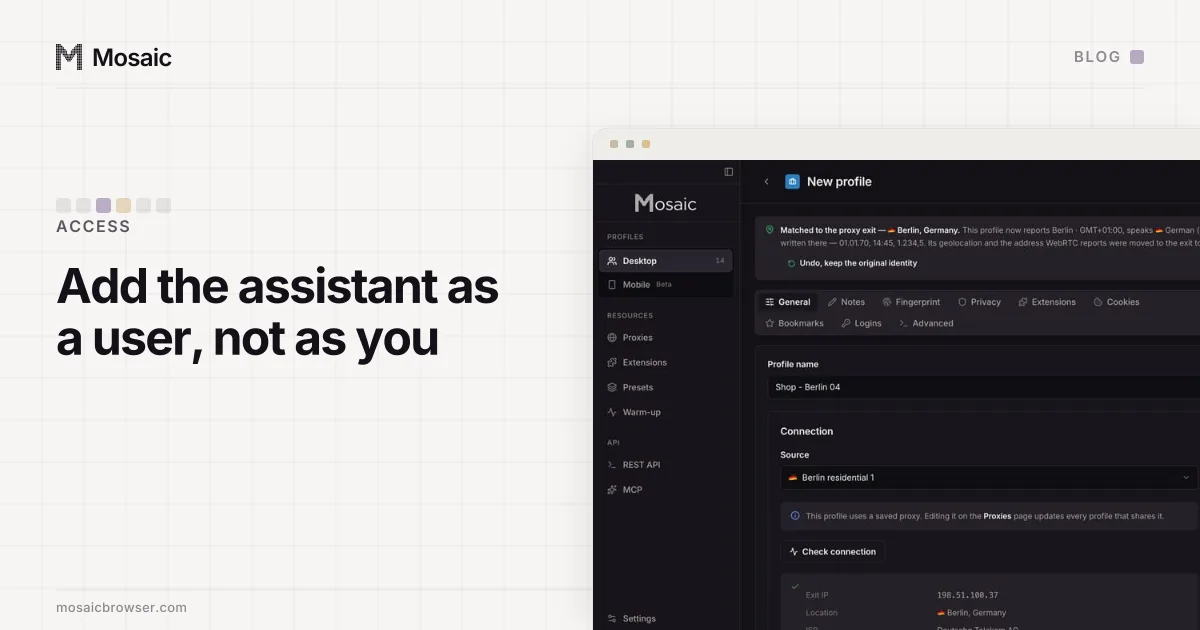
When Amazon does ask for a code, the companion extension inside that profile shows the current one for that store only and can type it into the page with real keystrokes. A setup key that cannot make a code is refused when you save it, not on the morning you need it. That vault is also how a virtual assistant can work a store without being handed the password, which we walk through in giving a VA access without the password.
What the morning looks like after
With every store in its own profile, starting those profiles opens the stores already signed in, side by side. The daily checks from our six-store morning routine then take the time the checks take, not the time the logins take, and reading every store's buyer messages in one pass stops depending on which account signed in last. Why a shared browser also lets a marketplace see that two stores share a computer is covered in how to manage multiple accounts without getting them linked.