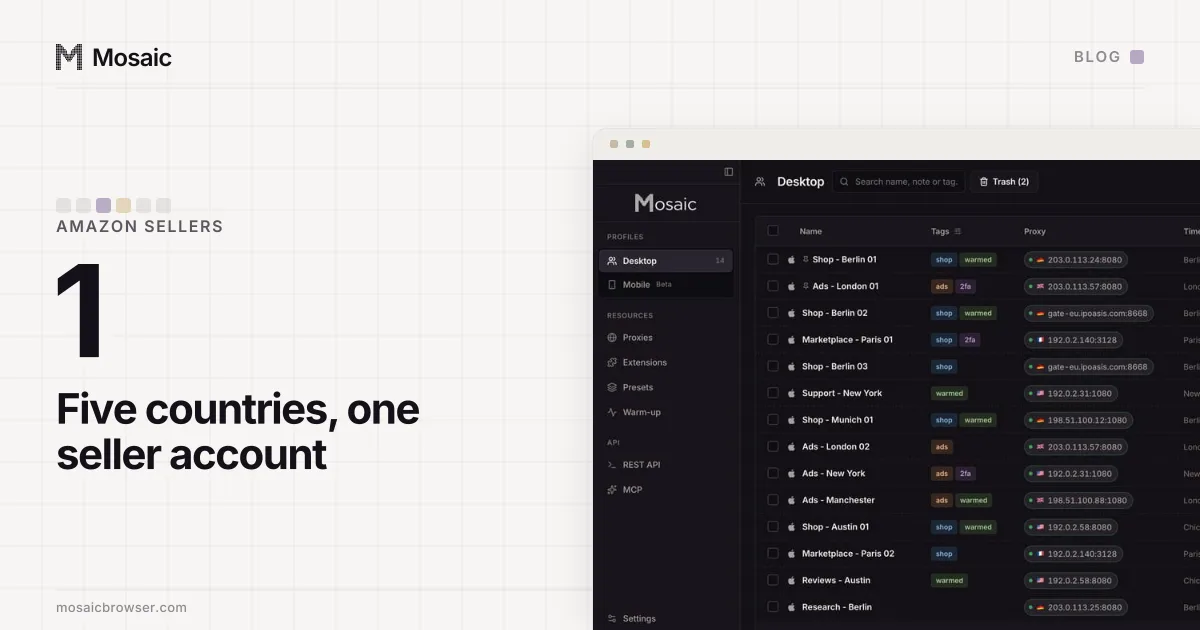
An ecommerce seller's daily checklist is short: answer buyer messages, work through new and late orders, read the account health page, then check stock and money. For one store that is a handful of pages. With six stores, most of the morning goes on signing in and out of one browser. The fix is to open all six already signed in, each in its own window, side by side.
Each marketplace sets its own rule on how many seller accounts one business may run, and some require approval before a second. Mosaic keeps stores you are entitled to run apart; it does not change what a marketplace allows.
The ecommerce seller daily checklist, in order
The order follows what a marketplace measures and what costs money if it waits.
- Buyer messages. Response time is measured on most marketplaces, and a question about delivery is often a refund request a day later.
- Orders. Anything unshipped that is close to its dispatch date, then new orders, then returns waiting for a decision.
- Account health. The performance or seller-standards page: late shipments, cancellations, defect rates, policy warnings. A warning here outranks everything below it.
- Listings and stock. Your top sellers' stock levels, and any listing the marketplace has suppressed or flagged overnight.
- Money. Yesterday's payouts arrived, refunds and claims logged.
Steps 1 and 3 are the ones that cannot wait for the afternoon. Steps 4 and 5 can move to the end of the day if the morning runs over.
Write the recipe once, then make forty profiles from itIn Mosaic: Presets and extensions. One recipe, forty profiles, forty exits. Free holds 3 profiles. Pro is $49 a month for any number.
Mosaic is a desktop app
Email yourself the link and open it on your computer.
How it works: Presets and extensions
Where six stores lose the morning
The checks do not take six times as long. Signing in does. One browser holds one session per site, so the second store on the same marketplace means signing out of the first, signing in again, a two-factor code, and finding your place. Do it for six stores and the routine is mostly logins.
Two shortcuts make it worse. A second browser, or a private window, gets you to two stores and no further. And a shared browser with all six logins saved in it is the setup where a reply goes out from the wrong store, because every tab looks the same.
One profile per store
A profile is a browser of its own: its own cookies, its own fingerprint and its own proxy exit. Each store lives in one profile and stays signed in there, so the morning starts with no login at all. How sites tell apart (or connect) accounts that share a browser is in how to manage multiple accounts without getting linked.
In Mosaic we would set the six up once like this:
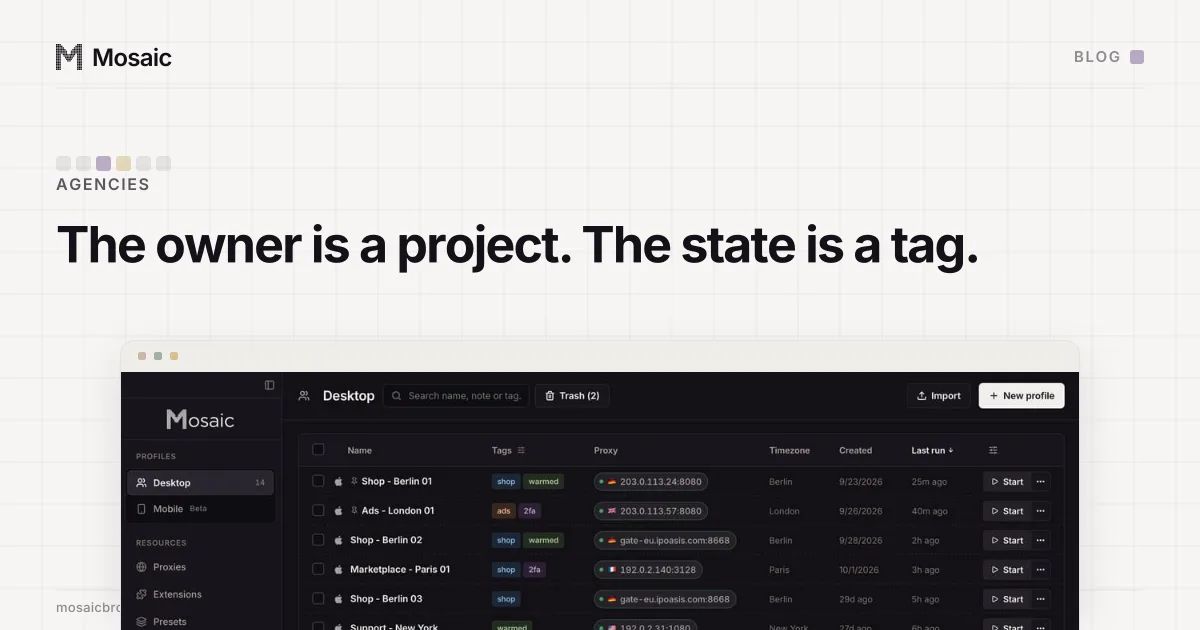
- Make a project for the business, for example "Home goods", and one profile per store inside it.
- Name each profile after the store and the marketplace, so a window's title tells you where you are. The scheme we use is in naming hundreds of profiles.
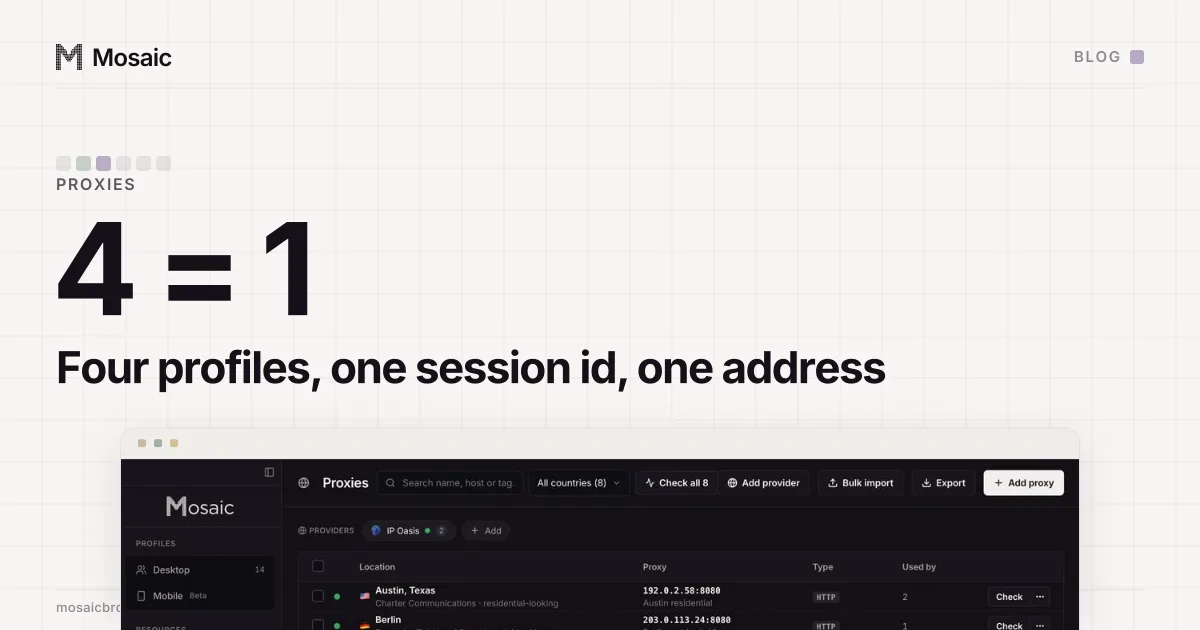
- Give each profile its own proxy. If they come from one proxy seller, add it as a provider and let each profile mint its own session, so no two stores leave from the same exit (forty profiles, forty exits is why that matters).
- In each profile's Start pages, put the pages from the checklist, one URL per line: messages, orders, the account health page. They open as tabs at launch.
- Sign in to each store once, in its own profile. The cookies stay in that profile's jar.
The morning, in four clicks
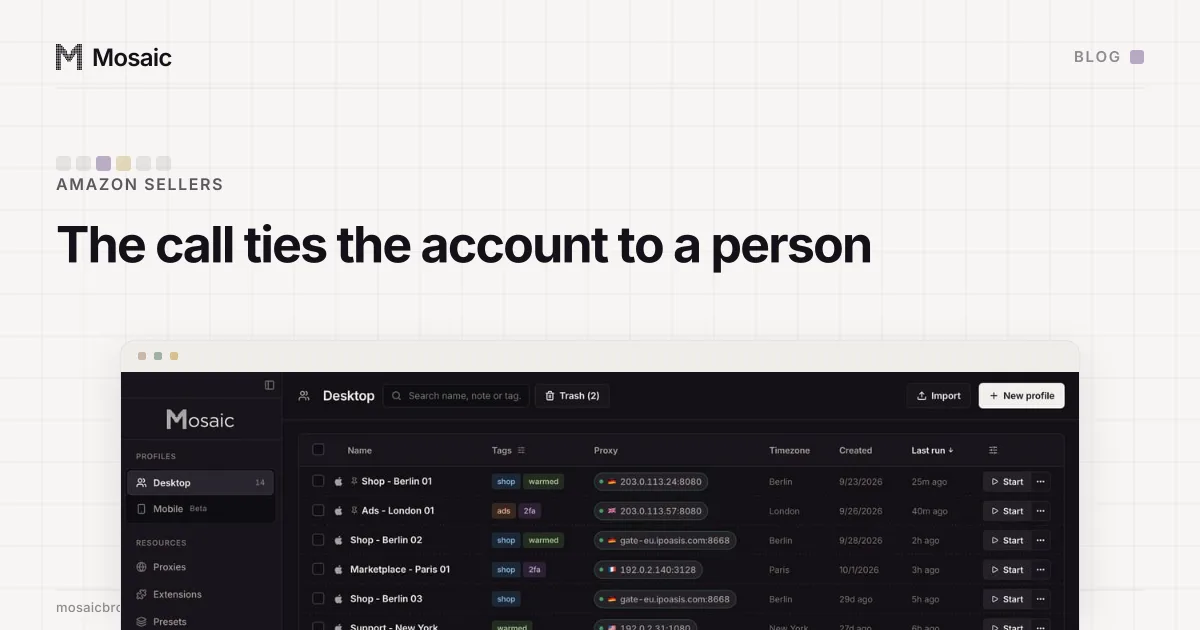
- Tick the six profiles in the table and press Start on the bulk bar. All six launch at once, each behind its own proxy, each opening its start pages already signed in.
- Press Arrange 6 and choose Grid. Mosaic lays six windows out three across and two down, an equal cell each, on the main screen.
- Work the checklist across the grid: messages in all six, then orders in all six. If you need the same page everywhere, Open URL sends one address to every selected window.
- Stop them together when you are done, from the same bar.
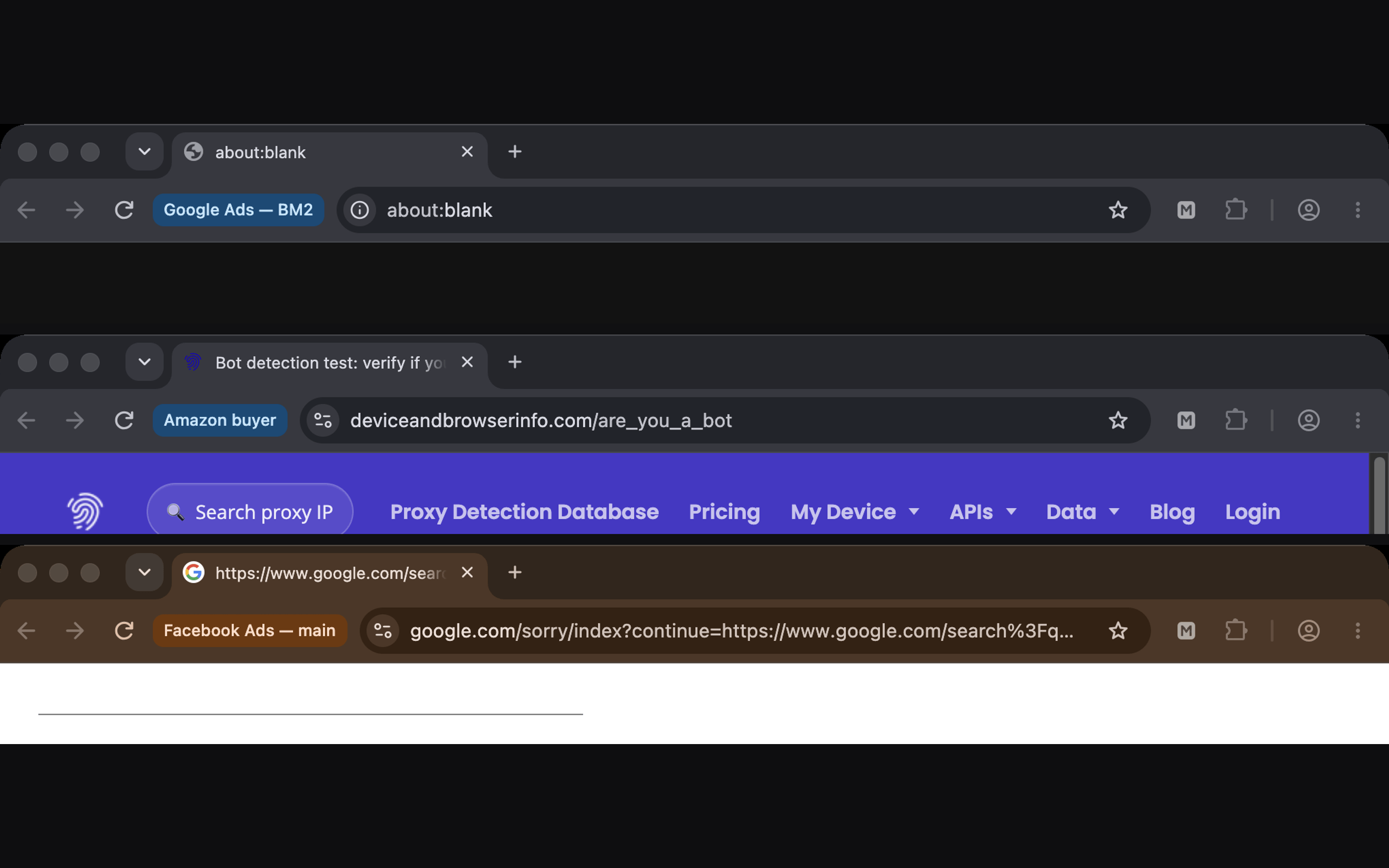
Tags help once the list grows past one screen: a tag for "check daily" lets you filter to exactly the stores the routine covers, and projects, owners and tags has the way we split those three jobs.
What each profile keeps between mornings
Each profile keeps its cookies, so it is still signed in tomorrow. It keeps its proxy, and Mosaic checks that proxy before every launch, so a store does not open on an exit that stopped answering overnight. Its companion holds that store's notes and two-factor codes, so the code you need is in the window you need it in, not on a phone beside six tabs. If a store's window should come back as you left it rather than on its start pages, turn on Restore the previous session on launch in that profile.