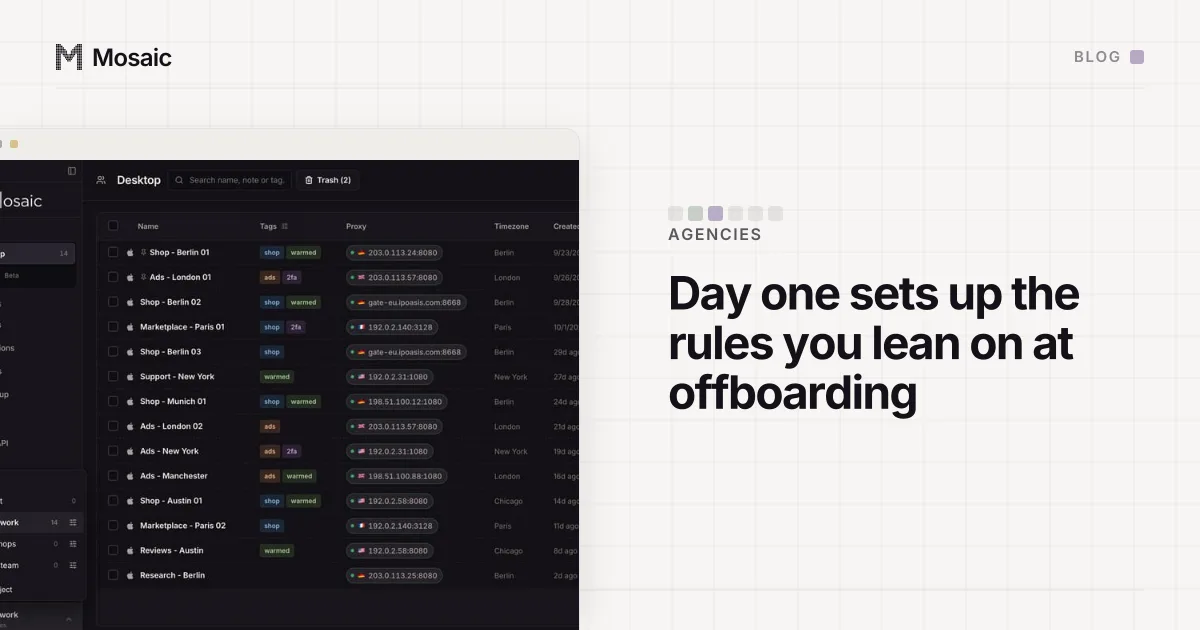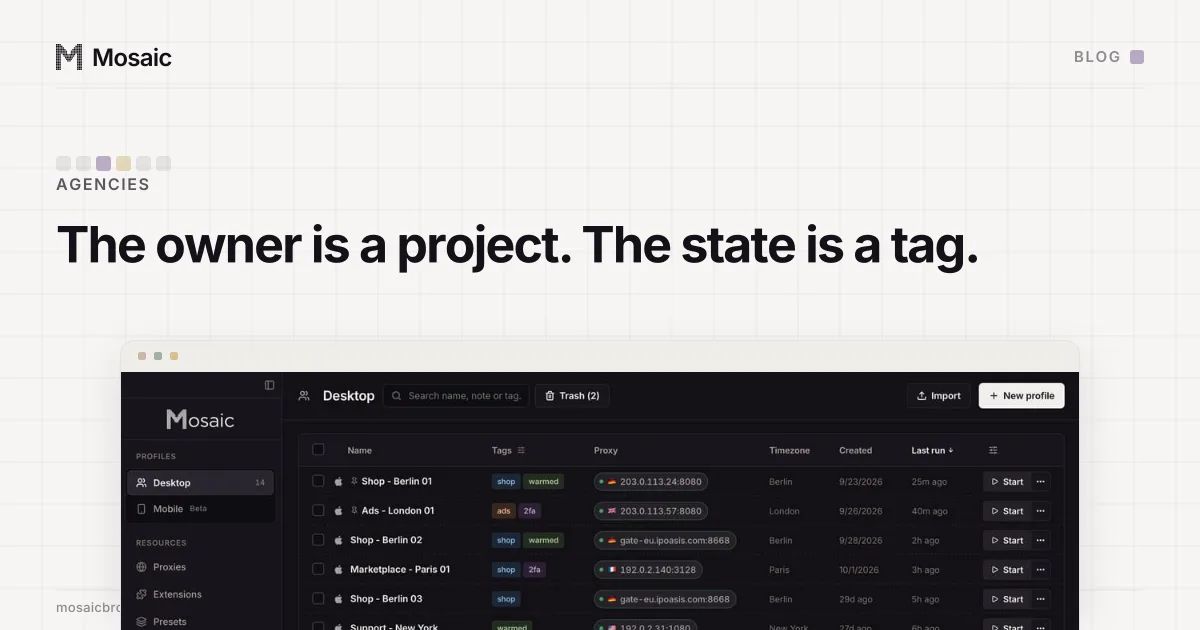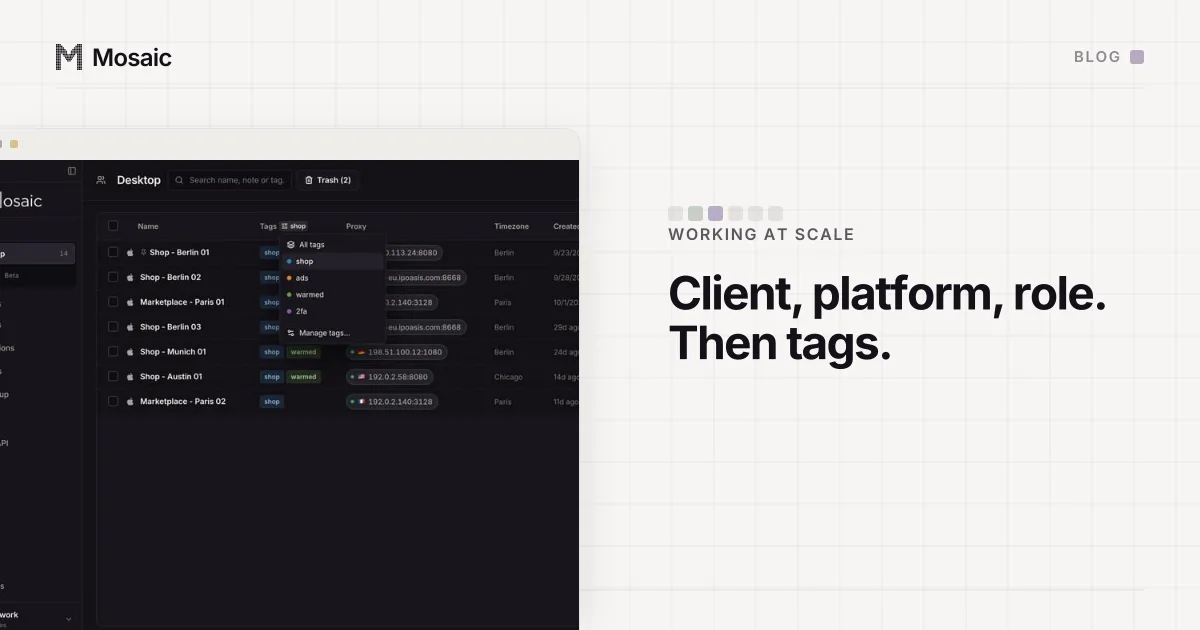
A browser profile naming convention works when every name is built from the same parts in the same order, and none of the parts ever changes. Ours is client code, platform, role: ACME-IG-Main, ACME-IG-Support, NORD-FB-Ads. Type ACME- into the search box and you get one client. Click the Name column and that client's profiles sit in one run. Status, owner and campaign go in tags, because those change.
Why order matters in a browser profile naming convention
Nobody reads a list of 300 profiles top to bottom. You type into the box, you click a column header, you page through 50 at a time. Both of those act on the name, so the name decides what you find.
Put the client first and a client's twelve profiles come out as twelve consecutive rows. Put the platform first and you get every Instagram profile in a run, with ACME scattered over five pages. Either can work. Mixing them can't: if ACME-IG-Main lives next to IG-ACME-Ads, the client now has two runs, one near the top and one in the I's, and a new hire will find only the first.
Agencies should lead with the client. Clients sign and leave as a unit, and "show me everything for NORD" is the question you get asked on a Monday. When NORD's contract ends, the profiles to retire are one run of rows. (What to do with them is in what to do with a client's profile when the work ends.)
A profile list built for the keyboard and for three hundred rowsIn Mosaic: The profile manager. Pins, a command palette, columns you choose, fast search. Free holds 3 profiles. Pro is $49 a month for any number.
Mosaic is a desktop app
Email yourself the link and open it on your computer.
How it works: The profile manager
How search and sort read a name in Mosaic
Know these before you pick a scheme.
The search box says it on the tin: "Search name, note or tag". Capitals don't matter, and it matches in the middle of a word. So acme finds ACME-IG-Main, and it also finds Placme-Shop, which is not your client. Choose codes that don't hide inside each other or inside ordinary words, and type the hyphen: ACME- won't catch Placme.
Sorting by name ignores capitals and reads digits as numbers. Shop 9 lands before Shop 10, where a plain text sort would put it after Shop 1. You can also sort by date created, last run, platform and proxy. When two profiles share a name they come back in the same order every time, because the tie goes to the profile's id, not to the order the file happened to store them in.
The sort is decided over the whole library before the table cuts it into pages of 25, 50, 100 or 200. That sounds like a detail, and it is one we got wrong first. The Profiles screen had no sort at all, and GET /profiles in the REST API had grown its own, defaulting to name while the screen showed most recently used. The same library came back in two different orders depending on where you asked. Worse, sorting only the fifty rows a page already holds would give "the second fifty by recency, arranged by name", which looks exactly like a working sort and is a different set of rows. There is one implementation now, and the window, REST and MCP all go through it.
What goes in the name and what goes in a tag
The test for the name is: will this ever change? If yes, it is not part of the name.
These belong in the name:
- the client code, three or four letters, unique as a string
- the platform, as a fixed abbreviation you write down once (
IG,FB,TT,LI,AMZ) - the role or a number, when a client has more than one profile on one platform
These belong in tags:
- status:
warming,live,paused - who on your team looks after it
- a campaign or season
- anything you'll filter on for a week and then forget about
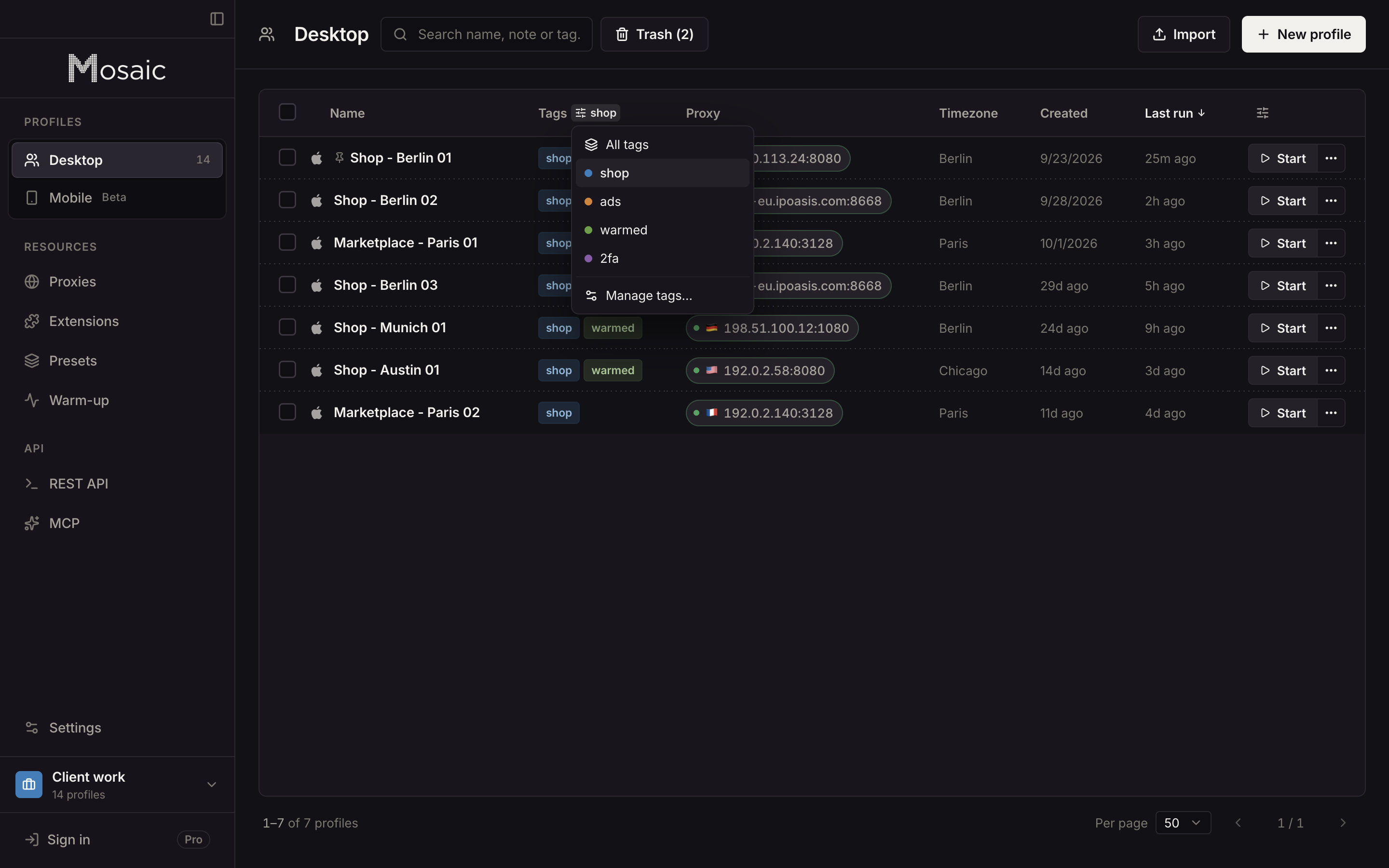
A tag in Mosaic gets a colour, and the colour belongs to the project. Select forty rows, add paused, done; select them again in March and take it off. Compare that with renaming. Rename three hundred profiles because the spring campaign ended and you lose an afternoon, and somewhere around row 140 somebody types ACME_IG_main and the convention has a hole in it.
Notes are the third place, and they take sentences: what this profile is for, who at the client owns the login, the thing a colleague will need to know next October. Search reads notes as well, so a word in the note can be found without being in the name.
Projects take the client out of the name, if you want
A project is a folder of profiles with its own colour and icon. Give each client a project and the client code inside it says the same thing twice, so some people drop it.
We'd keep it. Names leave the project: they turn up in an export archive, in the JSON from GET /profiles, in a screenshot pasted into Slack. Inside NORD's project, NORD-FB-Ads is redundant. Out in Slack, FB-Ads could belong to any of your clients. Setting up the project, the profiles and their tags on the first day with a client is in the first hour in the browser with a new client.
The convention, written down once
Write the scheme in one place the whole team reads, with the platform abbreviations listed, and stick to it on profile 301 as you did on profile 1. A convention that lives in one person's head lasts until that person is on holiday. The table, search and sort it is built for are on the profile manager page. Mosaic is for accounts you are entitled to run, such as client access an agency has been given, and a tidy list does not change what a platform allows.