Posted on the wrong client account? Take it down now, look in the scheduler for anything else lined up there, and tell both clients today. Then look at your screen. Usually the other client was one tab away in a browser where nothing said whose account was open, and no amount of "be more careful" fixes a window with no label on it.
Posted on the wrong client account: the first hour
Delete first. A deleted post leaves the feed; it doesn't leave anyone's notifications, shares, quotes or camera roll. If it was up for ten minutes, somebody saw it.
Should you edit instead? It's tempting when the caption is nearly right. We wouldn't. Platforms differ on what can be edited, some show edit history to anyone who taps it, and a reworded post is still another client's post.
Then write two messages:
- To the account owner: what went out, at what time, when it came down.
- To the client whose post it was: their offer or launch date was public on someone else's page, for how long, and what you've changed.
Keep both short. "Our mistake, here's the timeline, here's the fix" is the whole content.
Three ways the wrong account ends up in front of you
The first is one login reaching many clients. Agencies are meant to work that way on Meta: your own Facebook profile, partner access to each client's business portfolio, and a selector at the top of the screen that decides which client's Page you are posting as. The selector remembers the last one you used.
The second is tabs. Two tabs both say Instagram, with the same icon and the same title, and the only difference is the avatar in a corner of the page.
The third is a scheduling tool with a default account, where the post goes to whichever account was selected the last time the composer was open.
All three have the same shape. The thing that decides where the post goes is small, inside the page, and was set by an earlier action you no longer remember.
Each profile keeps its own passwords and its own 2FA codesIn Mosaic: Logins and 2FA codes. A password vault and TOTP codes for each profile. Free holds 3 profiles. Pro is $49 a month for any number.
Mosaic is a desktop app
Email yourself the link and open it on your computer.
How it works: Logins and 2FA codes
Five identical windows
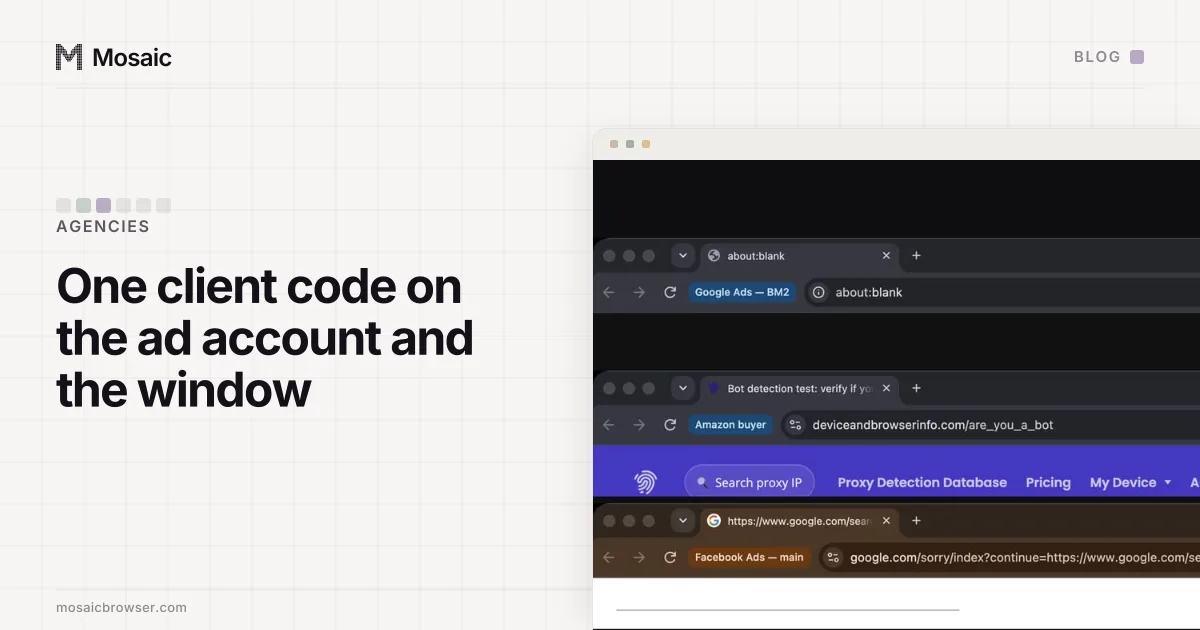
Keeping each client's logins in a separate browser profile solves the tabs problem, and it created one of its own for us. Every Mosaic profile is its own browser with its own cookies, fingerprint and proxy. Five profiles open meant five windows that looked exactly alike.
Chrome normally names its windows, but only once a second profile exists in the same browser. A Mosaic profile has its own data directory, so the browser holds exactly one profile and Chrome correctly finds nothing to tell apart. The fix had to go into the engine. Patch 0141 adds a switch that draws the profile's name in a chip immediately left of the address bar, and the app passes it on every launch.
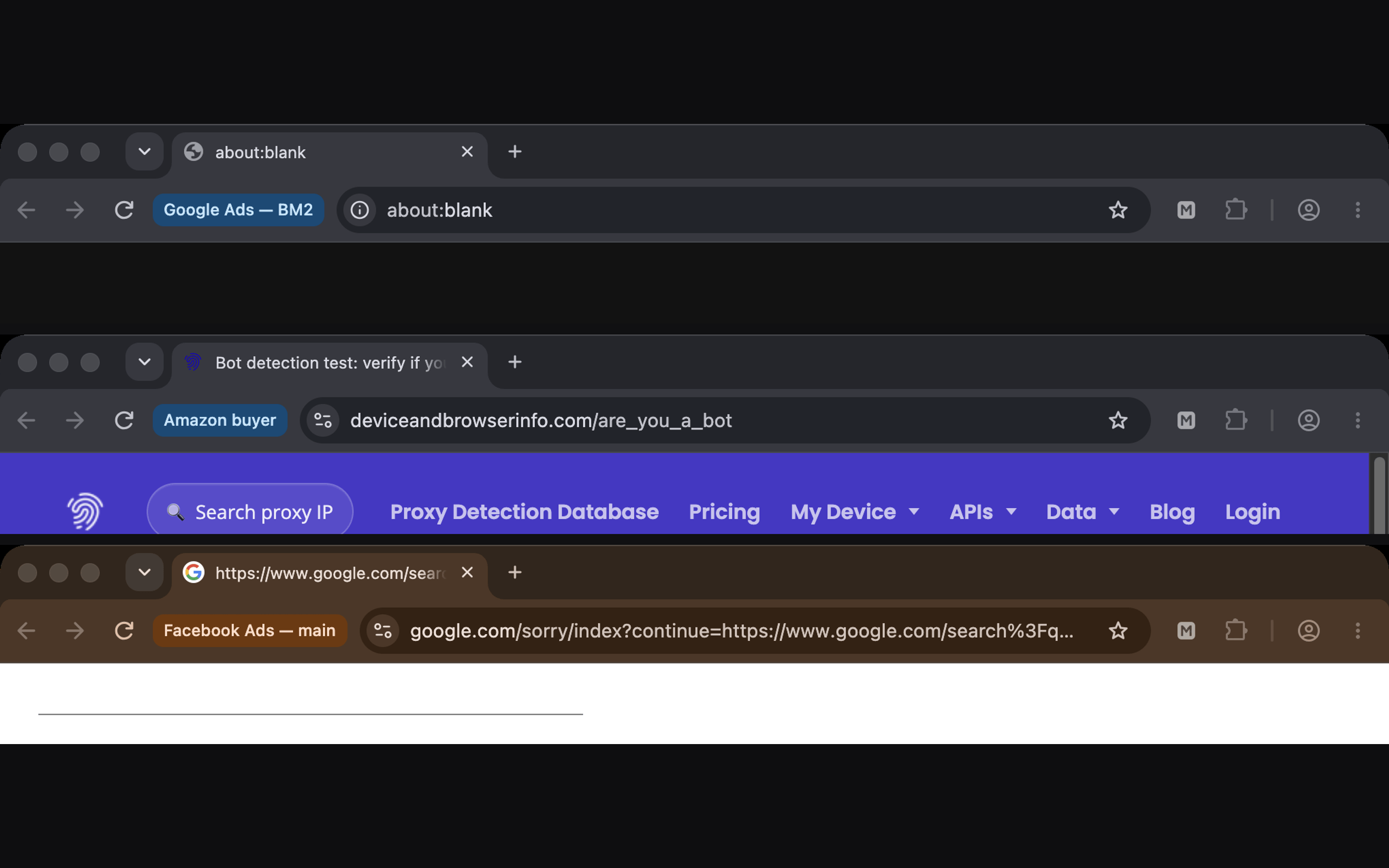
Two faults in the first version were found by photographing three windows, not by reading the code. Both would have shipped. Chrome's ASCII-only reader returns an empty string for any name with a character outside ASCII, so a profile whose name had an em dash in it drew no chip at all. And the toolbar's layout order runs the opposite way to how it reads, so when the window got narrow the chip was the first thing to go. With both fixed, we resized a window from 480 to 1280 pixels and checked each width: the chip is there from 640 up. Every desktop profile opens at 1280 pixels or the width of the screen, whichever is smaller. An Android profile opens at its phone's width, which is narrower, so it has no chip.
Name it so the chip means something
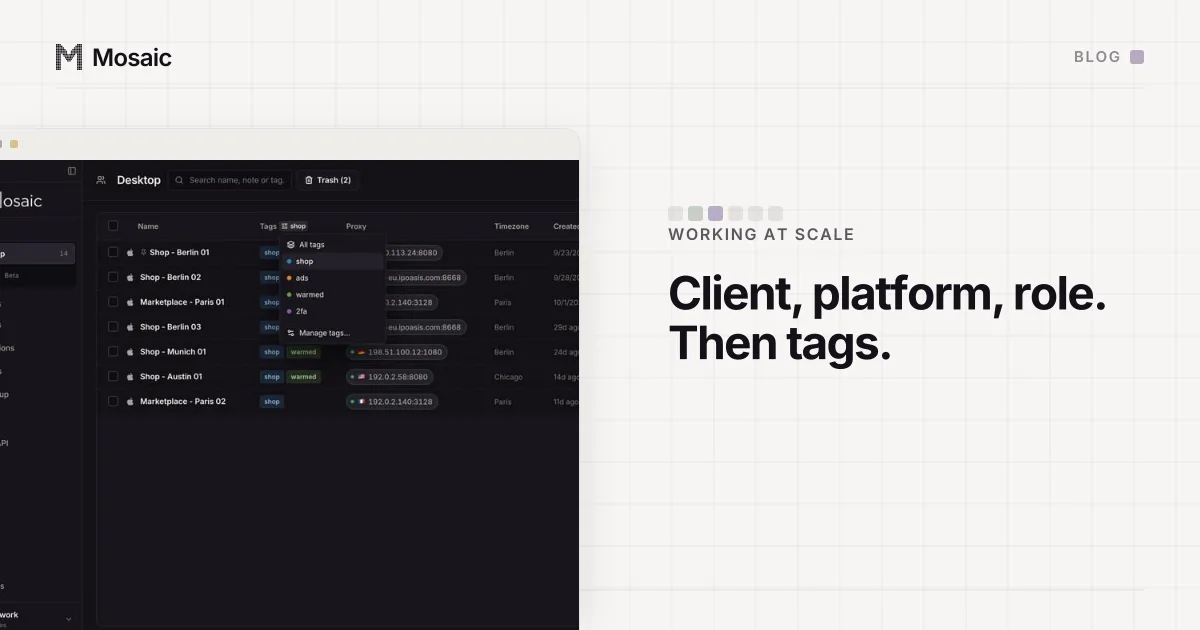
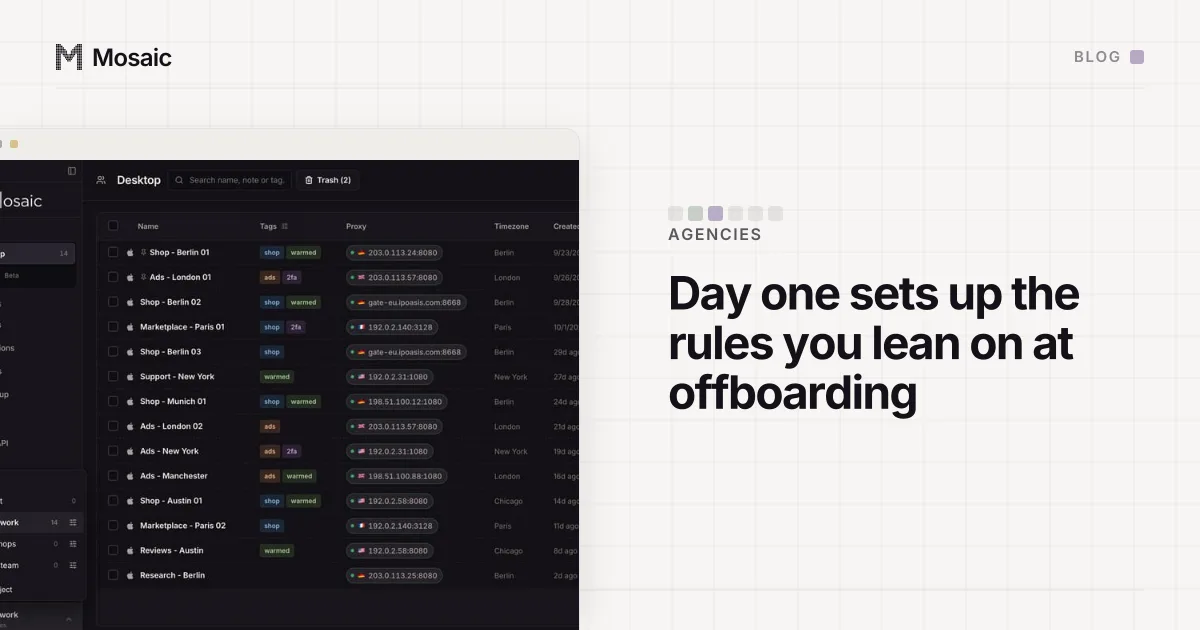
A chip saying "Profile 7" is a label you still have to decode. We name profiles with the client's code first, then the platform and role, so the window, the ad account and the export start with the same letters (the full scheme is in naming a client's ad accounts to match its profiles). Group each client's profiles in a project of their own, and a desktop shortcut opens one profile, that client's, in one click.
Where a labelled window does not help
Case one, partner access, gets nothing from the chip. Every client Page you manage on Meta sits behind your own login, in one profile, so that window's chip says your name. That's by design (partner access in a business portfolio explains why agencies work this way), and there the selector inside Meta Business Suite stays the only label. Read it before every post. We haven't found a shortcut for that.
The chip earns its place on the logins with no partner model at all: a client's Shopify admin, their Mailchimp, the one account they gave you a password for because the platform offers nothing better. Mosaic keeps the accounts you're entitled to run apart. It doesn't change what any platform allows. We set those profiles up in the first hour with a new client, before anybody posts.