The quickest way to switch between client accounts is to stop signing out of them. Give each client's logins their own browser profile, so every account stays signed in where it lives, then make that profile one double-click away. Mosaic writes a shortcut per profile to your Desktop or Applications folder, wearing the client's project colour, and opening it brings up that client's browser and nothing else.
Where a client switch actually costs time
One browser for everything means one cookie jar, so the switch is a sign-out, a password, a two-factor code and a page that has forgotten where you were. Done ten times a day across six clients, that is the slow part of the job.
It is also where the mistakes start. A browser you switch accounts in looks the same whichever account it is on, so the only thing standing between a draft and the wrong client's feed is reading the corner of a page carefully every time. We wrote about how that ends, and what to do the morning after, in posting to the wrong client's account. Chrome's own sync adds a quieter problem: it files everything a Chrome profile does under the one Google account that profile is signed in to, so two clients worked in one profile end up in one history (how Chrome sync joins accounts).
Client work is normally done through the access each platform gives agencies, such as a Meta Business portfolio or a Google Ads manager account, and some platforms allow one personal account per person whatever tool you use. Mosaic keeps accounts you are entitled to run apart; it does not change what a platform allows.
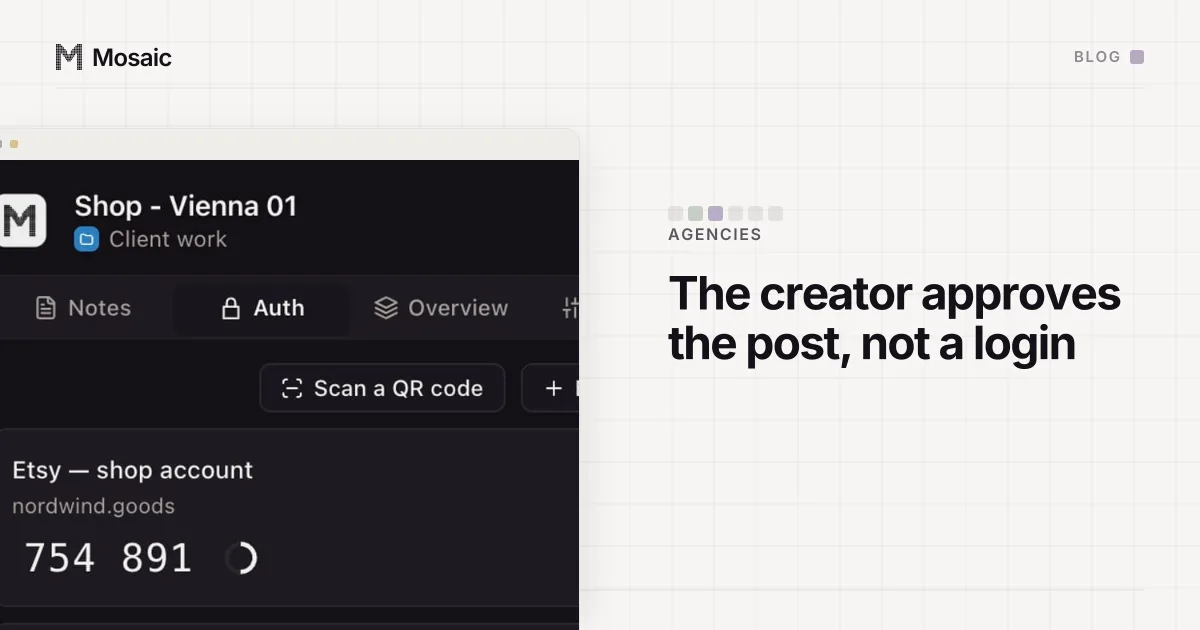
Each profile keeps its own passwords and its own 2FA codesIn Mosaic: Logins and 2FA codes. A password vault and TOTP codes for each profile. Free holds 3 profiles. Pro is $49 a month for any number.
Mosaic is a desktop app
Email yourself the link and open it on your computer.
How it works: Logins and 2FA codes
One profile per client, signed in once
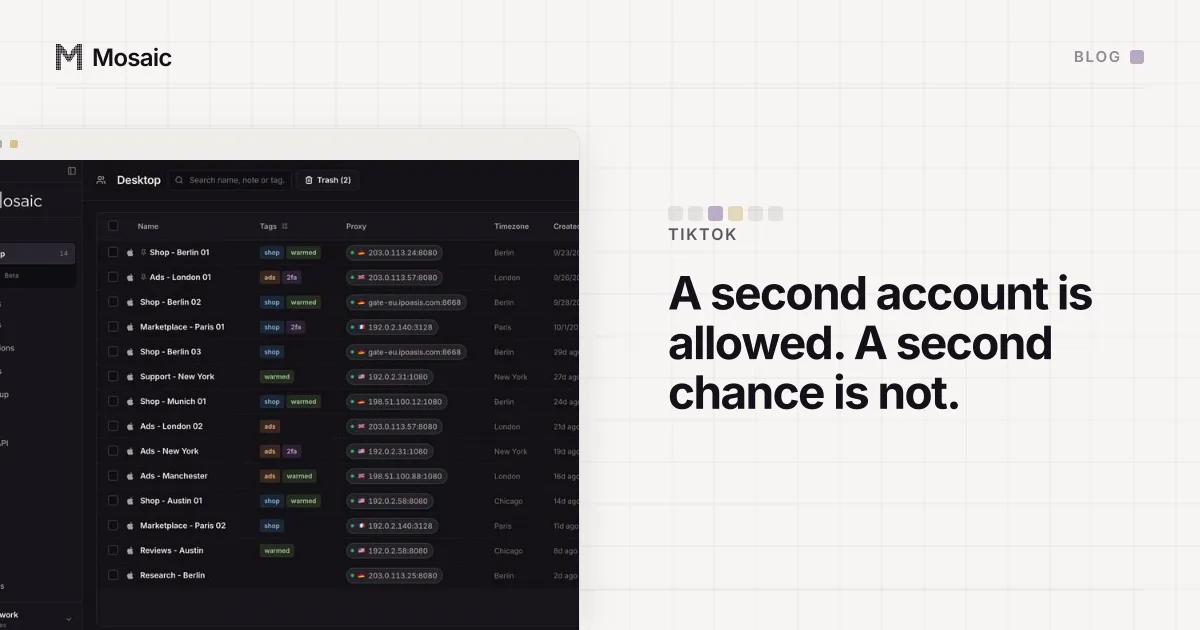
A profile is a whole browser: its own cookies, its own saved logins, its own two-factor codes in the companion, its own proxy exit if the work needs one. Sign the client's accounts in once and they stay signed in, so a switch is no longer a sign-in at all. It is closing one window and opening another, or keeping both open side by side.
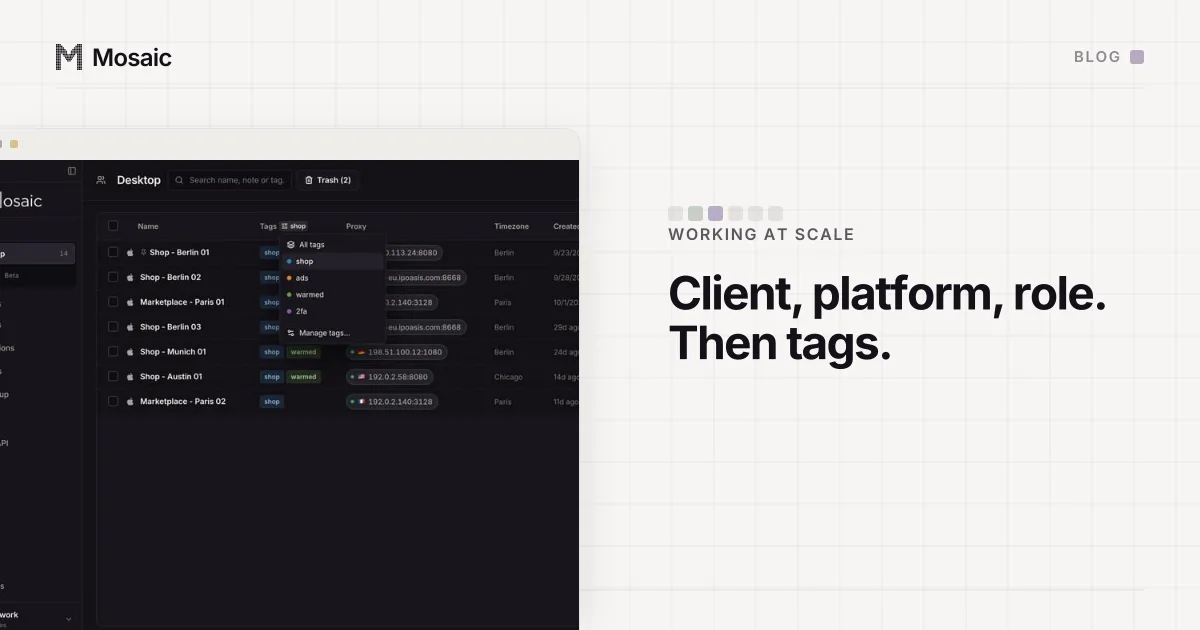
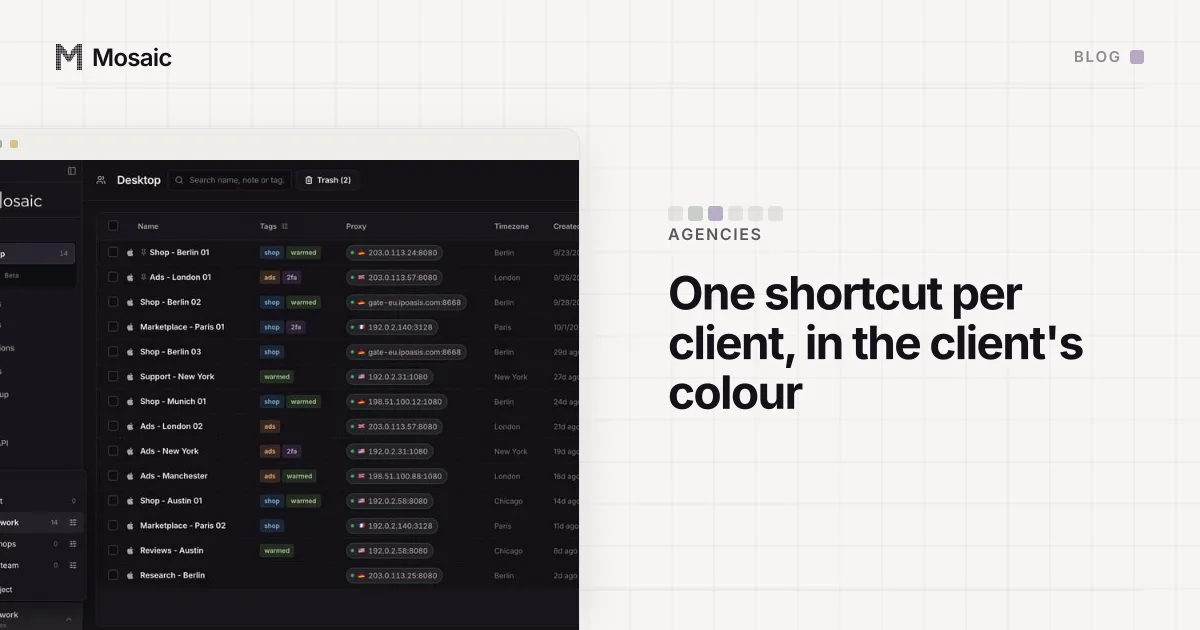
Put each client's profiles in a project. A project is a folder with a colour and an icon, and the colour follows the profile out of the app, which is what makes the next part work. Start the profile names with the client's code, so the list sorts by client and the name reads the same everywhere it appears (a naming scheme that survives hundreds of profiles).
A shortcut per client account
In the profiles table, open a profile's actions menu and choose Add to desktop, or Add to Applications on a Mac. Mosaic writes a small app named after the profile. Its icon is drawn by the same code as the profile's Dock tile: the project's colour and glyph, the project's name and the Mosaic banner. So the thing you double-click and the tile that appears when the browser opens are recognisably the same client.
The Applications copy goes into the Applications folder in your home folder, which Spotlight and Launchpad both read. That makes a client two keystrokes away: Command-Space, the first letters of the profile's name, Return.
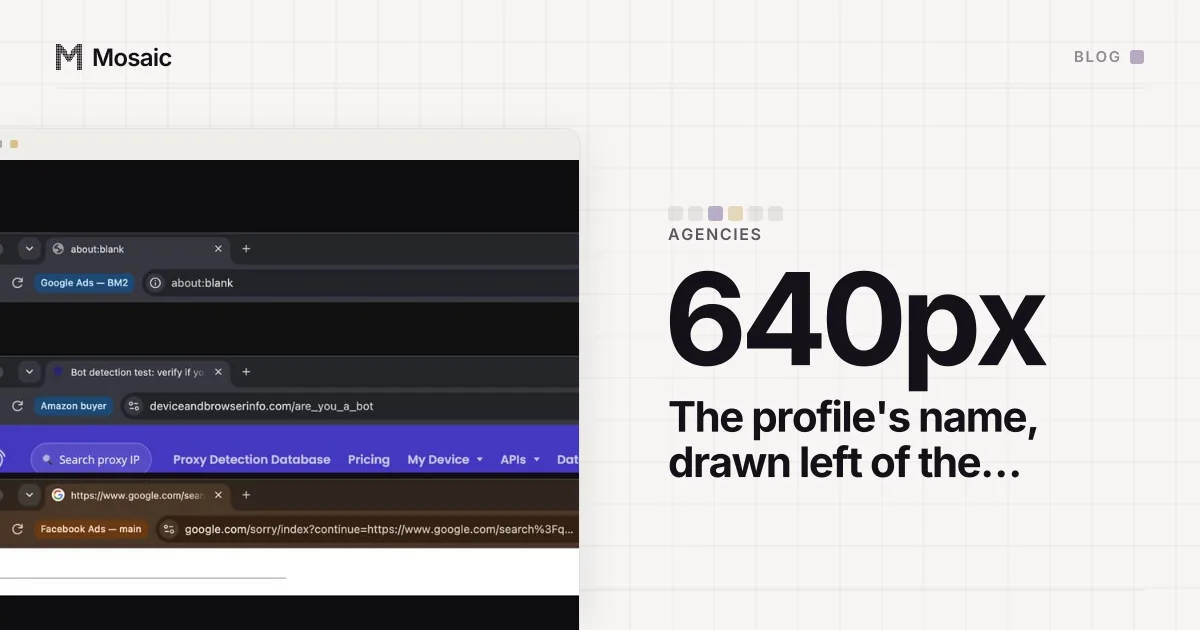
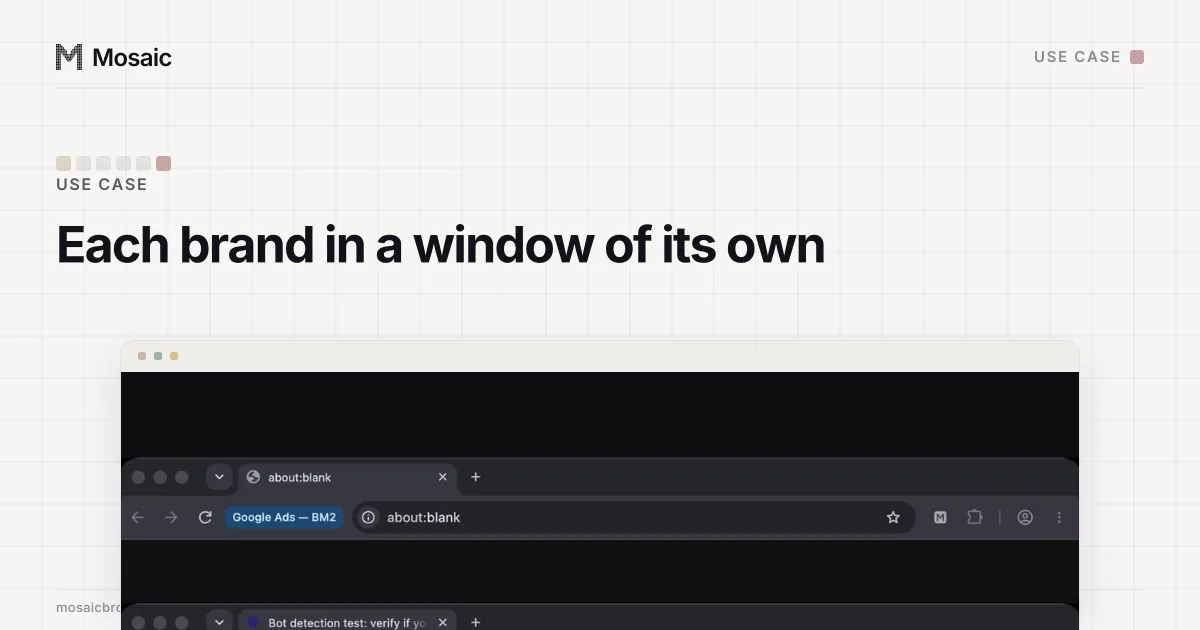
Double-clicking it starts Mosaic with that one profile and no Mosaic window. Mosaic runs in the background for as long as the browser is open, with no Dock tile of its own, and quits about three seconds after the browser closes. If Mosaic is already open, the shortcut hands the profile to it instead. And once the browser is up, the profile's name sits in a chip to the left of the address bar, so the window says which client it is before you type anything.
Why the shortcut opens Mosaic and not the browser
It would be simpler to point the shortcut straight at the browser binary. We don't, because the browser on its own is missing three things that live in Mosaic: the local relay that answers the proxy's username and password, the key that decrypts the profile's cookie jar, and the clean shutdown that writes the cookies back when the window closes. A browser opened without them would either fail to reach its proxy or come up signed out. So the shortcut runs Mosaic with --launch-profile=<id>, and Mosaic opens the browser the way it always does, proxy check included.
Two smaller rules come with it. Making a shortcut again for the same profile in the same place replaces the old one, including after a rename. And removal goes only by the paths Mosaic recorded writing: when a profile is purged from the trash, its shortcuts go with it, and nothing else on your Desktop is ever touched. The same shortcut can be made through the local API (POST /api/v1/profiles/:id/shortcut) or from MCP, which helps when a new client arrives with eight accounts at once.
What a switch looks like afterwards
Six clients, six coloured shortcuts on the Desktop or six names in Spotlight. A switch is a double-click on the right colour, and the browser that opens is already signed in, on that client's exit, with that client's name next to the address bar. What the platforms allow agencies, and how to check a post as the brand's market sees it, is on the social media teams page.