TikTok's Community Guidelines allow more than one account per person. The line they draw is about behaviour, not numbers: accounts that deceive people, accounts that inflate each other's engagement, and accounts made to get around a restriction or a ban. A brand's second account sits on the right side of that line when it says whose it is and does its own work.
TikTok's rules decide what you may run (the Community Guidelines, section Integrity and Authenticity). Mosaic keeps accounts you are entitled to run apart; it does not change what TikTok allows.
Where the TikTok Community Guidelines cover multiple accounts
The passage sits under Integrity and Authenticity, in the part on deceptive behaviours and fake engagement. It says a person can have multiple accounts and gives two examples, fan content and creative expression. In the same paragraph it says the accounts must not be used to deceive others or to break the rules.
Around that sentence TikTok lists what it treats as deceptive: covert influence operations, impersonation, spam, fake reviews, and buying or selling services that inflate engagement or trick the recommendation system. If it finds deceptive account behaviour, the listed responses go past the one account. TikTok can ban the account, ban additional or new accounts the person creates, or restrict the account so it posts less, ranks lower in search or drops out of the For You feed.
Two more lines matter to anyone running several accounts. A restricted or banned person may not create or use another account to get around it. And TikTok prohibits automation tools, scripts and other tricks designed to get past its systems.
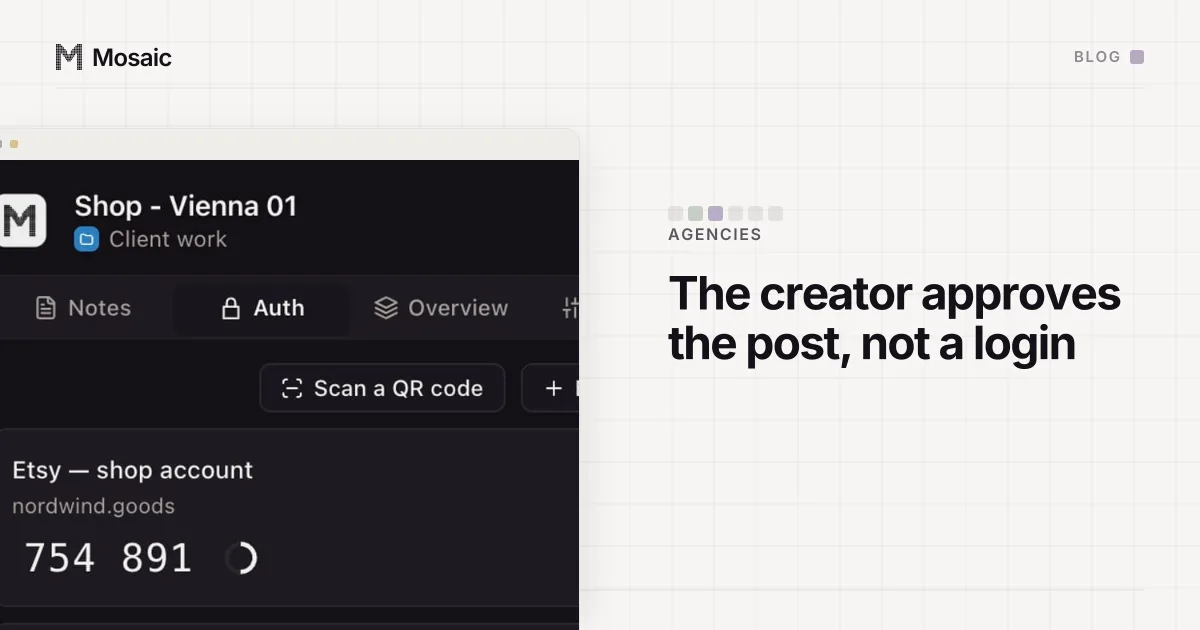
Each profile keeps its own passwords and its own 2FA codesIn Mosaic: Logins and 2FA codes. A password vault and TOTP codes for each profile. Free holds 3 profiles. Pro is $49 a month for any number.
Mosaic is a desktop app
Email yourself the link and open it on your computer.
How it works: Logins and 2FA codes
Allowed and not allowed, side by side
The guidelines never give a number. They describe what the accounts do. Reading the section through, these are the cases a business actually meets:
| Situation | Where it lands |
|---|---|
| A brand's main account and a separate account for one country or language | Allowed, if both say whose they are |
| A support or careers account next to the main one | Allowed |
| An agency running each client's own account | Allowed; the account belongs to the client |
| A "fan" account run by the brand to praise the brand | Deceptive: it hides who runs it |
| Extra accounts that like, follow or comment on the main one | Fake engagement |
| A new account opened while the old one is restricted or banned | Not allowed while the restriction stands |
| Posting or engaging through a script built to get past TikTok's checks | Prohibited automation |
The second account itself is never the problem. What decides the case is whether it tells the truth about who runs it, and whether it exists for its own audience or to push numbers on another account.
Why "associated accounts" is the part to take seriously
TikTok does not publish how it decides two accounts belong to one person, and we will not guess at its signals. What the guidelines do say is that enforcement can follow a person to their other accounts. A brand that runs five accounts honestly and one dishonestly is risking all six.
For agencies the practical problem is less dramatic and more common. When one person signs in to every client's TikTok from one browser, a client's session, cookies and saved login all sit next to every other client's. Then a handover, an offboarding or a password reset touches more than it should. Keeping each client's account in its own place is ordinary hygiene. It is not a way around enforcement, and nothing about it would help an account that broke the rules.
How brands and agencies usually set it up
The tools TikTok gives you come first. The app's own account switcher handles a person with a personal account and a work one. For ads, TikTok Business Center holds ad accounts and the people allowed to use them. Its limits are different from the Community Guidelines and have nothing to do with how many profiles you own, which we went through in the TikTok Business Center ad account limit.
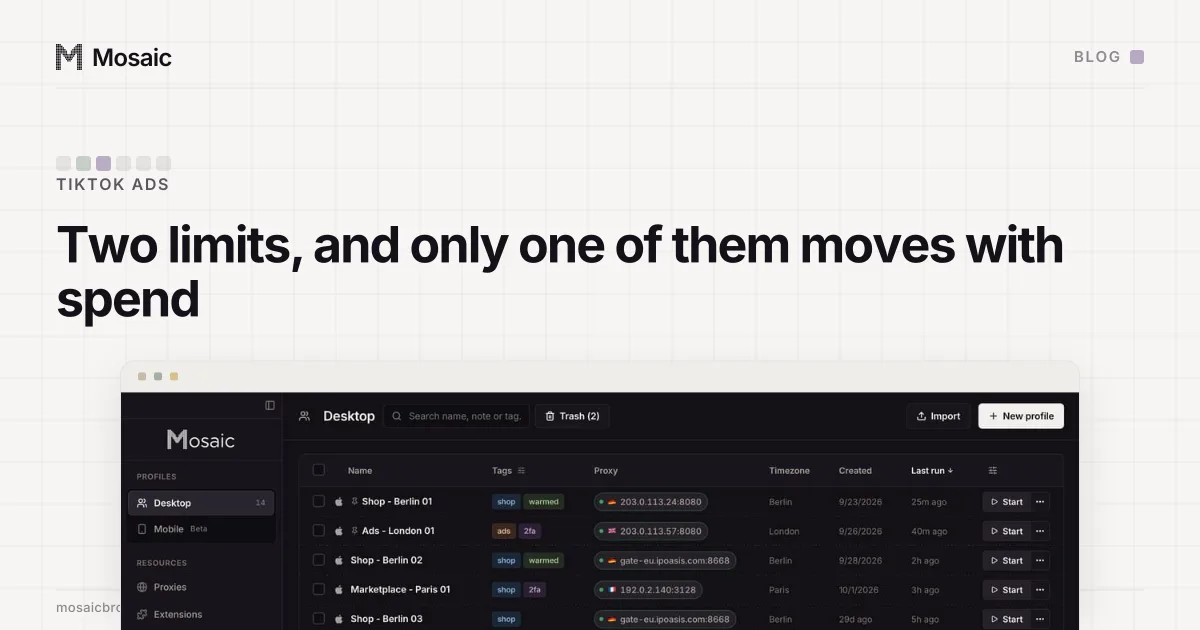
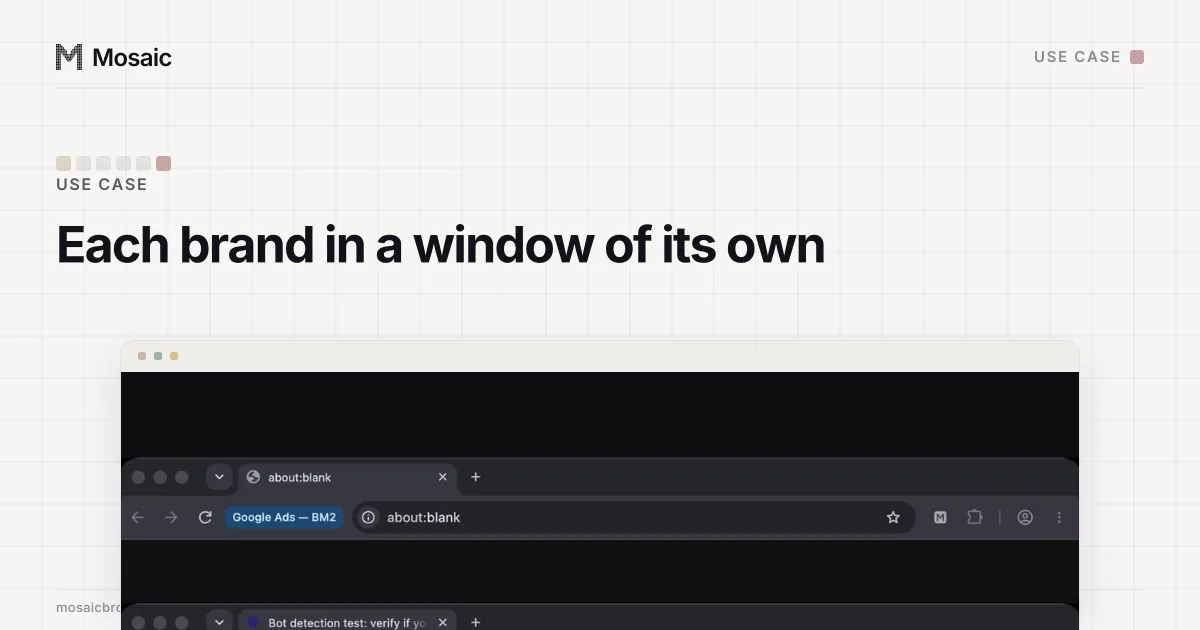
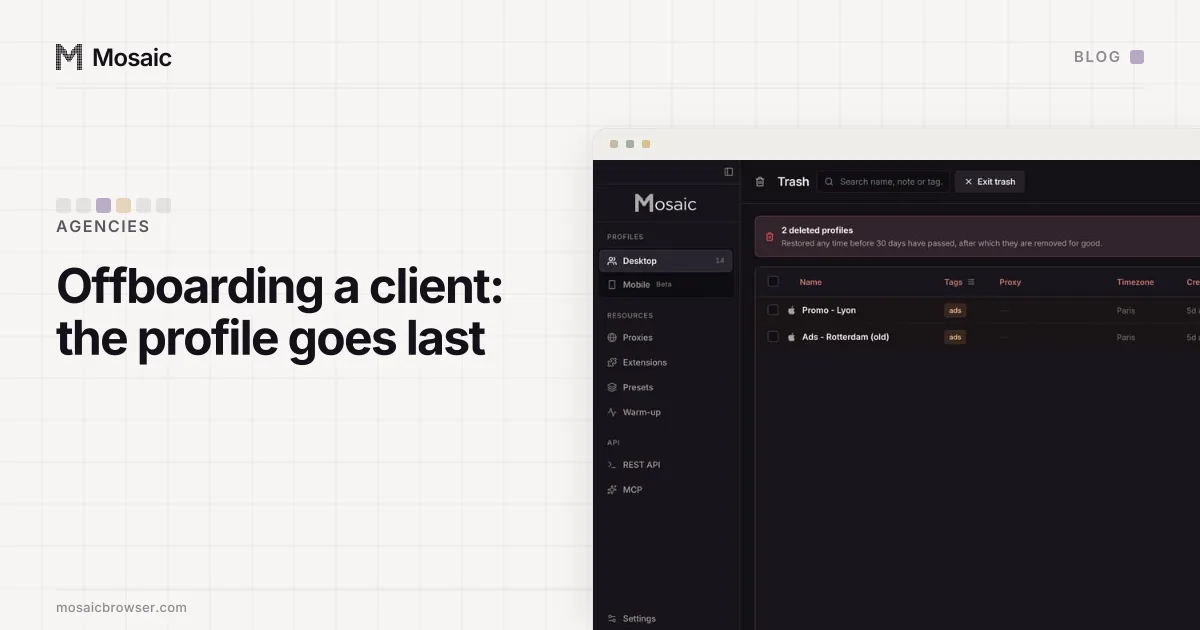
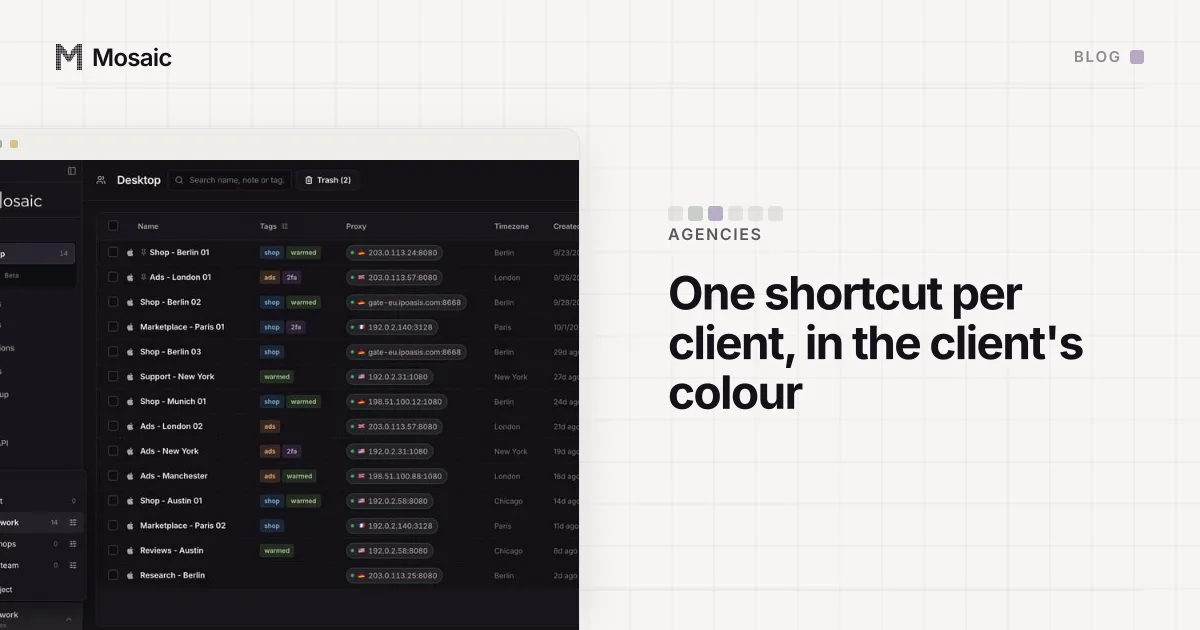
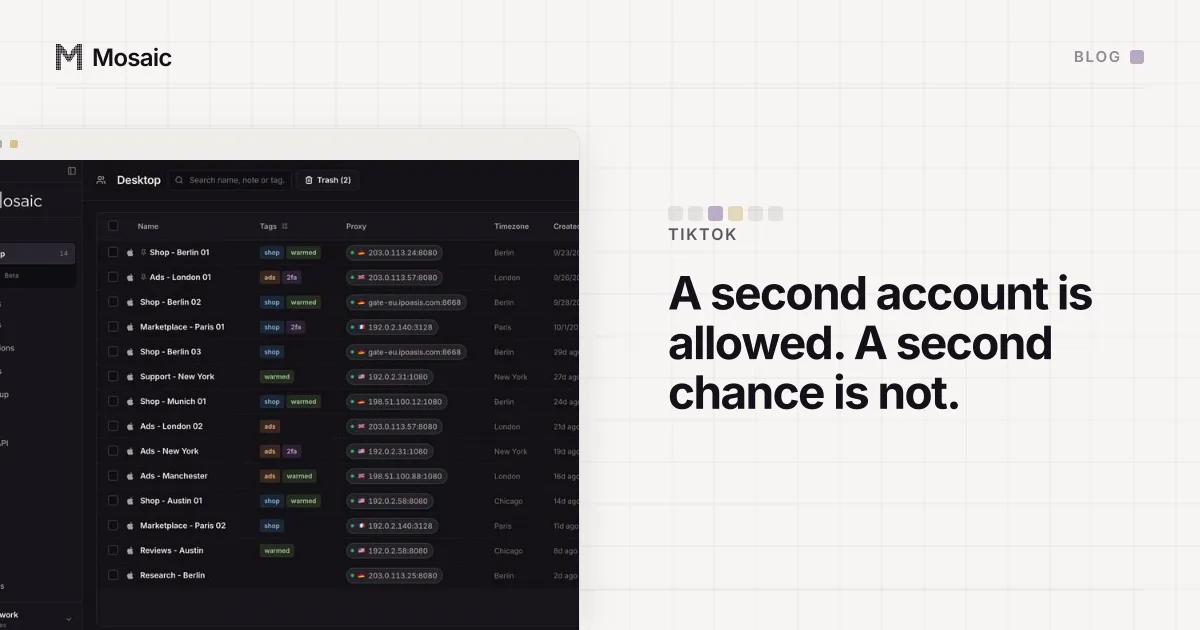
Where an agency signs in to many clients' accounts from one computer, a separate browser per client keeps the logins apart. In Mosaic each client gets a profile: its own cookies, its own fingerprint and its own proxy exit, with that client's two-factor codes in the companion inside the profile. How social teams lay that out, one project per client, is on social media teams. Taking the profile away cleanly when a client leaves is covered in offboarding a client's browser profiles.
What Mosaic should not be used for on TikTok is just as plain. Do not use it to come back after a ban, run accounts that pose as independent fans, or point its REST API or MCP at posting and engagement. Each of those is named in the guidelines, and a separate browser changes none of them. The general mechanics of why accounts end up linked, cookies, fingerprint, address and behaviour, are laid out in how to manage multiple accounts without getting linked.