TikTok's Business Center ad account limit is a default that TikTok sets for each Business Center, and the default depends on what type of Business Center you have. There is no single number that holds for everyone, and raising it is a request to TikTok, made through your account manager or customer support. Ad spend moves a different limit, the number of active ad groups inside each ad account, which is where most of the confusion about "the limit" comes from.
TikTok's business tools are built for one business, or one agency, running many ad accounts from one Business Center. Mosaic keeps accounts you are entitled to run apart; it does not change what TikTok allows.
Two limits that get called one
People searching for the TikTok Business Center ad account limit are usually hitting one of two walls.
The first is the number of ad accounts a Business Center can create. An admin creates ad accounts from inside the Business Center, and after a certain number the option stops. That number is the default for the Business Center's type. Business Centers come in more than one type, and the defaults are not one table you can look up.
The second sits inside each ad account: how many ad groups can be active or in review at once. TikTok sets that quota in tiers, from the ad account's spending history. Spend more over time, and the tier goes up. Pause or switch off low-spending ad groups, and you make room under the tier you have. When an advertiser says "TikTok raised my limit once we spent more", this is usually the limit they mean.
So spending more is not, by itself, a way to buy more ad accounts. It buys more room inside the ones you have.
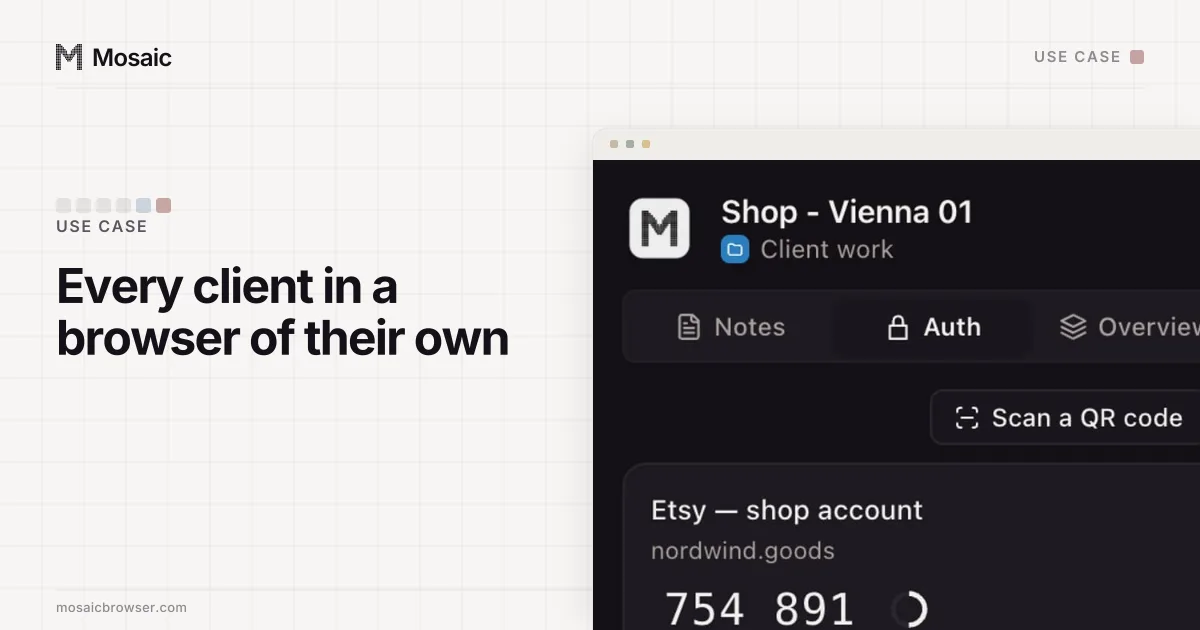
Each profile keeps its own passwords and its own 2FA codesIn Mosaic: Logins and 2FA codes. A password vault and TOTP codes for each profile. Free holds 3 profiles. Pro is $49 a month for any number.
Mosaic is a desktop app
Email yourself the link and open it on your computer.
How it works: Logins and 2FA codes
Where verification fits
Verification is a separate thing again, and it matters more than the creation limit for most agencies. A Business Center can be verified as a business. Once it is, the ad accounts under it carry that verified status, so a new ad account does not start the paperwork from zero. TikTok can also ask for verification as spend grows, so a growing account tends to meet it sooner or later anyway.
None of that reaches an ad account that lives outside the Business Center.
Why the ad accounts belong inside it
It is possible to sign up for TikTok Ads Manager and create an ad account on its own. For one small advertiser that is fine. For an agency it costs most of what Business Center is for:
- It is not in a Business Center, so none of the Business Center's settings or limits apply to it.
- Its payment method is its own. Business Center lets a business attach payment methods once and assign them to the ad accounts it owns, and a standalone account gets none of that.
- Its users are added one account at a time instead of through the Business Center's member roles.
- It does not inherit the Business Center's verified status.
For client work there is a second reason, which is ownership. An ad account the agency creates in its own Business Center belongs to the agency. If the client leaves, the account, its history and its pixel data stay behind. The arrangement that survives a change of agency is the client's own Business Center owning the ad account, with the agency's Business Center given partner access to it. Meta works the same way, where an ad account belongs to the business portfolio it was made in.
What that means for the browser
Business Center is the tool for many ad accounts, and an agency does not need a browser profile per ad account to use it: one person signs in once and reaches every account they have been given access to.
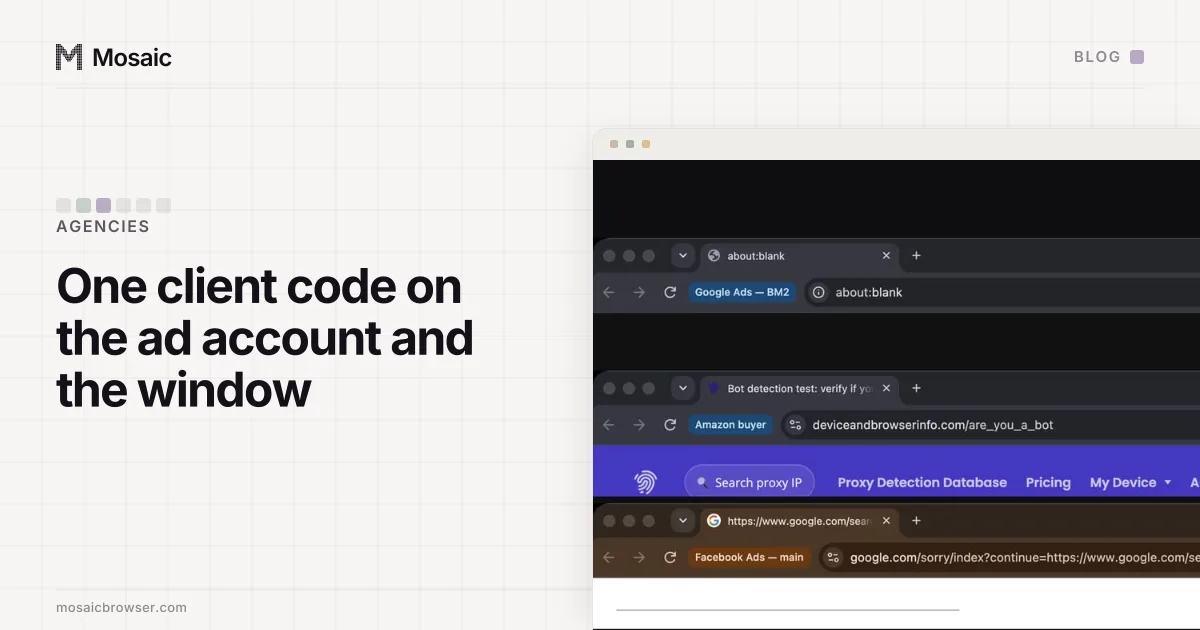
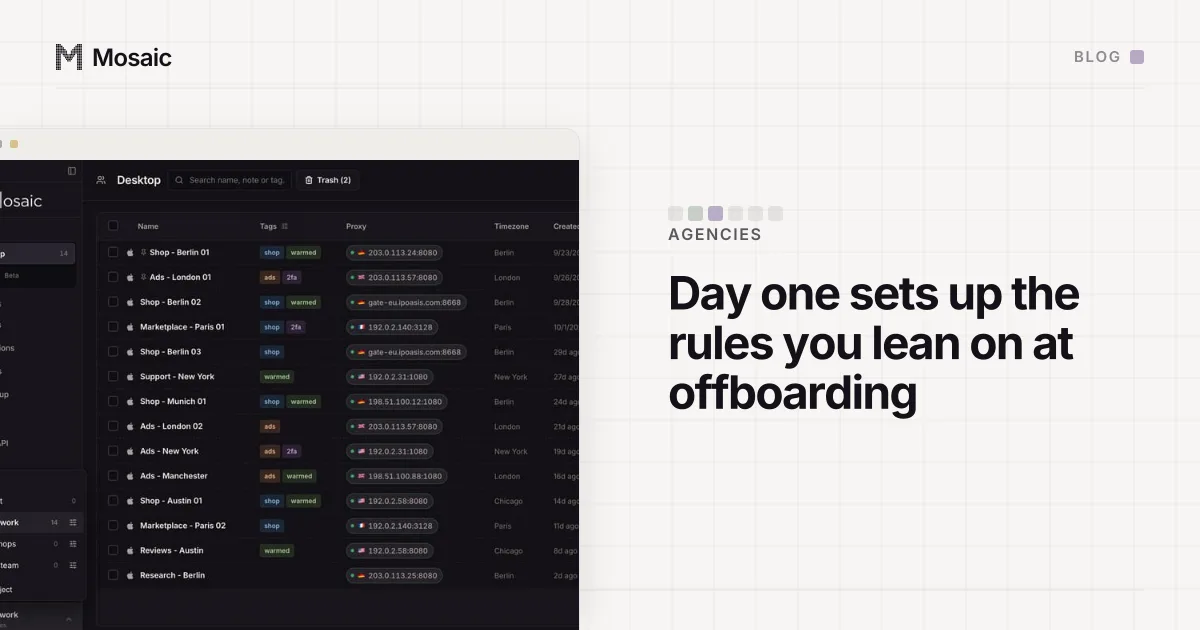
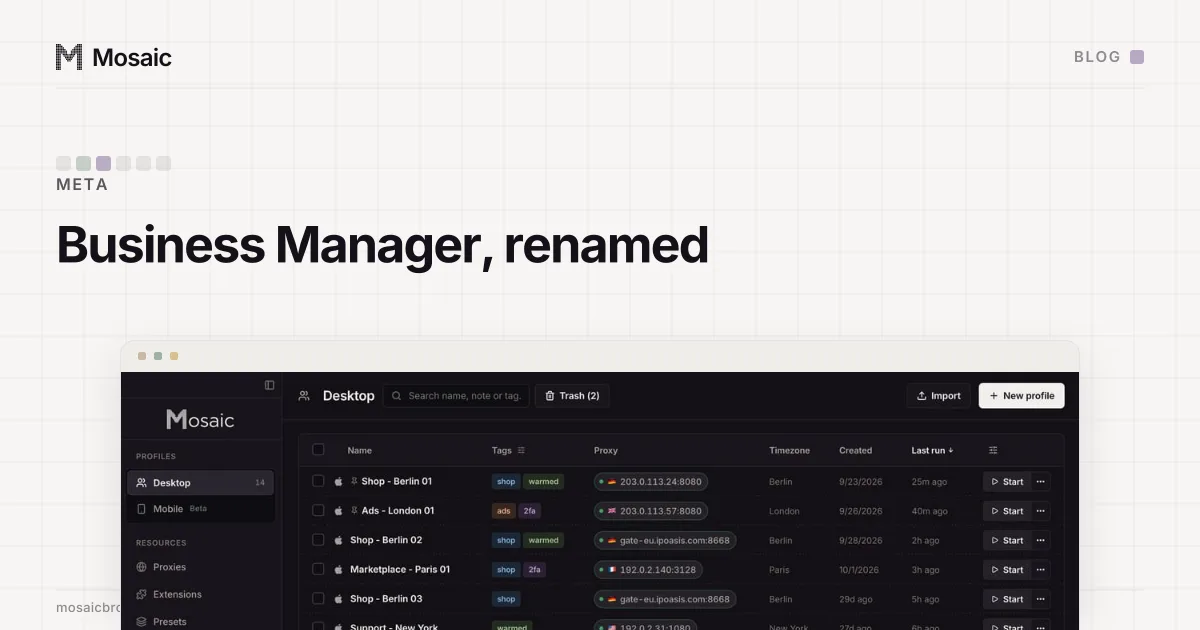
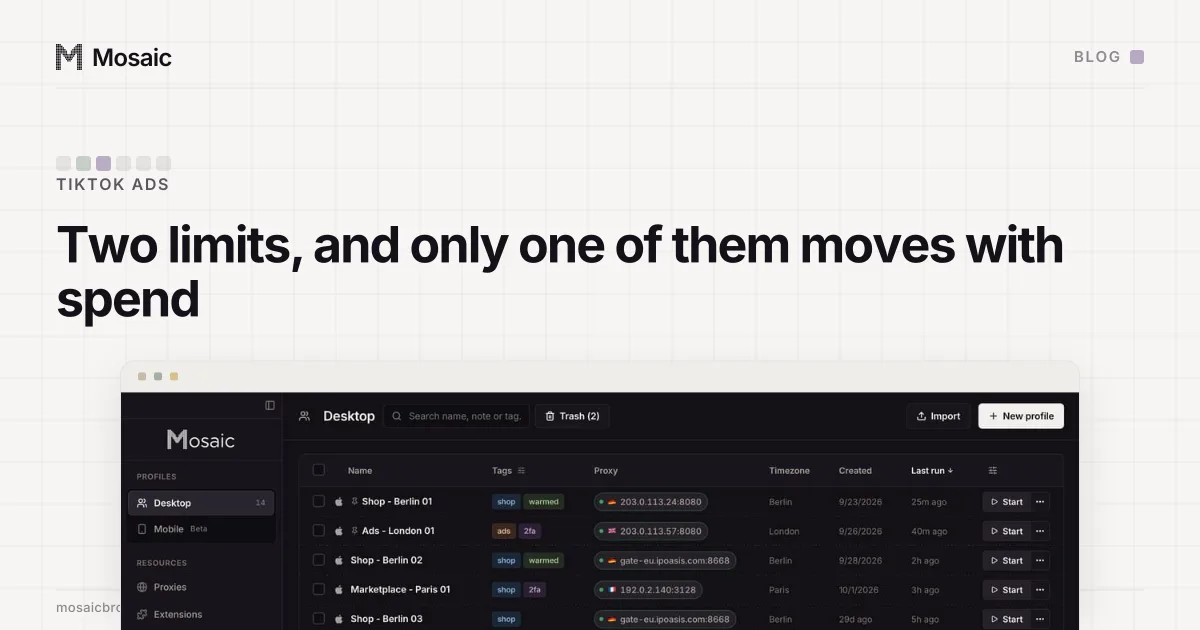
Where separate profiles help is around the edges. Agency staff often hold several logins that belong to different clients, each with its own two-factor codes, and a client sometimes wants its ads checked from its own market. In Mosaic each of those logins gets its own profile, with its own cookie jar, its own codes in the companion and its own proxy exit, so one client's session never opens inside another's. We name each profile after the ad account it works on, a habit described in naming profiles the way you name ad accounts, and the first hour with a new client, asking for partner access instead of a password, is in the first hour in the browser with a new client. How the whole layout looks for an agency is on Mosaic for agencies managing ad accounts.