Yes, one AdSense account can be paid for several YouTube channels, and for one creator it has to be. YouTube allows a creator to run many channels and monetise more than one of them. AdSense allows one account per payee. Put those two rules side by side and you get the real answer to "how many monetised channels can I run": as many as qualify, all paying into the one AdSense account in your name.
YouTube's terms allow one person to own and manage several channels, and they allow agencies to manage channels for clients through permissions. Mosaic keeps accounts you are entitled to run apart; it does not change what YouTube or AdSense allows.
Two rules that people read as one
Most confusion about multiple YouTube channels and one AdSense account comes from treating "a channel" and "an account" as the same thing. They are different objects with different limits.
A channel is a YouTube identity: a name, a handle, uploads, subscribers. A single Google account can own one personal channel and more through Brand Accounts, and YouTube has no rule against a creator running a cooking channel and a woodworking channel side by side.
An AdSense account is a payment relationship: a legal name, an address, tax details and a bank account. Google's AdSense rules allow one per payee. YouTube's own help page on setting up AdSense for YouTube says the same thing from the other end: you can monetise more than one channel with the same AdSense for YouTube account, and you can only have one such account under the same payee name. (YouTube Help: Set up an AdSense for YouTube account)
So the limit on monetised channels is not a channel count. It is eligibility, channel by channel, and one payment account per person.
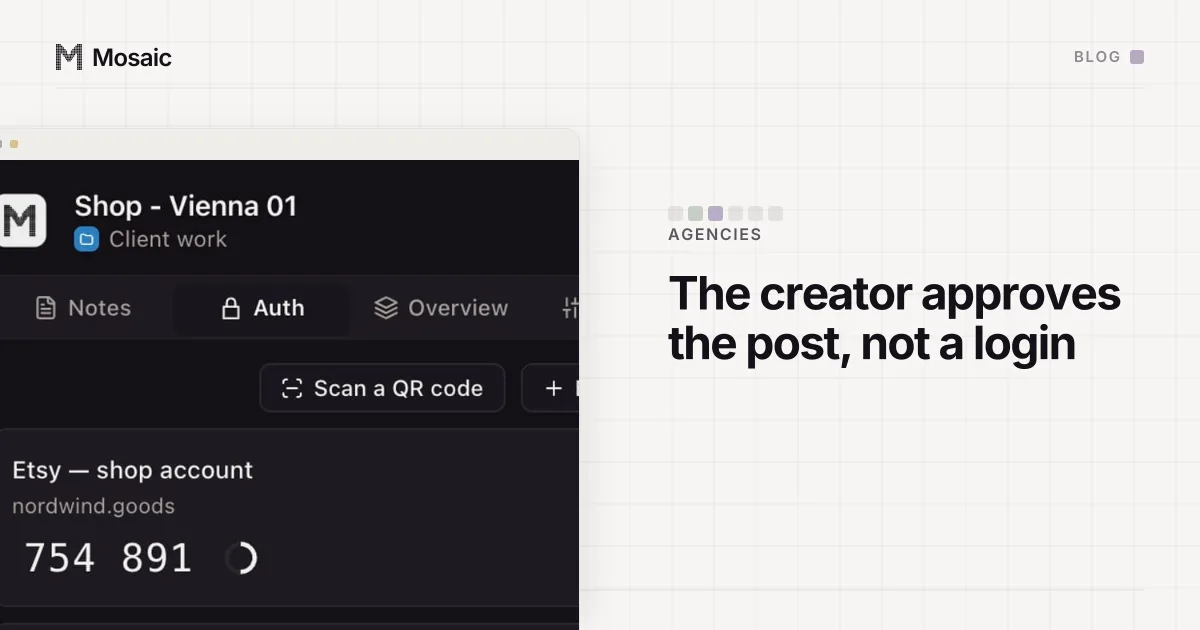
Each profile keeps its own passwords and its own 2FA codesIn Mosaic: Logins and 2FA codes. A password vault and TOTP codes for each profile. Free holds 3 profiles. Pro is $49 a month for any number.
Mosaic is a desktop app
Email yourself the link and open it on your computer.
How it works: Logins and 2FA codes
What linking a second channel does, and what it does not
When a second channel reaches the YouTube Partner Program thresholds and you apply, YouTube asks which AdSense account to pay. You sign in with the Google account that already holds your AdSense and pick it. That is the whole of the payment side.
Linking does not monetise the channel. Each channel is reviewed for the Partner Program on its own and has to meet the thresholds itself; a big first channel does not carry a small second one in. A strike or a policy problem is also recorded against the channel it happened on, although a termination reaches further than that, because YouTube treats a terminated creator as the person, not the channel (what a terminated channel covers has the detail).
The reports keep working per channel. Revenue for each channel shows in its own YouTube Studio analytics, and AdSense pays the combined total in one payment.
The second AdSense account people try to open
The usual reason for wanting a second AdSense account is bookkeeping: one channel is a side business, or a partner co-owns it, or the income should land in a different bank account. A second account in the same name is the wrong fix: it breaks the one-per-payee rule, and a second application from someone who already holds an account is the kind AdSense refuses.
There are right fixes, depending on who the payee really is:
- Same person, two channels. One AdSense account. Split the income in your own books, using each channel's Studio revenue report.
- A channel owned by a company. The company is the payee. It gets its own AdSense account in its own legal name, and the channel is linked to that.
- A channel you manage for another creator. They are the payee, so it is their AdSense account, not yours. You need access to the channel, not to their money.
Case 3 is where an agency usually goes wrong, by holding a creator's Google password so the work gets done. YouTube's channel permissions let the owner add you as a manager or editor, and that access can be withdrawn without anyone changing a password.
Keeping several channels apart in one browser
Brand Accounts make it possible to run several channels from one Google login, and for a solo creator that is the simplest setup there is. It also means every channel is one sign-in away from every other, in one browser, with one set of cookies.
That is fine for your own channels. It is less fine when the channels belong to different clients, each with their own Google account, their own two-factor codes and their own reasons not to see each other's analytics. That is the case Mosaic is for. Each client's Google account lives in its own profile, with its own cookies and fingerprint and, if you want one, its own proxy exit; the companion inside that profile keeps that client's logins and two-factor codes, and nothing from another client's profile. The same split for Google Workspace logins is in separating Google Workspace clients, and the general mechanics of why accounts get linked are in managing multiple accounts without getting them linked.
The payment rule does not move either way. However many channels you run, and however they are kept apart, each payee has one AdSense account.