When YouTube terminates a channel, the decision is about the person who ran it as much as the channel. YouTube's channel termination rules say a terminated creator may not use, possess or create other YouTube channels, so a fresh channel started the next morning is a new violation rather than a fresh start. The one route back that YouTube offers is to appeal the original termination.
We make a browser that keeps accounts apart, and it is the wrong tool here. The rule is about who runs the channel, and no browser changes who that is.
What happens when a YouTube channel is terminated
The channel and its videos go offline. The owner loses access to it, and the termination counts against the person behind it. YouTube's help centre says the restriction also covers the creator's other existing channels, any new ones they create or acquire, and channels they are repeatedly or prominently featured in.
That last part catches people out. Appearing week after week on a friend's channel can be read as running it, and a friend who lets a terminated creator use their channel is breaking the same rule from the other side.
YouTube ends channels for repeated Community Guidelines strikes, for a single case of severe abuse, and for breaking its terms of service. Circumvention is a reason of its own: a channel can be removed for no other fault than being run by someone whose channel was terminated.
Each profile keeps its own passwords and its own 2FA codesIn Mosaic: Logins and 2FA codes. A password vault and TOTP codes for each profile. Free holds 3 profiles. Pro is $49 a month for any number.
Mosaic is a desktop app
Email yourself the link and open it on your computer.
How it works: Logins and 2FA codes
Why a new channel counts as circumvention
YouTube does not need the new channel to break any other rule. Once it links the channel to a terminated owner, the channel is the breach.
How YouTube makes that link is its own business, and it does not publish the list. Google has the same signals any large site has (the signed-in Google Account, payment details, recovery phone numbers, devices and addresses) plus the content itself, which is often the most obvious clue. A new channel posting the same show in the same voice does not need a fingerprint to be recognised.
So the question "how do I hide a new channel from YouTube" has no answer we will write. The rule is about who runs the channel, and hiding the who is exactly what the terms forbid.
The appeal is the way back
An appeal asks YouTube to look at the termination again. It is the only step that can restore the original channel, and if a later channel was removed for circumvention, that one can only come back after the original does.
- Sign in with the Google Account that owned the terminated channel. If that account was taken over, secure it first (below).
- Open the appeal YouTube links from the termination email and from YouTube Studio.
- Say which decision you are appealing and why you think it was wrong. Be specific: a video that was misread, a strike that came from a hacked upload, a channel that is not yours.
- Leave out what YouTube already knows. A short appeal with one clear reason is easier to review than a long one.
- Wait for the answer, and do not open another channel while you wait. A channel created during a pending appeal is one more breach for the appeal to explain.
YouTube's help centre sets the deadline for appealing and how many times you can appeal one termination. Read both there before you send anything, because a second try may not exist.
When the channel was hacked
Many terminations start with a takeover: someone gets into the Google Account, uploads spam or worse, and the strikes land on the owner. Recover the Google Account, change the password, remove sessions and recovery details you do not recognise, and turn on two-step verification. Then use YouTube's process for hacked channels, which exists for this case, before or alongside the appeal.
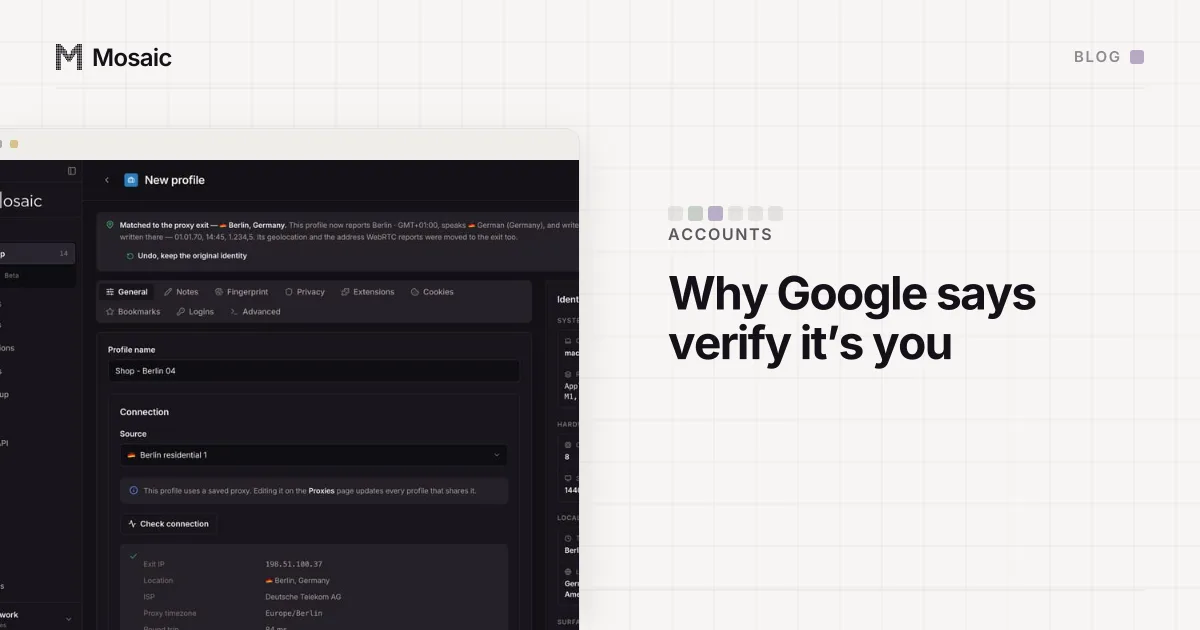
Google also checks new sign-ins, so a recovered account may ask you to prove it is you again. What it compares on a new device is in Google's "verify it's you" check.
Where Mosaic fits, and where it does not
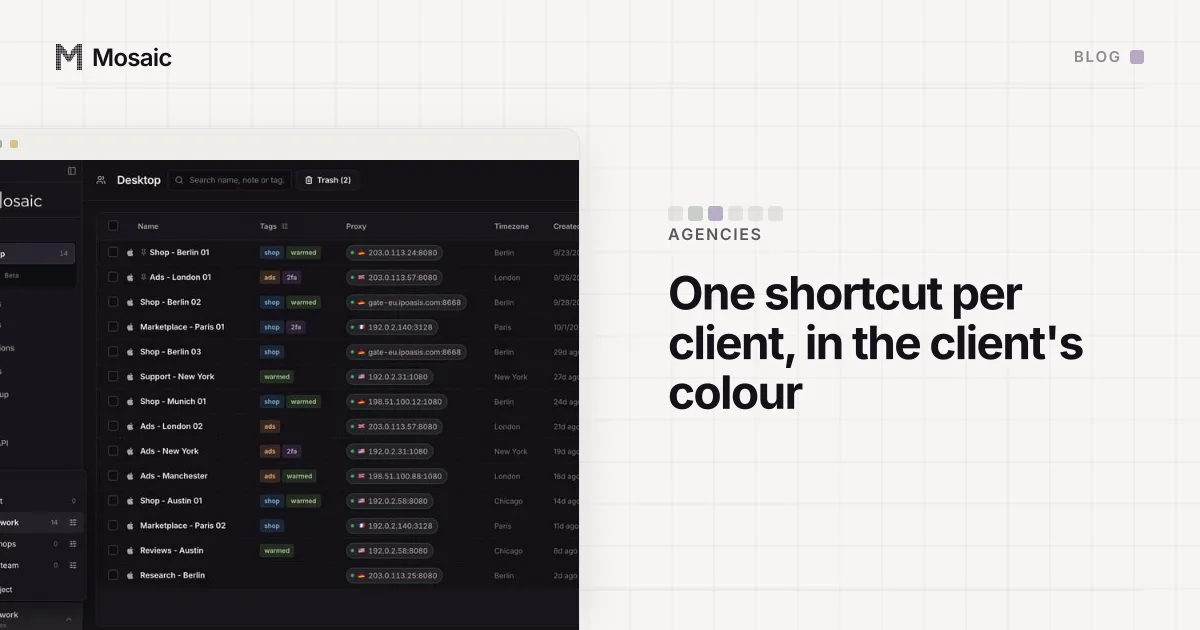
Mosaic gives each account its own browser profile: its own fingerprint, its own proxy exit and its own cookies, kept on your computer. That is useful when you legitimately run several channels, such as an agency managing client channels, or a creator with a main channel and a separate one for another topic, where each needs its own sign-in and its own 2FA codes.
YouTube's terms allow a creator in good standing to run more than one channel. Mosaic keeps channels you are entitled to run apart; it does not change what YouTube allows, and it is not a way back for a terminated creator.
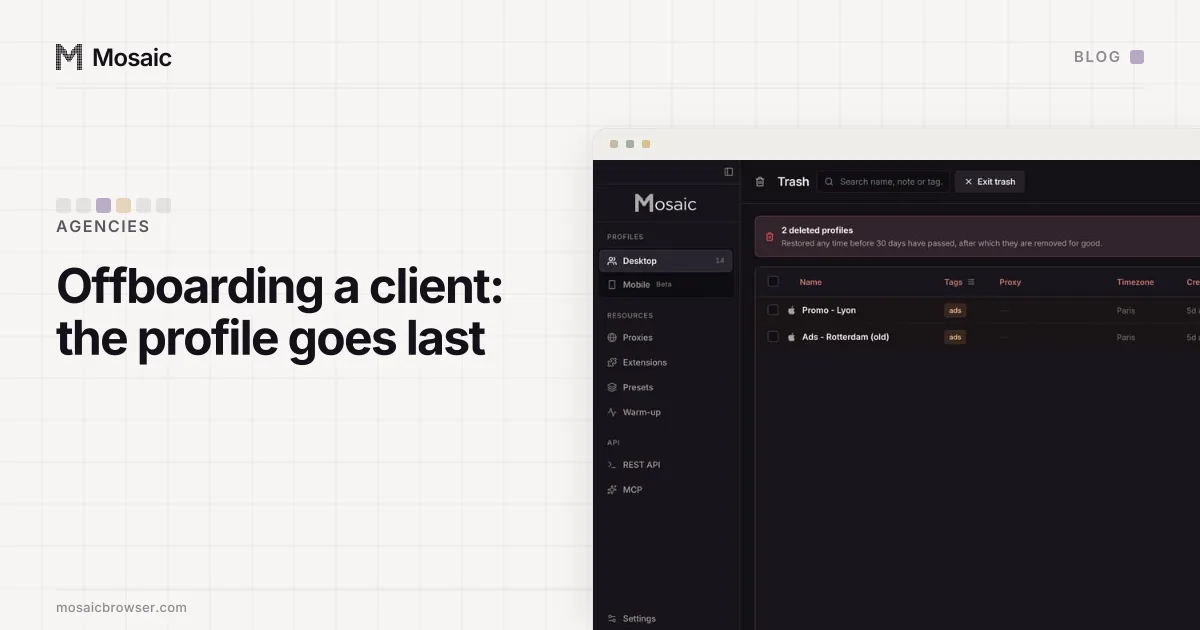
For an agency, the rule above has a practical edge. A client whose own channel was terminated cannot have the agency run a new one for them, because a channel they are prominently featured in is still theirs in YouTube's eyes. Offboarding a client cleanly, so nobody keeps access they should not, is covered in the client offboarding checklist, and keeping each client's Google sign-in in its own place is in separating client Google Workspace accounts. The mechanics of why accounts get linked at all, cookies, fingerprint, IP and behaviour, are laid out in how to manage multiple accounts without getting linked.