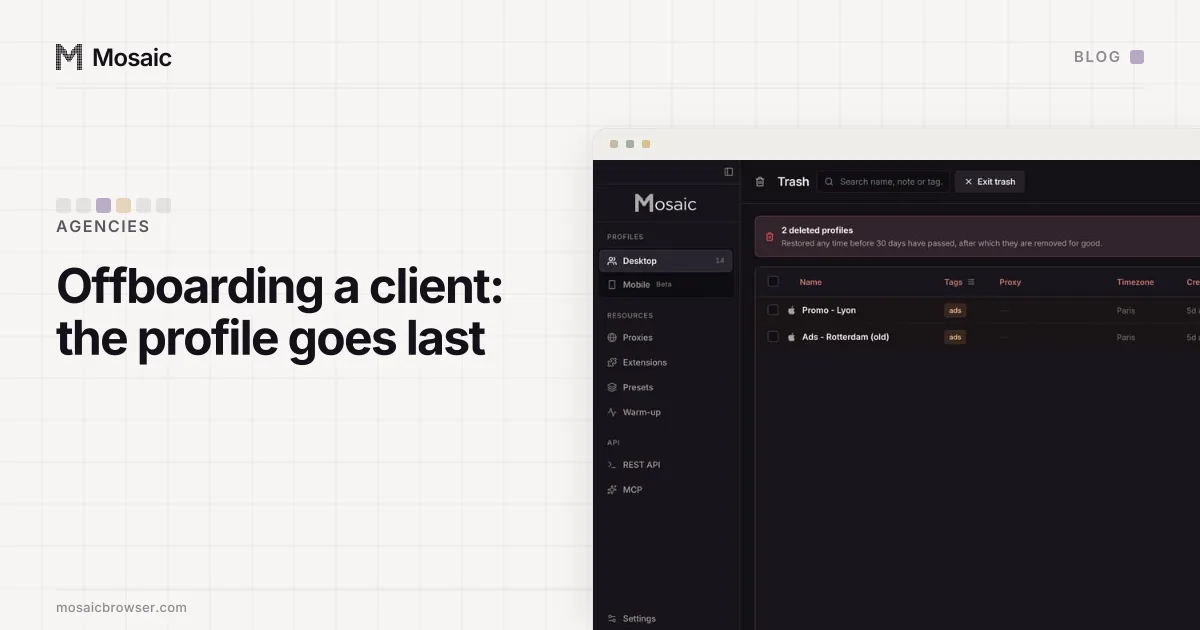
Agency client offboarding goes wrong in one order: the agency revokes its access before the client can sign in on their own, and the account is stuck between the two. So in a good agency client offboarding checklist, the browser side comes last. Confirm the client can get in, move ownership back, hand over what only you hold, export the profile if your contract says to keep it, and then trash that one profile by its name.
A note on scope before the checklist. The accounts an agency runs for a client belong to the client, and the platforms' own business tools (a Meta Business portfolio, a Google Ads manager account, a TikTok Business Center) are where an agency's access is granted and taken back. A separate browser profile per client keeps those sessions from touching each other. It does not change what any platform allows, and nothing below is a way around a platform's rules.
1. Confirm the client can sign in without you
Before anything is removed, the client signs in to every account themselves, on their own device, with their own two-factor. Do it on a call if you can. "I think we still have the password" is not a handover.
Check the recovery details too: the email address and phone number on each account should be the client's, not a shared agency inbox. An account whose recovery email is yours will come back to you the first time the client forgets a password.
2. Move ownership back inside each platform
Admin rights, page ownership and ad-account access move in the platform, not in the browser. The client confirms they hold the owner or admin role, then removes your agency or partner access, or you remove yourself while they watch. Do this per platform, and write down the date each one was done.
The browser profile is still open on your side at this point, and that is deliberate. If a transfer stalls, you can still sign in and finish it.
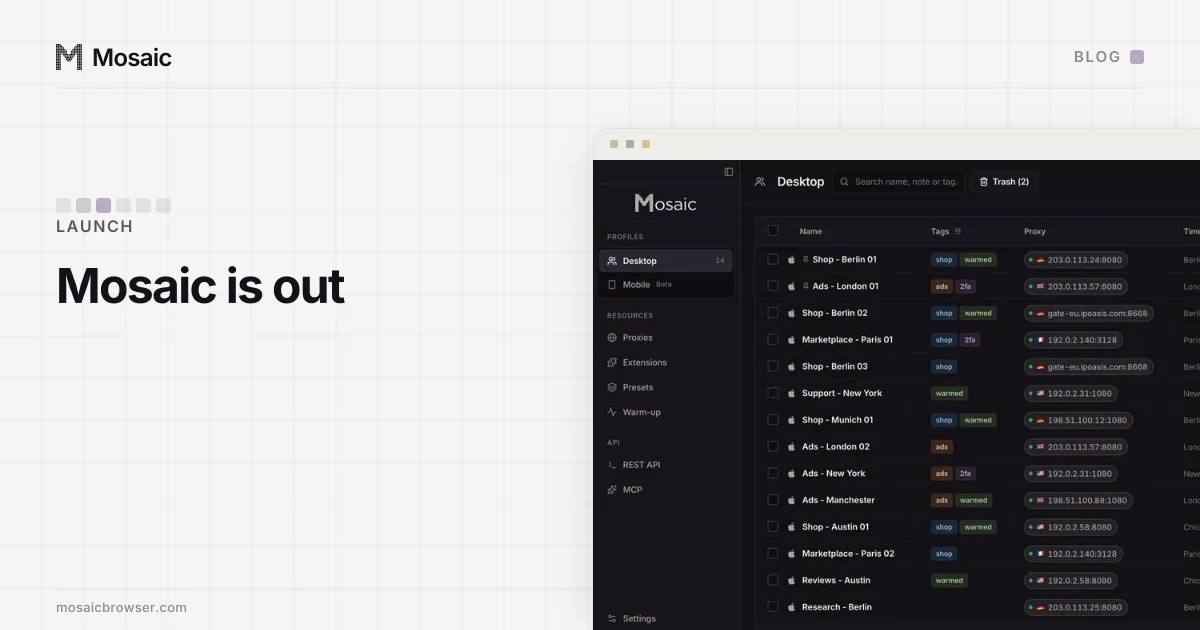
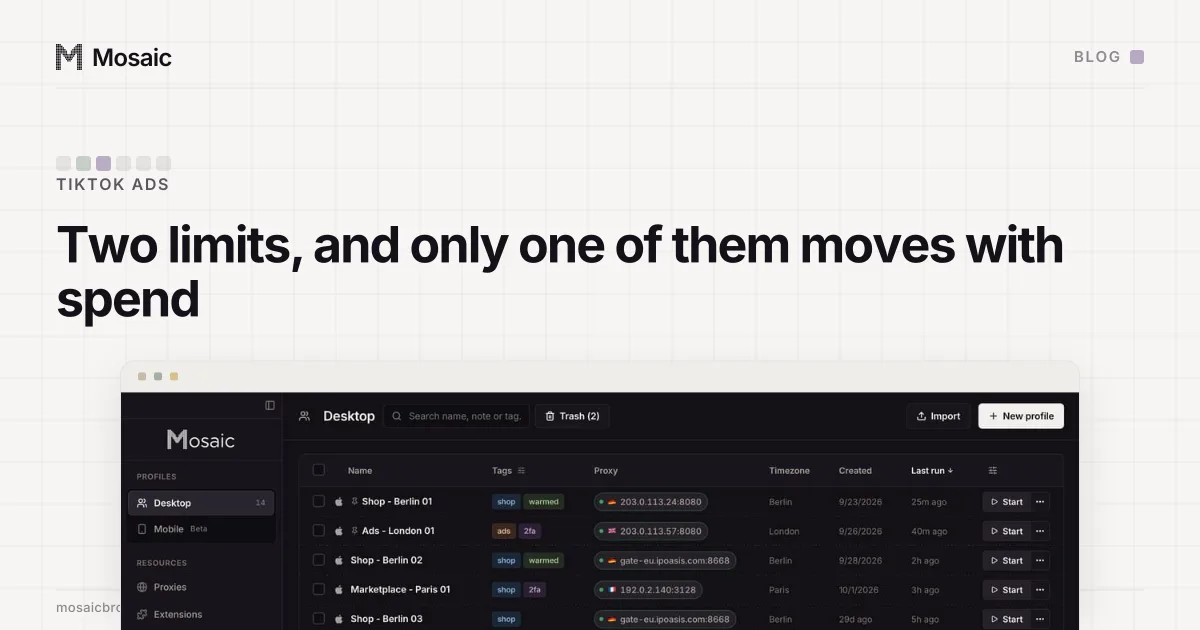
A profile list built for the keyboard and for three hundred rowsIn Mosaic: The profile manager. Pins, a command palette, columns you choose, fast search. Free holds 3 profiles. Pro is $49 a month for any number.
Mosaic is a desktop app
Email yourself the link and open it on your computer.
How it works: The profile manager
3. Hand over what lives only in your profile
This is the step that gets skipped, and it is the one that causes lockouts. Look through the profile for anything the client does not have a copy of.
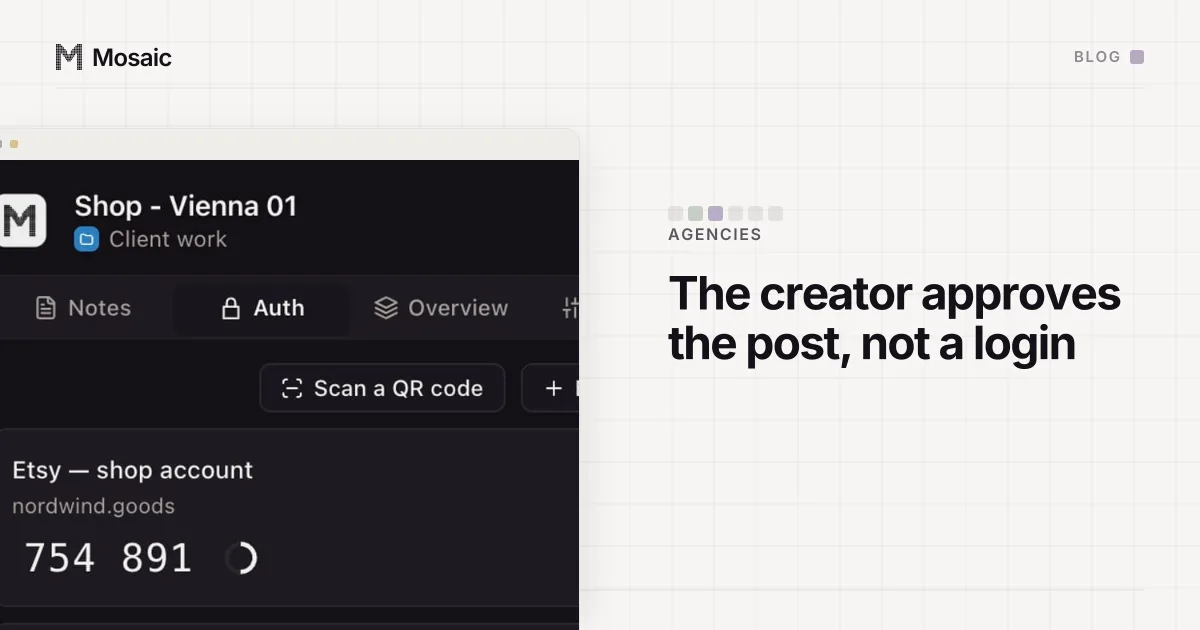
- Two-factor codes. If the account's authenticator key lives in the profile's Credentials and nowhere else, that profile is the only key to the account. The client sets up two-factor on their own device first and confirms it works, and only then do you delete your copy. A deleted credential in Mosaic does not go to the trash; it leaves the profile at once, and ages out of the daily backups a week later.
- Passwords. Rotate any you used, so the client knows the only current one is theirs.
- Notes in the companion: the account history, the odd setting you changed and why, the contact at the platform. Send them across as text.
- Files you saved while working, such as reports and invoices. Hand over the ones the client needs.
4. Export the profile, if you are keeping a record
Stop the profile first. Mosaic refuses to export a running profile, because a live browser has databases open and half-written, and the archive would capture a torn session.
Then decide what the export is for. A full export carries the profile's cookies, local storage and history, and cookies are signed-in sessions, so the zip is a credential and has to be stored like one. If your contract asks you to keep a record of the setup rather than a working login, export settings only: GET /profiles/:id/export?data=false over the local API leaves the browser data out. If the contract asks you to keep nothing, skip this step.
5. Trash the profile by its name, and nothing else
Trash the one profile you mean. If the client had their own project in Mosaic, trashing the project takes every profile in it along, and closes any of their browsers that are still open. Either way, read the names on screen before you confirm, not after.
Emptying the trash is where a wide action does real damage, so Mosaic will not guess at it. A request to empty the trash that does not name a project, a platform or {"all": true} is refused with "This purges the trash permanently and there is nothing to restore from, so it will not guess how much you meant." To remove one profile for good, purge that one profile from the trash by its id.
6. Let the safety net be a safety net
A trashed profile stays restorable for 30 days by default, and is purged on the first start after that. The library's daily backups are kept for 7 days by default, so the profile's record ages out of those a week later. Both exist for the mistake you did not mean to make. Neither is a substitute for steps 1 to 3, because a profile restored on day 29 still holds a two-factor key the client never received.
The agency client offboarding checklist, in one line
The order, once more: client signs in, ownership moves, you hand over, you export if you must, you trash by name. How a profile keeps one client's cookies, fingerprint and proxy apart from the next is covered in what an anti-detect browser is, the profile manager shows how profiles are filed and found, and our launch post explains why every profile stays on your own computer. Plans are on the pricing page.