Meta business verification documents do one thing: they prove that a business portfolio belongs to a real legal entity, at a real address, reachable at a real phone number and domain. Once a portfolio is verified, Meta knows which company it is. Verify a second portfolio with the same papers and Meta knows that one is the same company too, which is the point of verifying at all.
Meta's Business Help Center sets the rules for portfolios and for verification. Mosaic keeps accounts you are entitled to run apart; it does not change what Meta allows.
Which documents Meta business verification asks for
The documents split into two jobs. One set proves the legal name: a certificate or articles of incorporation, a business registration or licence, a tax or VAT registration in the business's name. The other set proves the address and the phone: a utility bill, a bank statement, or a licence that prints them. A utility bill can carry the address and phone number, but it does not prove the legal name on its own.
Documents are only half of it, and often not the first half. Meta first tries to match what you type (legal name, address, phone, website) against public business records. If it finds the business, it may skip the upload. Then the person doing the verification has to show they are connected to the business, by a code sent to an email address at the business's domain, a call or text to the business phone, or by verifying the domain itself.
The details have to match each other. A trading name on the form and a legal name on the certificate, or an address written two ways, is the kind of mismatch that sends a submission back. That strictness is not bureaucracy for its own sake. Each field is a key Meta will hold the portfolio to from then on.
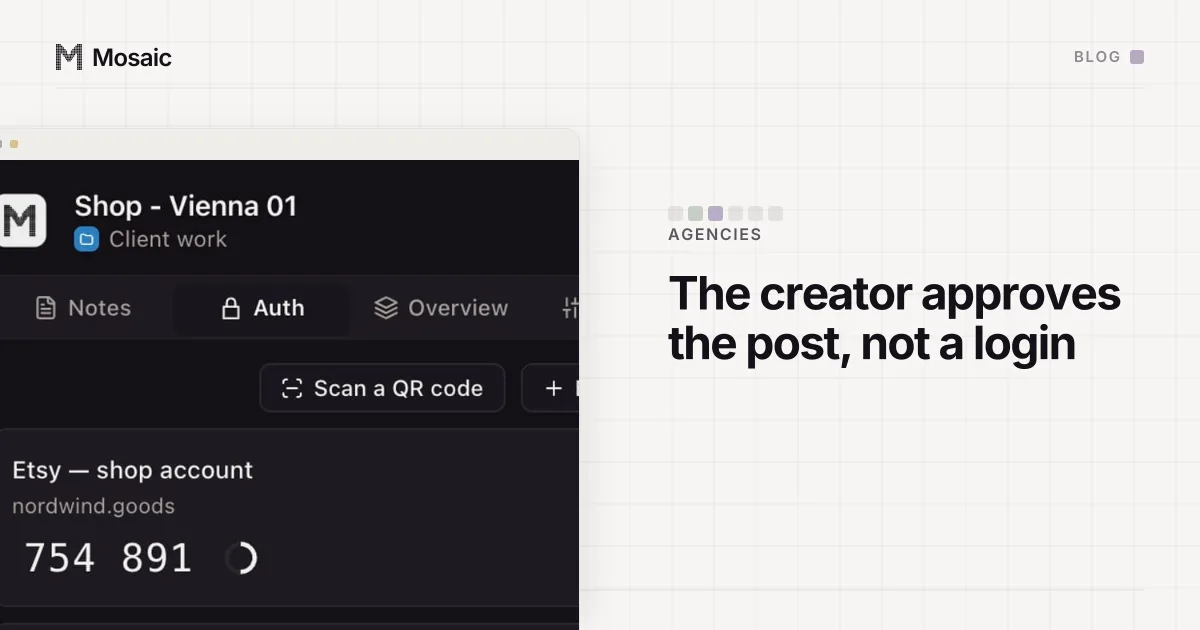
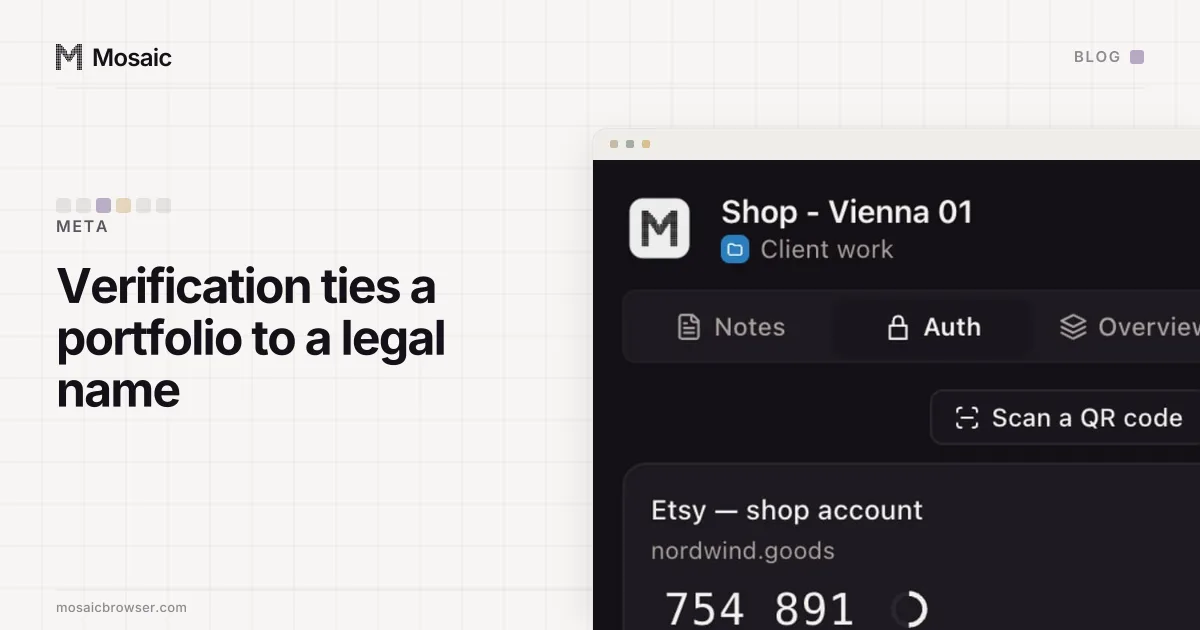
Each profile keeps its own passwords and its own 2FA codesIn Mosaic: Logins and 2FA codes. A password vault and TOTP codes for each profile. Free holds 3 profiles. Pro is $49 a month for any number.
Mosaic is a desktop app
Email yourself the link and open it on your computer.
How it works: Logins and 2FA codes
What the portfolio is tied to afterwards
After verification, four things point at the portfolio from outside Meta:
- the legal entity, by its registration
- a postal address
- a phone number
- a website domain, and email addresses on it
None of those lives in a browser. They are records on Meta's side, attached to the portfolio, and they are the same records whichever computer or browser anyone signs in from. So when a company verifies two portfolios, both carry the same registration, and usually the same phone and domain. To Meta they are two portfolios of one business, because that is literally what the documents said.
This is why we tell people not to think of a second portfolio as a second, separate advertiser. Every portfolio verified with the same papers points at the same registration, so whatever Meta knows about that business, it knows for all of them. Whether a company may hold more than one portfolio, and how many, is a rule to read in Meta's help pages, not something to infer. Verification settles the other question: whose they are.
The agency case, done the way Meta intends
The common case is an agency running ads for several clients. The wrong move is to verify each client's business inside the agency's own portfolio, or to verify the agency several times with slightly different details. The first ties every client to the agency's legal entity. The second is a mismatch Meta was built to catch.
The arrangement Meta designed is simpler. Each client owns and verifies its own portfolio, with its own documents, domain and phone. The agency's portfolio is verified once, as the agency. The agency is then added to each client's portfolio as a partner, with access to the ad accounts and Pages it needs. Business Manager is now a business portfolio covers who owns what in that arrangement, and why ownership is the field to re-read.
That way each client's assets belong to the client, and Meta's picture of who is who is accurate.
Where a browser profile fits, and where it does not
A separate browser profile cannot undo verification, and it is not meant to. Verification is a statement of ownership that the business itself made to Meta.
What a profile does is narrower and still useful for an agency. Each client login has its own cookies, its own proxy exit and its own two-factor codes, so signing in to one client's Facebook account in the morning does not leave that session lying in the same cookie jar as another client's in the afternoon. In Mosaic the companion extension in each profile holds that client's logins and codes and nobody else's. The mechanics of what links two accounts in a browser (cookies, fingerprint, IP) are in how to manage multiple accounts without getting linked.
The two layers answer different questions. Verification tells Meta which business owns a portfolio. A profile keeps the people working in those portfolios from mixing one client's session into another's. Meta's own picture of a person is a third layer, and Accounts Center is where Meta asks you to join your own accounts into it.