Accounts Center is the part of Instagram's settings, shared with Facebook and Messenger, where you connect your Meta accounts to each other. Once they are connected, they can share a login, cross-post, and keep contact details, password and security, ad preferences and payments in one place. Meta uses information across connected accounts, for example to personalise ads and suggest accounts to follow. It is the one place a platform links accounts in the open, and it shows what Meta treats as one person.
What Accounts Center does on Instagram
You reach it from Instagram's settings, near the top, and the same screen is in Facebook and Messenger. Adding an account there turns on what Meta calls connected experiences. The ones most people meet are these:
- One connected account can sign you in to another, or help you recover it.
- A story or post on one app can be shared to the other.
- Contact information and birthday are kept together.
- Passwords, two-factor sign-in and the list of places you are logged in are managed from one screen.
- Choices about ads apply across the connected accounts.
- A payment method saved for Meta's checkout can be used across them.
There is also an optional sync of name and profile picture, and you do not have to use it. Connecting does not merge anything visible. Two accounts stay two accounts with their own followers and posts. What they share sits underneath.
Every profile is drawn from one real computer, not from separate listsIn Mosaic: Machines that exist. GPU, screen, CPU and fonts from one real device. Free holds 3 profiles. Pro is $49 a month for any number.
Mosaic is a desktop app
Email yourself the link and open it on your computer.
How it works: Machines that exist
What the list says about one person
Read the list again as a description of a person: a sign-in, a phone number and an email, a birthday, a card, and one set of answers about which ads they want. Meta has drawn the boundary of a person around exactly those things, and Accounts Center is where you confirm the boundary yourself.
Most account linking is not like that. A site infers that two accounts belong together from what they share without saying so: the same cookies, the same device fingerprint, the same exit address, the same habits. That is inference, and it can be wrong in both directions. Accounts Center is different, because you are telling Meta something true and Meta takes you at your word.
It also means the strongest link between two Meta accounts is one no browser setting can touch. If an Instagram account and a Facebook account sit in one Accounts Center, they are connected wherever you sign in from: a different computer, a different network, a fresh browser. To end the connection you remove the account from Accounts Center, from the same settings screen.
Where client and business accounts go
For people who run accounts for someone else, the rule falls out of the list. Accounts Center is for accounts that belong to one person, which is why it holds a login, a birthday and a card. A brand's Instagram account that you manage for a client does not belong to you, and putting it in your personal Accounts Center would tie it to your phone number, your security settings and your ad preferences.
Meta's model for that work is the Business portfolio. The client's business owns the Instagram account and the Page, and it adds your business as a partner with the access you need. Your personal account stays yours, the client's account stays theirs, and when the work ends the client removes the partner. Meta allows one personal Facebook account per person, and the agency setup is built on that: one person, many businesses, each reached through its own portfolio.
Where a separate browser helps, and where it does not
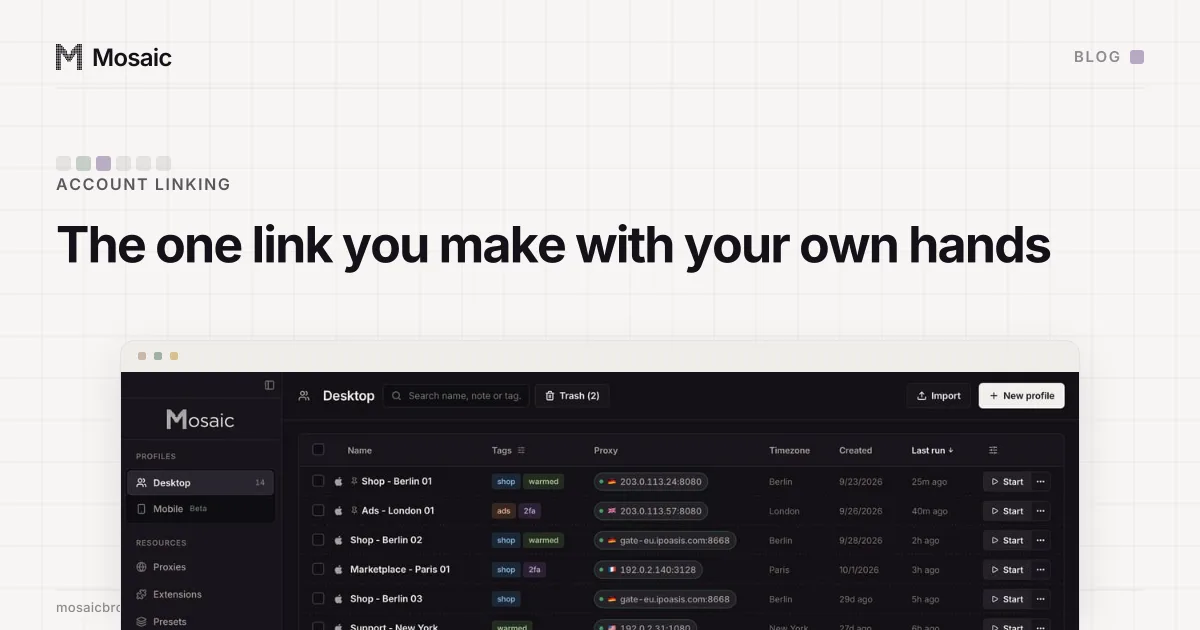
Mosaic gives each profile its own cookies, its own fingerprint drawn from one real device, and its own proxy exit, so two accounts you run for two different businesses do not share the signals a site uses to infer a link. Mosaic keeps accounts you are entitled to run apart; it does not change what a platform allows.
It does nothing about a link you declared. A profile cannot separate two accounts that you, or a colleague, connected in Accounts Center, and it should not try: that link is a statement to Meta about who owns them. The order of work is the platform's own tools first, a Business portfolio and partner access, and a separate browser for the logins those tools do not cover.
To see the inferred side, the fingerprint checker shows the values any site can read from your browser. The difference between the browser a site sees and the one you are running is what an anti-detect browser changes, and introducing Mosaic covers how ours keeps profiles on your computer.