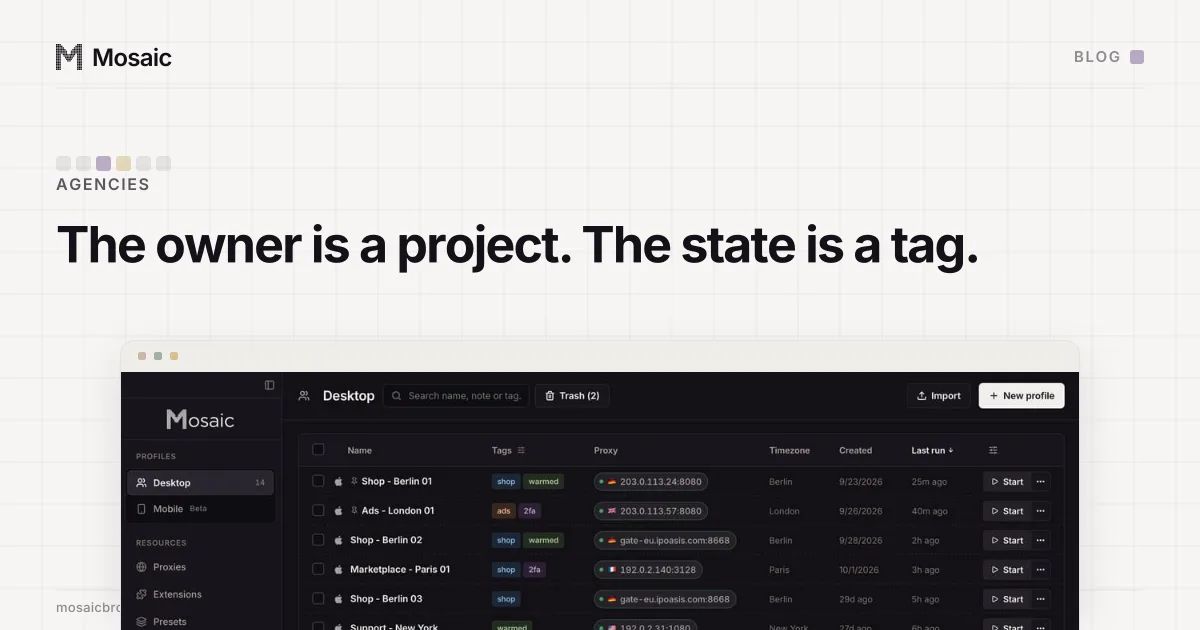
To organize client accounts with tags, give tags one job: what state an account is in this week. Who the account belongs to goes somewhere else. In Mosaic that somewhere is a project, one per client, and the test for which is which is simple: will it change before the contract ends? The owner won't. The state will, often.
How to organize client accounts with tags: owners are projects, states are tags
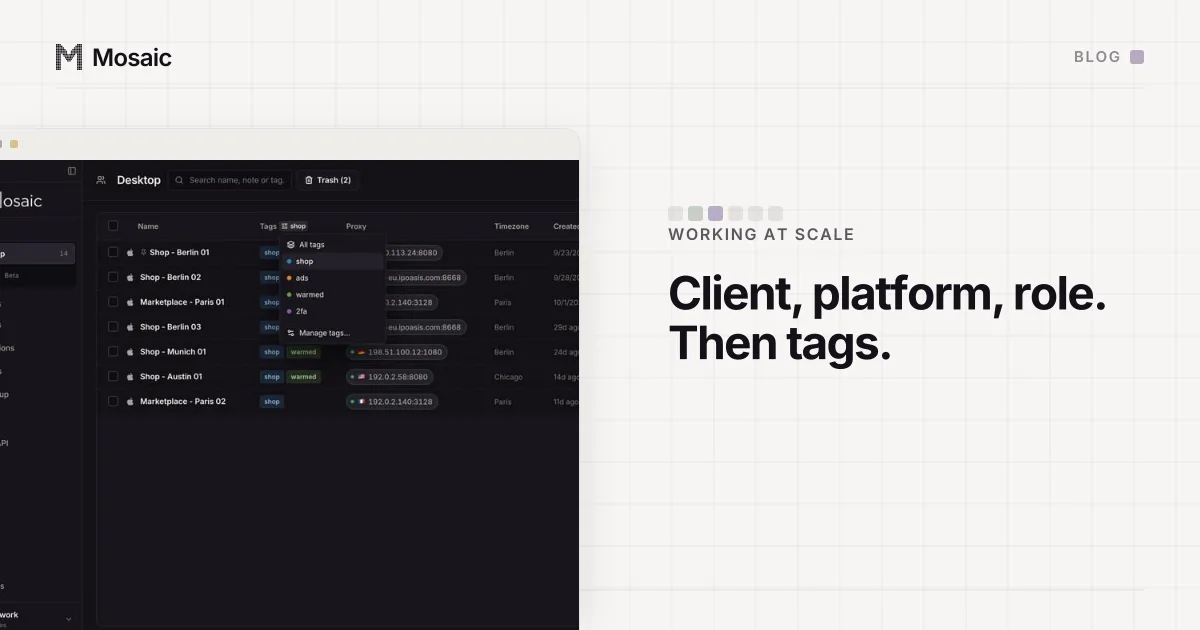
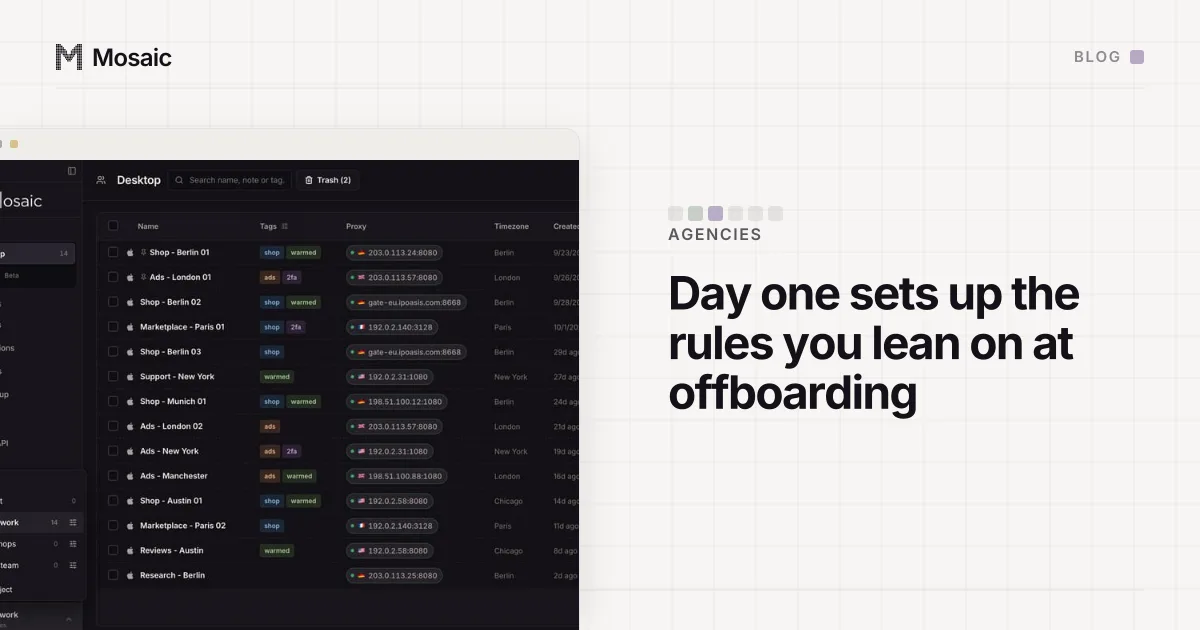
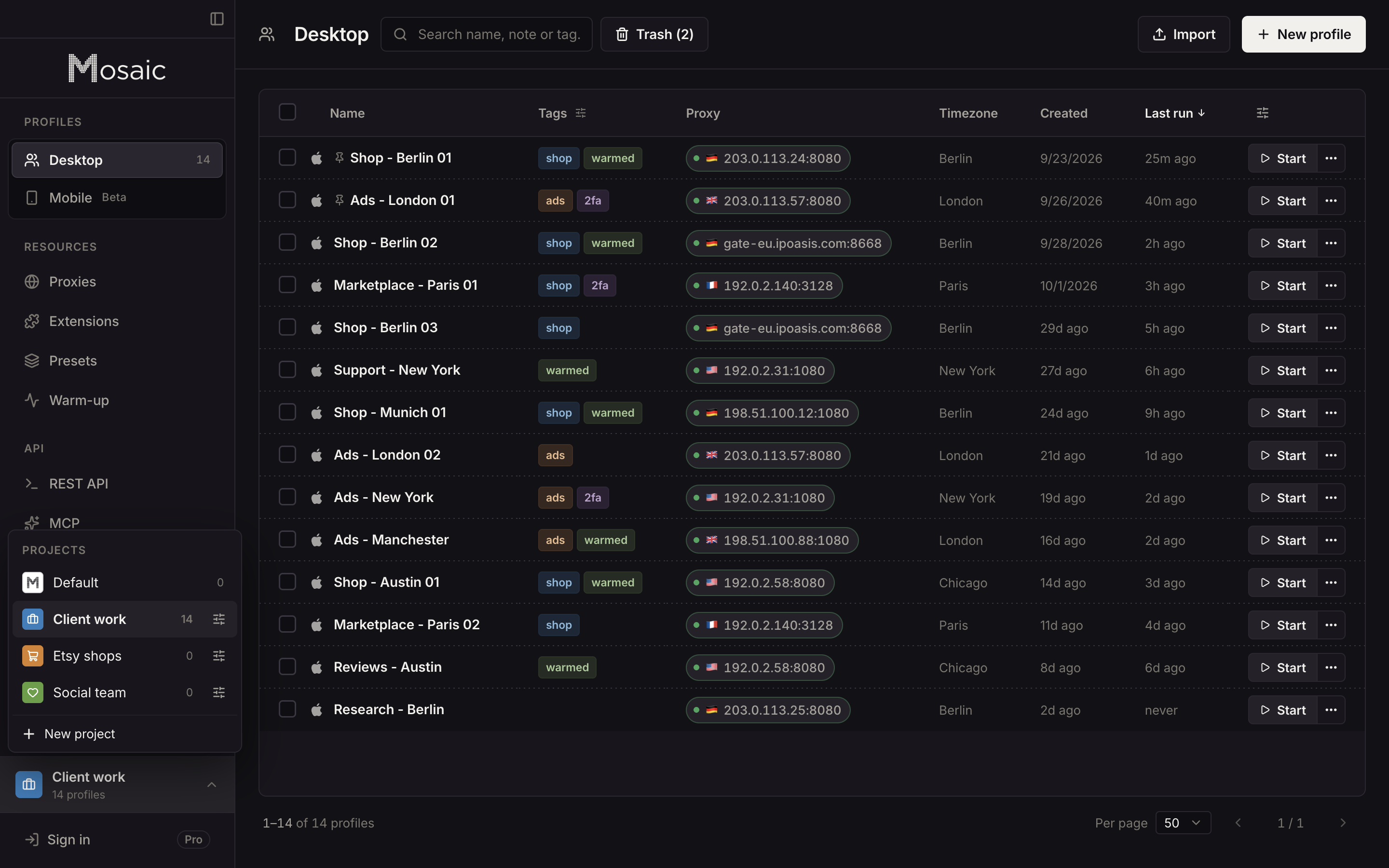
A project is a folder of profiles with a name, a colour and an icon. Switch to it and the profile list shows that client and nobody else. A tag is a short word on a profile, such as warming, live, paused, needs-2fa or the name of the colleague looking after it, and you filter the list by it.
The two answer different questions. "Everything for Acme" is a question about ownership, and it should take one click, which is what switching project does. "Everything that is paused" is a question about state, and the answer moves every week, which is what a tag filter is for.
People get into trouble when they use one for the other. A tag called acme works until somebody forgets to add it to the fortieth profile, and then "everything for Acme" quietly has thirty-nine rows. A project called "Paused" works until a profile wakes up, and then moving it back is a decision about where it lives, made because of something that happened to it on Tuesday.
So the rule we use:
- the client, or whoever is paying for the work, is the project
- status, owner on your side, campaign and anything temporary are tags
- the client code still goes in the profile's name, because the name is what you see when the profile turns up outside its project, in an export or a search
The name part is in naming 300 browser profiles, which uses the same "does it change?" test.
Make 500 profiles in one go, then work on all of them at onceIn Mosaic: Bulk actions. 500 profiles per batch; start, edit and type into many. Free holds 3 profiles. Pro is $49 a month for any number.
Mosaic is a desktop app
Email yourself the link and open it on your computer.
Why a tag's colour belongs to a project
Here is the part that surprises people. A profile does not store a tag. It stores the tag's name, as a plain word. The colour lives on a separate tag record, and that record belongs to one project.
That design is deliberate. Two clients can both use paused without agreeing on a colour, and a project's tags are its own to rename, recolour or delete without touching anyone else's. When you type a new tag onto a profile in a project that has never seen it, Mosaic registers it in that project and deals it a colour from the palette.
The consequence is that a word and its colour can come apart. If a profile leaves one project for another, it brings its words with it, and the colour has to come from the destination. When the destination already has a tag with that name, the profile takes that tag's colour. When it has none, there is nothing to colour the word with until one is registered there. That is why a move between projects has to register the profile's tags in the destination, the same way creating a profile there does. Otherwise the profile arrives with grey words and nothing in the list says why.
We learned what "the record and the word drift apart" costs on renames first. Profiles store tags by name, so renaming the tag record and stopping there left every profile carrying the old word. Measured against the running app before the fix: PATCH /tags/<id> answered 200 with the new name, GET /tags listed the new name, and GET /profiles/<id> still said the old one. A rename now rewrites the word on every profile that carries it.
A project with no colour was a project described twice
Projects have their own version of this story. A project created through the API could come out with no colour at all, and the problem was never that it looked plain. Other parts of the app had to pick a colour for it anyway, so one screen painted it with a hex value typed into the code while the project switcher painted nothing. Two descriptions of one project, disagreeing.
Three versions of that fault were reachable, and all three are refused now, at the store method every surface writes through:
- A project created with no colour gets one dealt from the palette, but an empty colour is refused by name, because "no colour" is not a colour.
- A colour the browser understands and our contrast maths does not, like the word
green, is refused. It used to half-work: the switcher painted it and the icon did not. - A misspelt field is refused.
PATCH /projects/:idwith{"colour": "#2f9e79"}, our own prose's spelling, used to answer200, store a key calledcolourand leave the colour alone.
The palette was also written down twice: eight values in the store and sixteen in the dialog, so a project made through the API could never be one of the other eight. There is one list now.
Setting it up for a new client
- Create a project for the client and give it a colour you will recognise at a glance.
- Create the client's profiles inside it, named by the client code, platform and role.
- Tag each one with its state, starting with
warmingfor anything new. - When a state changes, select the rows and add or remove the tag in one bulk edit rather than editing profiles one by one.
The first day with a new client, in this order, is written out in the first hour in the browser with a new client, and the last day is in what to do with a client's profiles when the work ends. Mosaic is for accounts you are entitled to run, such as access a client has given your agency, and tidy projects do not change what a platform allows.