Amazon seller video verification is a live call in which an Amazon associate compares your face with the government ID you uploaded during registration, and asks to see the originals of your documents. It exists so that a seller account belongs to a person Amazon has seen. Once that has happened, whether two accounts are linked is a question about identity, and it is settled long before anything about your browser comes into it.
Amazon's rules allow one seller account per seller, unless Amazon approves a second one for a legitimate business need. Mosaic keeps accounts you are entitled to run apart; it does not change what a platform allows.
What Amazon seller video verification checks
Registration as a Professional seller asks for two kinds of paper: a government photo ID, usually a passport or driving licence, and a bank or credit card statement in the same name. The upload alone proves only that somebody had a scan of those documents. The call closes that gap. An associate sees a live face, sees the physical ID held up to the camera, and decides whether they belong to each other.
The call is the step a document check cannot do on its own, and that is why it is there. Scans of other people's passports are easy to come by. A person who matches the passport, live, on demand, is not.
However the call is arranged, the associate's job is narrow: this face, this document, this name.
Write the recipe once, then make forty profiles from itIn Mosaic: Presets and extensions. One recipe, forty profiles, forty exits. Free holds 3 profiles. Pro is $49 a month for any number.
Mosaic is a desktop app
Email yourself the link and open it on your computer.
How it works: Presets and extensions
Why the person on the call has to be the owner
The rule that surprises agencies and assistants is that nobody else can stand in. A virtual assistant who runs the account day to day cannot do the call, and neither can the agency that set it up, because their face does not match the ID on the file. If the owner cannot be there, the call waits until they can.
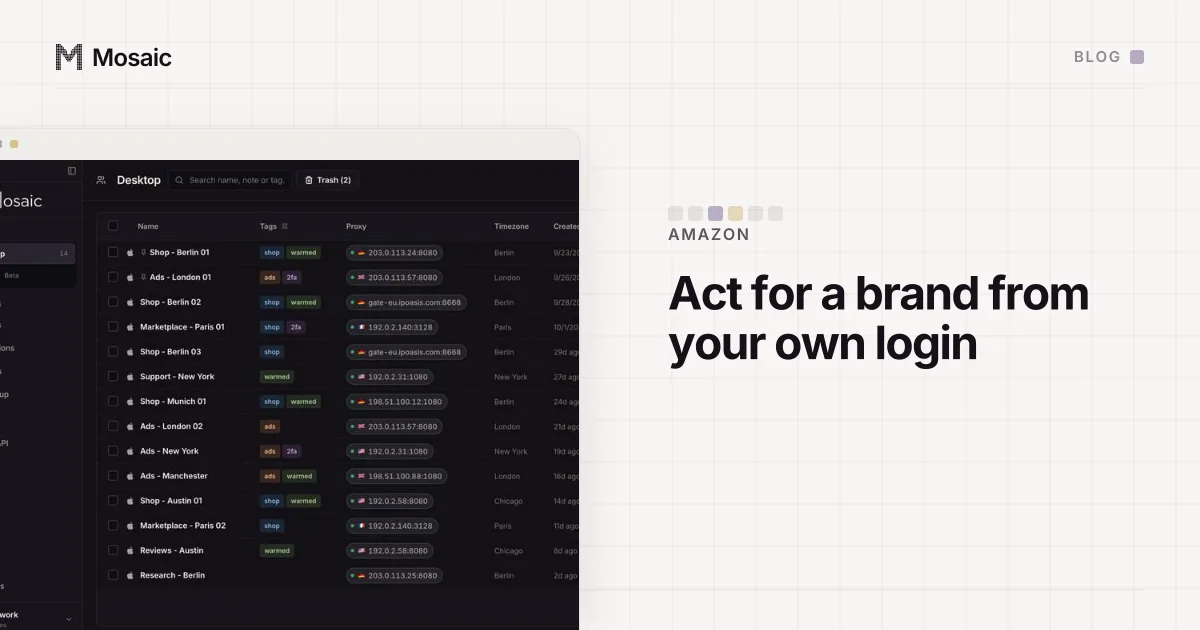
That is consistent with how Amazon handles everyone else who works on a store. Staff and agencies get their own logins as users on the owner's account, with permissions the owner chooses, rather than the owner's password. Brand Registry works the same way: an agent acts for a brand from their own sign-in (we went through that set-up in acting for a brand from your own Brand Registry login). The owner is verified once, in person; everyone else is attached to the owner's account by name.
After the call, identity links the accounts
Most of what is written about "linked Amazon accounts" is about browsers, IP addresses and cookies, and those do matter, but they are the weak signals. The video call produces the strong one. Two accounts whose owners are the same verified person are the same seller to Amazon, whether they were opened on one laptop or on two machines in two countries.
So the order of questions is the reverse of what forums usually suggest:
- Is the second account one you are allowed to have? Amazon approves a second account for a legitimate business need, and the approval is the answer, not the browser.
- Are the accounts tied to the same person, company, bank account or tax details? If so, Amazon already knows they belong together, and that is fine for an approved second account.
- Only then: are the day-to-day sessions kept tidy, so one store's cookies never sign another store out or post a listing in the wrong account?
A browser can only ever answer the third question. It should never be asked to answer the first two, and nothing it does would change their answers anyway.
What a browser profile still does for a verified seller
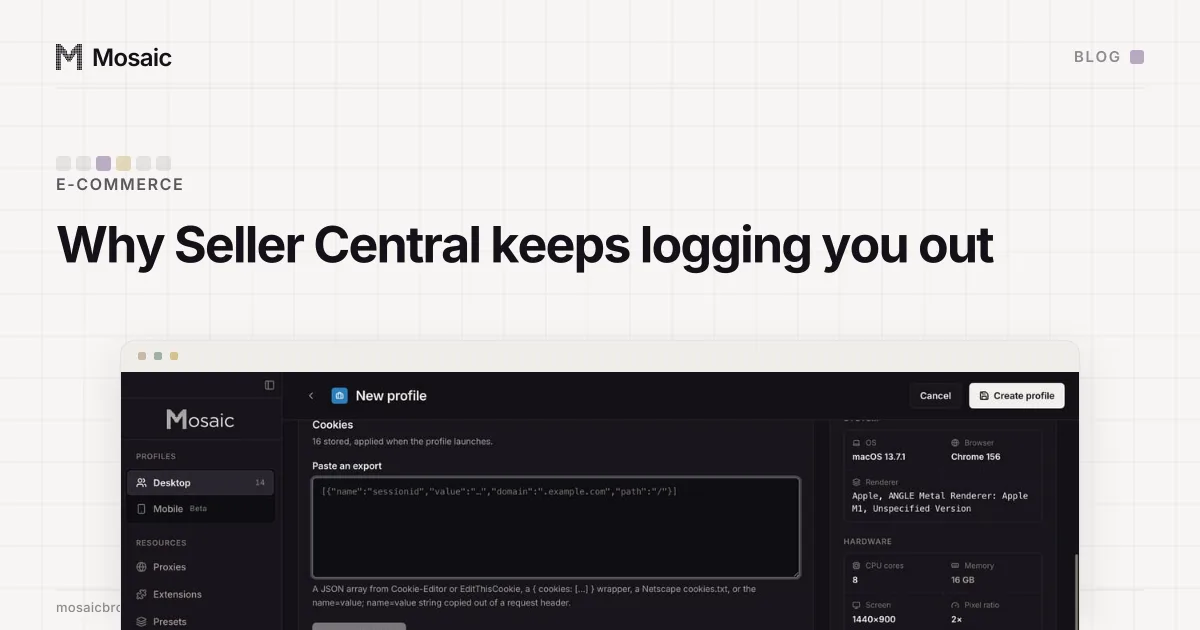
The third question is real work. Seller Central signs you out when its cookies go, and running two stores in one browser window means each sign-in overwrites the other's session. We wrote up that failure in why Seller Central keeps logging you out: the cure is one store per cookie jar.
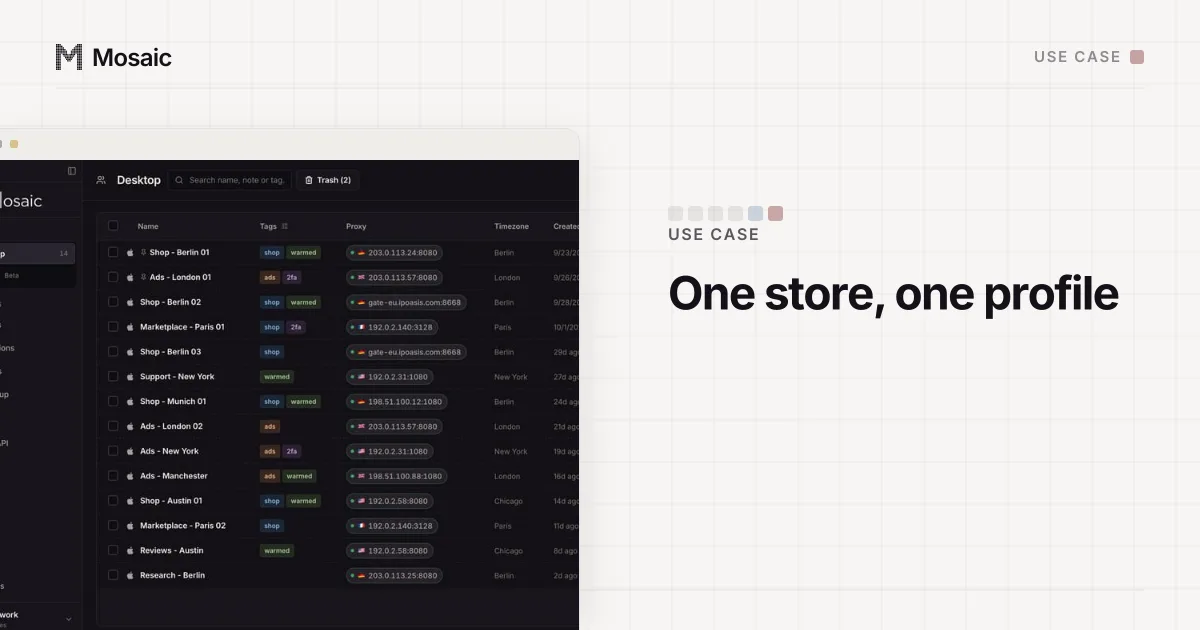
That is what a profile is for. In Mosaic, each profile has its own fingerprint, its own proxy exit and its own cookie jar, kept on your computer. For a seller with an approved second account, or an agency signed in as a user on several clients' accounts, that means each store opens in its own window, stays signed in, and keeps its 2FA codes in the companion beside it. It also stops the more ordinary accidents, like a buyer login in the same window as a seller one, which we covered in selling on Amazon and eBay at once.
None of that touches the verified identity behind each account, and it shouldn't. If the video call has tied two accounts to you, they are yours, together, in Amazon's records. Keeping their sessions apart is housekeeping.
Getting the call right the first time
The practical advice is short, and none of it is about software.
- Have the original documents in your hand, the same ones you uploaded, not photocopies or a different ID.
- Make sure the name on the ID, the statement and the account match exactly, including middle names.
- Take the call yourself, on a camera that works, somewhere the associate can see your face and the document clearly.
- If you run a company, check that the business details you entered are the ones on the statement.
How Mosaic fits a seller's week, from the morning account check to the stores running side by side, is on the e-commerce sellers page.