Amazon Brand Registry agent access is built so that an agency never needs the brand owner's login. The trademark owner enrols the brand and keeps it. Anyone who works on the brand, an agency, a freelancer, a law firm, is invited to it as a user with their own Brand Registry account and given only the roles their job needs. The agency signs in as itself, and the owner can take that access away without changing a password.
That is the opposite of how a lot of agency work on Amazon starts, which is a message with an email address, a password and "the code goes to my phone, just text me".
Who is who in Brand Registry
Brand Registry separates owning a brand from acting for it. Its help pages describe protection roles on each brand, administrator, rights owner and registered agent, plus selling roles that connect a selling account to the brand.
- The rights owner is the trademark holder, the party whose brand it is. The owner's own account is the one that should hold the brand's administrator role.
- An administrator manages who else has access to the brand, through the User Permissions page.
- A registered agent acts for the rights owner on protection work, such as reporting listings that infringe the brand.
The roles are deliberately narrow. An agent's role covers acting on the brand's behalf, not owning it. Selling features such as A+ content and brand stores are tied to a selling account that an administrator connects to the brand, which is a separate step from the protection roles. Role names and what each one unlocks are Amazon's to change, so read the User Permissions page in Brand Registry for the current list before you ask a client for access.
Write the recipe once, then make forty profiles from itIn Mosaic: Presets and extensions. One recipe, forty profiles, forty exits. Free holds 3 profiles. Pro is $49 a month for any number.
Mosaic is a desktop app
Email yourself the link and open it on your computer.
How it works: Presets and extensions
How an agency gets access
The order matters, because the brand has to be enrolled by the right party before anyone can be invited to it.
- The agency makes its own Brand Registry account, signing in at Brand Registry with the agency's existing Seller Central or Vendor Central login if it has one.
- The brand owner, or an administrator they appoint, opens User Permissions in Brand Registry and invites the agency's account by email, picking the brand, the marketplace and the roles.
- The agency accepts the invitation from its own login.
- If the agency also runs the brand's selling account, the owner connects that selling account to the brand and gives it the selling role that matches the relationship.
If an agency was asked to enrol a brand under its own account because "it was quicker", that is the thing to fix first. A brand registered under the agency's account belongs, in practice, to the agency, and getting it back when the contract ends is the client's problem.
Why your own login is better than the owner's
A shared login fails in the same places on every platform. On Amazon it fails in four.
Every action looks like the owner's. When a listing is reported in error or a support case is opened in the brand's name, nobody can tell from Amazon's side who did it. With a role, the agency's account did it.
The two-factor code lives on one phone. A shared password with two-factor turned on means somebody texting a six-digit code across time zones before every sign-in, which is how people end up turning two-factor off.
Revocation is all or nothing. Removing one agency from a shared login means changing the password for everyone who uses it. Removing a user takes one entry out of User Permissions and leaves the rest alone.
And the owner keeps the brand. Because the rights owner role stays with the trademark holder, an agency leaving takes its access with it and nothing else. The same pattern shows up on other platforms: partnership ads on Instagram let a brand run a creator's post without the creator's password, for the same reasons.
Keeping several brands' work apart in the browser
Roles fix the access problem on Amazon's side. The browser is a separate one. An agency working on five brands still signs in to Brand Registry, Seller Central and each client's other tools from somewhere, and if it is one browser, those sessions share a cookie jar.
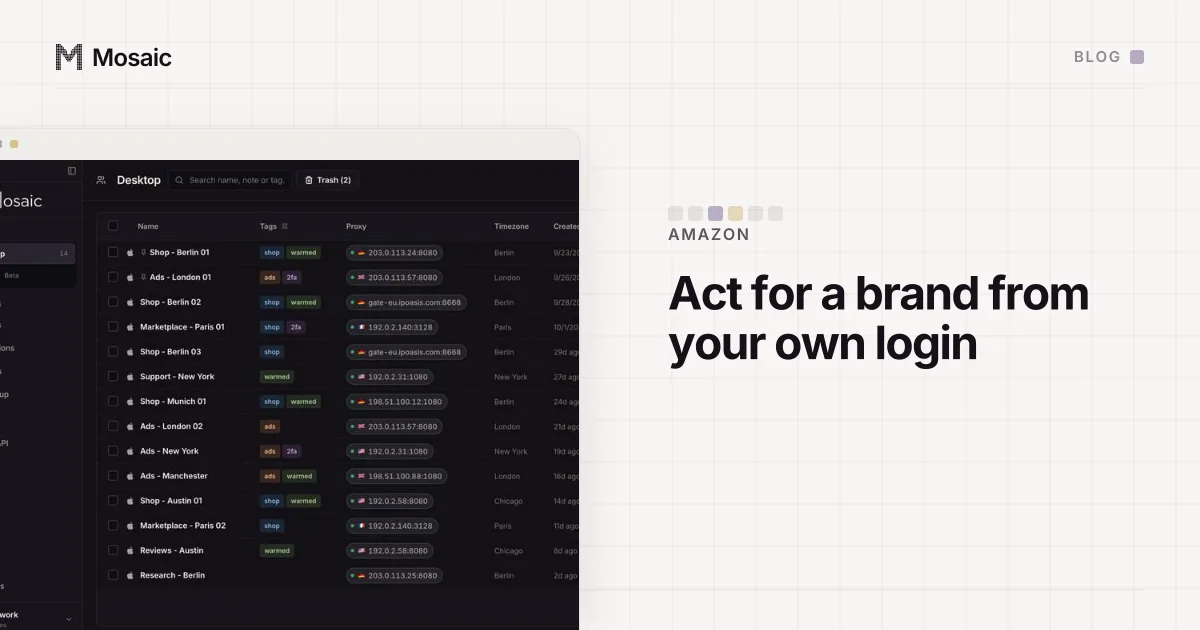
What we do in Mosaic is give the agency's own Amazon login one profile, with its password and two-factor setup key in that profile's credentials, so the code is in the companion inside that browser rather than on one person's phone. Each client's own tools, their Shopify admin, their ad accounts, their shared drive, go in a profile per client, grouped in a project per client. A profile keeps its own cookies, its own fingerprint and, if you attach one, its own proxy, so one client's sessions never sit in another client's browser. The way e-commerce teams usually lay this out is in Mosaic for e-commerce sellers.
Mosaic keeps accounts you are entitled to run apart. It does not change what Amazon allows, and Brand Registry's roles are Amazon's own answer to "how does someone act for a brand". When a client ends the contract, the owner removes the agency from User Permissions and the agency hands over what it holds, then trashes that client's profiles by name; what to do with a client's profile when the contract ends has the order we do that in, and a quarterly access audit catches the roles nobody removed.