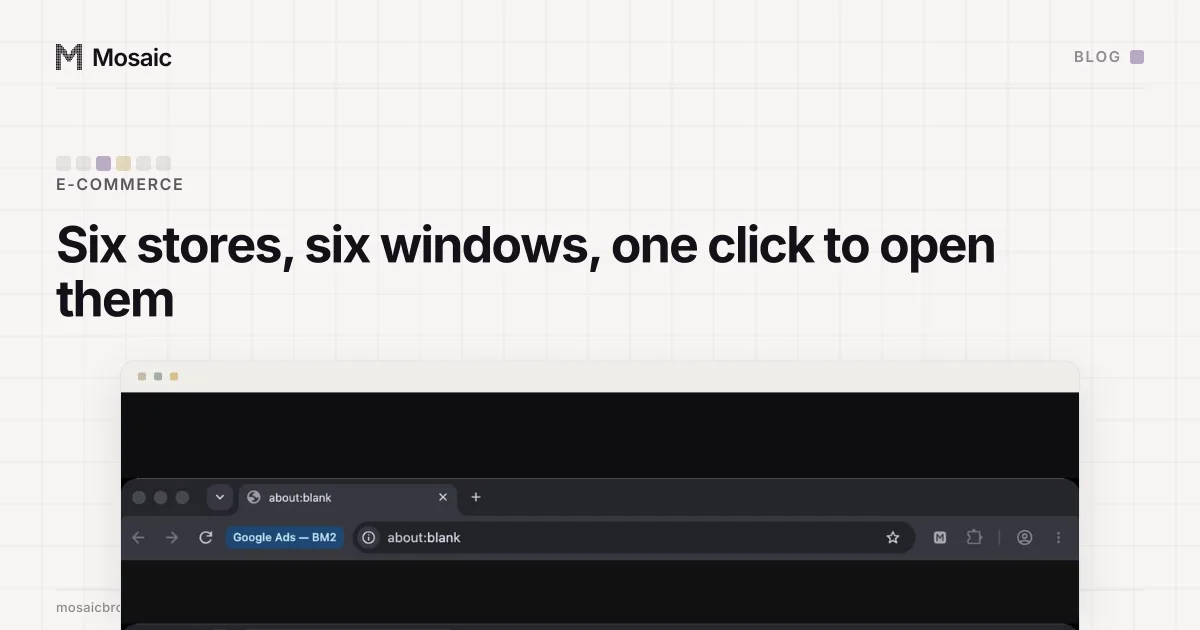
To manage customer messages across multiple stores, treat each store's inbox as its own deadline, because that is how the marketplaces count it. Reply-time figures belong to the seller account that got the message, so six stores are six inboxes with six clocks. Either pull them into one helpdesk queue or keep every store signed in where you can read all six in one pass. Both work, and many sellers use both.
Each marketplace sets its own rule on how many seller accounts one business may run, and some require approval before a second. Mosaic keeps stores you are entitled to run apart; it does not change what a marketplace allows.
Why one quiet inbox costs one store
Amazon's buyer-seller messaging and Etsy's messages both track how fast a seller answers, and they track it per account. Nobody averages it across your business. The store whose inbox you opened twice this week has its own number, and the five stores you checked every morning do not lift it. eBay's seller standards look at cases instead, which is where an unanswered question there tends to end up.
The metric is the smaller cost. A buyer who asked "where is my parcel?" and heard nothing usually comes back through the channel that costs more: a return, a claim, a negative review. Those land on the same account. So a missed message tends to be the first of two problems on one store.
The pattern behind it is almost always the same. The stores you sign into every day get checked. The one that needs a separate login, a two-factor code from a phone in another room and a sign-out from the store you were in gets checked when there is time.
Your profiles, cookies and proxies stay on your computerIn Mosaic: Local first. Profiles, cookies and proxies stay on your computer. Free holds 3 profiles. Pro is $49 a month for any number.
Mosaic is a desktop app
Email yourself the link and open it on your computer.
Option one: one queue, through the marketplaces' own connections
Helpdesk tools built for marketplace sellers connect to each marketplace's messaging through its official connection and drop every store's messages into one queue. You get assignment, canned replies, order details beside each message, and one place to see what is unanswered.
For a business answering dozens of messages a day this is usually the right answer, and we would start there. Two limits are worth knowing before you rely on it:
- A connector carries the message types the marketplace exposes to it. Claims, account-health notices and some system messages may only appear in the seller dashboard itself.
- The dashboard is still where you go to act on many replies: issuing the refund, buying the return label, answering the claim. That means signing in to the store anyway.
So even with a helpdesk, somebody opens each store's dashboard regularly. That is the part that eats the morning.
Option two: every store already signed in
The sign-in is the slow part, so remove it. Give each store its own browser profile, signed in once and left that way: its own cookies, so the session survives tomorrow, and its own fingerprint and proxy exit, so the stores do not look like one browser switching between accounts. How sites connect accounts that share a browser is covered in managing multiple accounts without getting linked.
In Mosaic that takes a few minutes per store, once:
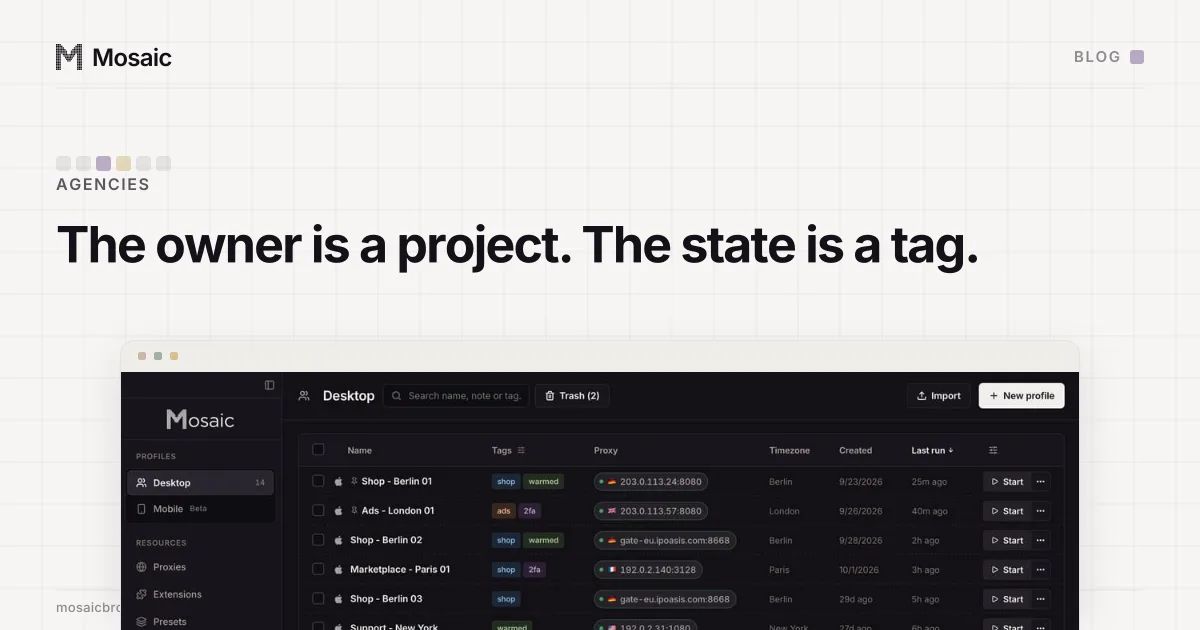
- Make a project for the business and one profile per store. Name each one after the store and the marketplace ("Oak & Thread · Etsy"), so the window title answers "which store am I replying as?" (The scheme we use is in naming hundreds of profiles.)
- In the profile's Start pages, put that store's messages page first, then orders. They open as tabs at every launch.
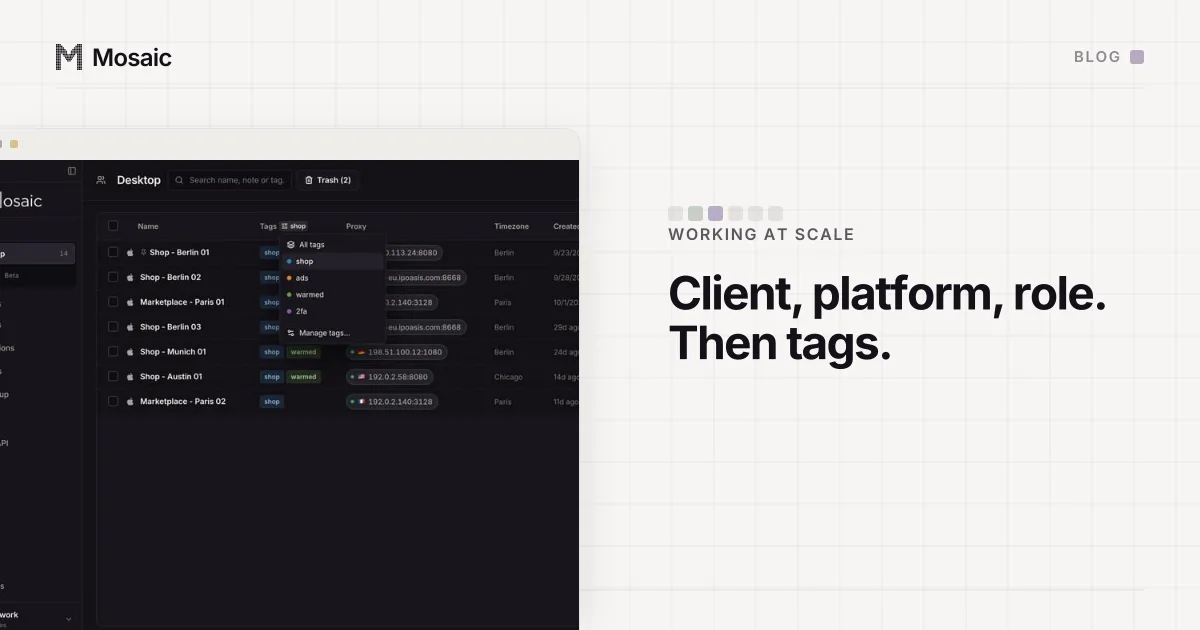
- Tag the stores you answer daily, for example
messages, so the table filters to exactly that set. - Sign in to each store once, in its own profile. Put its two-factor setup key in the profile's Credentials, so the code appears in the companion inside that window instead of on a phone.
The pass itself
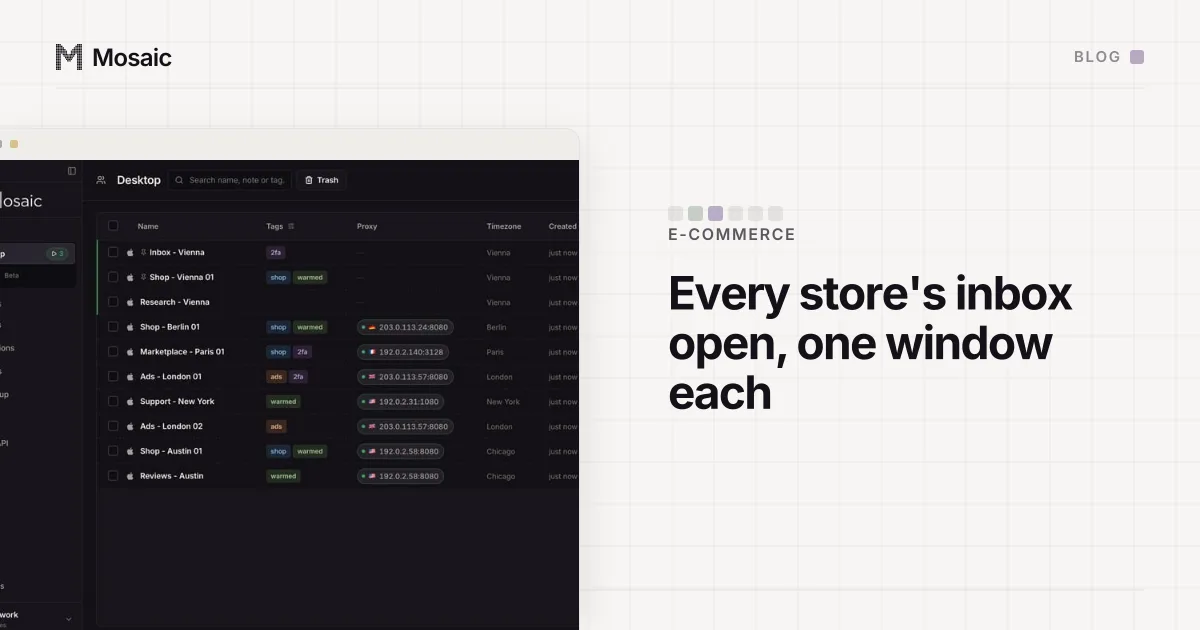
- Filter the table by the
messagestag, select the stores and press Start on the bulk bar. Each launches behind its own proxy, which Mosaic checks first, and opens on its messages page already signed in. - Press Arrange and choose Grid. Every window gets an equal cell on the main screen.
- Go left to right, top to bottom, and answer every unread conversation before moving to the next cell. The grid makes a skipped store visible: it is the cell whose inbox still shows an unread count.
- Anything that needs a refund or a claim gets done in that same window, because it is already signed in as the right store.
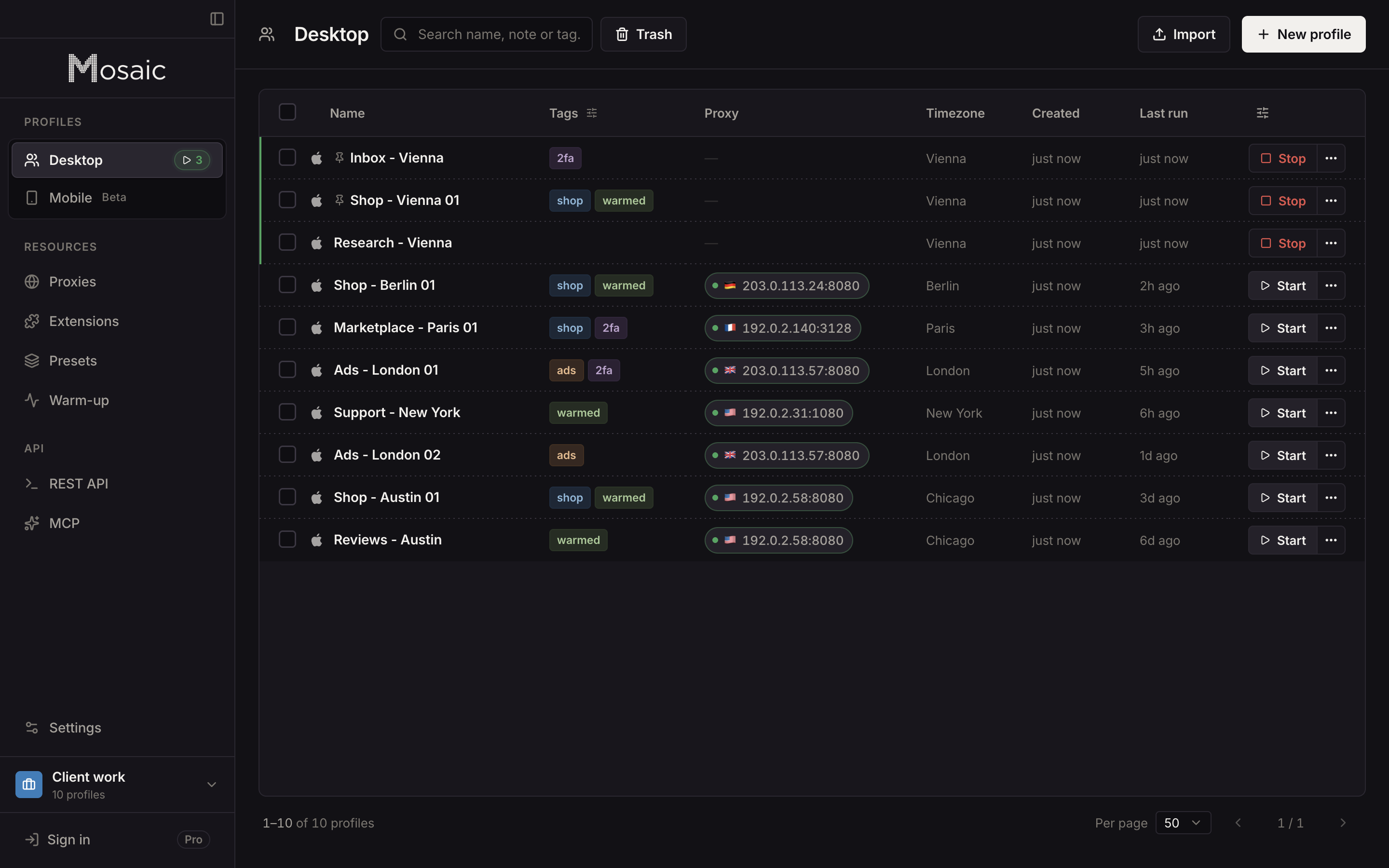
Once the stores are set up, the pass is a filter, two clicks and the replies. A store's window is the only place its session lives, so a reply cannot go out from the wrong one without the wrong store's name sitting in the title bar.
Keeping replies consistent per store
Stores rarely share a voice. One sells handmade goods and signs off with the maker's name; another is a wholesale line with a returns policy to quote. The companion's notes are per profile, so each store's standard replies and its returns wording live in the window where you need them. The rest of the daily round (orders, account health, stock) works the same way, and our order for it is in a seller's morning across six stores.
The sessions themselves stay on your computer. Mosaic has no cloud copy of your profiles, so six signed-in stores are six cookie jars in one folder on your own disk, not on a vendor's server (local-first has where that folder is).