Chrome is not removing third-party cookies. Google spent years on a plan to phase them out, postponed it several times, replaced it with a plan to ask every user to choose, and then dropped the prompt as well. In an ordinary Chrome window a third-party cookie works today exactly as it did before any of that started, unless the person has blocked it in Settings › Privacy and security.
For anyone keeping several accounts apart, that decision changes less than the headlines suggested. The cookie that links two accounts most reliably is not a third-party one.
What Google decided, and in what order
The original plan was to stop Chrome sending cookies to embedded third parties and to give advertisers a set of browser APIs instead: Topics, Protected Audience, Attribution Reporting and the rest of Privacy Sandbox. The deadline slipped more than once, because the replacement APIs had to work for the ad industry and satisfy the UK's competition regulator at the same time.
Then Google stopped. Instead of turning third-party cookies off, it said Chrome would show people a choice. Later it said it would not show that prompt either, and that the existing controls in Chrome's settings would stay as they are. The advertising half of Privacy Sandbox was retired afterwards, which turned the presence or absence of those APIs into a way to tell Chrome versions apart; we wrote up that side in Privacy Sandbox APIs as a version tell.
What a Chrome user has now is three positions:
| Where | Third-party cookies |
|---|---|
| A normal Chrome window, default settings | allowed |
| A normal window, blocked in Settings › Privacy and security | blocked |
| An Incognito window | blocked by default, and the whole jar is discarded when Incognito closes |
Safari and Firefox went the other way years ago and restrict third-party cookies by default, so "the web without third-party cookies" already exists for a large share of visitors. It is just not Chrome's default.
Your profiles, cookies and proxies stay on your computerIn Mosaic: Local first. Profiles, cookies and proxies stay on your computer. Free holds 3 profiles. Pro is $49 a month for any number.
Mosaic is a desktop app
Email yourself the link and open it on your computer.
A third-party cookie and a first-party cookie link accounts differently
A third-party cookie belongs to a domain embedded in the page rather than the one in the address bar. A tracker that sits on site A and site B sets one cookie under its own name, and the browser hands it the same value on both. That is how one company recognises the same browser across many sites. It is cross-site tracking, and it is what the phase-out was about.
Two accounts on the same site are a different problem. When you sign out of one account and into another, the site's own cookies are still in the jar: a device id, a consent record, an anti-fraud token, a "remember this browser" flag. They are first-party, so no browser setting in any of the three rows above stops them. The site reads them back on the next request and sees one browser carrying both logins.
So the question that matters for multiple accounts was never "will Chrome block third-party cookies". It is "do these two accounts share a jar". If they do, the site that cares can join them with its own cookies, and the fingerprint and the IP address tell it the same thing from two more directions, which is the subject of how to manage multiple accounts without getting them linked.
What keeping third-party cookies means in practice
Embedded trackers keep working across sites in Chrome as it ships. If two of your accounts browse in one jar, an ad network that is on both sites sees one browser, even when the two sites never compare notes with each other.
Blocking third-party cookies yourself is still a fair privacy choice, but it is a choice a page can notice. A Chrome window that refuses third-party cookies has moved off Chrome's default, and a script can find that out by trying to set one from an embedded frame. We would not tell anyone to leave it on for that reason alone; it is a trade worth knowing about.
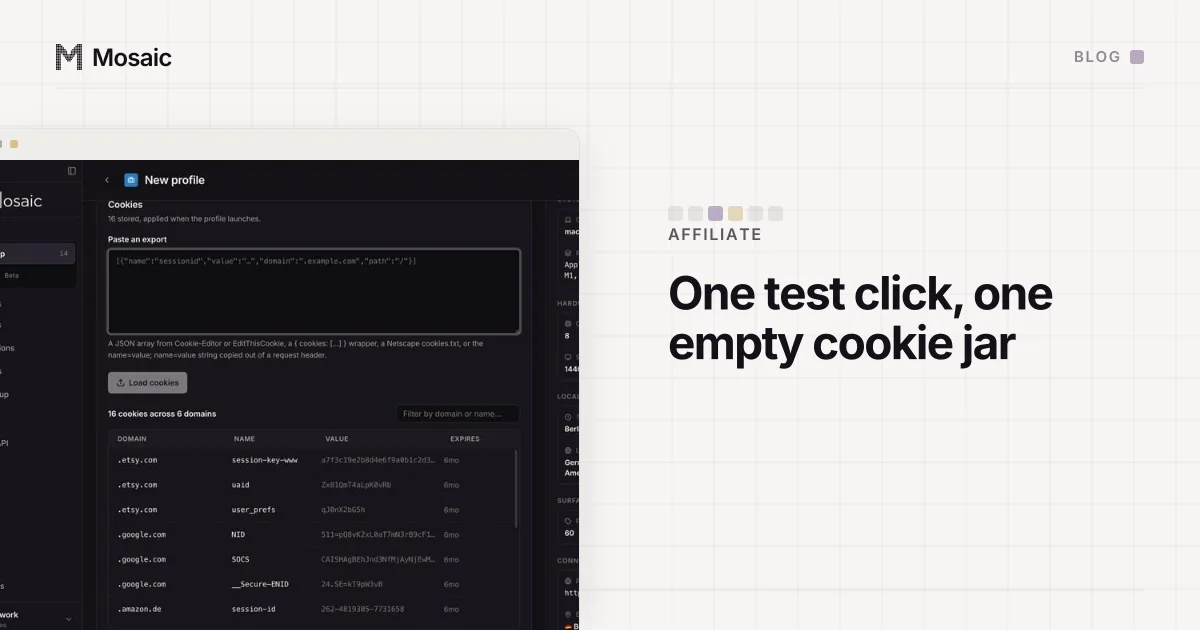
And a fresh jar is still the cleanest test of anything that depends on cookies. When we check whether an affiliate link credits a sale, the run that means something starts from a jar nobody has used, because an old cookie from an earlier click decides the result before the link does. The method is in testing affiliate link tracking with a clean jar.
One jar per profile, whatever Chrome decides
In Mosaic every profile is its own browser with its own Chromium profile directory, so it has its own cookie jar. A cookie a site sets in one profile, first-party or third-party, is never sent from another. That holds whichever way Google moves its defaults, because it does not depend on blocking anything; the two jars simply never meet.
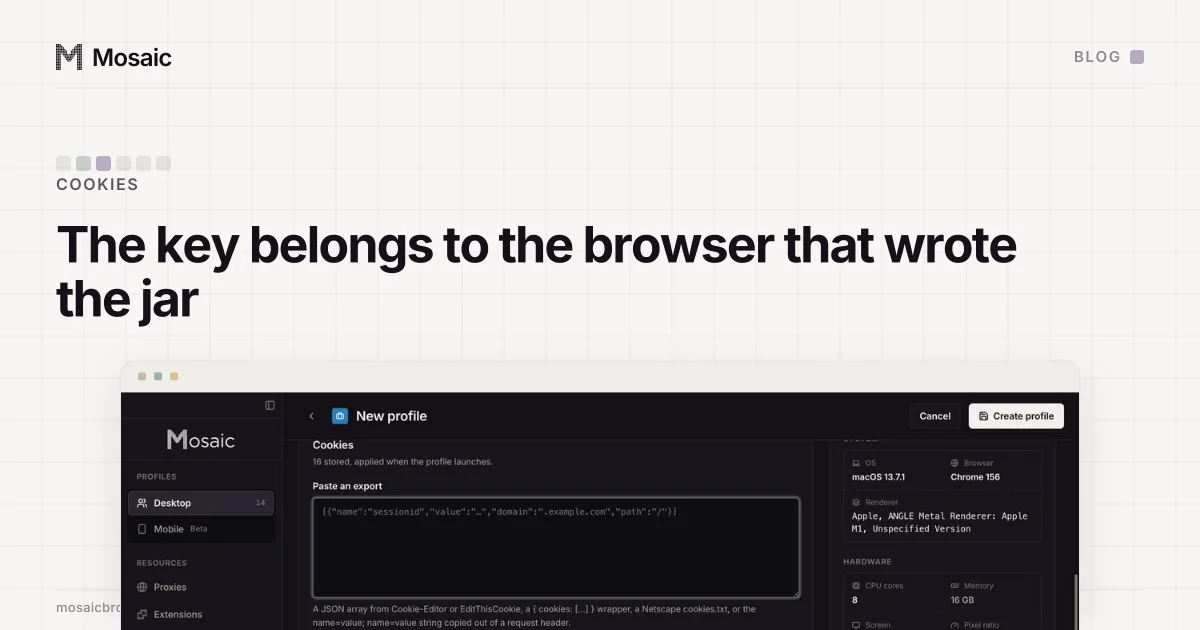
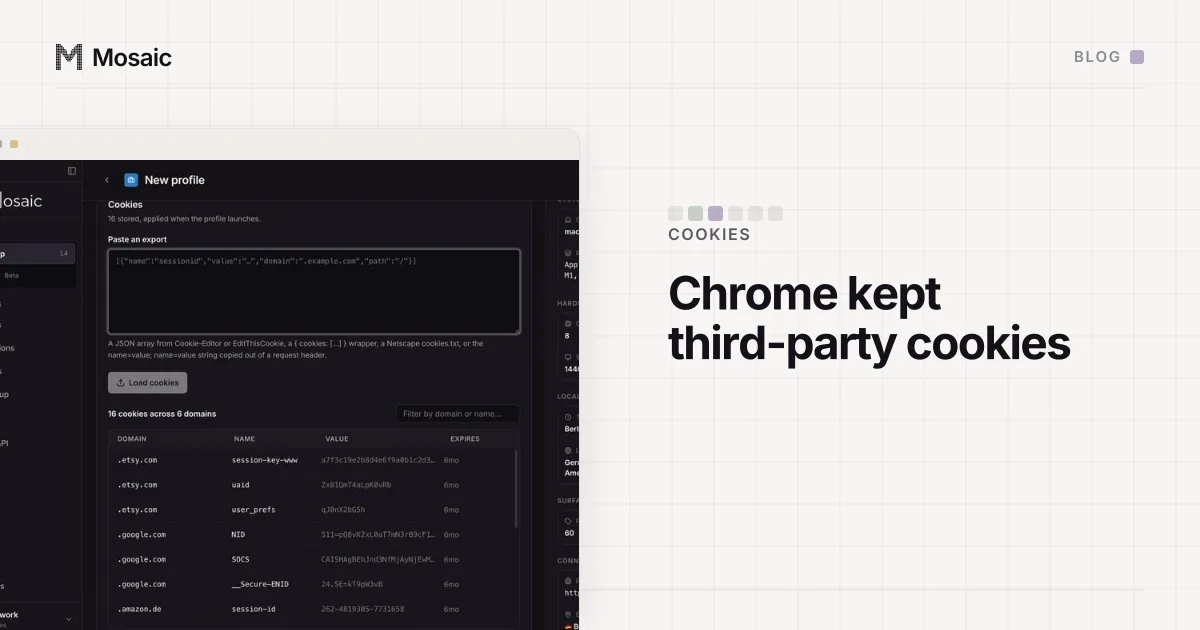
Tesseract Chrome, our engine, keeps Chrome's cookie setting as stock Chrome ships it. We have not changed it. The jars are encrypted on disk with a key per profile, and they stay on your computer: Mosaic has no cloud copy of your profiles (what local-first means here lists what our server does and does not know). You can import a jar as a JSON array, a {cookies: [...]} object, a Netscape cookies.txt file or a Cookie: header line, export it the same ways, and apply an import to a profile while its browser is open.
Cookies are one of the three things a site uses to recognise a browser. The other two, the fingerprint and the exit address, are why a separate jar on its own is not enough, and the values a page reads for the first of those are listed in browser fingerprint.