App-Bound Encryption is why a script that used to read Chrome's cookies on Windows now gets nothing it can use. Google added it to Chrome on Windows in 2024. The key for the Cookies file is wrapped a second time, and only a Chrome service that checks who is calling will unwrap it, so a tool reading the file from outside gets ciphertext. The fix that lasts is to export cookies from inside the browser.
What changed in how Chrome encrypts cookies
The jar is an SQLite file, Network\Cookies under the profile folder, and each value in it is encrypted. What App-Bound Encryption changed is where the key lives and who can get it back.
Before, the key sat in Local State as os_crypt.encrypted_key, protected by DPAPI. DPAPI is Windows encrypting something for your user account, which keeps out other accounts on the PC and nobody else. Any program running as you can call it and get the key in one line, because to Windows that program is you. Cookie-stealing malware used exactly that call.
Now there is a second entry, app_bound_encrypted_key, and Chrome writes new values with a v20 prefix instead of v10. To unwrap it, Chrome asks its own elevation service, elevation_service.exe, which runs as SYSTEM and checks that the caller is the Chrome binary in the folder Chrome was installed to. A Python script running as you asks the same question and gets refused. Google's stated goal was to make a cookie thief need admin rights or code injected into Chrome, both of which are noisier than a DPAPI call and easier for antivirus to spot.
None of this exists on a Mac. There the key is a login-keychain item called Chrome Safe Storage, and a program macOS has not seen before gets a dialog when it asks.
Your profiles, cookies and proxies stay on your computerIn Mosaic: Local first. Profiles, cookies and proxies stay on your computer. Free holds 3 profiles. Pro is $49 a month for any number.
Mosaic is a desktop app
Email yourself the link and open it on your computer.
What broke, and what we take from it
On Windows Chrome, whatever opened Cookies as a file stopped working: export scripts, test harnesses that reused a logged-in session, command-line downloaders with a "use my browser's cookies" option, and the libraries under all of them. They had done nothing wrong. They read a file whose key used to be reachable, and then it wasn't.
Our reading of it: the jar belongs to the browser that wrote it. Chrome picked the key and, for years, left it where any process you ran could fetch it, until Google moved it. Reading from outside worked the whole time, but nobody had ever promised it would keep working.
Exporting cookies the way that keeps working
Ask the browser, not the disk. In each of these Chrome does the decrypting itself:
- An extension with the
cookiespermission callschrome.cookies.getAll()and writes the result out as JSON or as a Netscapecookies.txt. - DevTools lists the current site's cookies under Application, then Cookies. Copying rows from there is fine for a one-off.
- If you started Chrome yourself with a debugging port,
Storage.getCookiesover the DevTools protocol returns every cookie already decrypted, because Chrome is the one answering.
All three need the browser open with the profile in it. We think that is right, because a cookie is a login, and the browser holding it should be the one handing it over.
How Mosaic's cookie jars are encrypted
Mosaic met this problem from the browser's side. Our engine starts with --use-mock-keychain and --password-store=basic, so no profile reads or writes the Mac's login keychain. That was deliberate, because otherwise a keychain dialog greets every profile's browser as it starts.
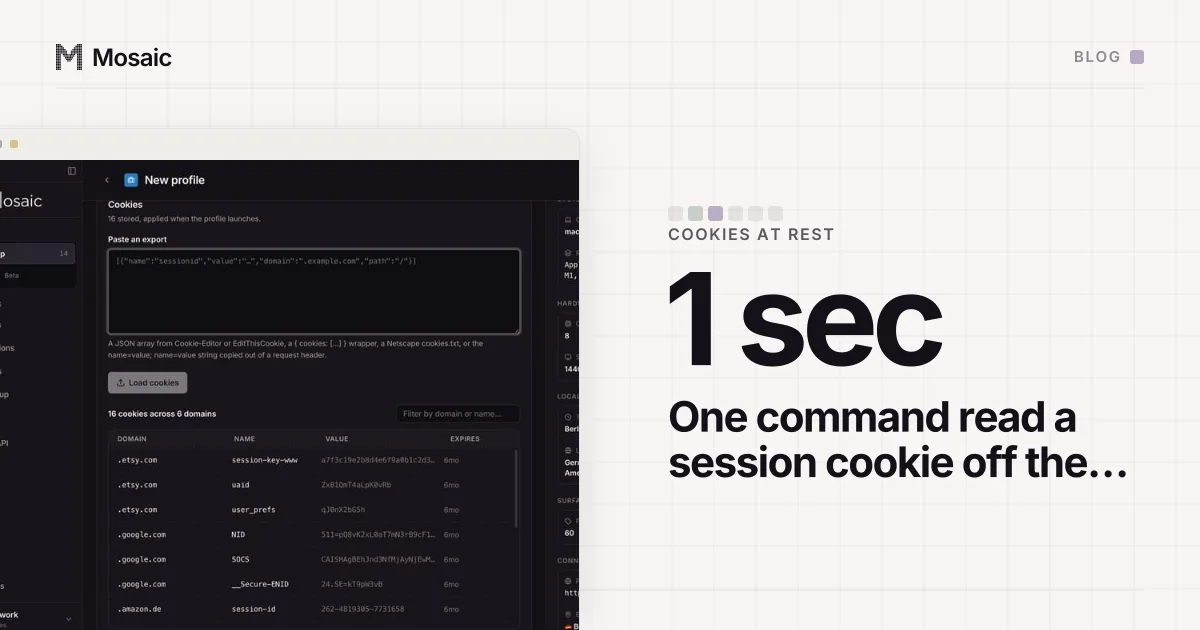
It had a cost, and we found it on 14 September 2026. Under the mock keychain, Chromium derives the cookie key from a password that is a constant in its own public source. We pointed one command at a real profile on our machine, with no special rights, and got this back:
DECRYPTED  password "mock_password", offset 32
  .dev.to  _Devto_Forem_Session = "bb0cbcf3b126b691797c6126a7f3ae48"
That is a live session cookie, read off the disk in about a second. So we replaced the constant. Mosaic has one data key. Each profile's cookie key is derived from it and the profile's id with scrypt, and the engine gets that key through a switch at launch. The Cookies file is now sealed with a key that only Mosaic's vault can produce, and there is no separate key file per profile to keep track of. The store, proxy passwords included, is sealed under the same data key.
App lock, under Settings › Security, puts the data key behind your password as well, again through scrypt. With it on, a copied disk is ciphertext until somebody types that password. What it cannot fix is how the key gets to Chromium: as a switch on the command line, which ps -ef will print for the user who launched it. So a laptop left in a taxi or a backup on someone else's drive is covered, and malware already running under your login is not. We don't say it is.
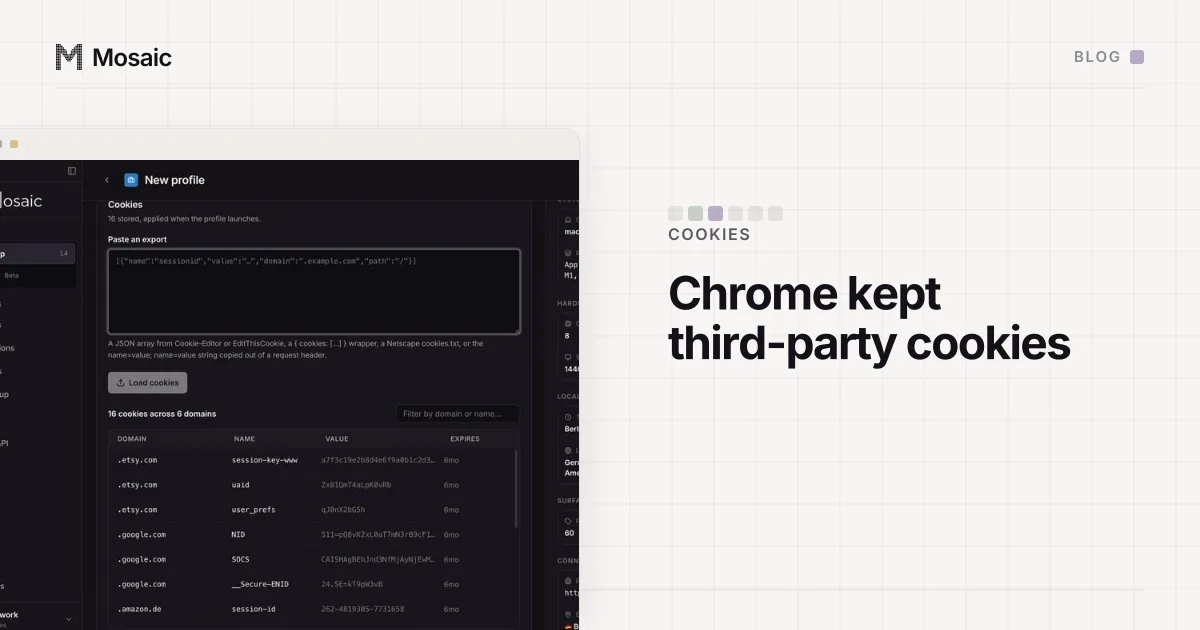
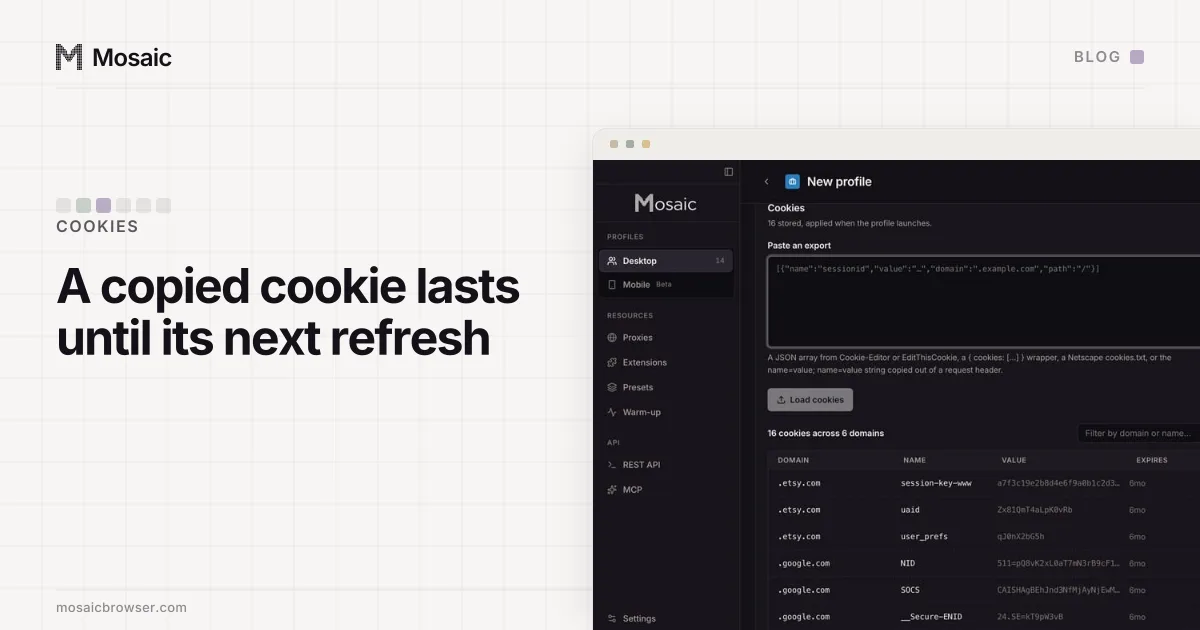
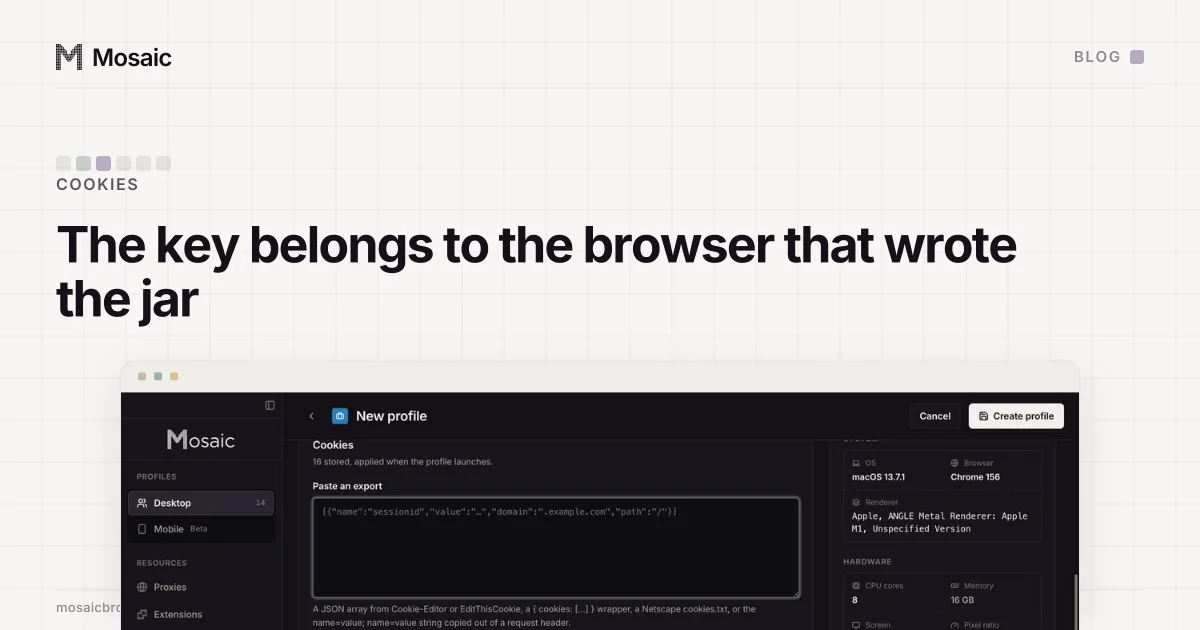
The upside of holding the key is that Mosaic can open its own jars, which is what the Cookies tab in the profile editor does. Paste in a JSON array, a Netscape cookies.txt or a Cookie: header and it lands in the profile. Export goes the other way. Change one value while the browser is open and the browser picks it up, no restart. What leaves the jar, and when, is on local-first.
When you need someone else's cookies in a profile
App-Bound Encryption closed the route of copying a client's session out of their Chrome by reading the disk. We would not use it anyway. Ask the client to export from inside their browser. Better still, have them sign in themselves, in the profile you set up for them, so the password, the new-device check and the second factor happen once, in the browser that will keep using the session. It also keeps their login out of a Chrome that syncs to somebody's Google account, which is how Chrome sync quietly joins accounts you meant to keep apart. When a client relationship ends, offboarding a client's profiles covers what to hand back and what to delete.