Device Bound Session Credentials, DBSC for short, tie a site's sign-in session to one device. When you sign in, Chrome makes a key pair, keeps the private key in the machine's security hardware where it can, and the site then re-issues its short-lived session cookie only to a browser that can sign with that key. A cookie copied to another computer keeps working until it expires, which a site sets in minutes rather than months, and then it stops.
That ends a long-standing assumption: that a session is its cookie, and whoever holds the cookie holds the session. For cookie theft, that is the point. For moving your own sessions between your own browsers, it changes what an import can do.
How device bound session credentials work in Chrome
The protocol is written up as a W3C specification, and its moving parts are a handful of HTTP headers.
- When you sign in, the site's response carries a
Secure-Session-Registrationheader naming a registration endpoint and the signing algorithms it accepts. - The browser generates a key pair for this session. Where the browser uses the machine's security hardware, a TPM on Windows or the Secure Enclave on a Mac, the private key is made inside it and cannot be read out. The browser sends the public key to the registration endpoint, signed with the private one.
- The server answers with a session description: an id, a refresh URL, and which cookies the session covers. Those cookies are issued with short lifetimes.
- When a covered cookie is about to expire, the browser holds back the requests that need it and calls the refresh URL with a
Sec-Secure-Session-Idheader. The server sends aSecure-Session-Challenge, the browser signs it with the session's key, returns the signature inSecure-Session-Response, and gets a fresh cookie.
The key never leaves the device, and the server never asks for anything else. Each session has its own key, and the site receives only that key's public half, with no device identifier and no attestation of what hardware is behind it.
Your profiles, cookies and proxies stay on your computerIn Mosaic: Local first. Profiles, cookies and proxies stay on your computer. Free holds 3 profiles. Pro is $49 a month for any number.
Mosaic is a desktop app
Email yourself the link and open it on your computer.
What changes for a copied cookie
Before bound sessions, a session cookie was a bearer token. Malware that read a browser's cookie store could send the jar elsewhere and sign in as you from another country, with no password and no second factor, for as long as the site honoured the cookie. That is the attack DBSC was built against.
With a bound session, the same copy is still accepted, briefly. The cookie in the jar is valid until its short lifetime runs out. Then the site wants a signature, the copied jar has no key to make one, and the session ends there. The stolen cookie has become a few minutes of access instead of weeks.
What DBSC does not cover is stated plainly in its own specification. Malware running on your own machine can use your browser's session from there, because the key is right beside it. And an attacker who controls the browser at the moment of sign-in can register the session against a key of their choosing. It is a defence against a cookie leaving the device, nothing more.
What cookie import still does
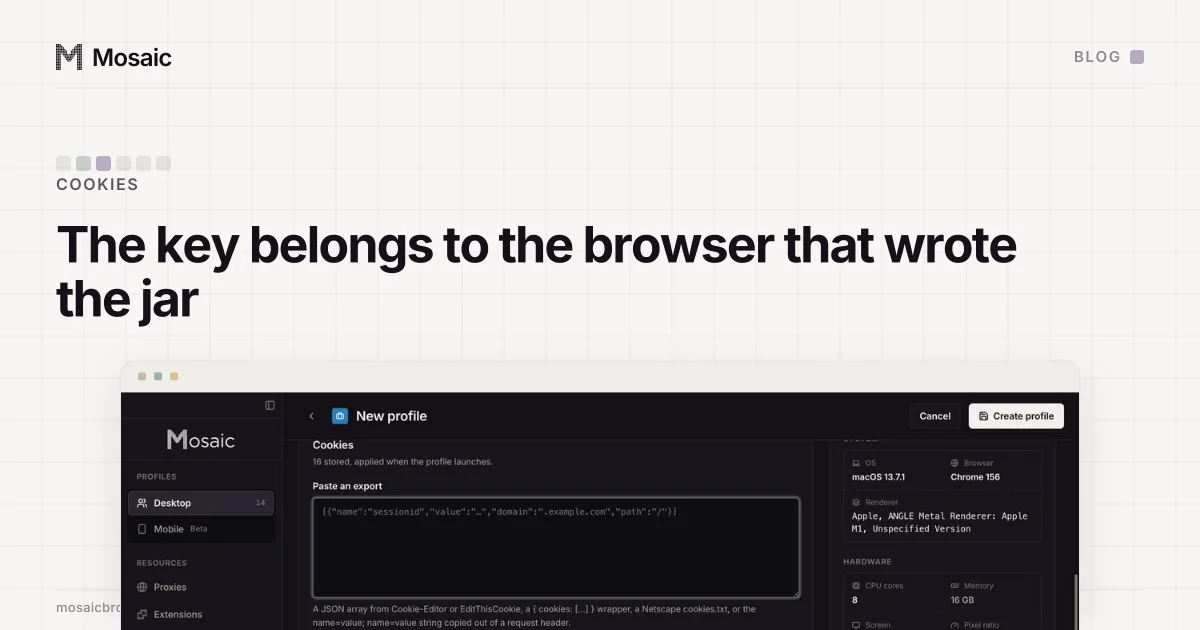
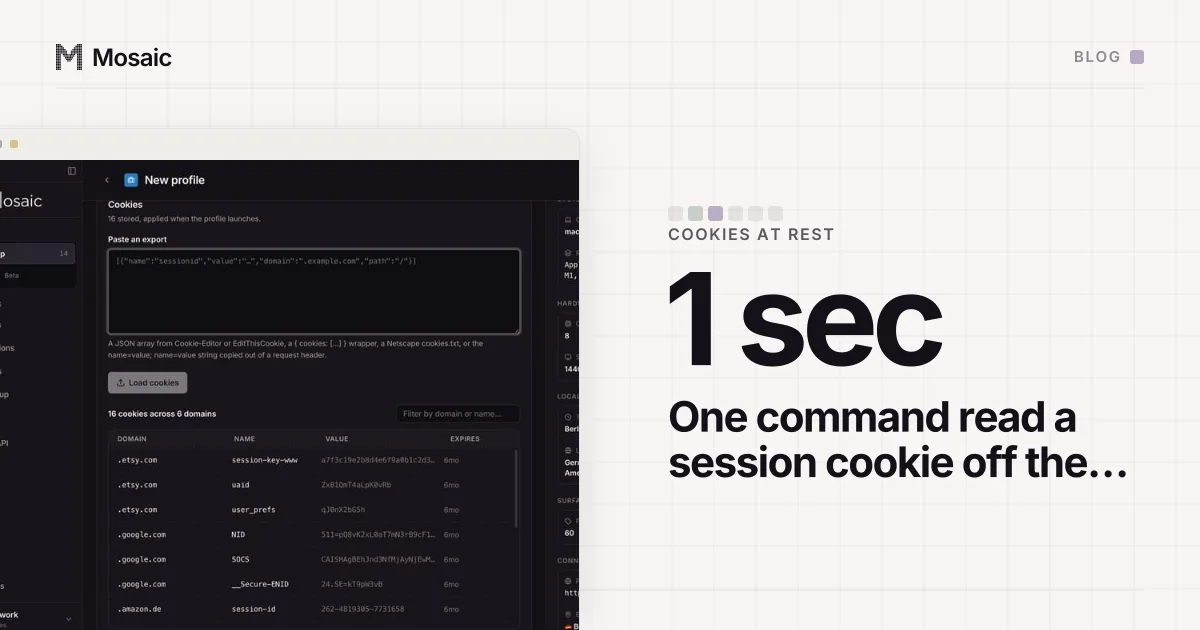
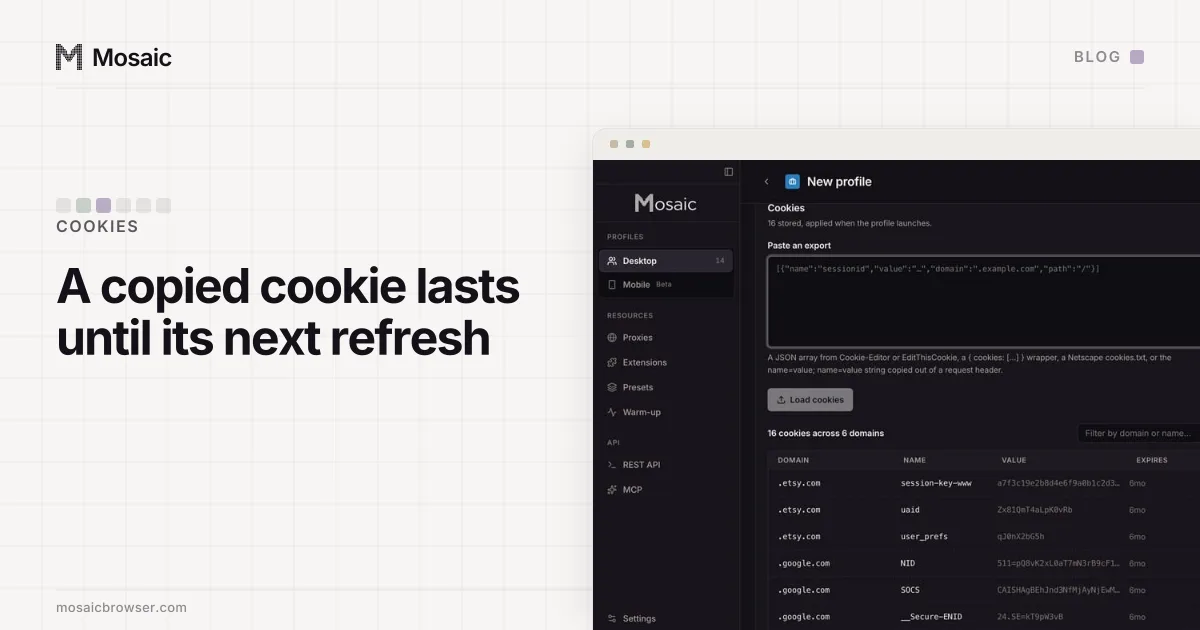
Mosaic profiles each have their own cookie jar, encrypted on disk. You can import cookies into a profile as a JSON array, a {cookies: [...]} object, a Netscape cookies.txt file or a header line, and export them again, and an import reaches a running browser without a restart. That is how people bring their own sessions in from another browser or from one of the five anti-detect products Mosaic imports from.
For a site that does not bind its sessions, nothing has changed. The imported cookie carries the session, and the profile is signed in.
For a site that does, an import moves the cookie value and nothing else. The key that would refresh it is in the security hardware of the computer it came from, or tied to the browser it was registered in, and no file format carries it. So the imported session lasts until its bound cookie next needs refreshing, and then the site asks you to sign in.
We have not measured how our own engine, Tesseract Chrome, behaves when a site offers a bound session, so we make no claim either way about registration inside a Mosaic profile. What holds regardless is the direction of travel: a cookie copied out of one browser is a weaker thing than it was.
The durable way to bring a session into a profile
Sign in inside the profile. The session then starts in that profile's own browser, with that profile's cookies, from that profile's exit, and whatever binding the site applies is to that browser rather than to one you are leaving behind.
It also reads better to the site. A new device appearing with a session that has never been seen to sign in is exactly what risk checks look for; we explained Google's version of that in why Google says "verify it's you" on a new device. A fresh sign-in, with the account's own second factor, is the ordinary path every real new device takes.
Cookie import keeps its place for the sites that do not bind, for moving a library between your own browsers, and for restoring a profile's jar. Once a session has started inside a profile, keeping that jar intact is the part that matters: it is why Seller Central stops logging you out once each store has its own jar.
Where this sits with third-party cookies
Bound sessions are about first-party sign-in cookies, the ones a site sets for itself to remember who you are. They have nothing to do with the long argument over third-party cookies (the state of that argument is in Chrome kept third-party cookies). A profile still needs its own jar for both reasons: so one account's sign-in never lands in another's, and so a tracker's cookie set in one profile is never read in the next. Mosaic keeps those jars on your computer, with no cloud copy of your profiles (local first).