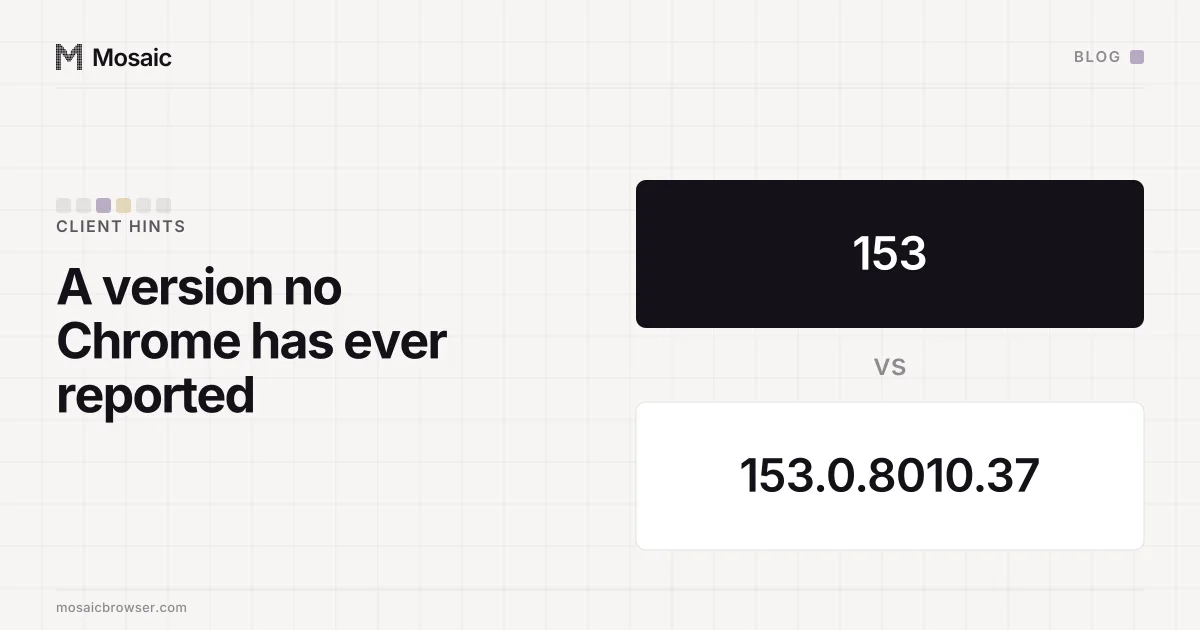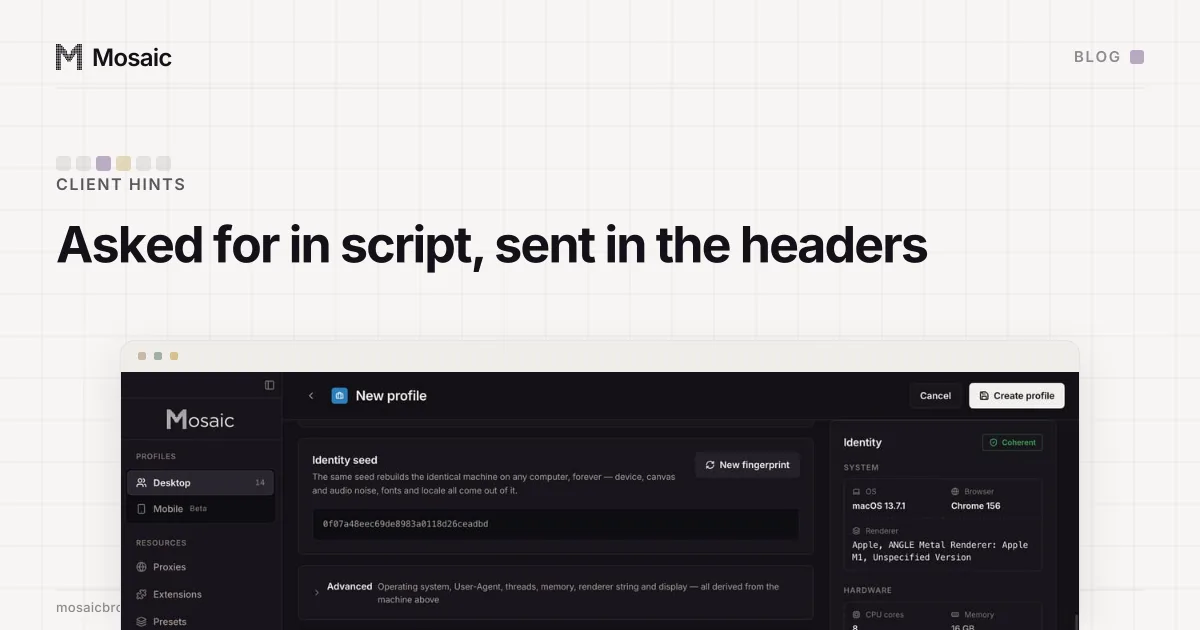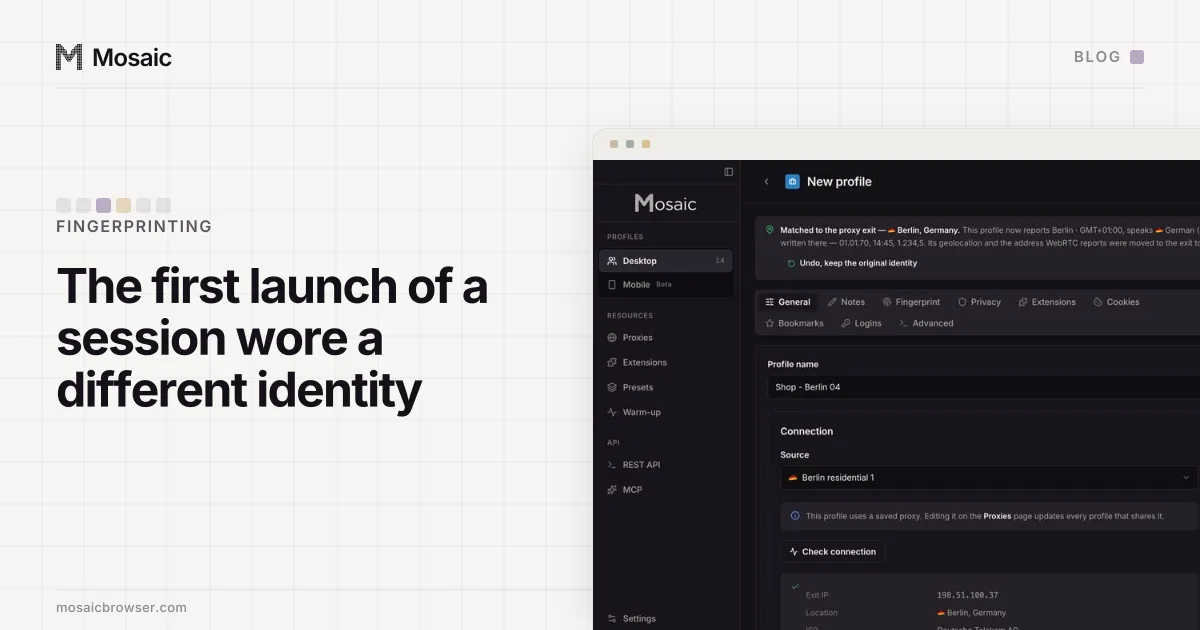
Chrome's User-Agent says 0.0.0 because Chrome freezes the minor, build and patch numbers on purpose. Only the major version in Chrome/<major>.0.0.0 is real. This is User-Agent reduction, Chromium's change to stop every request from carrying a precise version for free. The full version still exists, in client hints a site has to ask for, so a User-Agent with a real build number in it is now the anomaly.
Why the Chrome User-Agent says 0.0.0: the reduced string
A desktop Chrome on a Mac sends this, give or take the major:
Mozilla/5.0 (Macintosh; Intel Mac OS X 10_15_7) AppleWebKit/537.36 (KHTML, like Gecko) Chrome/<major>.0.0.0 Safari/537.36
Two parts of that are fixed. The version is the major followed by .0.0.0. The platform is frozen too: every Mac Chrome says Intel Mac OS X 10_15_7, on any macOS release and on Apple silicon as well as Intel. Windows Chrome says Windows NT 10.0; Win64; x64 on Windows 10 and Windows 11 alike. Android Chrome says Linux; Android 10; K, with the real Android version and the phone model gone.
None of this is a bug or an old browser. If you want your real version, it is on chrome://version, with all four numbers.
Where the full version went
Chrome splits what it says about itself by how much a site has to do to read it.
User-Agent string           Chrome/<major>.0.0.0      sent on every request
Sec-CH-UA, brands           major only                sent on every request
Sec-CH-UA-Full-Version-List major.minor.build.patch   only when the site asks
The bottom row is a high-entropy client hint. A server gets it by sending an Accept-CH response header that names it; Chrome then includes it on later requests to that site. A page gets it from JavaScript:
await navigator.userAgentData.getHighEntropyValues(['fullVersionList'])
That resolves to the brand list with full versions: Google Chrome, Chromium and a GREASE entry, the two real brands carrying the same four-part build. The older single-string field, uaFullVersion, still answers with the main brand's version. How each hint is requested, with the ones that must agree with the headers, is in getHighEntropyValues explained.
The reason for the split is passive fingerprinting. A version string with a build number on every request lets any server in the chain sort visitors by exact release without running a line of script. With reduction, a site that wants the detail has to ask, and the request sits in its response headers where anyone auditing the site can read it.
Every profile is drawn from one real computer, not from separate listsIn Mosaic: Machines that exist. GPU, screen, CPU and fonts from one real device. Free holds 3 profiles. Pro is $49 a month for any number.
Mosaic is a desktop app
Email yourself the link and open it on your computer.
How it works: Machines that exist
Why a real build number in a User-Agent is the tell
Reduction turned an old habit into a mistake. User-Agent lists copied off the web, scraping libraries and browser extensions that switch the User-Agent often carry strings like Chrome/<major>.0.<build>.<patch>, with every number filled in. They look more real. No current Chrome sends one.
We sent one ourselves, by accident. A profile in our own app once wore a User-Agent of Edg/153.0.8010.37 on its first launch of each session and Edg/153.0.0.0 on every later one, because a cache decided whether the flag was passed. The first form is a version string no Edge release has put in its User-Agent. Pixelscan called the browser inconsistent. The whole run, and the cache behind it, is in a fingerprint that depended on launch order.
The opposite mistake is just as visible. A browser whose full-version hint reads 153, or 153.0.0.0, has put the User-Agent's shape where the build belongs. Our engine once did the first of those, and fixing it moved FingerprintJS's confidence to the figure stock Chrome scored on the same machine (a full Chrome version with no build number).
So there are two shapes, and each belongs in one place:
| Where | Shape | Example |
|---|---|---|
User-Agent string, brands | major.0.0.0, or the major alone | Chrome/153.0.0.0 |
fullVersionList, uaFullVersion | four real numbers | 153.0.8010.37 |
A checker needs no database to compare them. It reads the major from the User-Agent, the major from brands and the major from the full version, and they agree or they do not. It checks that the User-Agent's tail is .0.0.0 and the hint's tail is not.
How Mosaic writes the two shapes
Our engine, Tesseract Chrome, takes a profile's browser version from one switch and builds both shapes from it: the User-Agent and brands get the major with zeros, and the full-version hints get the whole build. By default a profile claims the engine's own major, and its full version is a build Google actually shipped for that major, taken from a version table, or the engine's own build string when the table does not know it yet.
The same two shapes are why Mosaic refuses the Edge brand. One switch feeds both the User-Agent suffix and the client-hint lists, and for Edge the two could not both come out right, so a profile could have a correct User-Agent or correct hints and never both (why we don't claim Edge).
Checking your own browser
On any https page, open DevTools and compare the two readings:
navigator.userAgent
await navigator.userAgentData.getHighEntropyValues(['fullVersionList', 'platformVersion'])
In a stock Chrome, the User-Agent ends in .0.0.0, the full version list has four numbers per real brand, and all three majors match. The platform version hint carries the real OS version the User-Agent no longer does; on a Mac the processor goes the same way, which is why an Apple silicon Mac says arm in its hints under an Intel User-Agent. If a browser you are testing breaks any of those, that is the finding.