Chrome on a Mac says Mac OS X 10_15_7 because that number is frozen. Every Mac running Chrome sends Macintosh; Intel Mac OS X 10_15_7 in its User-Agent, whether it runs Catalina or the latest macOS, on Intel or Apple silicon. The real version moved to a client hint, Sec-CH-UA-Platform-Version, which a site has to ask for.
Why the number stopped at 10_15_7
For almost twenty years the macOS version in a User-Agent began with 10. Mac OS X 10.4, 10.9, 10.15: the first number never changed, and a lot of code on the web was written as if it never would. When macOS 11 arrived, browsers that reported 11_0 found sites that read the version wrong or refused to work, because their parsers looked for a 10_ and found nothing.
Safari and Firefox capped the number first, and Chromium followed. The cap also suited a project Chrome was already running, User-Agent Reduction, which trims what the string gives away to every server on every request. A frozen OS version is one fewer thing to tell a site that never asked.
So the browsers on a Mac now write:
| Browser | macOS part of the User-Agent |
|---|---|
| Chrome | Macintosh; Intel Mac OS X 10_15_7 |
| Safari | Macintosh; Intel Mac OS X 10_15_7 |
| Firefox | Macintosh; Intel Mac OS X 10.15 |
Intel is part of the freeze too. An M-series Mac says Intel in the string and arm in the Sec-CH-UA-Arch hint, and that pairing is normal (the arm and x86 record we once had wrong is that story from our side).
Every profile is drawn from one real computer, not from separate listsIn Mosaic: Machines that exist. GPU, screen, CPU and fonts from one real device. Free holds 3 profiles. Pro is $49 a month for any number.
Mosaic is a desktop app
Email yourself the link and open it on your computer.
How it works: Machines that exist
Where the real macOS version lives
Chrome sends the low-entropy hint Sec-CH-UA-Platform: "macOS" with ordinary requests. The version is a high-entropy hint, so it only arrives when a site asks for it: an Accept-CH: Sec-CH-UA-Platform-Version response header, after which Chrome includes it on later requests to that origin, or one call in JavaScript:
await navigator.userAgentData.getHighEntropyValues(['platformVersion'])
// { platform: "macOS", platformVersion: "26.6.2", ... }
That 26.6.2 is what a stock Chrome reported on the Mac we measured on. The User-Agent beside it still said 10_15_7. Both are true at once: the string says "a Mac", the hint says which one. Safari and Firefox do not implement userAgentData, so on those browsers the version is not available from the string or from a hint.
The full list of hints a page can request, and which ones also travel as headers, is in getHighEntropyValues explained.
A newer macOS in the User-Agent is the tell
The useful consequence for anyone building or checking a browser profile runs the other way from intuition. A profile that writes Mac OS X 15_1 or Mac OS X 26_0 into its User-Agent looks more up to date and is less like any real Chrome. No Chrome has sent those strings on any Mac, so the claim marks the browser as one whose User-Agent was typed by somebody.
There is a second cost, and it is worse because it is invisible from the string. In Chromium, passing --user-agent on the command line empties every high-entropy hint. We measured it on a stock Chrome with that switch as the only flag and a string byte-identical to Chrome's own:
without --user-agent   architecture "arm"   platformVersion "26.6.2"
with    --user-agent   architecture ""      platformVersion ""
Chromium will not vouch for values it can no longer derive from a string it did not choose. So a hand-written macOS version usually arrives with an empty platformVersion, and a real Chrome on a Mac never answers that way. The DevTools route has the same trap: an override sent without userAgentMetadata clears the hints for the page, which we measured in setUserAgentOverride without metadata.
The hint has its own version of the mistake. A profile that claims an old macOS in platformVersion while running on a newer one disagrees with itself, because a service worker can read platformVersion too, and that realm is hard to reach from page-level JavaScript.
What Mosaic writes on a Mac
Every macOS profile Mosaic draws gets the same platform token Chrome uses, Macintosh; Intel Mac OS X 10_15_7. The generator has one line for it, and the comment above it says why: Chrome freezes the reported macOS version regardless of the real one.
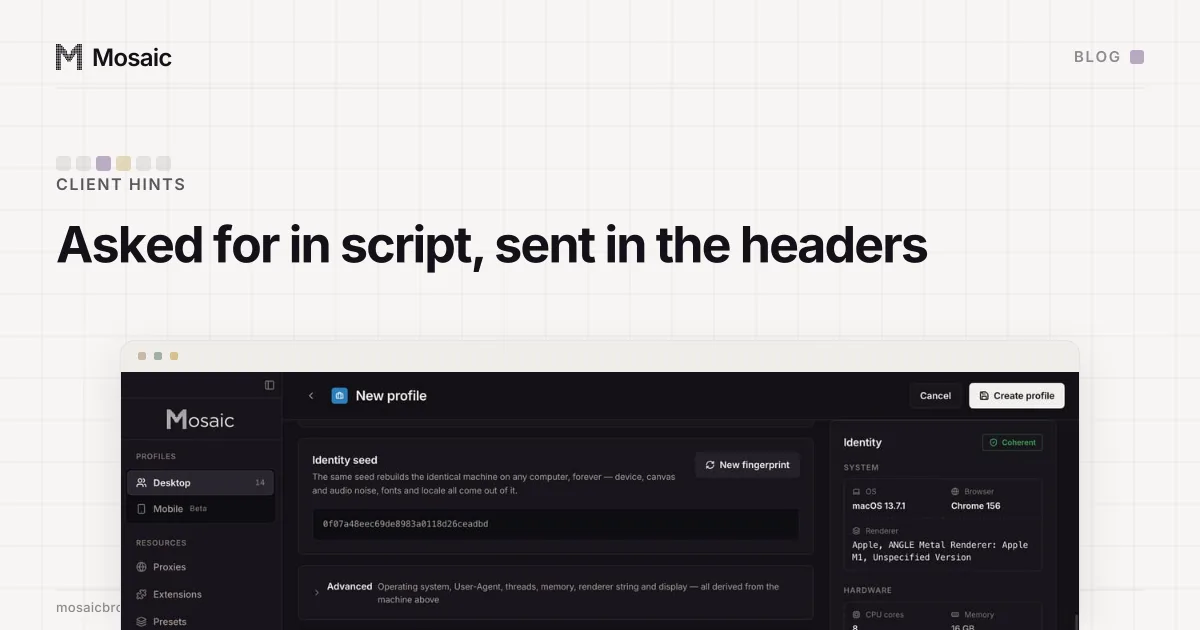
The version itself comes from the Mac underneath. The generator once drew platformVersion from a table of macOS releases, and the table topped out at 15.6.1 while the machine ran 26.6.2. Every profile claimed an older system than the one it was on, and a service worker in the same browser could report the newer one. Now the generator reads the host's own version and stores that, so the page, the worker and the header all give one answer.
Mosaic also leaves out --user-agent when a profile's string equals the engine's own, so the hints stay filled in. How the rest of the hardware is drawn from real machines is on real fingerprints.
Checking your own browser
Open DevTools on any https page and run the line above. On a real Mac in Chrome you should see platform: "macOS" and a version that matches About This Mac, beside a User-Agent ending its platform part in 10_15_7. If a profile you are testing shows a different number in the string, or an empty platformVersion, it has stopped looking like the browser it claims to be.