navigator.userAgentData.getHighEntropyValues() takes a list of hint names and returns a promise with the answers. The low-entropy hints, brands, mobile and platform, come back whatever you ask for, because Chrome already sends them to every site. The high-entropy ones (architecture, bitness, model, platform version, full versions) come back only when named. Whatever the script gets must agree with the Sec-CH-UA-* headers the same browser sends.
A getHighEntropyValues example
Paste this into the DevTools console on any HTTPS page:
navigator.userAgentData
  .getHighEntropyValues([
    'architecture', 'bitness', 'model',
    'platformVersion', 'fullVersionList', 'wow64'
  ])
  .then((ua) => console.log(JSON.stringify(ua, null, 2)))
On a Chrome on an Apple Silicon Mac the shape of the answer is this (the versions are yours, not these):
{
  "architecture": "arm",
  "bitness": "64",
  "brands": [ ... three entries, majors only ... ],
  "fullVersionList": [ ... the same three, four-part versions ... ],
  "mobile": false,
  "model": "",
  "platform": "macOS",
  "platformVersion": "<the macOS version>",
  "wow64": false
}
Three things in it surprise people. model is an empty string on every desktop, because Chromium fills it only on an Android build. architecture on an Apple Silicon Mac is arm, while the User-Agent string beside it still says Intel Mac OS X 10_15_7, the frozen value every Mac Chrome sends. And there is no prompt: the promise just resolves. If you only want the low-entropy half, navigator.userAgentData.toJSON() gives it to you synchronously.
Every profile is drawn from one real computer, not from separate listsIn Mosaic: Machines that exist. GPU, screen, CPU and fonts from one real device. Free holds 3 profiles. Pro is $49 a month for any number.
Mosaic is a desktop app
Email yourself the link and open it on your computer.
How it works: Machines that exist
Low entropy by default, high entropy on request
User-Agent Client Hints split what the old User-Agent string said into pieces and made most of them opt-in. Three pieces go out with every request on a secure origin, as headers:
Sec-CH-UA            the brand list, majors only
Sec-CH-UA-Mobile     ?0 or ?1
Sec-CH-UA-Platform   "macOS", "Windows", "Android" ...
The rest a site has to ask for. A server asks with a response header, Accept-CH: Sec-CH-UA-Arch, Sec-CH-UA-Platform-Version, Sec-CH-UA-Full-Version-List, and the browser attaches those headers to later requests to that origin. A script asks with getHighEntropyValues(). A cross-origin iframe gets the high-entropy answers only if the top page delegates them through Permissions-Policy, which is how the API keeps a third-party frame from collecting everything by default.
That is the whole privacy model: nothing is hidden, it is just not volunteered. A site that wants your platform version can have it for one line of script. What the split changed is that asking is now visible to anyone who looks, in the response headers and in the call.
Two readers, one browser
Every high-entropy hint has two ways out of the browser, and a detector reads both. The script answer and the request header come from one structure inside Chromium, the user-agent metadata, so in a real Chrome they cannot disagree. getHighEntropyValues(['platformVersion']) and Sec-CH-UA-Platform-Version print the same string. fullVersionList and Sec-CH-UA-Full-Version-List list the same builds. A dedicated worker, a shared worker and a service worker each have their own navigator.userAgentData, and they answer the same as the page.
So the check a detector runs is cheap. Read the hints in script, read the headers on the server, read them again from a worker, and compare. A tool that changes the answer in one place and not the others gives itself away in a single request, and no amount of care about the values themselves helps, because the values were never the problem.
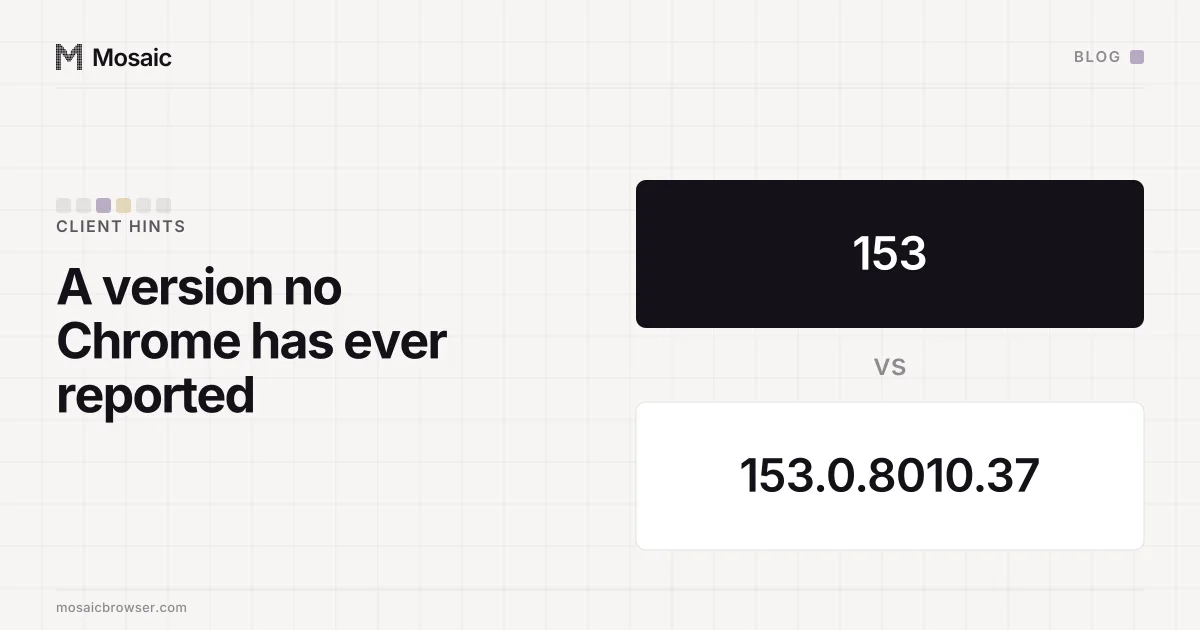
The pairs also have to make sense on their own terms. An empty bitness beside a filled-in architecture is not something any browser sends. A desktop platform beside a non-empty model is a phone's field on a computer. A full version with fewer than four parts is a build no Chrome has shipped (our engine once reported a bare "153").
What happens when you change the User-Agent
The common way to get this wrong is to launch Chromium with --user-agent. We measured it in a stock Chrome, with that as the only flag and a string byte-identical to Chrome's own default:
without --user-agent   architecture "arm"   platformVersion "26.6.2"
with    --user-agent   architecture ""      platformVersion ""
Every high-entropy hint, architecture, bitness, platformVersion, uaFullVersion and fullVersionList, came back empty. Chromium's client-hints code has a branch for exactly this case, named disable_due_to_custom_ua: once the User-Agent is one Chromium did not build, it stops vouching for the values it would have derived from it. No real browser answers that way, and IPHey read it as an inconsistent fingerprint. How that flag ended up sent on some launches and not others is a story of its own, in a fingerprint that depended on launch order.
How Mosaic sets the hints
Tesseract Chrome, Mosaic's engine, moves these values in C++. Our patch corrects the user-agent metadata at the point where Chromium builds the request headers and at the point where it builds the script's answer, from the same switches, so a page, its workers and the server see one browser. A desktop profile's model stays the empty string desktop Chrome sends. A mobile profile carries the model of the phone it was captured from, SM-S918U, moto g05 or SM-S936U, beside the empty architecture and bitness those phones report. And we pass --user-agent only when a profile wants a different string from the engine's own or is started headless, because the hints go empty when we do.
The GREASE entry in brands, the odd-looking Not_A Brand with its own version, is built by Chromium from the major version and should not be "fixed" (where its characters come from). The other values a page can read beside these are listed in the browser fingerprint glossary entry.