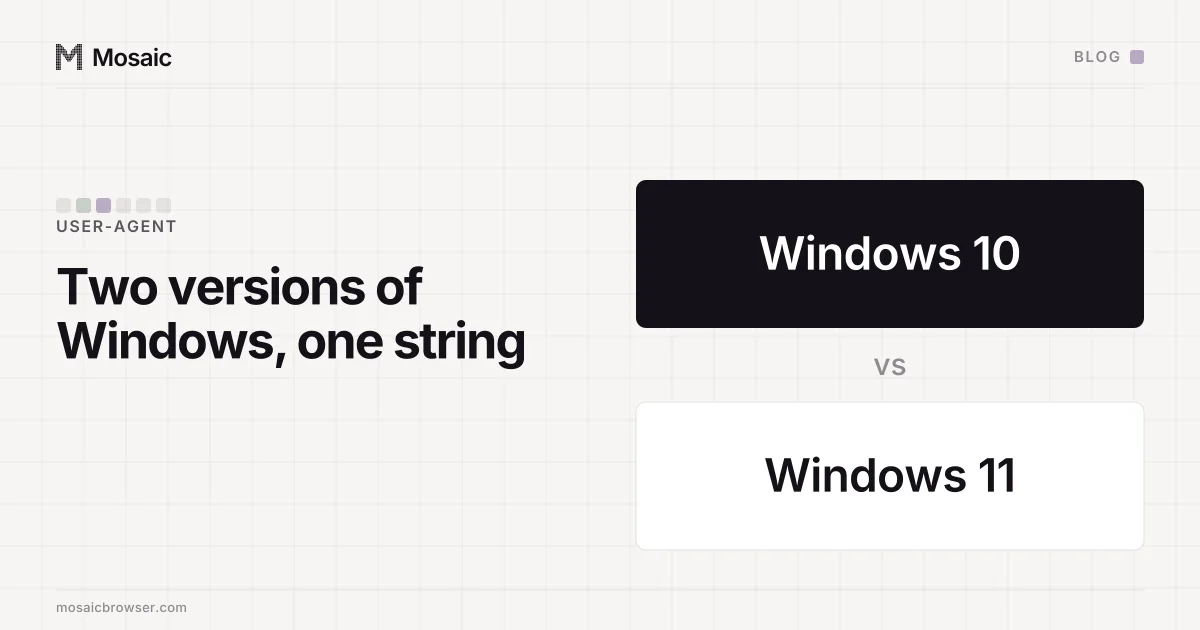
The User-Agent says Windows 10 on Windows 11 because both systems send the same token, Windows NT 10.0, and nobody changed it for Windows 11. The string cannot tell the two apart. The real version is in a client hint, Sec-CH-UA-Platform-Version, and a major version of 13 or higher there means Windows 11.
So when a site or a log file reports "Windows 10" for a Windows 11 machine, it is usually reading the User-Agent and nothing else. Your system is fine.
The User-Agent on Windows 10 and Windows 11
Chrome on either system sends a User-Agent like this:
Mozilla/5.0 (Windows NT 10.0; Win64; x64) AppleWebKit/537.36 (KHTML, like Gecko) Chrome/<major>.0.0.0 Safari/537.36
Windows NT 10.0 is the kernel version token Windows 10 introduced. Microsoft's own guidance for Edge says the User-Agent will not be updated to tell Windows 11 from Windows 10, and Chrome's reduced User-Agent freezes the platform part of the string anyway. That is the same reason every Mac's Chrome claims Mac OS X 10_15_7 whatever macOS it runs (the macOS version of this story), and why the version after the Chrome major is always 0.0.0.
Firefox does the same with its own string. It sends Windows NT 10.0 on both systems.
Every profile is drawn from one real computer, not from separate listsIn Mosaic: Machines that exist. GPU, screen, CPU and fonts from one real device. Free holds 3 profiles. Pro is $49 a month for any number.
Mosaic is a desktop app
Email yourself the link and open it on your computer.
How it works: Machines that exist
The client hint that tells them apart
In Chromium browsers, which include Chrome and Edge, the version lives in a high-entropy client hint, so a site has to ask for it. A server asks with a response header:
Accept-CH: Sec-CH-UA-Platform-Version
The browser sends Sec-CH-UA-Platform-Version on later requests to that site. The first request never carries it, because the browser did not know yet that the site wanted it. A page can also ask from JavaScript:
const { platform, platformVersion } =
  await navigator.userAgentData.getHighEntropyValues(['platformVersion'])
const major = parseInt(platformVersion.split('.')[0], 10)
// platform === 'Windows' and major >= 13: Windows 11
// 1 to 12: Windows 10
// 0: older than Windows 10
On Windows the number is not the marketing version. It comes from the Windows.Foundation.UniversalApiContract version, which is why Windows 11 shows up as 13, 14, 15 and so on rather than 11. Microsoft's detection sample uses the rule above: 13 or higher is Windows 11. Recent Windows 10 releases report 10.0.0. (What getHighEntropyValues returns lists the other values the same call can read.)
Why this matters to a profile that claims Windows
A browser profile that claims Windows has to get the hint right, because the string gives it nothing to get wrong. Every real Chrome on Windows sends the same Windows NT 10.0, so a hand-written string that says Windows NT 11.0 marks itself at once. No shipping Chrome sends that.
The hint is where the version claim actually lives, and where a careless spoof shows. Three ways we know of:
- The hint is missing. Chrome's DevTools call
Emulation.setUserAgentOverridereplaces the string and, unless it is also given the metadata, drops the client hints that go with it (setUserAgentOverride clears the hints). - The hint is set in the page and not in its workers.
platformVersioncan be read from a service worker, and script injected into the page does not reach that realm. A page saying 15.0.0 while its worker reports the host's own version is two answers from one browser. - The hint disagrees with the rest of the machine: a Windows 11 claim on a profile whose GPU, screen or fonts do not belong to a Windows PC.
What Mosaic draws
When Mosaic's generator draws a Windows profile, the User-Agent says Windows NT 10.0 whichever version it claims, because that is all a real Chrome says. The version goes in the platform version alone. Windows 11 profiles get 15.0.0 or 14.0.0, Windows 10 profiles get 10.0.0, and the draw leans towards Windows 11.
The value reaches the browser as an engine switch, --fingerprint-platform-version, and Tesseract Chrome, our own Chromium, applies it in C++. So the page, its iframes and its workers read one number, and the header carries the same one. Nothing is patched with injected JavaScript (real fingerprints describes how a profile's hardware is drawn).
One limit, stated plainly: fonts and how text is rasterised come from the computer the browser runs on, and no switch reaches them. A profile always matches best on the operating system its computer actually runs.