The main risk of cloud sync in an anti-detect browser is that it gathers every logged-in session you run into one database you do not control. A synced profile is its cookies, and a session cookie is as good as a password until it expires. Mosaic does not sync, and this post is about both halves of that choice: what sync costs you, and what going without it costs you.
The risks of cloud sync in an anti-detect browser
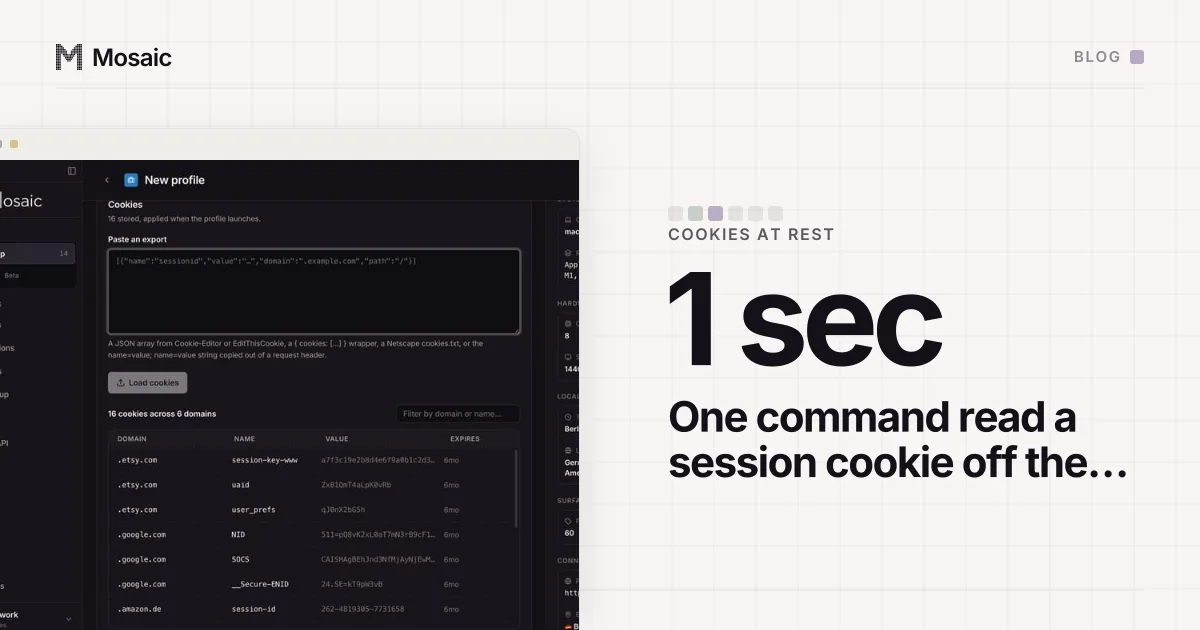
A profile in an anti-detect browser is three things that have to agree: a fingerprint, a proxy exit and a cookie jar. For sync to be useful, all three have to travel. The fingerprint is a few kilobytes of settings. The proxy is an address and, usually, a username and password from your proxy seller. The cookie jar is the logged-in state of every site the profile has signed into.
That last part is why sync is a bigger decision than it looks. If you run forty client accounts, a synced library is forty live sessions and forty sets of proxy credentials sitting on someone else's servers, decryptable by whatever key arrangement that vendor chose. One breach, one rogue employee or one subpoena reaches all of them at once. A vendor can do this well, and some surely do. You are still trusting their database with the keys to every account you run, and you cannot audit it.
The case for sync is real
We would rather say plainly what sync buys, because the people who need it are not wrong to want it.
Sync lets you open a profile from a second computer, so a laptop and a desktop see the same library. It lets a teammate open a profile you made without you sending them anything. It survives a dead laptop, because the copy that matters is on the server. And it lets a vendor offer seats and roles, because there is a shared place for the second person to log in to.
If three media buyers work the same ad accounts from three machines, every day, a synced product fits that job better than Mosaic does. Mosaic vs Multilogin sets out that trade against one cloud product, line by line.
Your profiles, cookies and proxies stay on your computerIn Mosaic: Local first. Profiles, cookies and proxies stay on your computer. Free holds 3 profiles. Pro is $49 a month for any number.
Mosaic is a desktop app
Email yourself the link and open it on your computer.
What going without it costs us
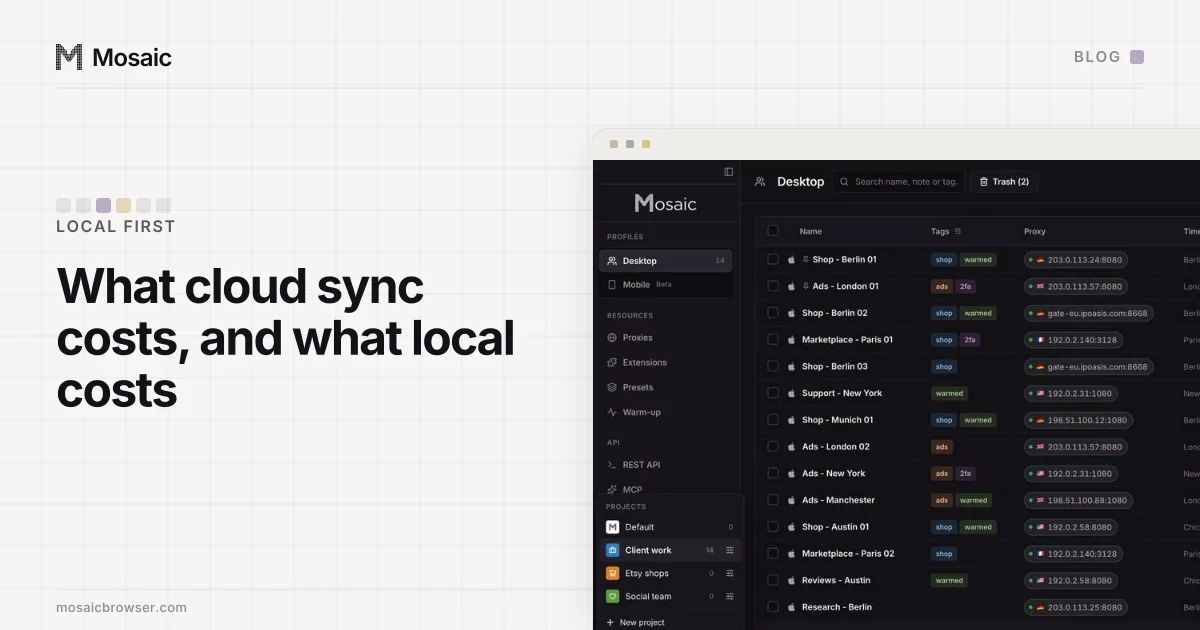
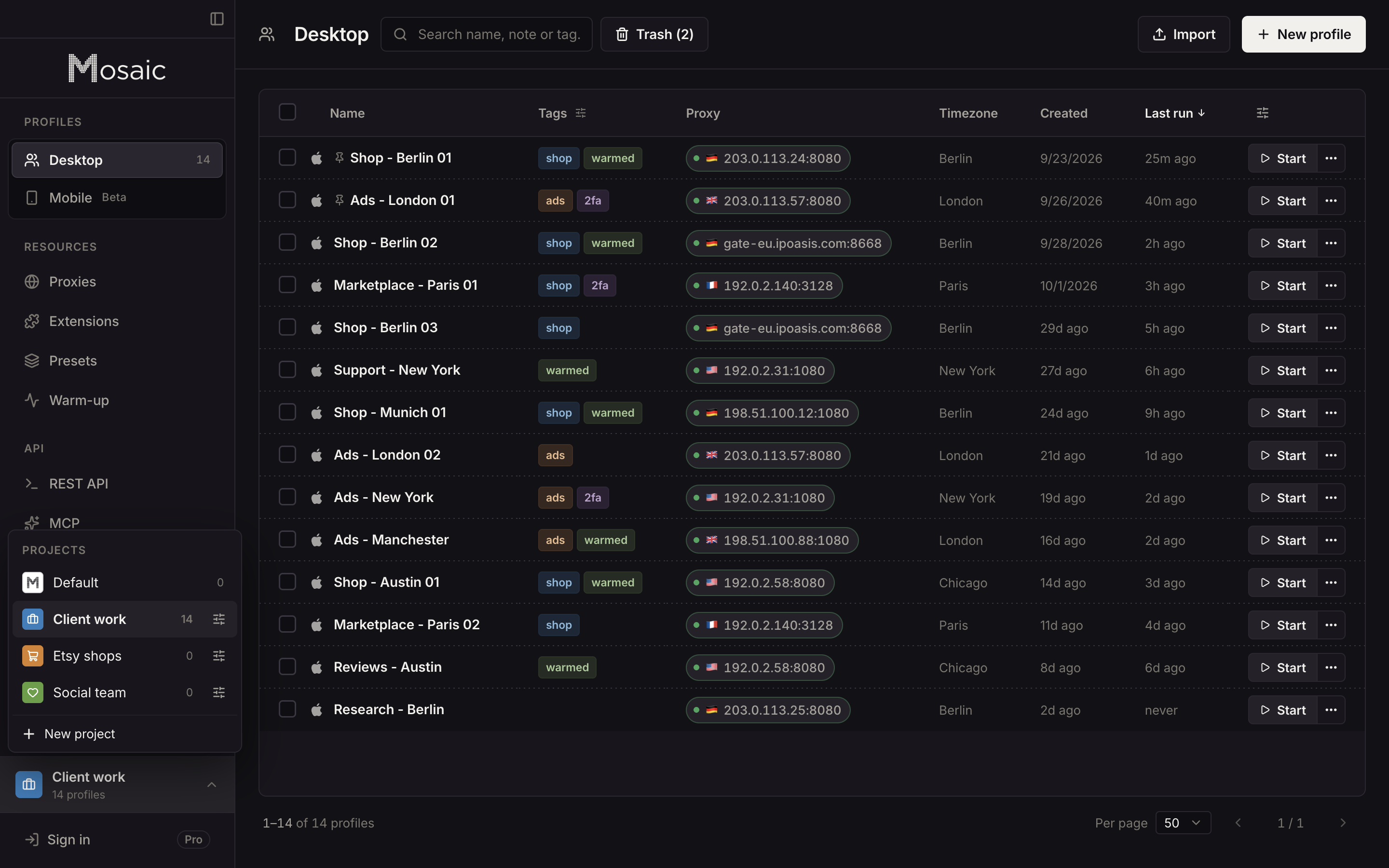
Mosaic keeps the whole library in one folder on your computer. On a Mac that is ~/Library/Application Support/mosaic. Mosaic has no cloud copy of your profiles, so the costs land on you, and there are three.
The first is the second computer. A profile lives on the machine that made it. There is no "open this on my other Mac". You can export profiles as a Mosaic archive, with their browser data, and import that archive elsewhere. That moves a copy. It does not keep two copies in step, and if you then use both, you have two browsers claiming to be one person.
The second is the team. Mosaic has no seats, no roles and no shared workspace, because there is nowhere shared to put them. Projects split one person's library into folders, one per client or store. They are not a way to give a colleague access.
The third is the dead laptop. Mosaic takes a snapshot of the library every day and keeps seven days of them, and a deleted profile waits in the trash for 30 days. Both live on the same disk as the profiles. They undo a mistake; they do not survive a stolen or broken machine. If the library matters, copying that folder to a drive you trust is your job, not ours.
Why we still chose local
We chose it for what a profile is made of. The cookie jar is the most sensitive thing in the product, and the safest place for it is next to the browser that uses it, encrypted on disk, under a lock you can set yourself. A vendor that never receives your cookies cannot leak them.
It also changes what we can charge for. A profile that runs on your hardware and is stored on your disk costs us nothing to give you, so Pro does not meter profiles. The pricing page has the one plan that follows from that.
And it keeps the three parts of a profile under one owner. A synced profile can be edited from two places, and the edit that lands last wins. A local one has one writer, which is the property why we built Mosaic starts from.
How to decide
Ask who touches the accounts and from where. One person on one computer, with sessions that should not sit in anyone else's database: local fits. Several people on several machines, sharing live sessions every day: a cloud product fits, and its sync is the feature you are paying for. Agencies that split work by client rather than by sharing one login often sit in between, and separate browsers for brand accounts shows how that looks with one operator per library.
What lives where, what is encrypted and what reaches the internet at all is written out on local first.